Security review checklist template
Download a free security review checklist template for software rollout, vendor review, application security risk assessment, evidence review, follow-up, and approval decisions.
Use this security review checklist to structure a project management software review, vendor security assessment, or secure rollout decision with public evidence, owners, risk levels, and follow-up notes.
What this security review checklist helps you do
Use these checkpoints to keep security review practical, evidence-based, and scoped to the product decision in front of the team.
- ✓ Software security review checklist for project management tool rollout, vendor review, and application security risk assessment
- ✓ Evidence-needed, public-source, risk-level, owner, follow-up, decision, and notes fields in one CSV
- ✓ Practical review areas for access, data handling, sharing, integrations, admin visibility, incident reporting, and rollout controls
- ✓ Careful checklist structure that supports review without implying certifications, legal advice, or unsupported compliance claims
When to use this template
A security review checklist is most useful before software approval, vendor review, client-facing rollout, or application security risk assessment.
- Use it before approving project management software, a vendor tool, or a client-facing rollout that needs a documented security review.
- Use it when procurement, IT, security, or operations teams need one checklist for public evidence and follow-up questions.
- Use it when an application security risk assessment should stay tied to owners, risk levels, and approval decisions.
- Use it when the team needs a security review format without inventing compliance claims or treating the checklist as legal advice.
What is inside the security checklist
The CSV covers review areas, questions, evidence, public sources, risk levels, owners, follow-up, decisions, and notes.
What to include in a security review checklist
A useful checklist ties each question to evidence, ownership, risk, and a rollout decision.
Review area
Group questions by access, data handling, sharing, integrations, admin controls, incident reporting, vulnerability reporting, and rollout readiness.
Security question
Ask one concrete question per row so reviewers can answer with evidence instead of broad yes-or-no confidence.
Evidence needed
Name the public page, screenshot, workspace setting, vendor response, or internal decision needed to close the review item.
Risk level
Use low, medium, or high risk labels to separate rollout blockers from items that only need follow-up after launch.
Owner and follow-up
Assign each open question to a reviewer, admin, vendor contact, or rollout owner so the checklist keeps moving.
Decision and notes
Record whether the item is approved, approved with conditions, blocked, or deferred, along with the reasoning.
Security review checklist example structure
Use these review areas as a starting point for application security risk assessment, vendor review, or rollout approval.
Access and permissions
Can workspace admins explain who can see projects, files, dashboards, comments, and client-facing spaces before rollout?
Data handling and exports
What project data enters the tool, who can download or share it, and which teams need export or retention expectations?
Client collaboration
Are guest, stakeholder, and client access paths reviewed before project files or approvals are exposed externally?
Integrations
Which connected tools can create, read, or update project data, and who owns integration approvals?
Incident and vulnerability path
Do reviewers know where to report suspected security issues, vendor questions, or rollout blockers?
Rollout decision
Is the decision approved, approved with conditions, blocked, or deferred, and which follow-up actions are still open?
Security review checklist
Run this checklist before approving the rollout or marking vendor review complete.
- Use public evidence first, then document any follow-up questions that need a vendor or internal owner.
- Separate security review notes from legal, procurement, or compliance approvals that require specialist review.
- Record risk level and decision for each row so the checklist supports an actual rollout decision.
- Avoid claims about certifications, residency, controls, or guarantees unless the evidence is already public and current.
- Link review items to pricing, security, privacy, files, client portal, and integration pages when those pages answer the question.
- Re-run the checklist before broad rollout or when access, integrations, client collaboration, or data usage changes materially.
Common security review mistakes
These patterns create false confidence, unclear ownership, or unsupported public claims.
- Using a generic compliance checklist that asks for claims the public product pages do not support.
- Treating all open security questions as equal instead of marking risk level and rollout decision.
- Approving a rollout without checking who can access files, client spaces, integrations, and exports.
- Leaving follow-up questions unowned, which makes procurement or rollout approval depend on memory.
- Promising legal, regulatory, or certification coverage that the product does not publicly claim.
How to use this security review checklist
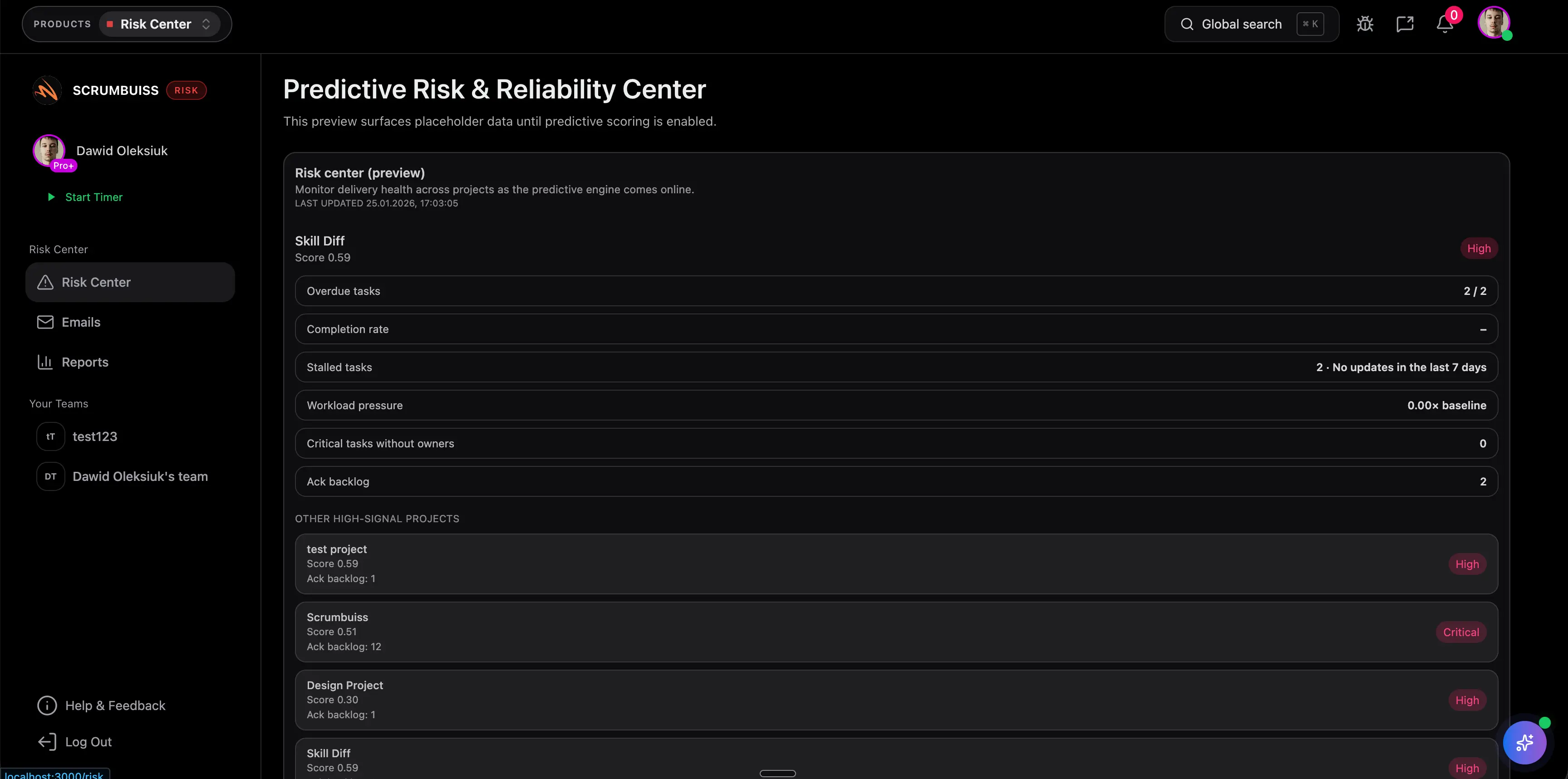
Start in the CSV, collect public evidence, assign follow-up, and connect approved actions to Scrumbuiss workflows when rollout work needs owners and visibility.
Start with public evidence
Review security, privacy, pricing, files, client portal, and integration pages before sending follow-up questions to the vendor or internal owner.
Assign risk and follow-up owners
Use risk level, status, owner, and decision fields to make the review actionable instead of a passive questionnaire.
Connect approved actions to rollout work
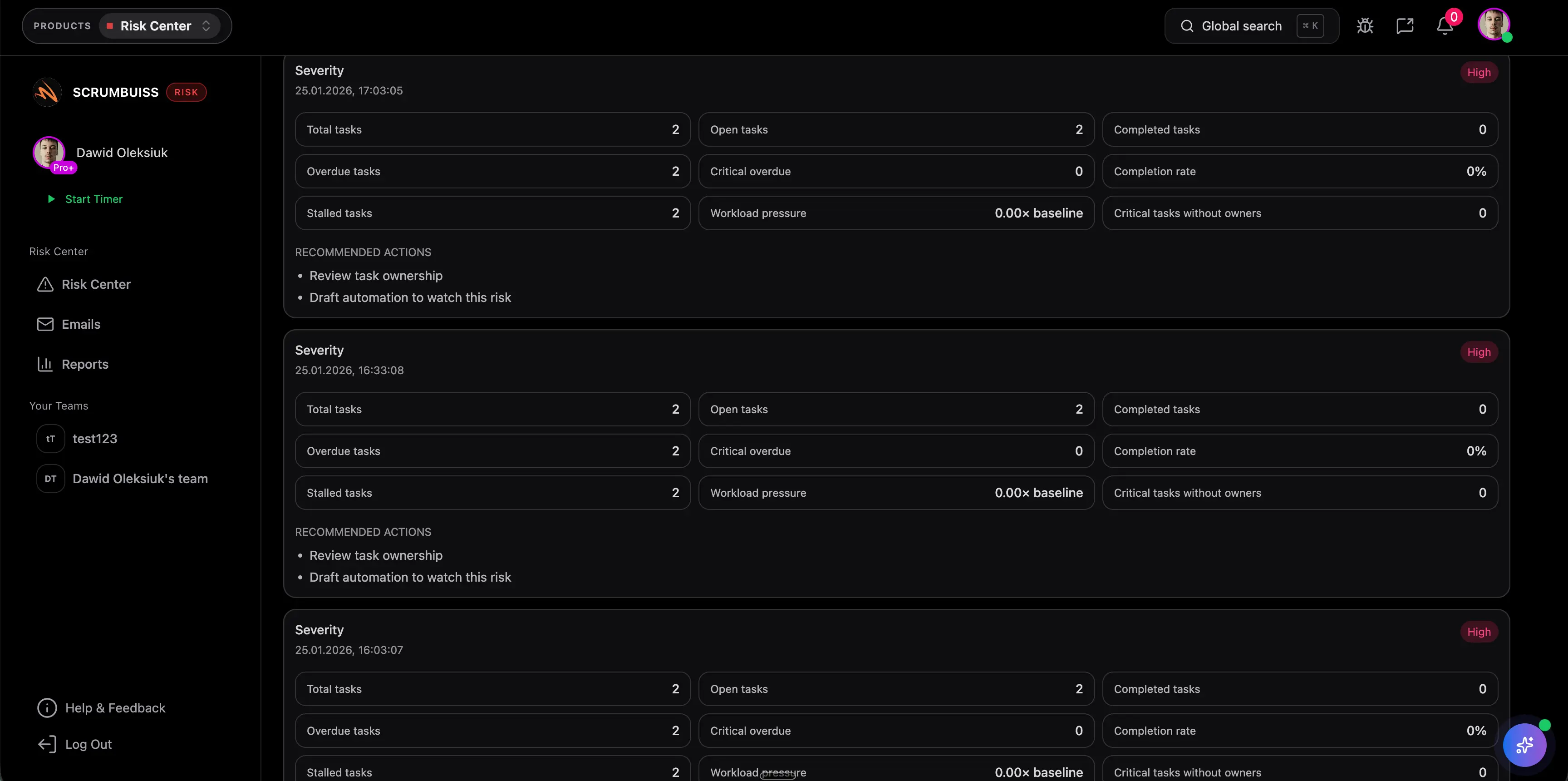
Move into Scrumbuiss when rollout tasks, access reviews, file handoffs, client spaces, and follow-up decisions need to stay visible.
Related security and rollout pages
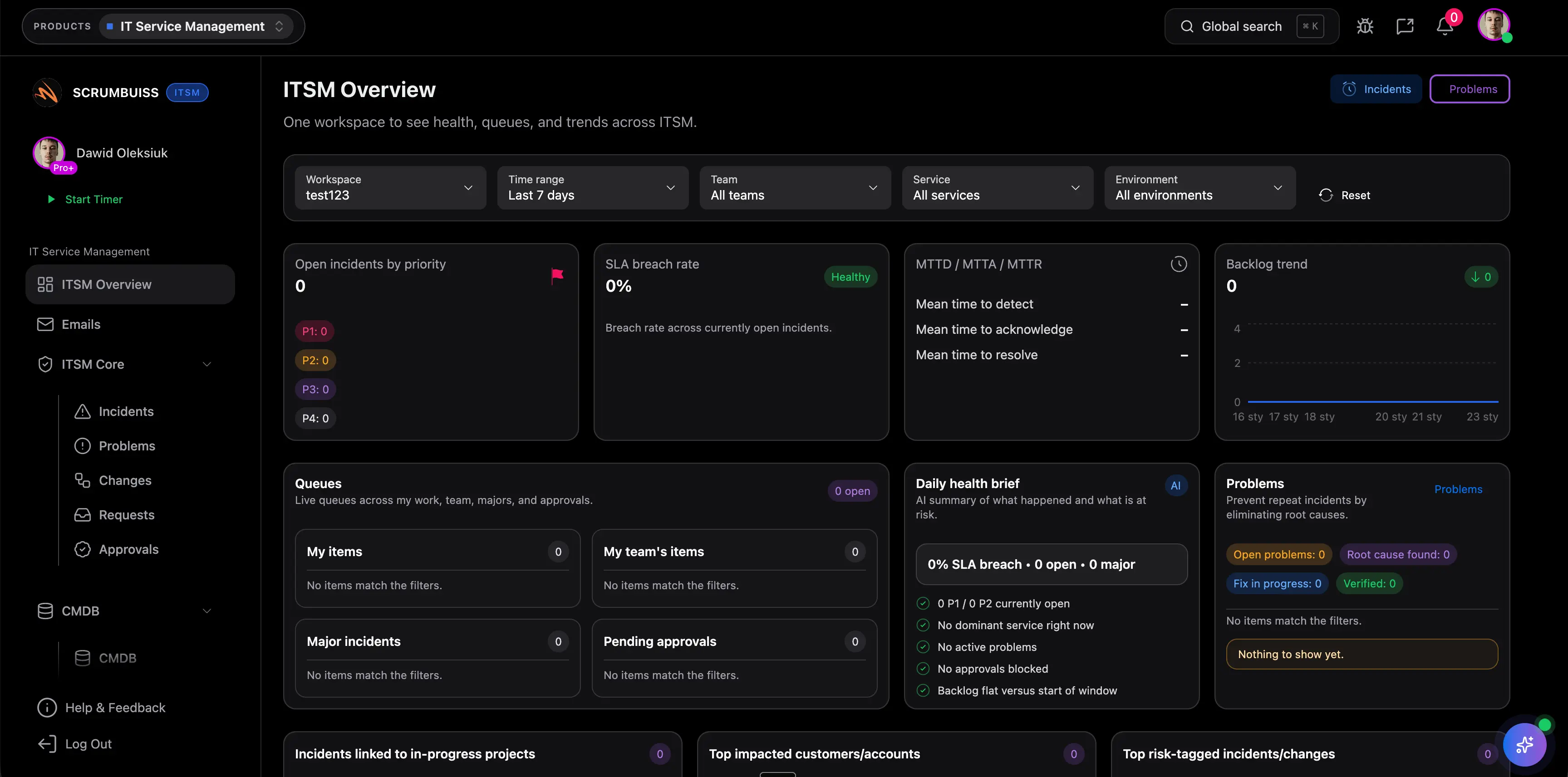
Use these Scrumbuiss pages when review questions involve product security, access, files, client collaboration, pricing, or IT operations.
Recommended workflows
These workflows benefit from a structured security review before broad rollout.

Need more ideas? Browse use cases .
Security review checklist FAQ
What is a security review checklist? +
A security review checklist is a reusable structure for reviewing software access, data handling, sharing, integrations, incident reporting, vulnerability reporting, rollout risk, evidence, ownership, follow-up, and approval decisions.
Can this template be used for vendor security review? +
Yes. It is designed for vendor review and software rollout conversations where the team needs to collect public evidence, assign follow-up questions, mark risk level, and document the decision.
Is this checklist legal or compliance advice? +
No. The checklist is a practical review aid for product and rollout decisions. Legal, regulatory, procurement, and compliance approvals should be handled by the appropriate specialists.
What should an application security risk assessment include? +
For a software rollout, start with access, permissions, data handling, file sharing, integrations, admin visibility, incident reporting, vulnerability reporting, evidence needed, risk level, owner, follow-up, and decision.
When should a security checklist move into project management software? +
Move beyond a spreadsheet when review items need owners, recurring follow-up, rollout tasks, access changes, file reviews, vendor responses, or approval decisions that should stay visible to stakeholders.