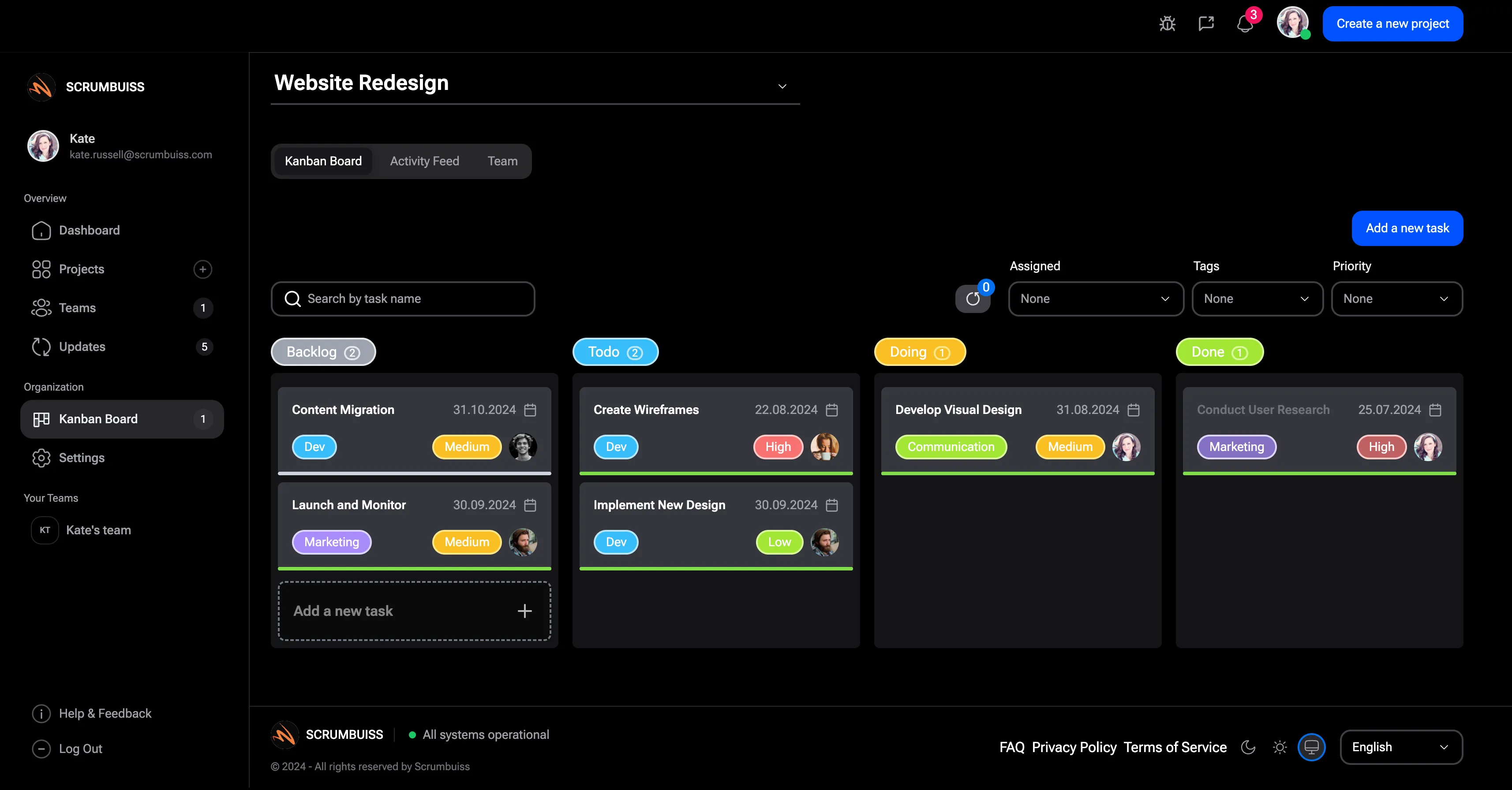
| Scrumbuiss | Delivery teams that want one operating layer for planning, execution, reporting, and adjacent workflows. | Structured across sprints, workload, timelines, ITSM, files, CRM, and stakeholder-ready reporting. | Strong for mixed audiences because dashboards, briefs, and execution context stay closer together. | Lower ongoing governance burden because the workflow is more opinionated by default. | 14-day full-product trial, then Team or Business per full member; guests and viewers are free. | Best migrated one workflow at a time through a live pilot rather than a big-bang replacement. |
| Jira Read guide: Scrumbuiss vs Jira | Engineering organizations standardized on Atlassian and deep issue-tracking workflows. | Strong for issue tracking and sprint execution; broader operating workflows often extend into more Atlassian tools or add-ons. | Good for engineering-native reporting, but mixed-audience visibility often depends on conventions and upkeep. | Higher at scale because workflows, fields, boards, and permissions usually need steady governance. | Free, Standard, Premium, and Enterprise tiers on the official Atlassian pricing page. | Low if you stay in Jira, higher if you are trying to simplify a heavily customized Jira-centered stack. |
| Asana Read guide: Scrumbuiss vs Asana | Cross-functional teams and agencies that value flexible work management and broad collaboration. | Strong for task and project coordination; time, file, or agency operating workflows may still span multiple systems. | Good for leadership-facing project views and cross-functional coordination. | Moderate because flexibility still needs shared conventions for fields, workflows, and reporting. | Personal, Starter, Advanced, and Enterprise tiers on the official Asana pricing page. | Straightforward for task coordination, but more complex when time capture and file workflows are still separate. |
| Monday.com Read guide: Scrumbuiss vs Monday.com | Teams that prefer customizable boards, dashboards, and automations across several departments. | Very flexible board-first workspace; delivery rigor depends on how consistently the workspace is designed. | Broad dashboard options, but stakeholder readability depends on the board structure underneath. | Moderate to high once boards, automations, and dashboards multiply across the account. | Free plus Basic, Standard, Pro, and Enterprise plans with seat-based billing and free viewers on the official pricing page. | Easy to start, harder to untangle once many boards and conventions are carrying the operating model. |
| Trello Read guide: Scrumbuiss vs Trello | Small teams that want the lightest possible board-first setup and minimal process overhead. | Excellent for simple task flow, but weaker once sprints, timelines, workload review, or reporting live outside the board. | Simple board-level visibility, with limited support for broader stakeholder reporting without extra layers. | Low at first, but side systems and Power-Ups often add complexity as the team grows. | Free plus Standard, Premium, and Enterprise workspace plans on the official Trello pricing page. | Very low for simple boards, but it rises once the real workflow has already spread beyond Trello itself. |