Google Drive integration guide • reviewed 2026-03-14

Project Management Google Drive Integration

Link Google Drive, Google Docs, Google Workspace files, Google Calendar context, and task lists to briefs, tasks, dashboards, and client delivery work so teams can keep one shareable source instead of re-uploading the same assets across tools.

Use this page to compare Google Drive-connected briefs, project management features, delivery handoffs, and file-heavy client workflows before you standardize on a broader project-management setup.

This page is for agencies and client-delivery teams that want one shareable source of project files, not for teams that only need a standalone cloud drive.

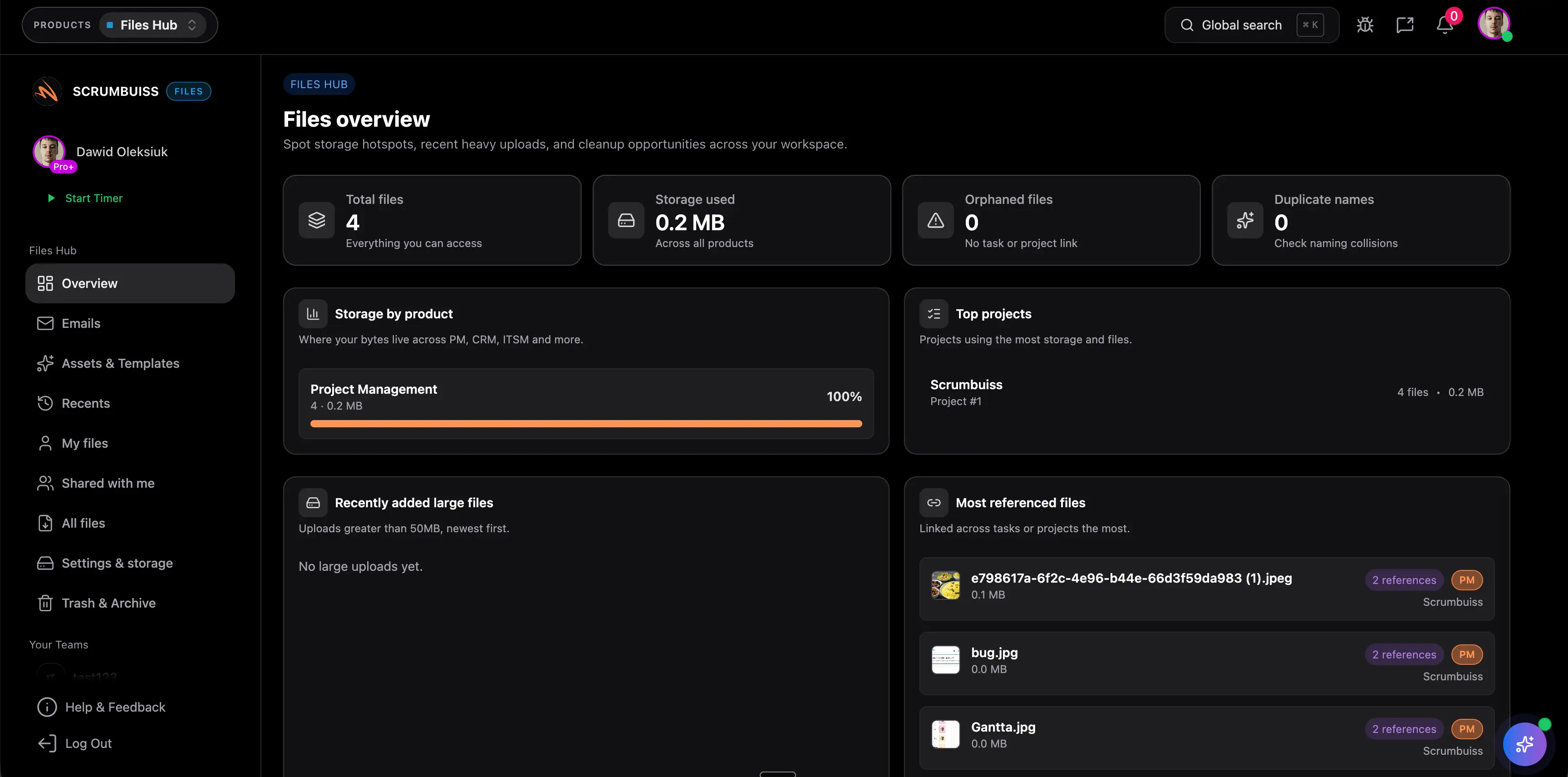
Scrumbuiss Google Drive-connected project files overview

How we reviewed Google Drive-connected project management tools

Reviewed on March 14, 2026. This page compares one workflow: how agencies and client-delivery teams keep Google apps and Google Drive files tied to project briefs, delivery tasks, and status reporting without letting document context drift away from the work.

  • Scrumbuiss references come from the live pricing page plus the Files, Project Delivery, and Time Tracking product pages, the project plan and scope templates, along with the Agencies workflow page in this site.
  • Competitor references come from the official Google Drive integration or app pages published by Asana, Teamwork, Wrike, and ClickUp.
  • The goal is not to score every storage checkbox. It is to help teams validate whether Google Drive stays useful after kickoff, delivery handoffs, and weekly client reporting begin.

When Scrumbuiss is a fit

The right decision depends less on one Google Drive checkbox and more on whether shared files stay connected to briefs, task execution, and client-facing delivery reviews after the project gets busy.

Strong fit for Scrumbuiss

Best when Google Drive should support a broader client-delivery workflow instead of living as a separate file repository nobody checks during execution.

  • Agency teams want briefs, source files, and deliverables attached to the work where handoffs happen.
  • Project leads need one shareable source for files instead of duplicate uploads scattered across tools.
  • Weekly status reviews still need to connect source documents, delivery progress, and team updates.

Worth testing carefully

Run a live pilot if Drive is already central to how the team stores client files, but project context still gets rebuilt by hand after kickoff.

  • Folders are well organized in Drive, but tasks, briefs, and delivery updates live elsewhere.
  • Version confusion appears during client reviews, handoffs, or weekly reporting.
  • One active project can test whether linking source files into the workflow actually reduces duplicate uploads.

Probably not the best fit

A simpler tool may fit better when the team only needs occasional file attachments and does not need Drive context embedded in a broader delivery workflow.

  • Google Drive is just a lightweight file store, not a core part of project handoffs.
  • The team does not need briefs, project views, or reporting tied back to source documents.
  • A standalone storage workflow is good enough and delivery coordination happens elsewhere.

Client handoffs

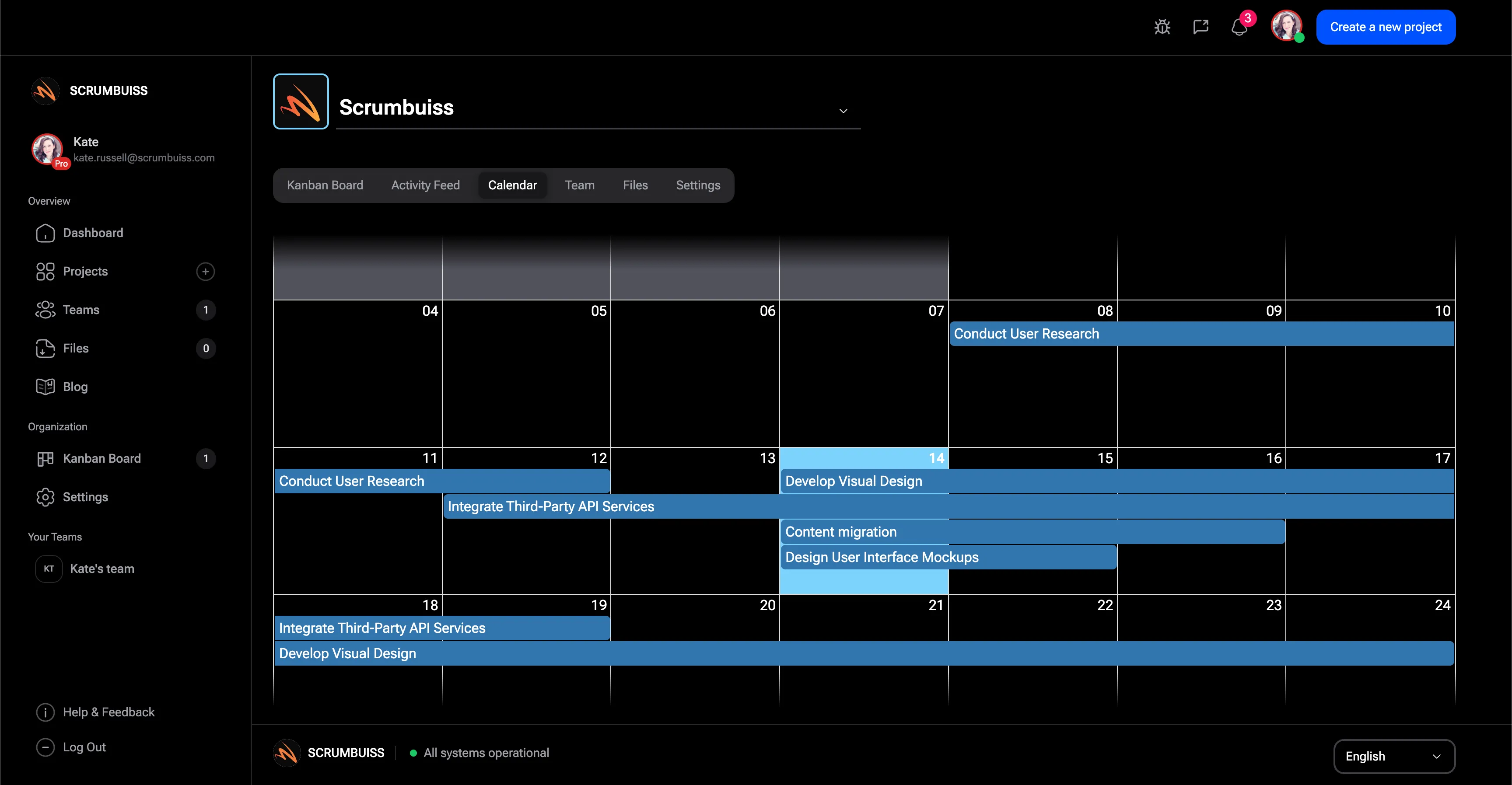
Keep Google Drive files attached to the delivery work, not buried in folders

Google Drive integration is most useful when the brief, latest deck, source file, or client asset is linked exactly where the team plans and executes work. That keeps handoffs cleaner and reduces the duplicate-upload habit that usually creates version confusion.

  • Link folders or files to briefs, tasks, and project views where the team already works.
  • Keep one shareable source for client assets instead of exporting copies into multiple tools.
  • Reduce time spent asking which file is current before kickoff, review, or handoff.
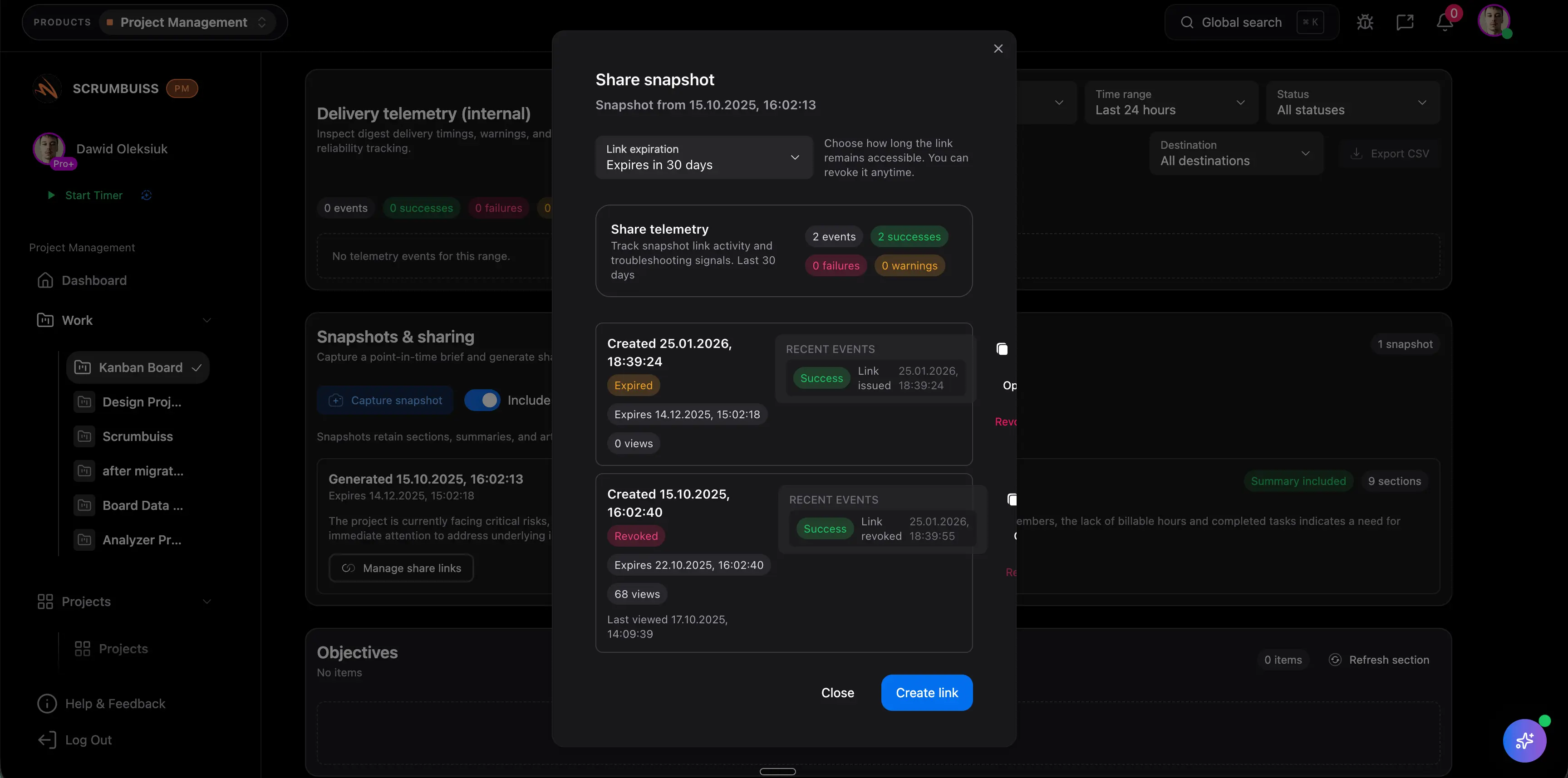
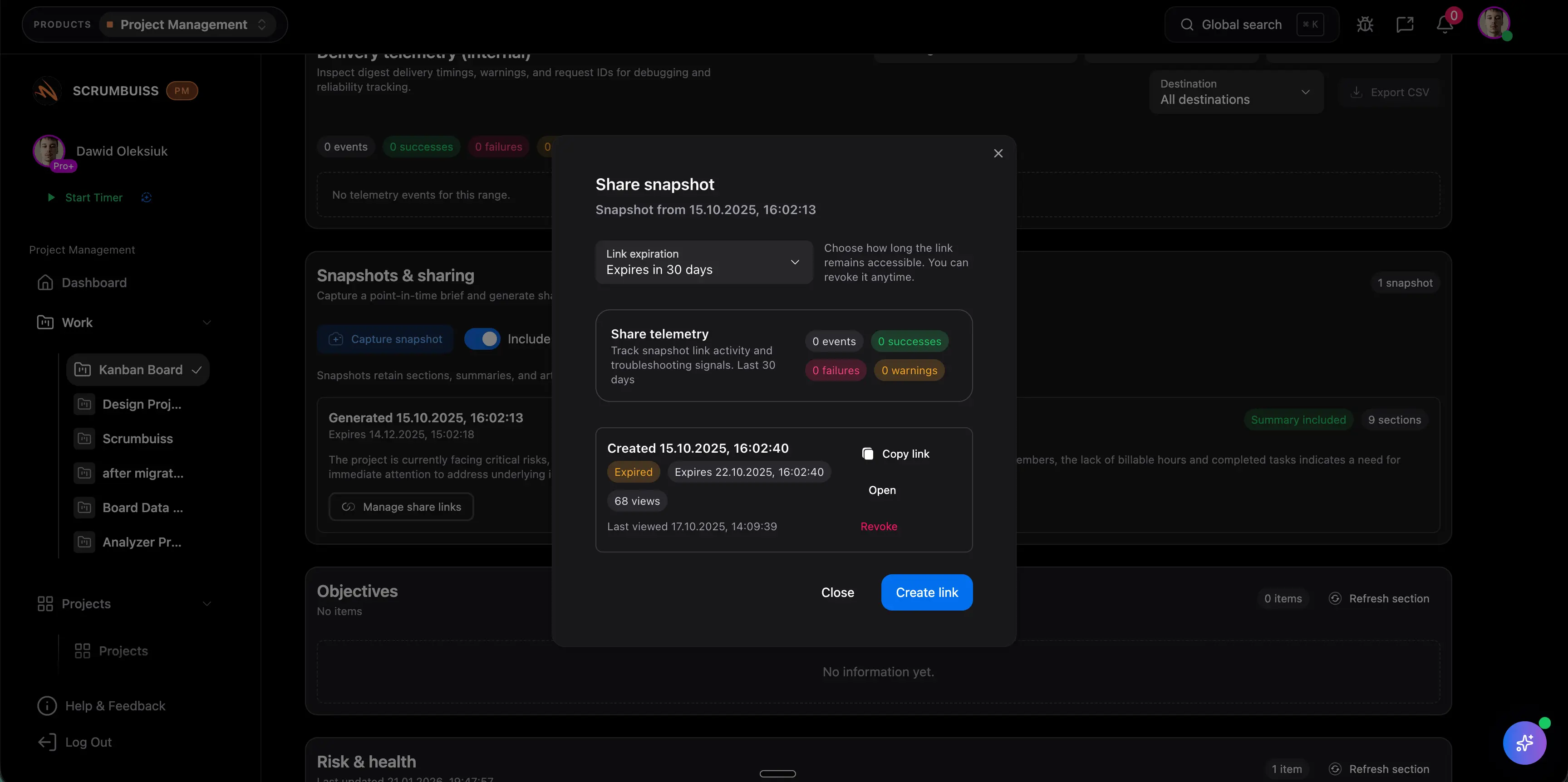
Scrumbuiss files and linked Google Drive project assets

Kickoff context

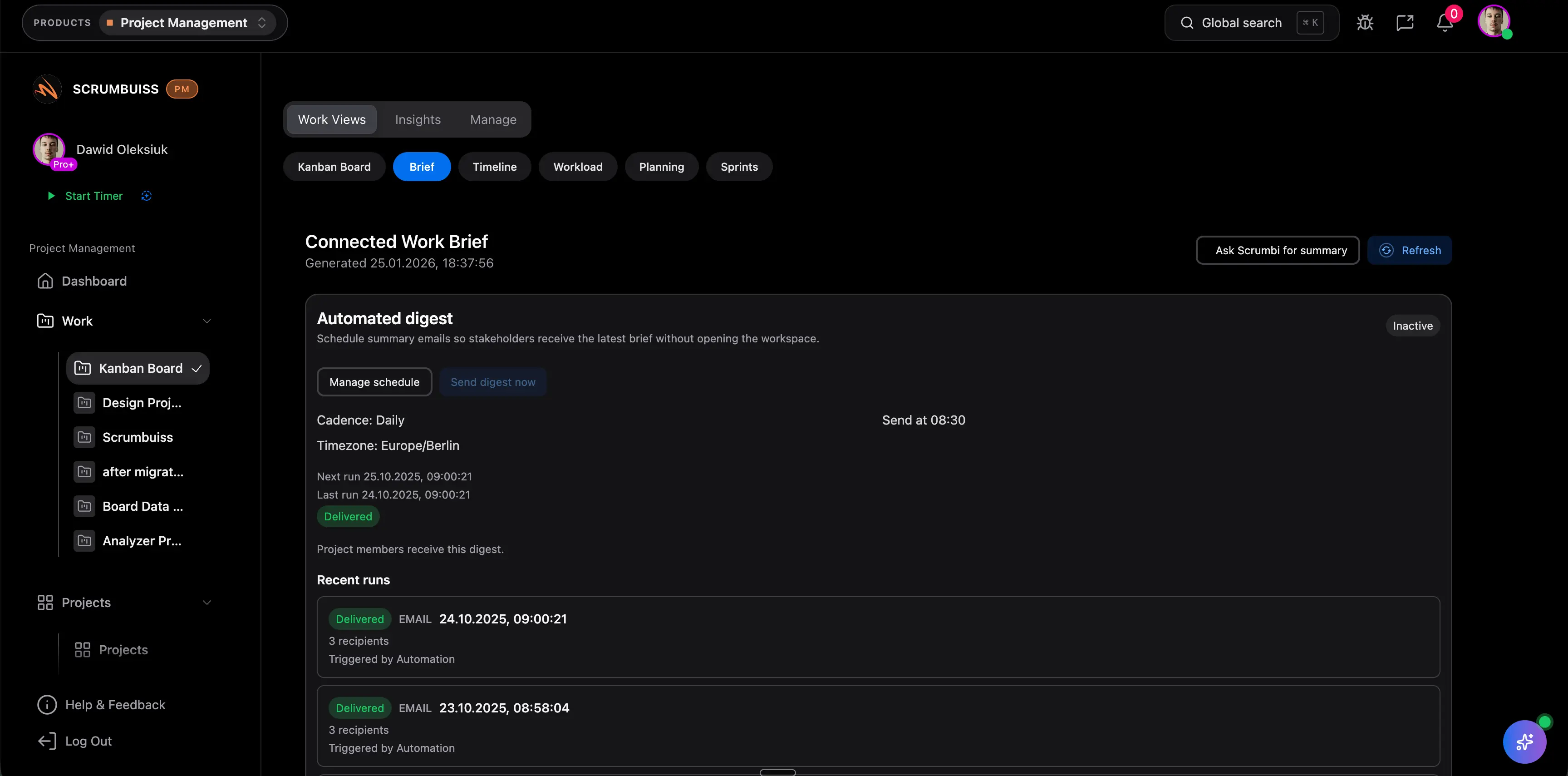
Connect project briefs and stakeholder context to the same source documents

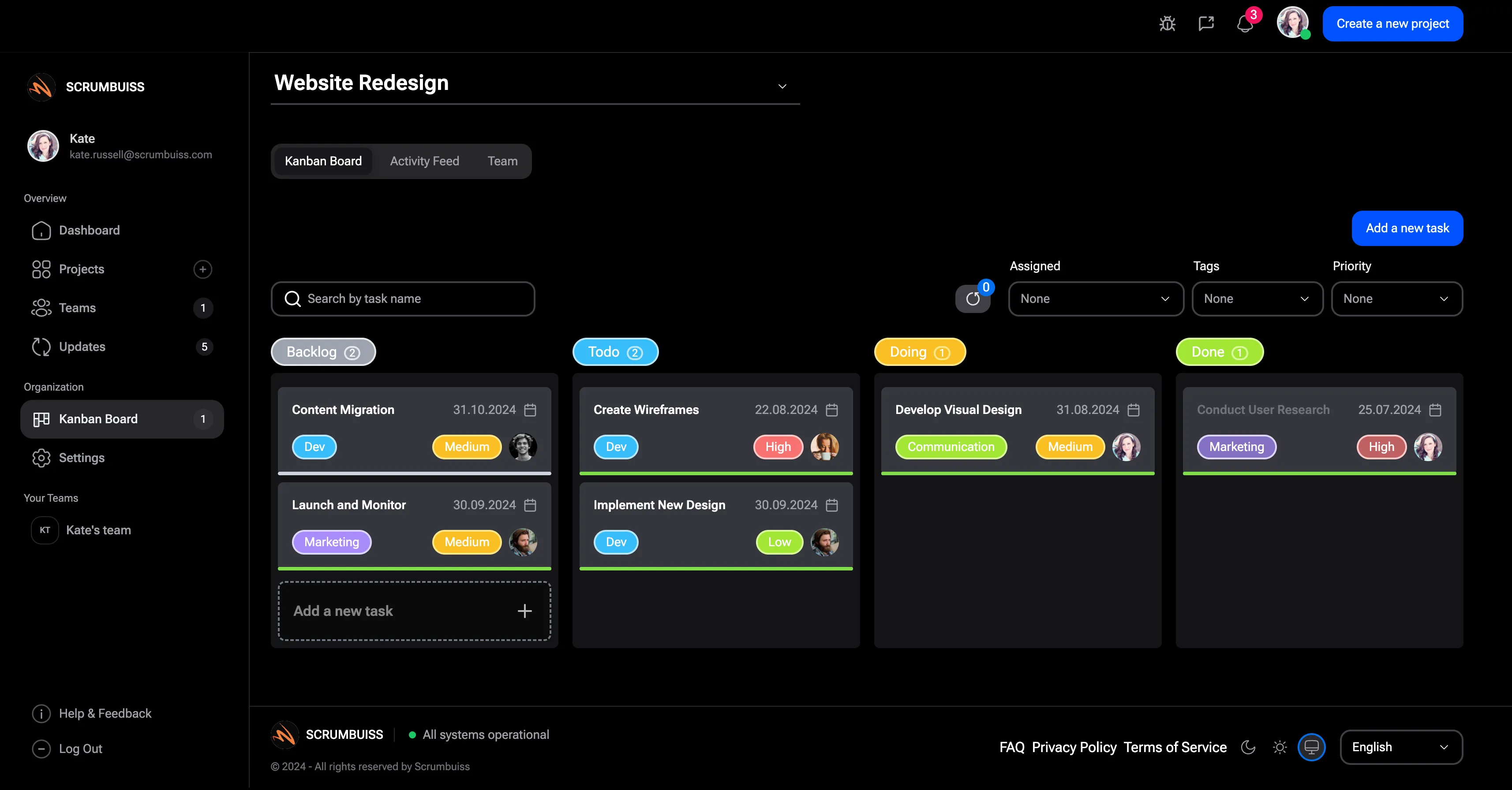
A Drive-connected workflow matters early in the project. If the brief, scope notes, or client inputs stay in Drive while execution happens somewhere else, teams rebuild context by hand. Linking those sources directly to project briefs and tasks makes kickoff cleaner and easier to revisit later.

  • Keep kickoff documents close to the brief and follow-up tasks that depend on them.
  • Make it easier for delivery, account, and production leads to open the same source files from the work itself.
  • Reduce repeated copying of client notes, assets, and supporting documents across tools.
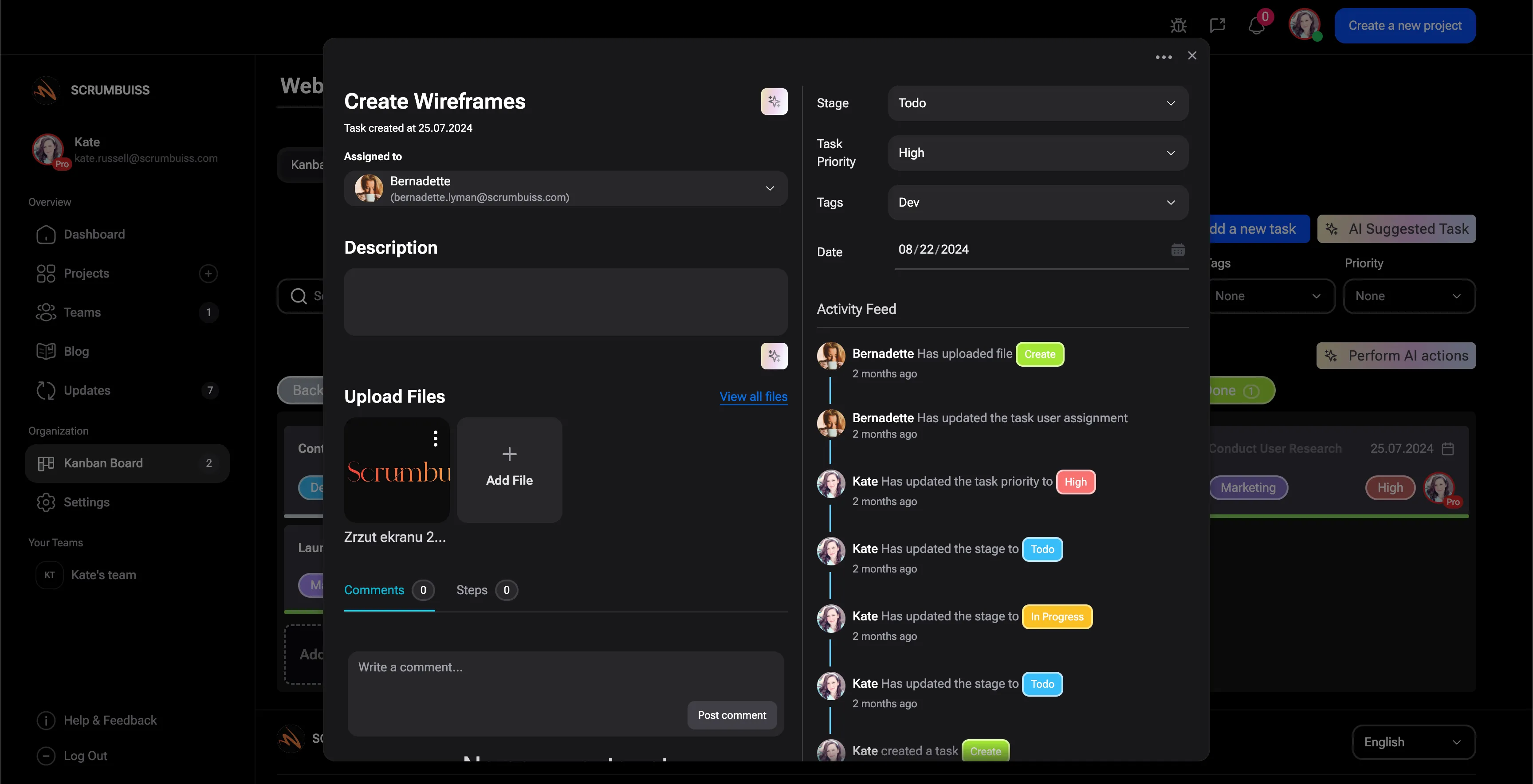
Scrumbuiss project brief with linked source context

Delivery visibility

Make weekly status reviews and file-heavy delivery work easier to run

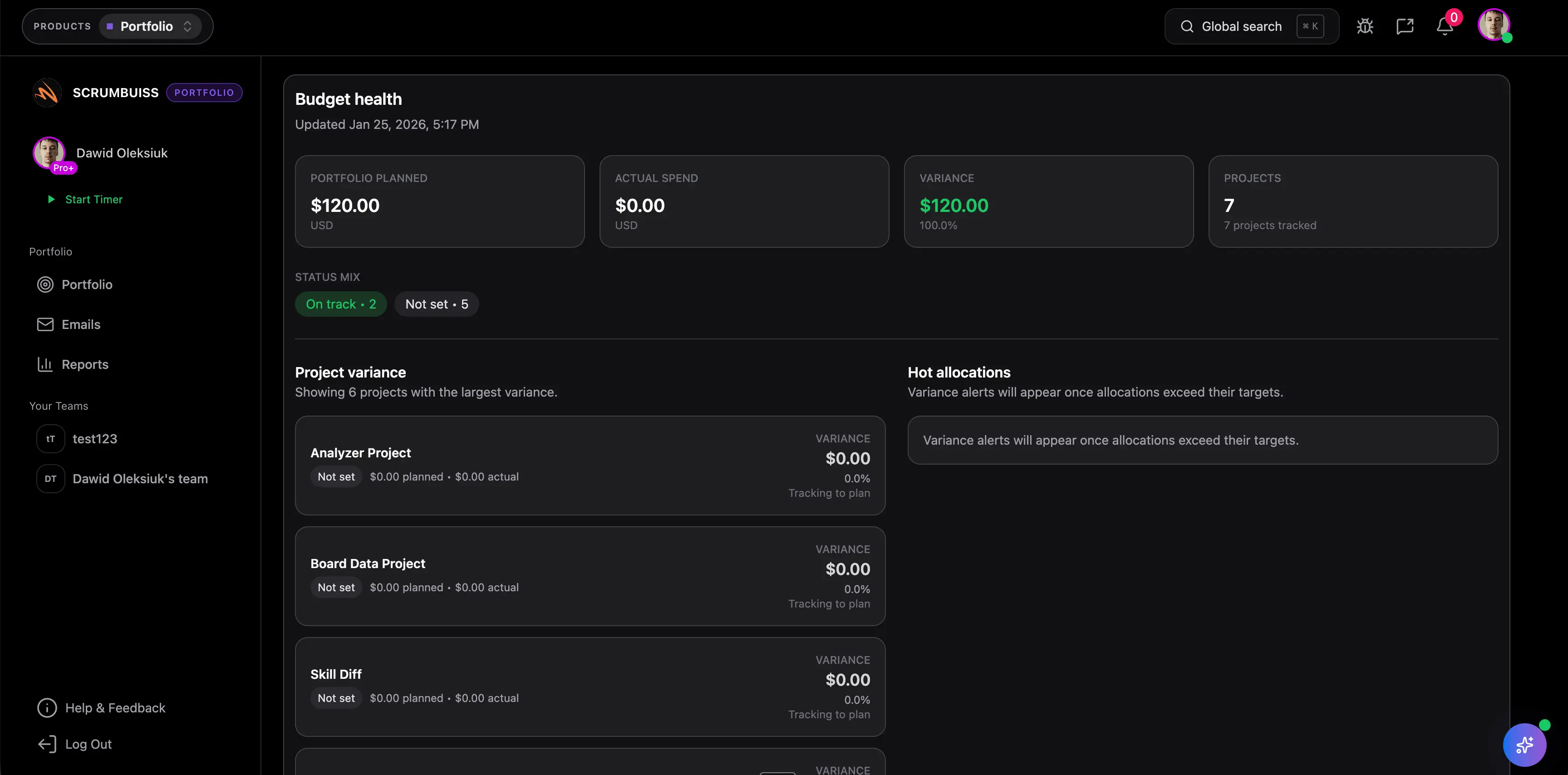
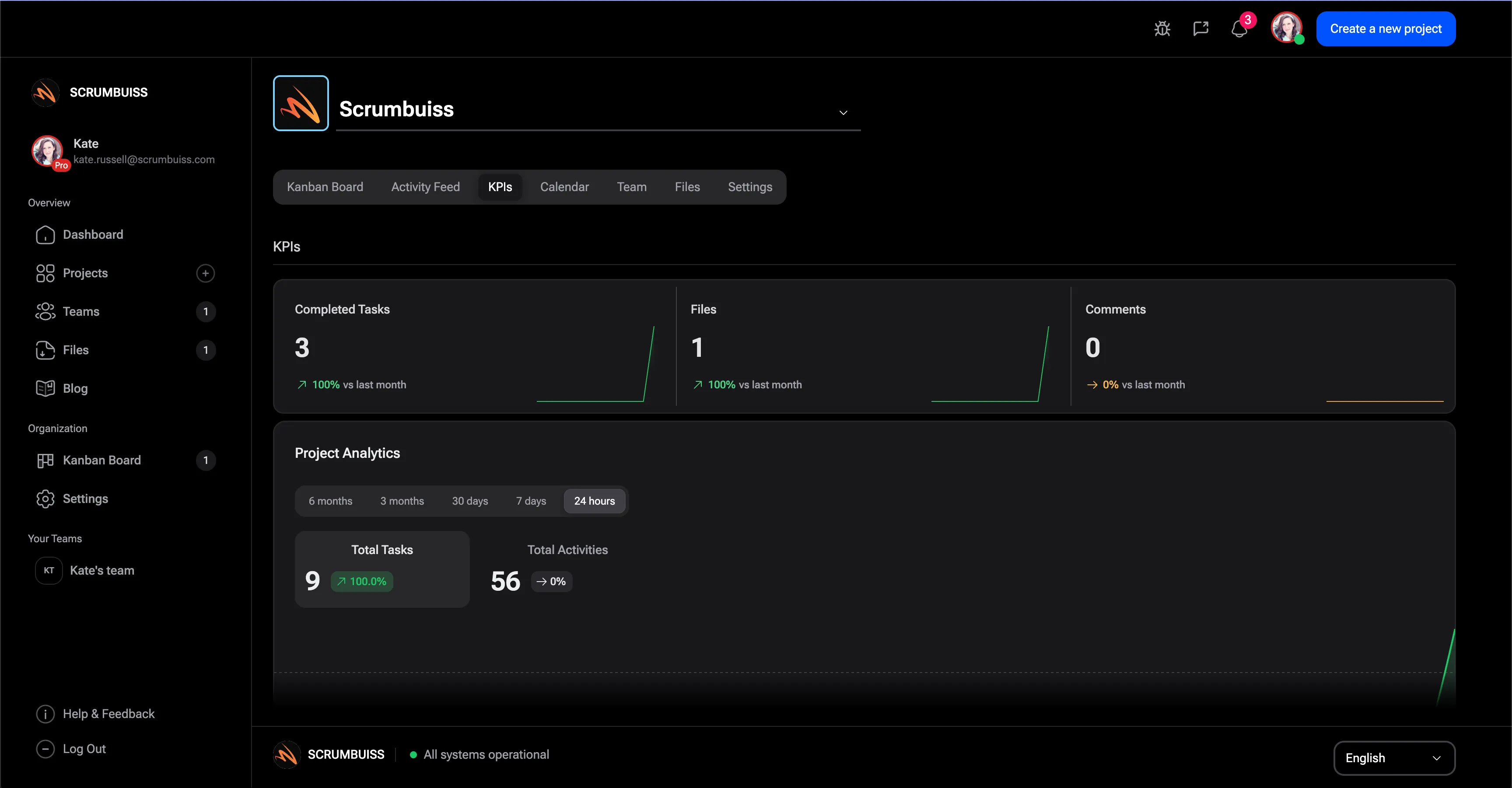
Agency teams rarely just store files. They need to move from source assets to delivery updates, time review, and client communication without losing context. Google Drive integration is helpful when file-heavy work stays readable in the broader delivery workflow, not only inside folder structures.

  • Keep deliverables, supporting docs, and project updates closer together during weekly reviews.
  • Give account, delivery, and production leads one place to understand what moved and what file context supports it.
  • Reduce version drift when status updates point back to the same docs and assets the team is using.
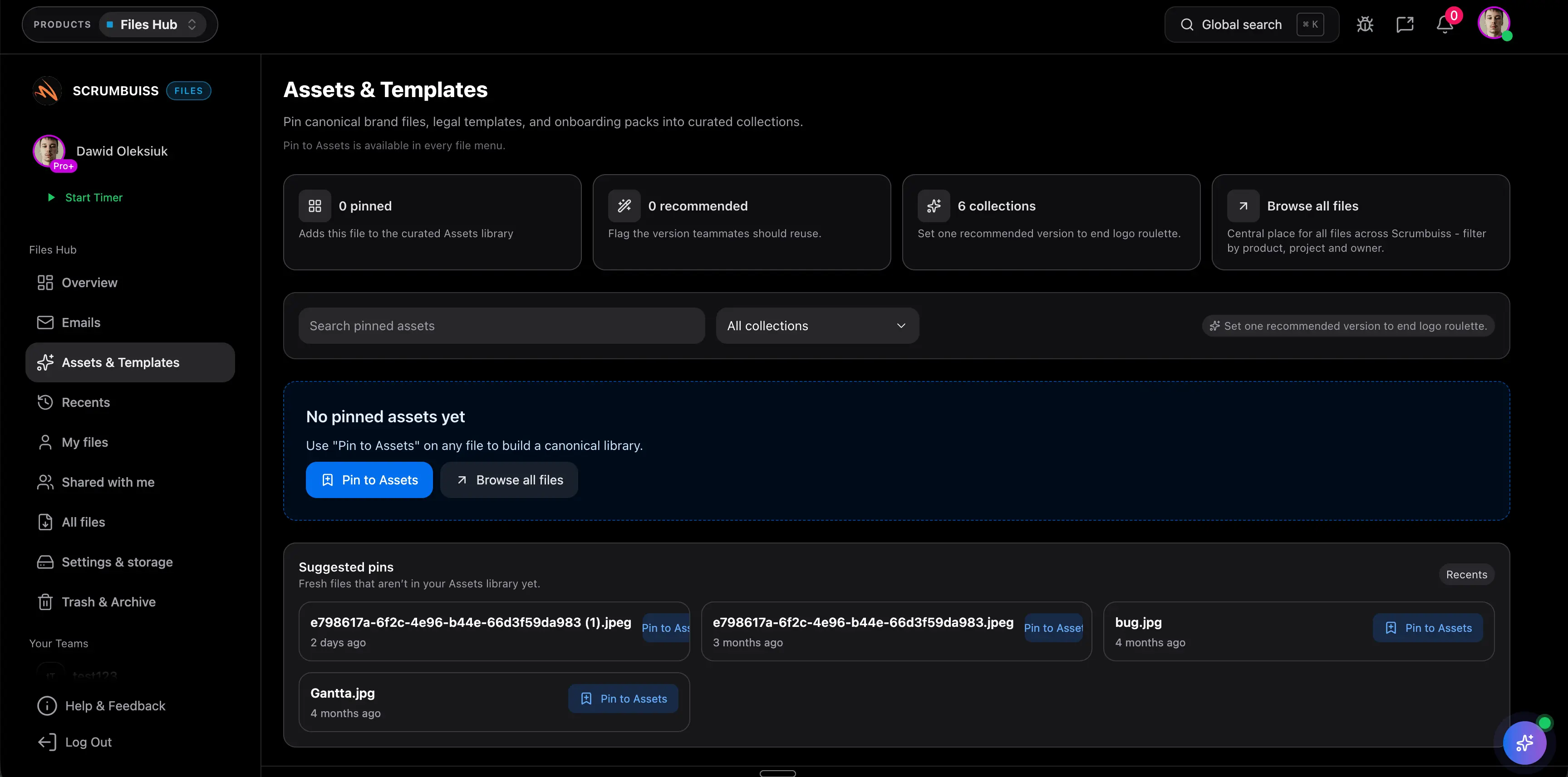
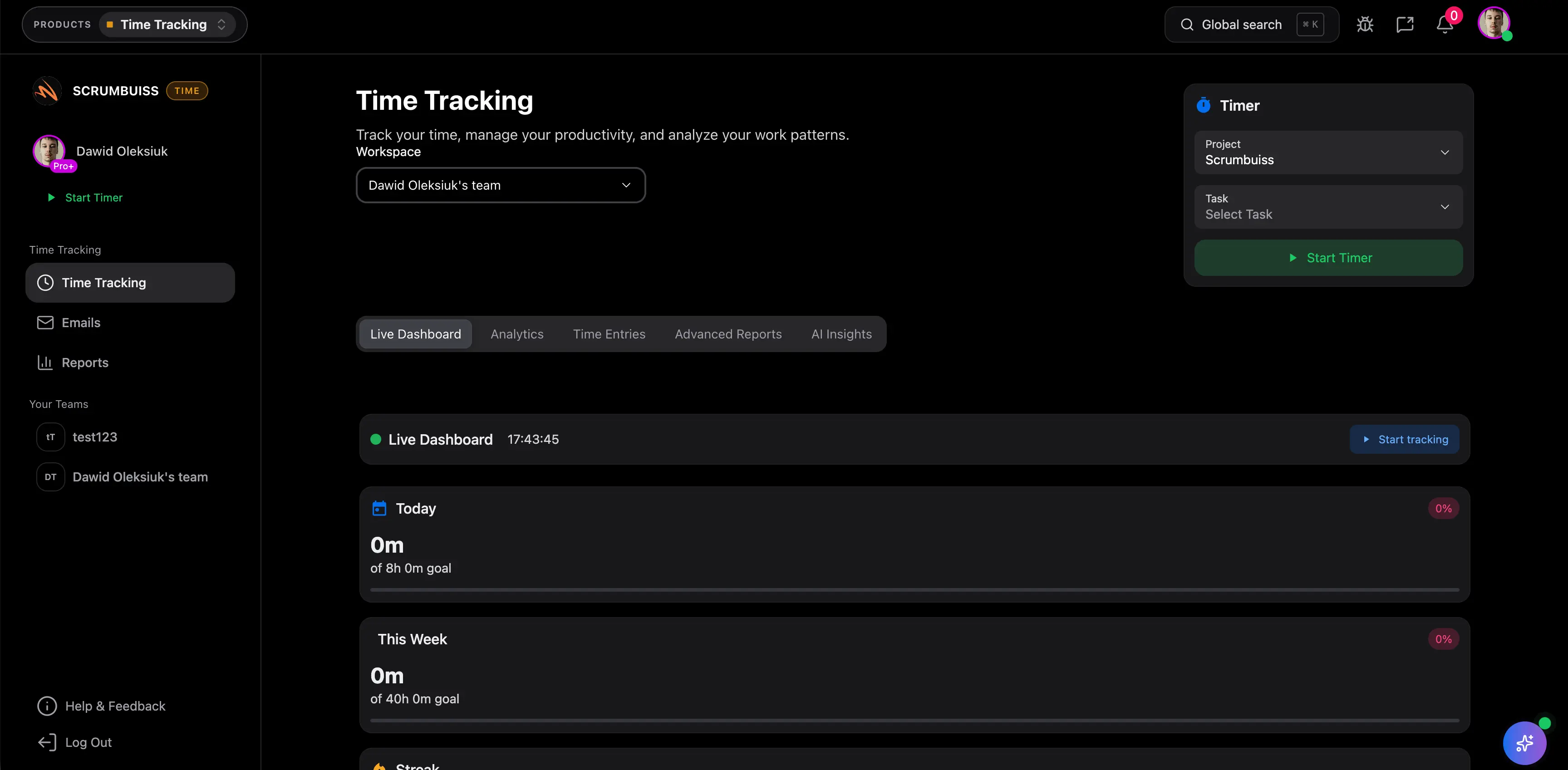
Scrumbuiss project delivery view with linked file context

Pilot design

Pilot the integration around one live client workflow before standardizing

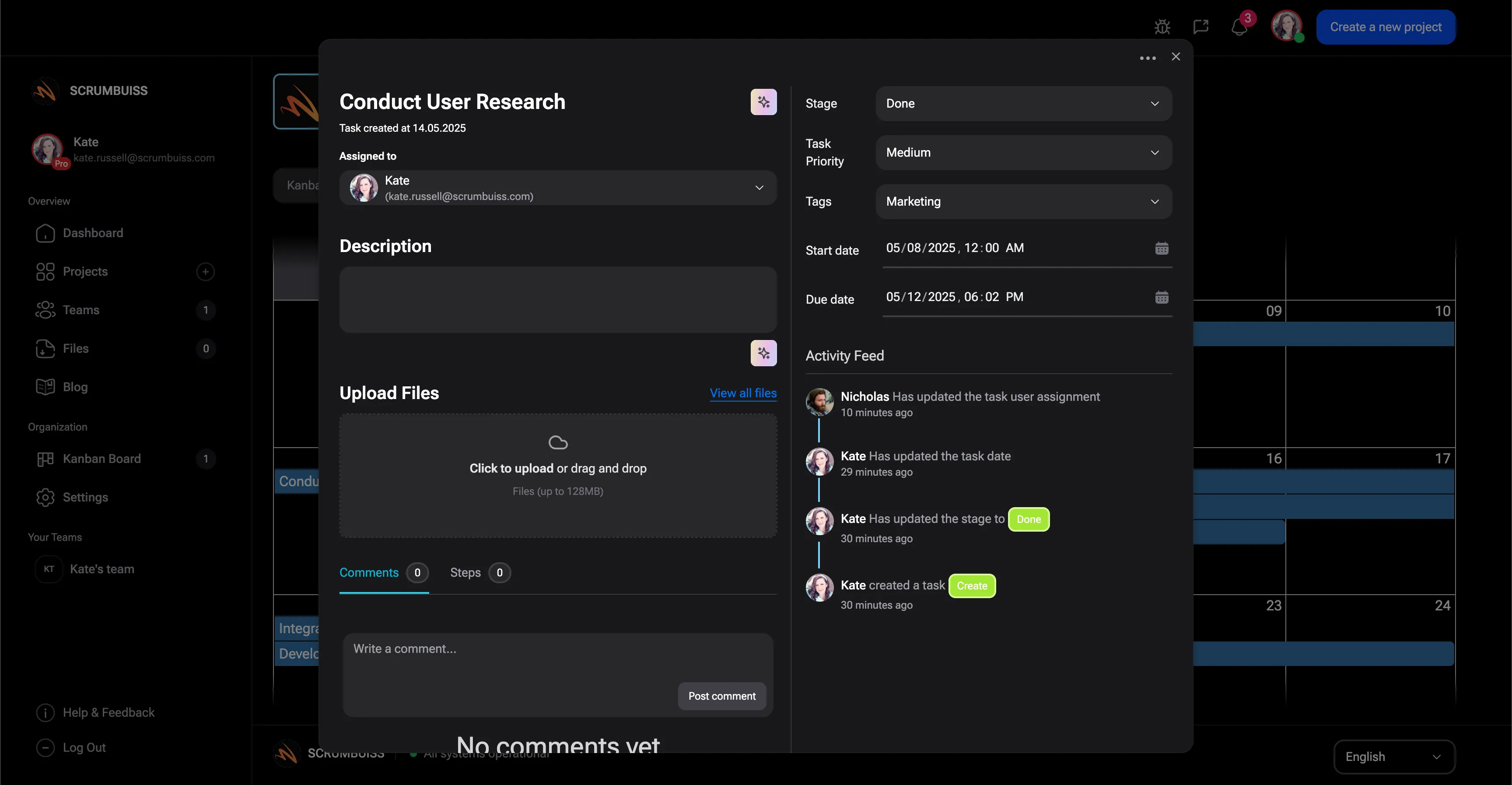
The right test is one real kickoff-to-delivery loop, not a checkbox demo. Use one active client project, one shared Drive structure, and one recurring delivery review to see whether the team actually stopped duplicating assets and hunting for the latest file.

  • Pick one project brief, one shared folder structure, and one weekly status review.
  • Decide which assets should stay in Drive and which links should be visible in briefs, tasks, and dashboards.
  • Standardize only after the team runs one full cycle with fewer duplicate uploads and less version confusion.
Scrumbuiss file preview and linked delivery context

Competitor snapshot for Google Drive-connected project management

These tools all connect Google Drive differently. The useful buying question is whether Drive stays a side attachment or becomes usable project context across briefs, task execution, and client delivery reviews.

Tool Best for Google Drive angle Main tradeoff Why teams choose Scrumbuiss instead
Asana Cross-functional teams that want Google Drive files attached to tasks used by project and client-facing collaborators. Publicly positions the app around attaching files from Google Drive to Asana tasks. The workflow is centered on task attachments, not on a broader agency operating model for briefs, files, time review, and delivery handoffs. Scrumbuiss is stronger when teams want Drive files tied to the broader delivery workflow around briefs, execution, and reporting instead of only to individual tasks.
Teamwork Client-service teams that want project work and shared files connected in an agency-oriented workspace. Publicly positions the integration around connecting Google Drive files to project work and collaboration in Teamwork. Teams still need to validate how clearly files, briefs, and client-delivery context stay connected once the workflow expands beyond basic attachments. Scrumbuiss is stronger when the evaluation centers on keeping file context visible across briefs, delivery tracking, and adjacent workflows instead of only in the project record.
Wrike Teams that care about document control and keeping current file versions visible in work management. Publicly highlights document control and access to the latest versions of Google Drive documents inside Wrike. It is a heavier fit if the goal is a simpler client-delivery operating layer around briefs, files, and weekly status workflows. Scrumbuiss is stronger when agencies want a lighter workflow that keeps Drive files close to execution, time review, and project handoffs without that heavier setup.
ClickUp Teams that want Drive connected to a broad all-in-one task workspace. Publicly positions the integration around bringing Google Drive files into ClickUp task and workspace context. The broader workspace can become configuration-heavy when the main need is a clearer client-delivery workflow around files, briefs, and reporting. Scrumbuiss is stronger when the team wants a more opinionated delivery layer where source files, handoffs, and project visibility stay connected with less tool sprawl.

Review exact plan limits, Google Drive actions, and setup details on the vendor pages before you buy. Product names are trademarks of their respective owners.

Evaluation checklist for a Google Drive integration pilot

Use this checklist to test one live client-delivery workflow instead of stopping at file-attachment demos.

  1. Step 1

    Choose one active client project, one shared Drive folder structure, and one weekly delivery review for the pilot.

  2. Step 2

    Map which source files matter most: brief, scope notes, assets, feedback docs, and reports.

  3. Step 3

    Link those files in the briefs, tasks, and project views where the team actually works.

  4. Step 4

    Decide naming and ownership rules so the same file does not get re-uploaded into multiple places.

  5. Step 5

    Test a real handoff from kickoff to in-flight delivery to client review instead of sample data.

  6. Step 6

    Check whether time reporting, status review, and deliverable discussions still point back to the current source docs.

  7. Step 7

    Standardize only after the team finishes one full cycle with fewer duplicate uploads and less version confusion.

FAQ

These are the buying and rollout questions agencies and client-delivery teams usually need answered before Google Drive becomes part of a real delivery workflow.

What should project management software with Google Drive integration actually help with?

It should keep Google Drive files useful inside the broader delivery workflow. That usually means linking briefs, source assets, deliverables, and supporting documents to the tasks, project views, and reviews where the team already works instead of treating Drive as a separate file silo.

Is this mainly useful for agencies and client-delivery teams?

Often yes. Agencies usually feel the pain first because client briefs, feedback, deliverables, and status updates all depend on shared files staying easy to find. If the same source documents need to stay visible from kickoff through delivery, Google Drive integration becomes much more important.

Should Google Drive stay the system of record for files?

Usually yes for source documents and shared assets. The project-management layer should make those files easier to reach from the work itself, not replace Drive as the place where the source file lives. The useful question is whether the team can reach the right file without rebuilding context by hand.

How should we evaluate Google Drive integration during a trial?

Pilot one real client workflow with a live brief, active deliverables, and a weekly status review. Measure whether the team reduced duplicate uploads, version confusion, and time spent hunting for the current source file once work moved beyond kickoff.

Which competitors should we compare against?

Asana, Teamwork, Wrike, and ClickUp represent different buying patterns: cross-functional task collaboration, agency-oriented project work, heavier document control, and broader all-in-one work management. The right comparison depends on whether you need Drive as a basic attachment source or as ongoing project context.

Related workflows

Use cases where teams usually need Drive files, delivery tasks, and shared client context to stay connected throughout the project.

Agencies

Use case

Project management software for agencies that keeps time tracking, files, workload visibility, and reporting in one workflow.

  • Project briefs that capture scope, stakeholders, and success criteria before work starts
  • Time tracking that rolls into dashboards and account-level reporting
  • Files and shared collections tied to delivery context, not buried in separate folders
Agencies screenshot

Client onboarding

Use case

Client onboarding software for agencies and implementation teams that keeps the closed-won handoff, kickoff brief, files, approvals, and first status cycle in one workflow.

  • Closed-won context, intake, and kickoff brief stay in one handoff path
  • Files, approvals, and first owned actions remain attached to the same onboarding record
  • Automations and reminders support follow-up before the handoff goes cold
Client onboarding screenshot

Client project management

Use case

Client project management software for agencies that keeps intake, briefs, files, approvals, time tracking, workload, and client-visible status in one workflow.

  • One workflow from request intake to kickoff, delivery, and client-ready status
  • Files, briefs, and approvals stay attached to the same client record
  • Time tracking and workload review stay close to the work being delivered
Client project management screenshot

Software teams

Use case

Project management software for software teams that keeps sprint planning, dependencies, GitHub-adjacent delivery visibility, and stakeholder reporting in one workflow.

  • Sprint planning and backlog execution in one workflow
  • Dependency and timeline visibility that engineering leads can act on
  • GitHub-adjacent delivery context for handoffs and release reviews
Software teams screenshot

Related templates

Templates teams usually use to support kickoff, shared-file handoffs, and delivery reviews behind Google Drive-connected work.

Client handoff template

Template

Download a free client handoff template for sales-to-delivery handoff, client onboarding, kickoff readiness, stakeholders, scope, files, risks, and next actions.

  • Sales-to-delivery handoff outline for client onboarding and implementation kickoff
  • Fields for account summary, stakeholders, promised scope, success criteria, files, risks, and open questions
  • Action item table with owners, due dates, and kickoff follow-up
Client handoff template screenshot

Project charter template

Template

Download a free project charter template for project goals, scope, stakeholders, assumptions, risks, milestones, success criteria, and approval readiness.

  • Define project goals, sponsor, owner, scope, and success criteria before delivery starts
  • Capture assumptions, constraints, risks, dependencies, and milestone expectations in one outline
  • Clarify stakeholder roles, decision rights, and approval readiness before the first kickoff
Project charter template screenshot

Stakeholder matrix template

Template

Download a free stakeholder matrix template for stakeholder mapping, influence, interest, decision rights, communication cadence, owners, and next actions.

  • Map stakeholder roles, interest, influence, decision rights, concerns, and communication cadence
  • Clarify who owns follow-up before project intake, kickoff, or delivery handoff
  • Use the CSV format to compare stakeholders quickly during charter, brief, or status review
Stakeholder matrix template screenshot

Scope of work template

Template

Download a free scope of work template with example deliverables, exclusions, acceptance criteria, milestones, assumptions, and approval checkpoints.

  • Scope of work outline for deliverables, exclusions, assumptions, milestones, and approval checkpoints
  • Filled example you can adapt for agency projects, implementation work, and internal delivery handoffs
  • Acceptance criteria prompts that reduce vague sign-off and late change requests
Scope of work template screenshot

Project development plan template Excel

Template

Download a free project development plan template for Excel with phases, milestones, owners, dependencies, risks, status fields, Gantt chart inputs, and deliverable tracking for project teams.

  • Project development plan template structure for phases, milestones, owners, dependencies, dates, and deliverables
  • Spreadsheet-friendly CSV you can open in Excel, Google Sheets, or another planning tool
  • Example project plan rows that show how scope, risks, project timelines, and acceptance criteria stay connected
Project development plan template Excel screenshot

Project roadmap template

Template

Download a free project roadmap template with objectives, initiatives, themes, milestones, dependencies, capacity notes, risks, success metrics, and review fields.

  • Project roadmap template structure for objectives, initiatives, themes, milestones, owners, and priorities
  • Spreadsheet-friendly CSV for roadmap planning before initiatives move into portfolio or delivery software
  • Fields for dependencies, capacity notes, risks, success metrics, decisions, and review dates
Project roadmap template screenshot

Project schedule template

Template

Download a free project schedule template for weekly planning, milestones, owners, dependencies, blockers, schedule risk, and next steps.

  • Weekly project schedule structure for dates, owners, milestones, dependencies, and next steps
  • Spreadsheet-friendly CSV that can be opened in Excel, Google Sheets, or a project calendar workflow
  • Fields for schedule risk, blockers, status, notes, and follow-up ownership
Project schedule template screenshot

Meeting agenda template

Template

Download a free meeting agenda template for project meetings, kickoff reviews, decisions, action items, owners, risks, and follow-up summaries.

  • Meeting agenda format for purpose, attendees, agenda topics, decisions, and follow-up
  • Markdown template you can copy into docs before recurring meetings move into a live workflow
  • Fields for action items, owners, due dates, risks, parking lot items, and next review date
Meeting agenda template screenshot

Timesheet template

Template

Download a free timesheet template with date, person, project, task, client, billable status, estimated hours, actual hours, variance, notes, and approval status.

  • Timesheet template for project time tracking, work logs, and lightweight time study review
  • CSV format you can open in Excel, Google Sheets, or another time tracker spreadsheet
  • Billable and non-billable fields for client work, internal work, and delivery reporting
Timesheet template screenshot

Kanban board template

Template

Download a free Kanban board template with columns, Kanban card fields, WIP limit prompts, priorities, owners, due dates, blockers, and review notes.

  • Kanban board template with ready-to-adapt columns, card fields, and workflow review prompts
  • Kanban card template fields for owner, priority, due date, blocker, acceptance note, and next action
  • WIP limit prompts that help the board show flow problems instead of becoming a task parking lot
Kanban board template screenshot

Project brief template

Template

Download a free project brief template with a filled example, one-page outline, and practical checklist for aligning scope, stakeholders, milestones, and handoffs.

  • One-page brief for kickoff alignment and cleaner handoffs
  • Scope, non-goals, stakeholders, milestones, and acceptance criteria in one place
  • Filled example outline you can adapt for agencies or cross-functional delivery teams
Project brief template screenshot

Project KPI dashboard template

Template

Download a free project KPI dashboard template with example delivery metrics, status rules, owner fields, and a weekly reporting structure for project teams.

  • Project KPI dashboard structure for delivery, workload, risk, schedule, and stakeholder reporting
  • Filled example metrics for progress, blocked work, overdue tasks, workload pressure, and risk exposure
  • Status rules that make KPI reviews easier to run without turning the dashboard into vanity reporting
Project KPI dashboard template screenshot

Project status report template

Template

Download a free project status report template with progress, milestones, blockers, risks, decisions, next steps, and stakeholder update fields.

  • Project status report structure for progress, milestones, blockers, risks, decisions, and next steps
  • Spreadsheet-friendly CSV that can be opened in Excel, Google Sheets, or a project reporting workflow
  • Fields for audience, reporting period, evidence links, update owner, and decision follow-up
Project status report template screenshot

Risk register template

Template

Download a free risk register and risk matrix template in CSV format with sample risks, 1 to 5 scoring, owners, trigger signals, and weekly review steps.

  • Exact-match CSV template for Excel or Google Sheets with scoring, owners, statuses, and review dates
  • Simple likelihood x impact risk matrix model for prioritizing project risk without a heavy governance process
  • Six realistic example risks covering vendors, staffing, approvals, performance, and dependency drift
Risk register template screenshot

Sales pipeline template

Template

Download a free sales pipeline template for lead management, deal stages, follow-up dates, probability, next steps, and sales-to-delivery handoff readiness.

  • CRM-ready pipeline structure for leads, opportunities, stages, owners, and next steps
  • Fields for value, probability, expected close date, decision maker, and follow-up date
  • Handoff readiness prompts so won deals can move into onboarding or delivery with context
Sales pipeline template screenshot

Sprint planning template

Template

Download a free sprint planning and backlog planning template with sprint goal, selected backlog items, capacity, dependencies, and a reusable checklist.

  • Sprint goal, selected work, and owners in one planning sheet
  • Backlog planning columns for priority, estimate, owner, dependency, and definition of done
  • Capacity and availability checks before the team commits
Sprint planning template screenshot