Timesheet template
Download a free timesheet template with date, person, project, task, client, billable status, estimated hours, actual hours, variance, notes, and approval status.
Use this timesheet template to log project work, separate billable and non-billable hours, compare estimated vs actual effort, and decide when time tracking should move into a live Scrumbuiss workflow.
What this timesheet template helps you track
Use these fields to make work logs useful for delivery reporting and future estimates, not just historical recordkeeping.
- ✓ Timesheet template for project time tracking, work logs, and lightweight time study review
- ✓ CSV format you can open in Excel, Google Sheets, or another time tracker spreadsheet
- ✓ Billable and non-billable fields for client work, internal work, and delivery reporting
- ✓ Estimated vs actual hours so teams can improve future planning instead of only recording past effort
When to use this template
A timesheet template is most useful when the team needs a lightweight project time tracker before standardizing a fuller workflow.
- Use it when the team needs a simple timesheet for work before adopting project management software with time tracking.
- Use it when time entries need project, client, task, and billable context instead of a disconnected timer log.
- Use it when estimates keep missing reality and the team needs a lightweight way to compare planned vs actual effort.
- Use it when a time tracker Excel or CSV file is enough for a pilot, but reporting may later need live dashboards.
What is inside the timesheet template
The CSV covers date, person, project, task, client, billable flag, planned vs actual effort, notes, and approval status.
What to include in a timesheet for work
A practical timesheet keeps each entry tied to project context, reporting needs, and estimate learning.
Date and person
Capture when the work happened and who logged it so reports can be reviewed by person, week, or project.
Project and task
Connect each entry to the project and task that created the work so time data remains useful during delivery review.
Client and billable flag
Separate client-facing billable work from internal or non-billable work without turning the sheet into a payroll process.
Estimated and actual hours
Record both values so the team can learn where estimates are consistently too optimistic or too vague.
Variance note
Explain meaningful differences between estimated and actual time so future planning improves from real context.
Approval status
Use a lightweight review field when time needs a manager, delivery lead, or client-service owner to confirm it.
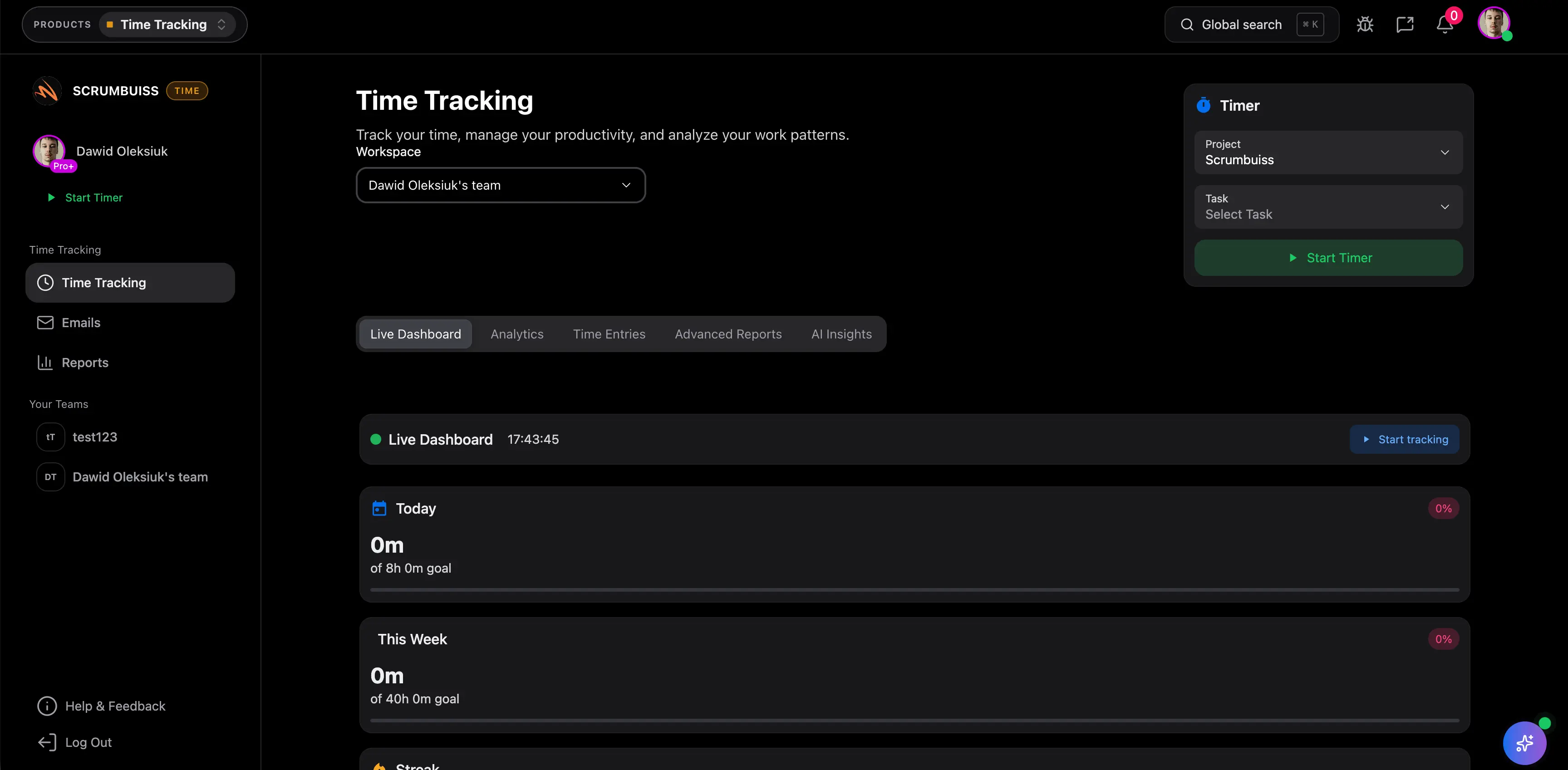
Timesheet example structure
Use this structure for a project delivery team, agency, or internal team that needs readable time entries.
Daily work log
Each row records one person’s work for a project task on a specific date with actual hours and a short work summary.
Billable review
The billable field helps agencies and service teams separate client delivery from internal coordination and admin work.
Estimate learning
Estimated and actual hours make it easier to spot recurring under-scoping before the next project plan is committed.
Approval workflow
Approval status and approver fields keep the template useful for weekly review without turning it into a payroll system.
Reporting handoff
Use project, client, and task fields to move the same time data into dashboards, workload review, or client updates.
Timesheet review checklist
Run this checklist during weekly review so the sheet stays reliable enough for reporting.
- Confirm every row has a project, task, person, date, and actual-hours value.
- Use billable status consistently so reports do not mix client delivery with internal coordination.
- Review estimate variance weekly while the context is still fresh.
- Add notes for large variances, blockers, waiting time, or scope changes.
- Keep approval status lightweight unless the team truly needs a formal timesheet workflow.
- Move time tracking into Scrumbuiss when reporting, workload, and delivery context need to stay live.
Common timesheet mistakes
These patterns make timesheets hard to use for client reporting, workload review, and future planning.
- Using a timesheet only as an archive instead of a source for better planning and workload decisions.
- Logging hours without project or task context, which makes reporting hard to trust.
- Mixing billable and non-billable work without a consistent field or review rule.
- Skipping variance notes, so the team sees that estimates were wrong but not why.
- Turning a simple project timesheet into a payroll or surveillance process that the page does not actually support.
How to use this timesheet template
Start in the CSV, agree on the logging rules, then move into Scrumbuiss when time data needs dashboards, workload context, and project reporting.
Set lightweight logging rules
Decide whether the sheet is reviewed daily or weekly, which work should be logged, and how billable status should be used.
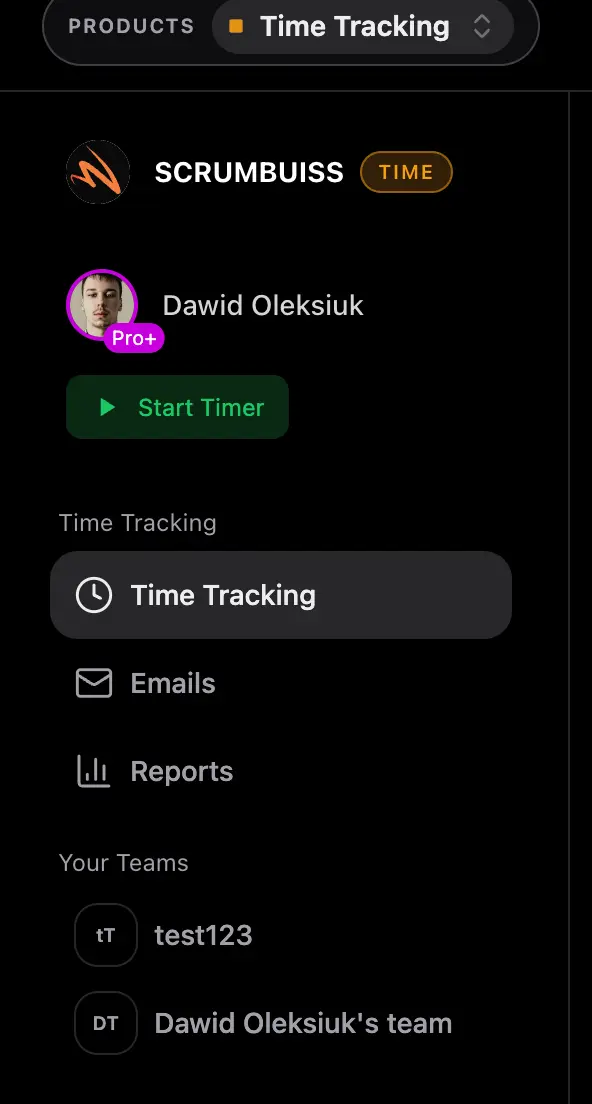
Compare estimates with actuals
Use the estimate and actual fields to spot under-scoped work, waiting time, and recurring delivery friction.
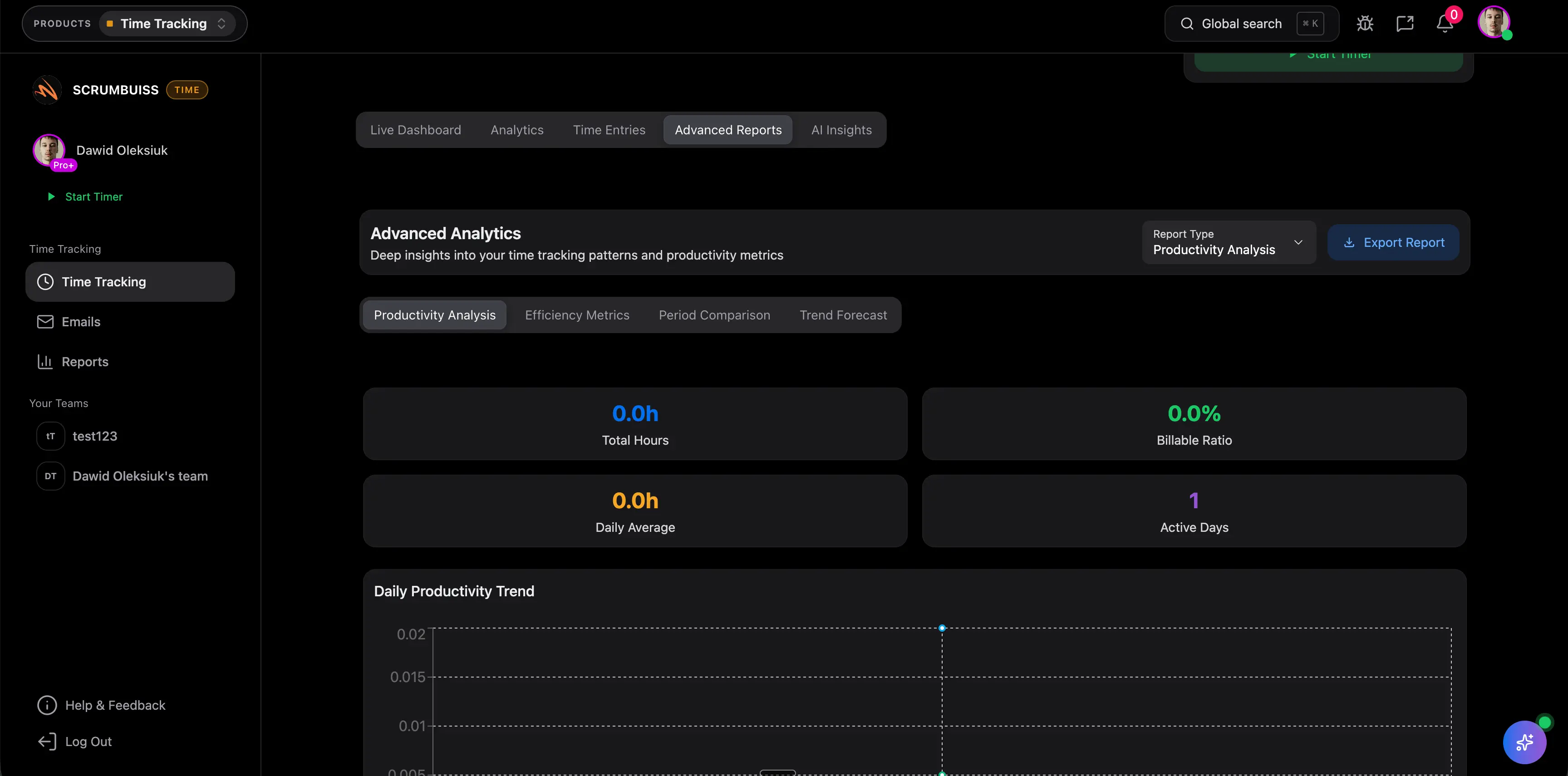
Move reporting into live workflow
When manual summaries become slow, connect time tracking to dashboards, workload planning, and project delivery in Scrumbuiss.
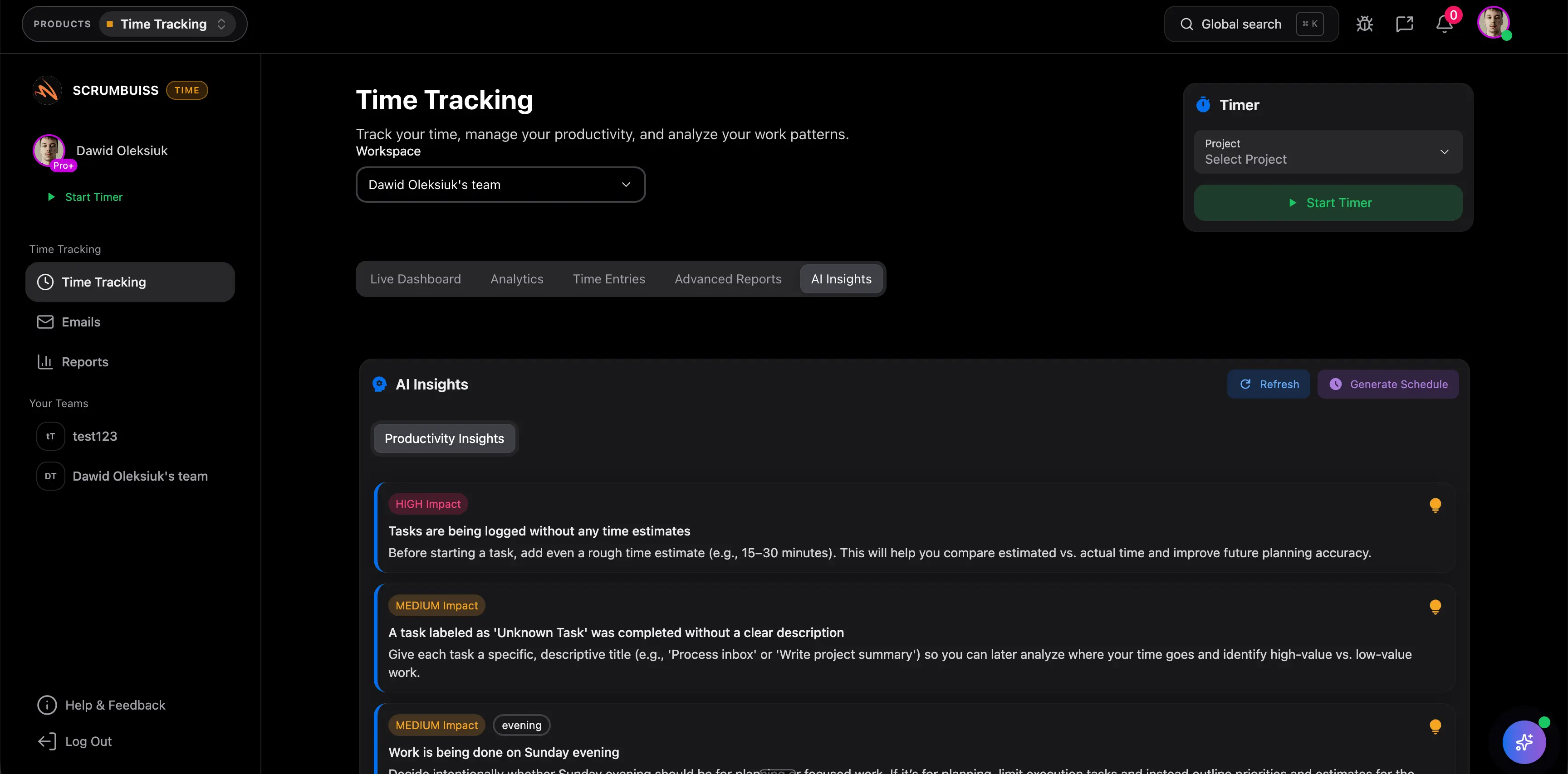
Related time tracking workflows
Use these Scrumbuiss pages when time entries need to stay connected to project delivery, workload, dashboards, and task management.
Recommended workflows
These workflows benefit from simple time capture before reporting and workload decisions become more advanced.
Client project management
Use caseClient project management software for agencies that keeps intake, briefs, files, approvals, time tracking, workload, and client-visible status in one workflow.
Agencies
Use caseProject management software for agencies that keeps time tracking, files, workload visibility, and reporting in one workflow.

Need more ideas? Browse use cases .
Timesheet template FAQ
What is a timesheet template? +
A timesheet template is a reusable sheet for logging work by date, person, project, task, client, billable status, estimated hours, actual hours, notes, and approval status.
Can I use this timesheet template in Excel or Google Sheets? +
Yes. The downloadable CSV opens in Excel, Google Sheets, and most spreadsheet tools. It is designed for lightweight project time tracking before the team moves into a live workflow.
Is this template for payroll tracking? +
No. This template is focused on project time tracking, delivery reporting, billable vs non-billable review, and estimate improvement. Payroll, legal billing, and employee surveillance workflows need separate controls.
What is the difference between a time tracker and a timesheet? +
A time tracker captures time as work happens, often with a timer. A timesheet organizes those entries for review, reporting, approval, and planning. Many teams need both once reporting becomes important.
When should a timesheet move into project management software? +
Move beyond a spreadsheet when time entries need live project context, dashboards, workload planning, approvals, or client reporting without manual copy-paste work.