Customer Stories

See how teams use Scrumbuiss across project delivery, CRM, ITSM, portfolio planning, and more.

Customer feedback

Real quotes from people using Scrumbuiss.

Martyna
MartynaCustomer • Verified March 11, 2026
Verified customer

Scrumbuiss runs very smoothly and has changed how I organize and execute my projects.

Krystian
KrystianCustomer • Verified March 11, 2026
Verified customer

The interface made it easy to assign tasks, set priorities, and monitor progress across our work.

Example workflows

These examples illustrate how teams can use Scrumbuiss. They are not customer quotes.

Use cases

Practical workflows illustrated with real Scrumbuiss screenshots. These guides help you see how teams can use Scrumbuiss.

Software teams

Use case

Project management software for software teams that keeps sprint planning, dependencies, GitHub-adjacent delivery visibility, and stakeholder reporting in one workflow.

  • Sprint planning and backlog execution in one workflow
  • Dependency and timeline visibility that engineering leads can act on
  • GitHub-adjacent delivery context for handoffs and release reviews

Software teams screenshot placeholder

IT operations

Use case

Project management software for IT operations that keeps incidents, change windows, automations, and Slack-connected updates visible in one delivery workflow.

  • Incident coordination with clear ownership and a readable status trail
  • Change windows and scheduling that stay visible to the people affected
  • Automations for reminders, escalations, and recurring follow-up work

IT operations screenshot placeholder

Sales pipelines

Use case

Sales pipeline software for teams that need lead management, deal follow-up, CRM activity, and sales-to-delivery handoff in one workflow.

  • Lead and deal stages with owners, next steps, and follow-up dates
  • Activities and playbooks that keep follow-up visible across the pipeline
  • Forms and automations for qualification, routing, and handoff reminders
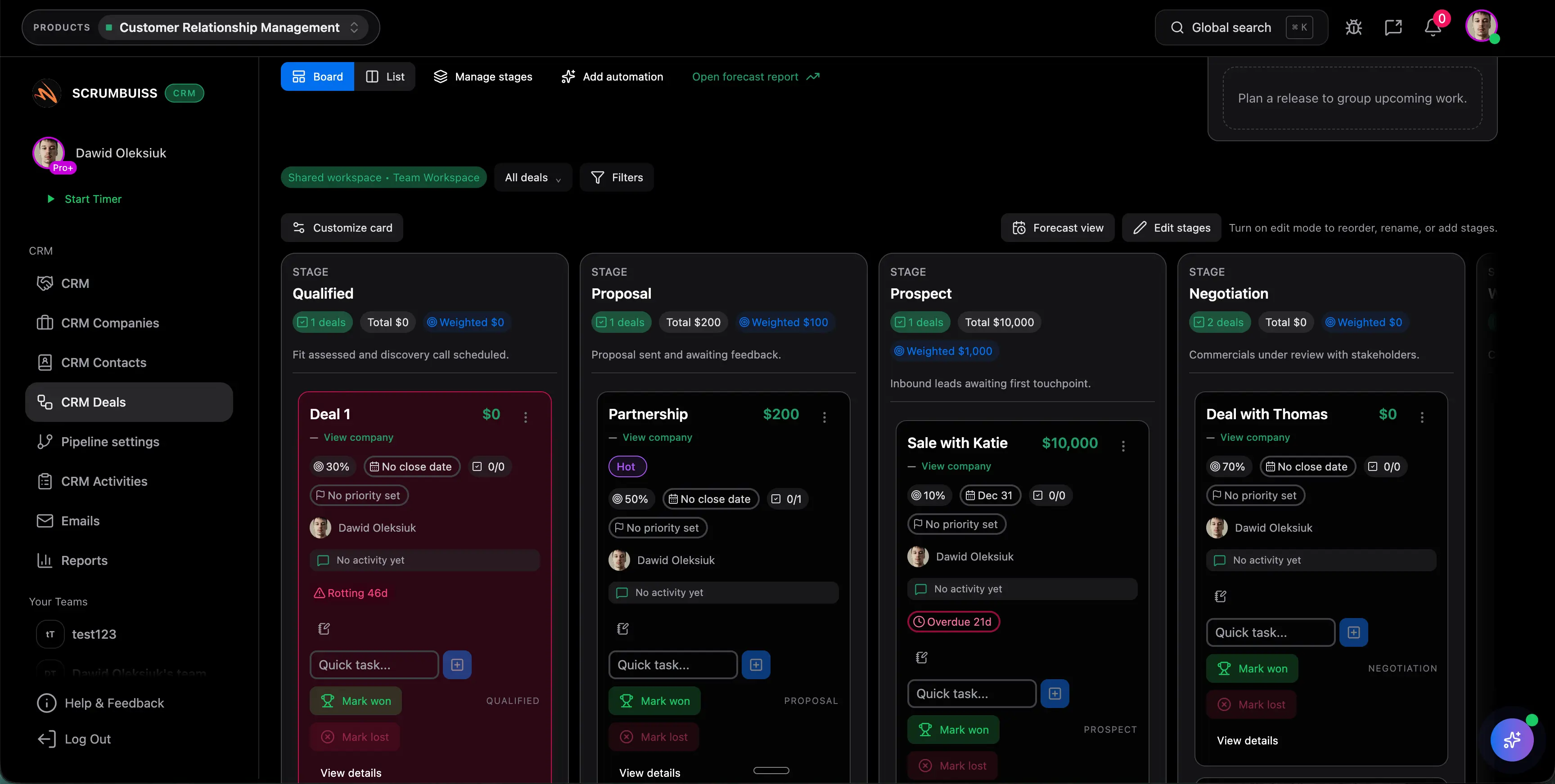
Sales pipelines screenshot placeholder

Client onboarding

Use case

Client onboarding software for agencies and implementation teams that keeps the closed-won handoff, kickoff brief, files, approvals, and first status cycle in one workflow.

  • Closed-won context, intake, and kickoff brief stay in one handoff path
  • Files, approvals, and first owned actions remain attached to the same onboarding record
  • Automations and reminders support follow-up before the handoff goes cold
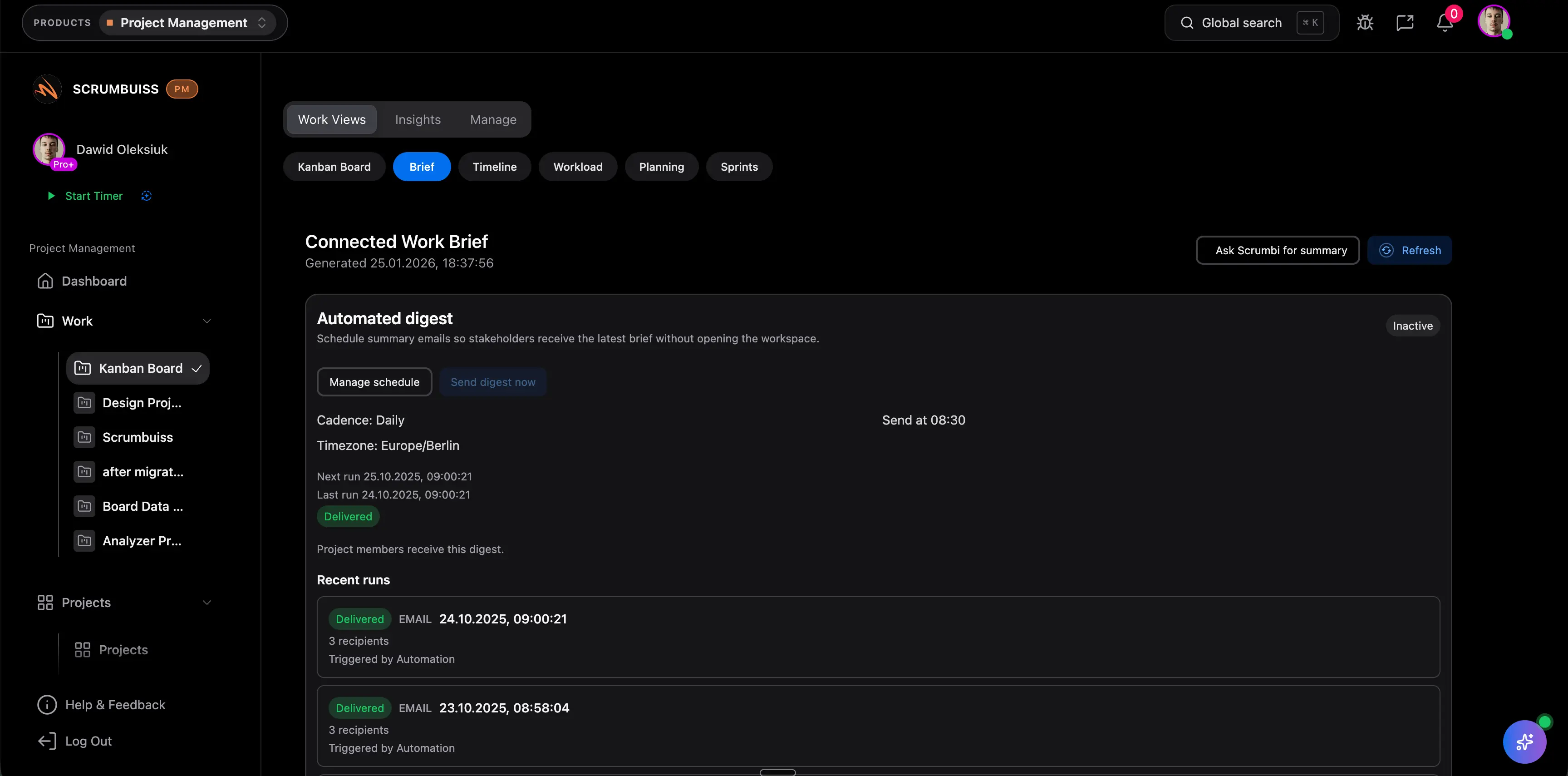
Client onboarding screenshot placeholder

Client project management

Use case

Client project management software for agencies that keeps intake, briefs, files, approvals, time tracking, workload, and client-visible status in one workflow.

  • One workflow from request intake to kickoff, delivery, and client-ready status
  • Files, briefs, and approvals stay attached to the same client record
  • Time tracking and workload review stay close to the work being delivered
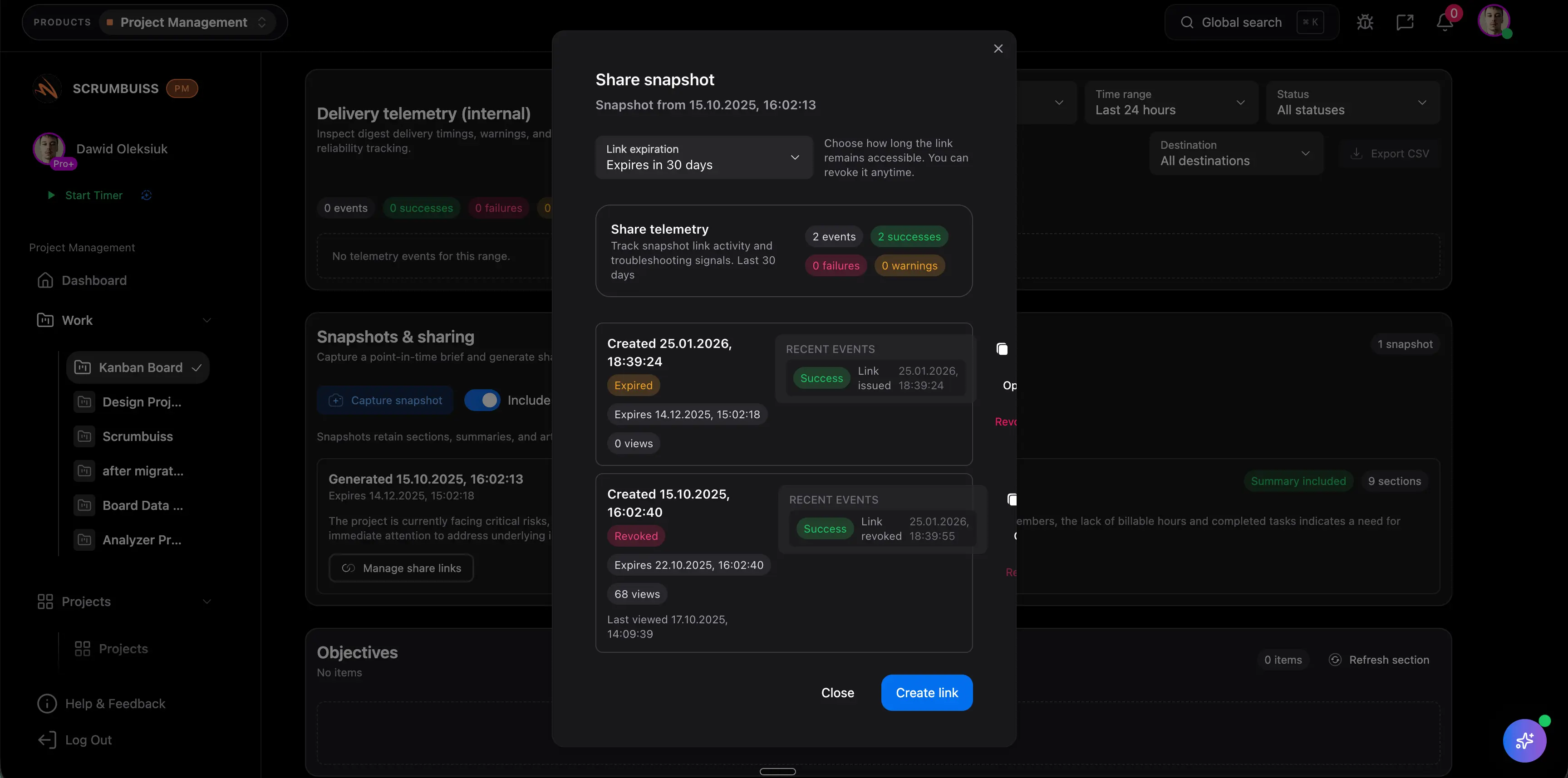
Client project management screenshot placeholder

Agencies

Use case

Project management software for agencies that keeps time tracking, files, workload visibility, and reporting in one workflow.

  • Project briefs that capture scope, stakeholders, and success criteria before work starts
  • Time tracking that rolls into dashboards and account-level reporting
  • Files and shared collections tied to delivery context, not buried in separate folders

Agencies screenshot placeholder

Want to be featured?

If you’re using Scrumbuiss and want to share your workflow and results, we’d love to publish a short case study.

Contact us

Unlock Agile Success
Get started or contact us today!

Evaluation notes

How to evaluate Scrumbuiss customer workflows in a working project system

The best way to evaluate Scrumbuiss customer workflows is to connect the review to a real delivery path. The notes below are meant for buyers and operators who want to compare Scrumbuiss against the way their team actually plans, hands off, reports, and reviews project work.

When teams review Scrumbuiss customer workflows, the useful question is whether the next owner can see scope, deadlines, blockers, files, and approval history without rebuilding the story from chat messages or old meeting notes. That keeps the evaluation grounded in work that already happens instead of a generic feature checklist. Use it as baseline evidence for the first pilot.

A practical pilot for Scrumbuiss customer workflows should include operating context, because daily work, status updates, delivery confidence, and client-facing commitments remain connected instead of being split across a board, a spreadsheet, and a separate reporting deck. This also makes the demo easier to score because the team can compare the before and after workflow step by step. Use it as baseline evidence for the first pilot.

The strongest signal for Scrumbuiss customer workflows is not another static screen; it is proof that the setup is simple enough that account leads, project managers, contributors, and stakeholders keep using it after the first week rather than returning to private trackers. If that evidence is missing, the rollout usually creates another reporting layer instead of reducing coordination work. Use it as baseline evidence for the first pilot.

Before selecting a tool for Scrumbuiss customer workflows, document how the current process handles reporting quality and whether leaders can distinguish real delivery risk from ordinary activity noise because estimates, ownership, due dates, workload, and comments are reviewed together. Scrumbuiss is designed to keep those signals close to the work so the operating picture stays readable. Use it as baseline evidence for the first pilot.

When teams review Scrumbuiss customer workflows, the useful question is whether customers or external stakeholders receive a readable status narrative without being invited into every internal operational detail. That keeps the evaluation grounded in work that already happens instead of a generic feature checklist. Use it as baseline evidence for the first pilot.

A practical pilot for Scrumbuiss customer workflows should include structured intake, because new work enters the system with enough context to route it, prioritize it, and start delivery without another round of clarification. This also makes the demo easier to score because the team can compare the before and after workflow step by step. Use it as baseline evidence for the first pilot.

The strongest signal for Scrumbuiss customer workflows is not another static screen; it is proof that briefs, attachments, comments, and approvals remain close to the tasks and milestones they affect so review cycles do not drift into separate tools. If that evidence is missing, the rollout usually creates another reporting layer instead of reducing coordination work. Use it as baseline evidence for the first pilot.

Before selecting a tool for Scrumbuiss customer workflows, document how the current process handles capacity planning and whether the team can see where work is blocked by people, dependencies, reviews, or unplanned incidents before the deadline is already at risk. Scrumbuiss is designed to keep those signals close to the work so the operating picture stays readable. Use it as baseline evidence for the first pilot.

When teams review Scrumbuiss customer workflows, the useful question is whether the first rollout can start with one real workflow, prove that the operating model is easier to maintain, and then expand without forcing a full rebuild. That keeps the evaluation grounded in work that already happens instead of a generic feature checklist. Use it as baseline evidence for the first pilot.

A practical pilot for Scrumbuiss customer workflows should include governance, because permissions, ownership, status rules, and escalation paths are clear enough for managers, contributors, clients, and procurement reviewers. This also makes the demo easier to score because the team can compare the before and after workflow step by step. Use it as baseline evidence for the first pilot.

The strongest signal for Scrumbuiss customer workflows is not another static screen; it is proof that the team agrees which signals matter, such as cycle time, estimate variance, open risks, overdue reviews, blocked work, and handoff rework. If that evidence is missing, the rollout usually creates another reporting layer instead of reducing coordination work. Use it as baseline evidence for the first pilot.

Before selecting a tool for Scrumbuiss customer workflows, document how the current process handles automation fit and whether reminders, routing rules, and follow-up prompts remove repeated coordination work without hiding accountability from the people who own the outcome. Scrumbuiss is designed to keep those signals close to the work so the operating picture stays readable. Use it as baseline evidence for the first pilot.

When teams review Scrumbuiss customer workflows, the useful question is whether connected tools keep their source-of-truth role while Scrumbuiss keeps the project narrative, next action, and stakeholder update readable. That keeps the evaluation grounded in work that already happens instead of a generic feature checklist. Use it as baseline evidence for the first pilot.

A practical pilot for Scrumbuiss customer workflows should include security review, because vendor checks, role access, external sharing, and procurement questions are handled early enough that they do not delay the pilot after the workflow proves useful. This also makes the demo easier to score because the team can compare the before and after workflow step by step. Use it as baseline evidence for the first pilot.

The strongest signal for Scrumbuiss customer workflows is not another static screen; it is proof that the page should help a buyer decide what to test first, what evidence to collect, and which adjacent workflow to inspect before requesting a broader rollout. If that evidence is missing, the rollout usually creates another reporting layer instead of reducing coordination work. Use it as baseline evidence for the first pilot.

Before selecting a tool for Scrumbuiss customer workflows, document how the current process handles long-term maintainability and whether the operating model stays readable when the team adds more projects, more clients, more dependencies, or more reporting layers later in the year. Scrumbuiss is designed to keep those signals close to the work so the operating picture stays readable. Use it as baseline evidence for the first pilot.

Useful checks before rollout

  • Test Scrumbuiss customer workflows with one real project, not only sample data, so missing fields and ownership gaps appear quickly.
  • Ask every reviewer to name the status, owner, next action, and open risk from the same project record.
  • Confirm which updates should be internal, which should be client-visible, and which should trigger follow-up work.
  • Compare the new workflow against the current mix of spreadsheets, chats, decks, and disconnected project boards.