GitHub integration guide • reviewed March 12, 2026

Project Management Software With GitHub Integration

Connect GitHub activity to sprint planning, delivery review, workload visibility, and stakeholder reporting so code context stays close to the work without trapping updates inside the repo.

Use this page to compare GitHub-connected planning, delivery visibility, and stakeholder reporting before you commit to a broader workflow change.

Project Management Software With GitHub Integration

How we reviewed GitHub-connected project management tools

Reviewed on March 12, 2026. This page compares one workflow: how teams connect GitHub activity to planning, delivery visibility, and reporting for people who do not live inside GitHub all day.

  • Scrumbuiss references come from the live pricing page plus the Project Delivery product, Software teams workflow, and Jira comparison pages in this site.
  • Competitor references come from the official GitHub integration or project-management pages published by ClickUp, Asana, OpenProject, and Zenhub.
  • The goal is not to score every checkbox. It is to help teams decide whether they need GitHub-native planning, GitHub-to-task sync, or a broader delivery operating layer.

When Scrumbuiss is a fit

The right decision depends less on one integration checkbox and more on where your weekly operating workflow should live after code activity leaves GitHub.

Strong fit for Scrumbuiss

Best when GitHub activity should live inside a broader delivery workflow instead of being limited to task sync alone.

  • Engineering leads want commits, pull requests, and task progress closer together.
  • Managers, product leads, or clients need sprint, workload, timeline, or status views outside GitHub.
  • The team wants planning, execution, and reporting in the same operating layer.

Worth testing carefully

Run a real pilot if the repo is central to engineering, but the rest of the business still needs more visible delivery coordination.

  • You already plan work in GitHub or Jira, but reporting still happens elsewhere.
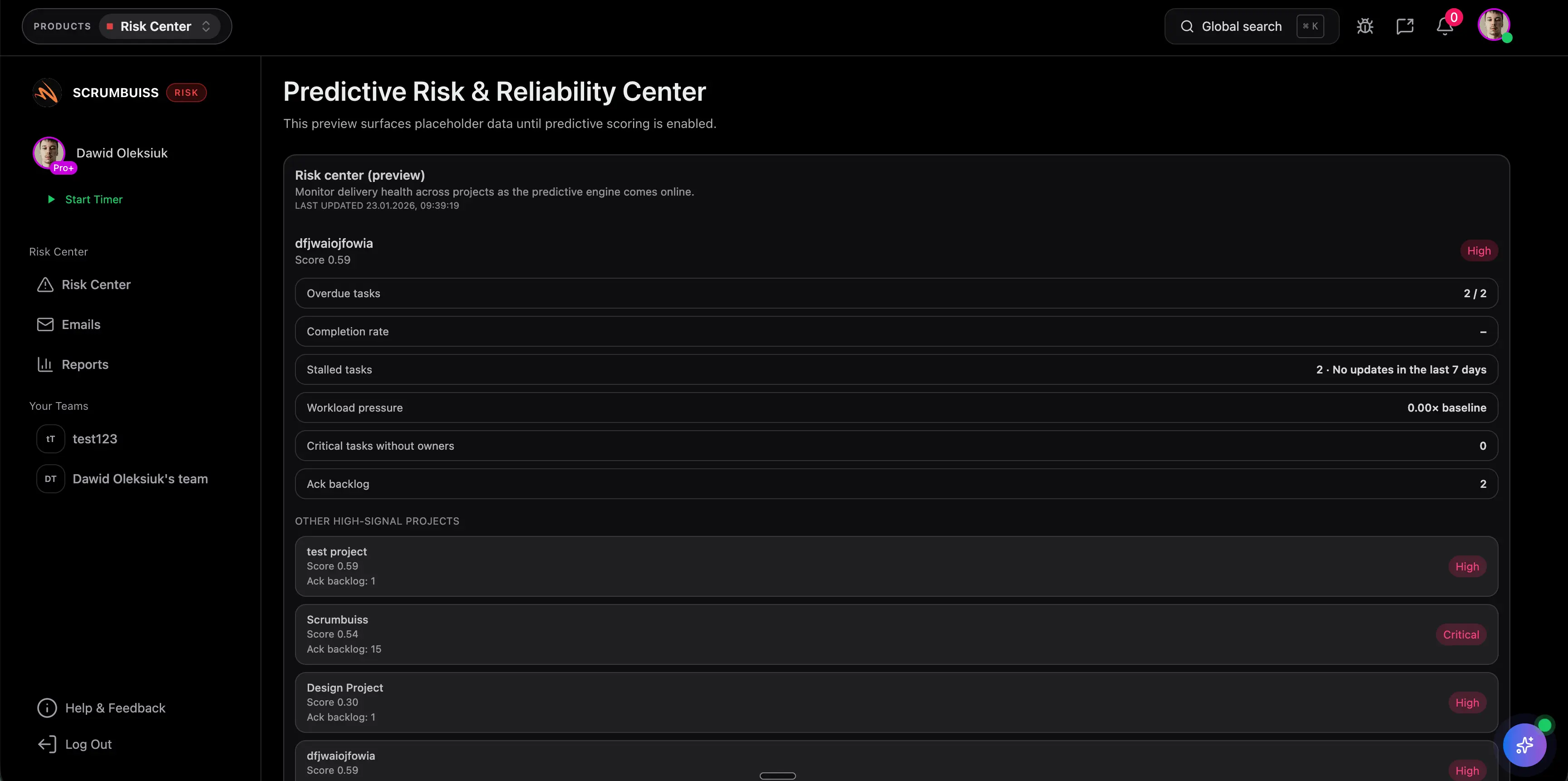
  • Release risk, cross-functional handoffs, or weekly delivery reviews are the current bottlenecks.
  • One team can test the workflow with live pull requests before you standardize.

Probably not the best fit

A more GitHub-native tool may fit better when GitHub itself should remain the complete center of planning and execution.

  • The team wants planning to live entirely inside GitHub.
  • Non-engineering stakeholder reporting is minimal.
  • A GitHub-first add-on matters more than a broader project-delivery layer.

Repository context

Keep commits and pull requests closer to delivery work

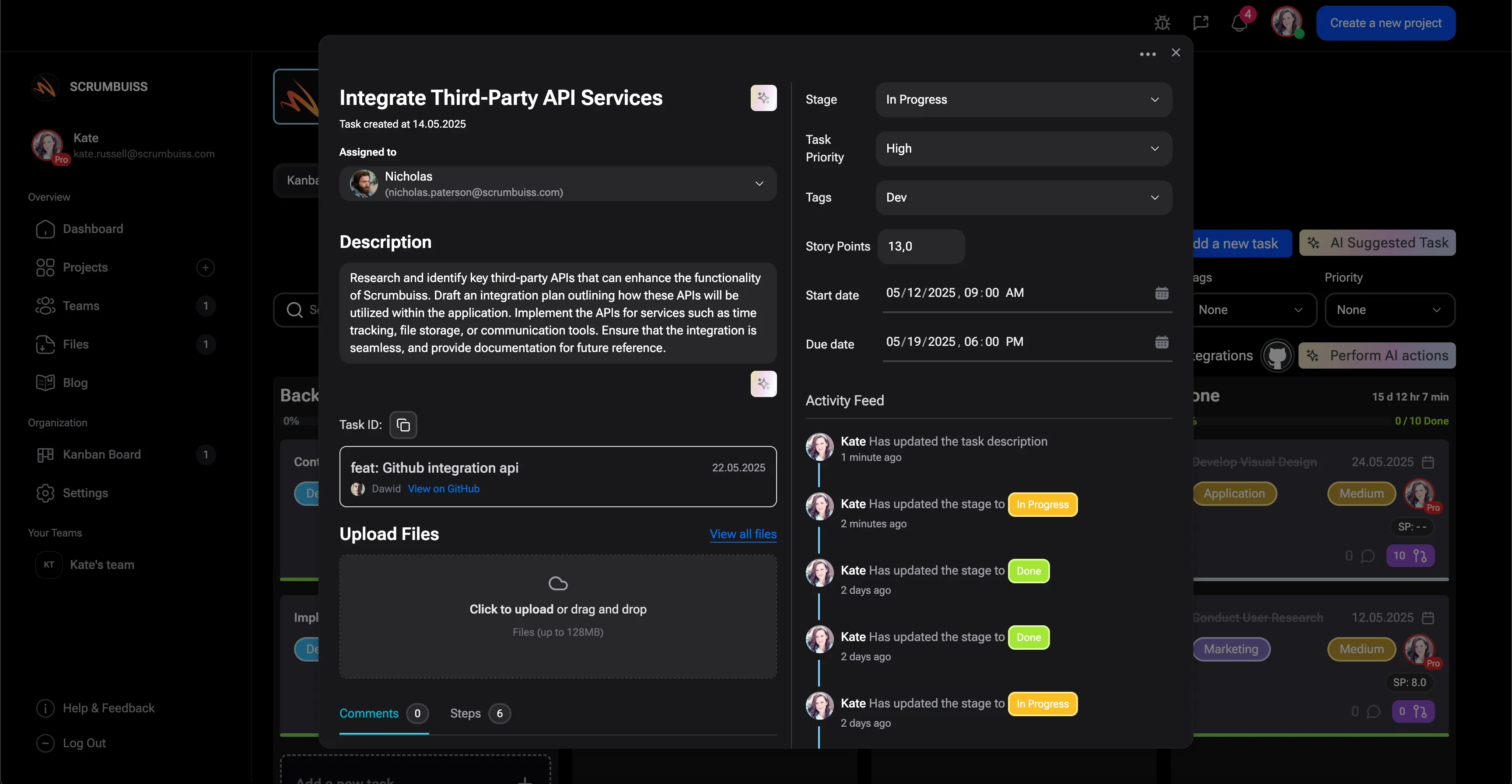
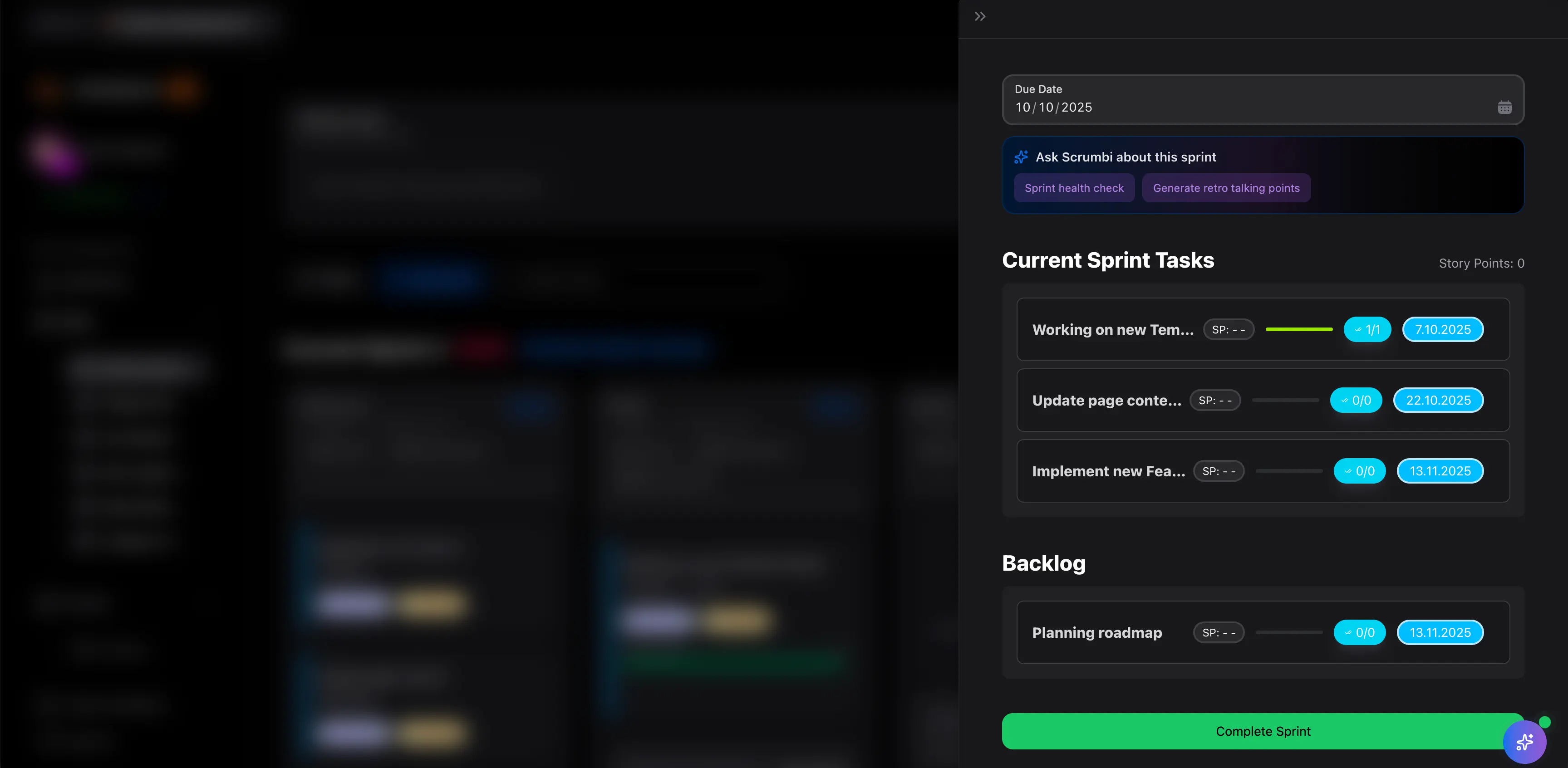
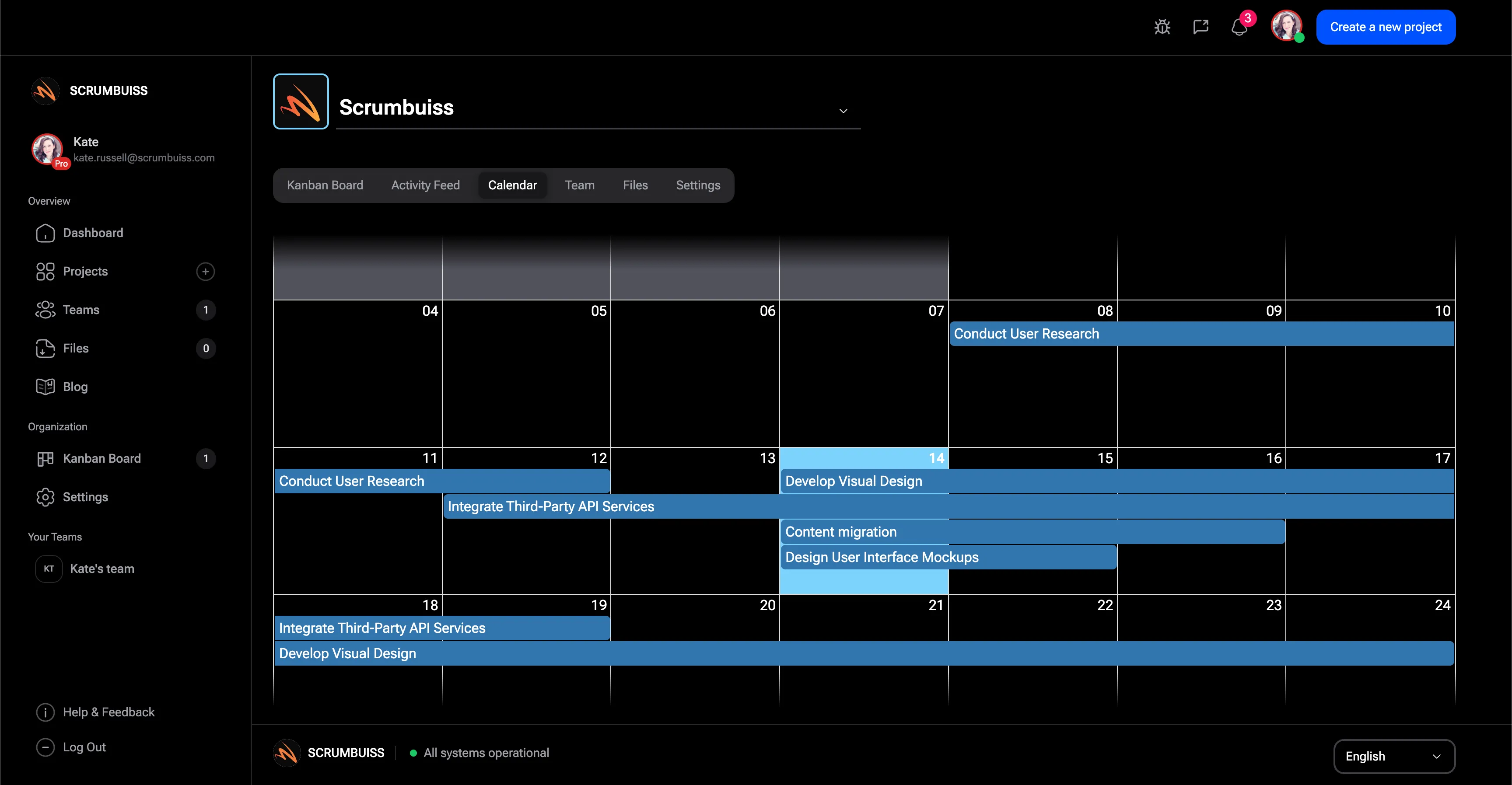
GitHub integration is most valuable when code activity ties back to planned work. That gives sprint boards, project views, and status reviews more signal than task titles alone and reduces the amount of manual translation leads need to do after every development update.

  • Keep repository activity next to the delivery work it supports.
  • Reduce context switching between planning review and repository review.
  • Give leads a clearer way to review progress without digging through every repo.
Scrumbuiss GitHub integration screenshot

Stakeholder visibility

Make GitHub activity readable outside engineering

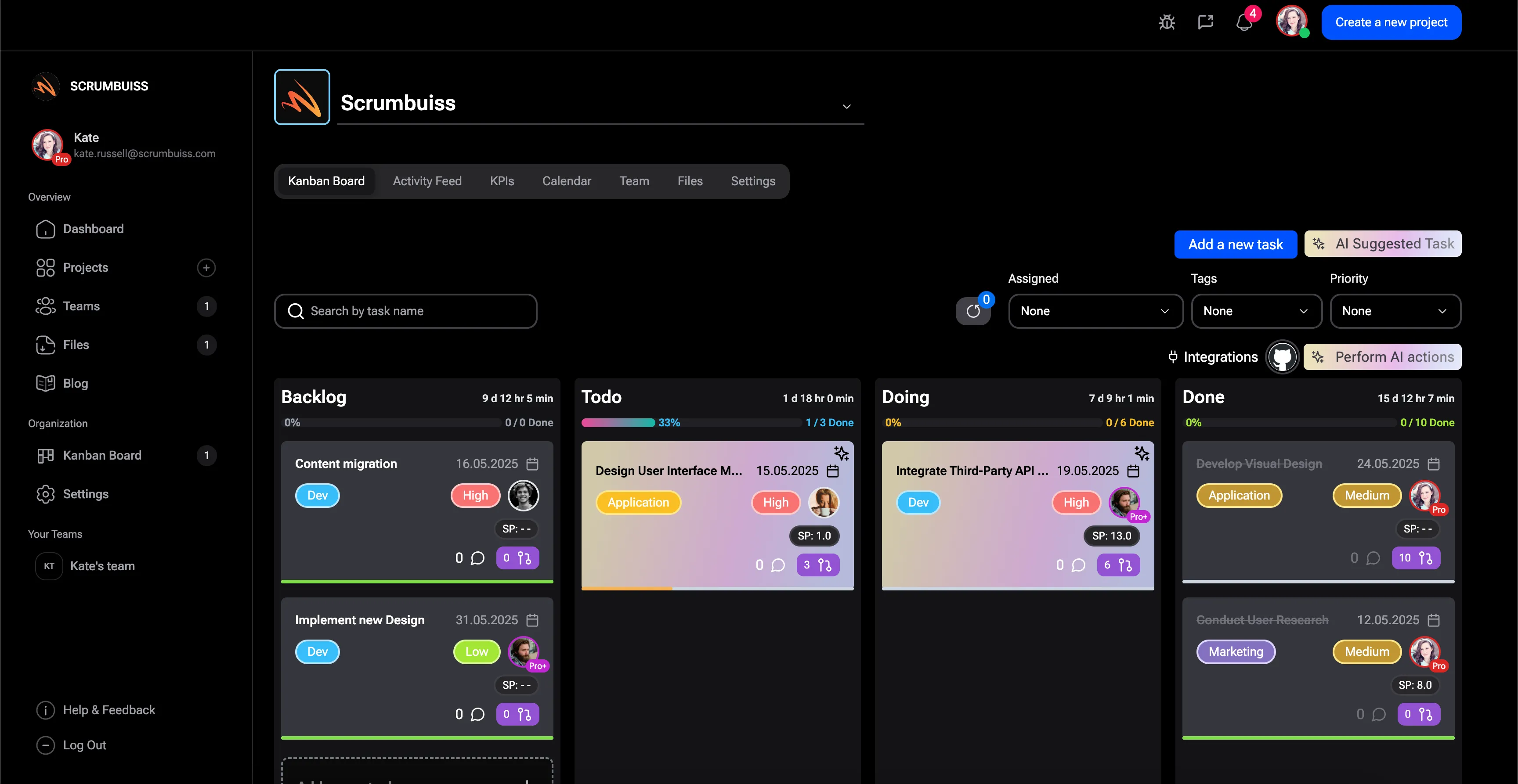
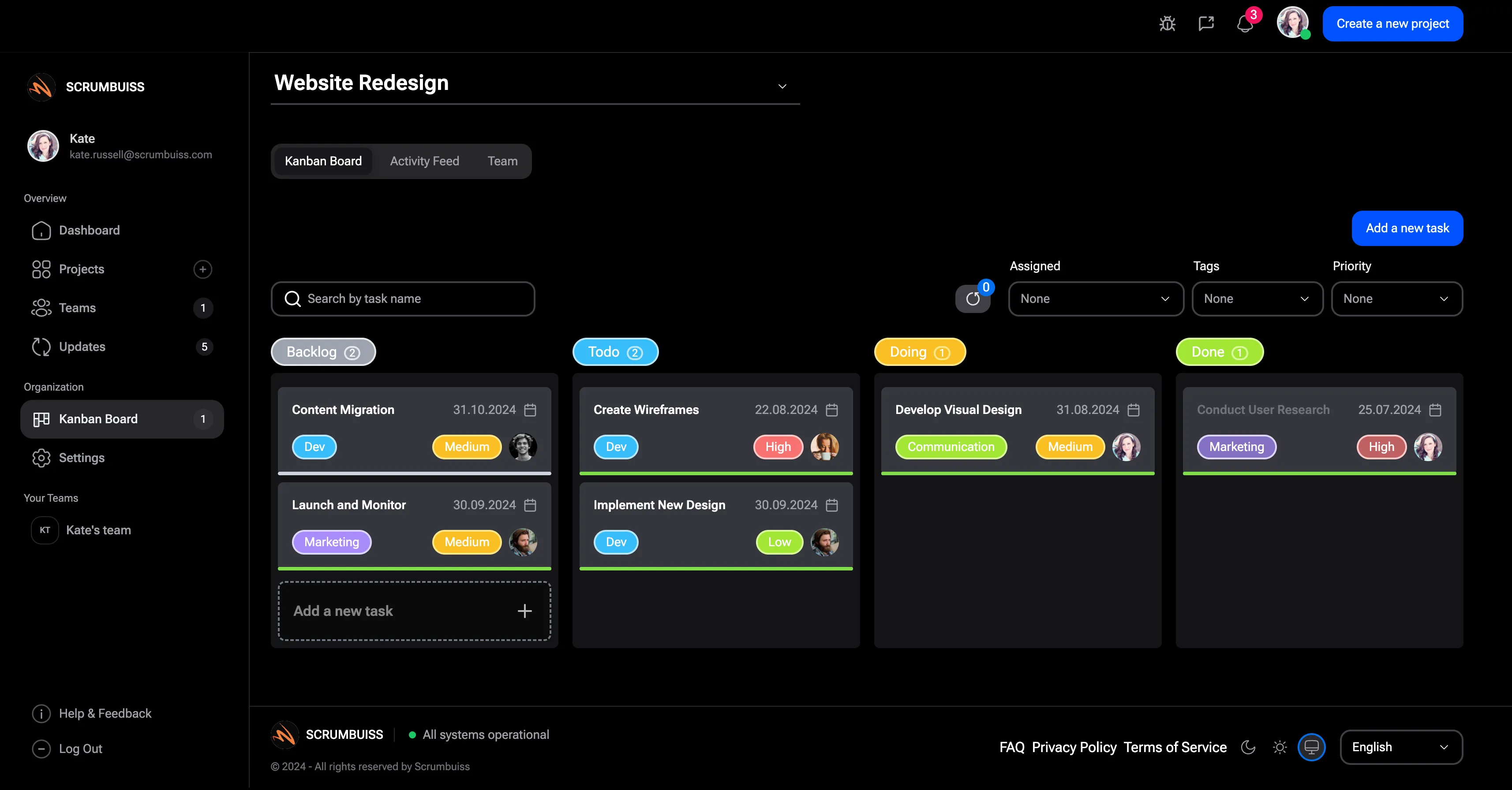
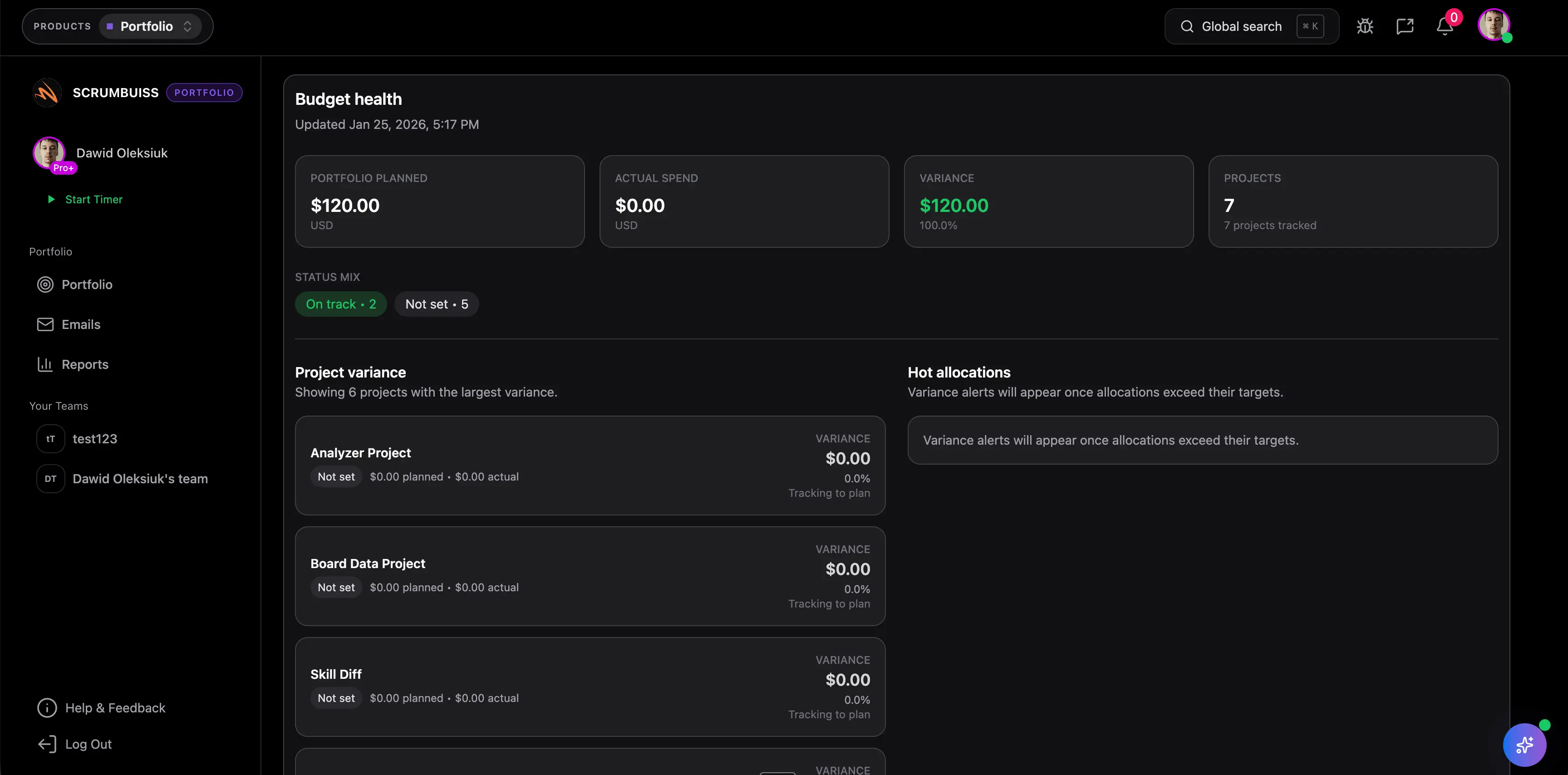
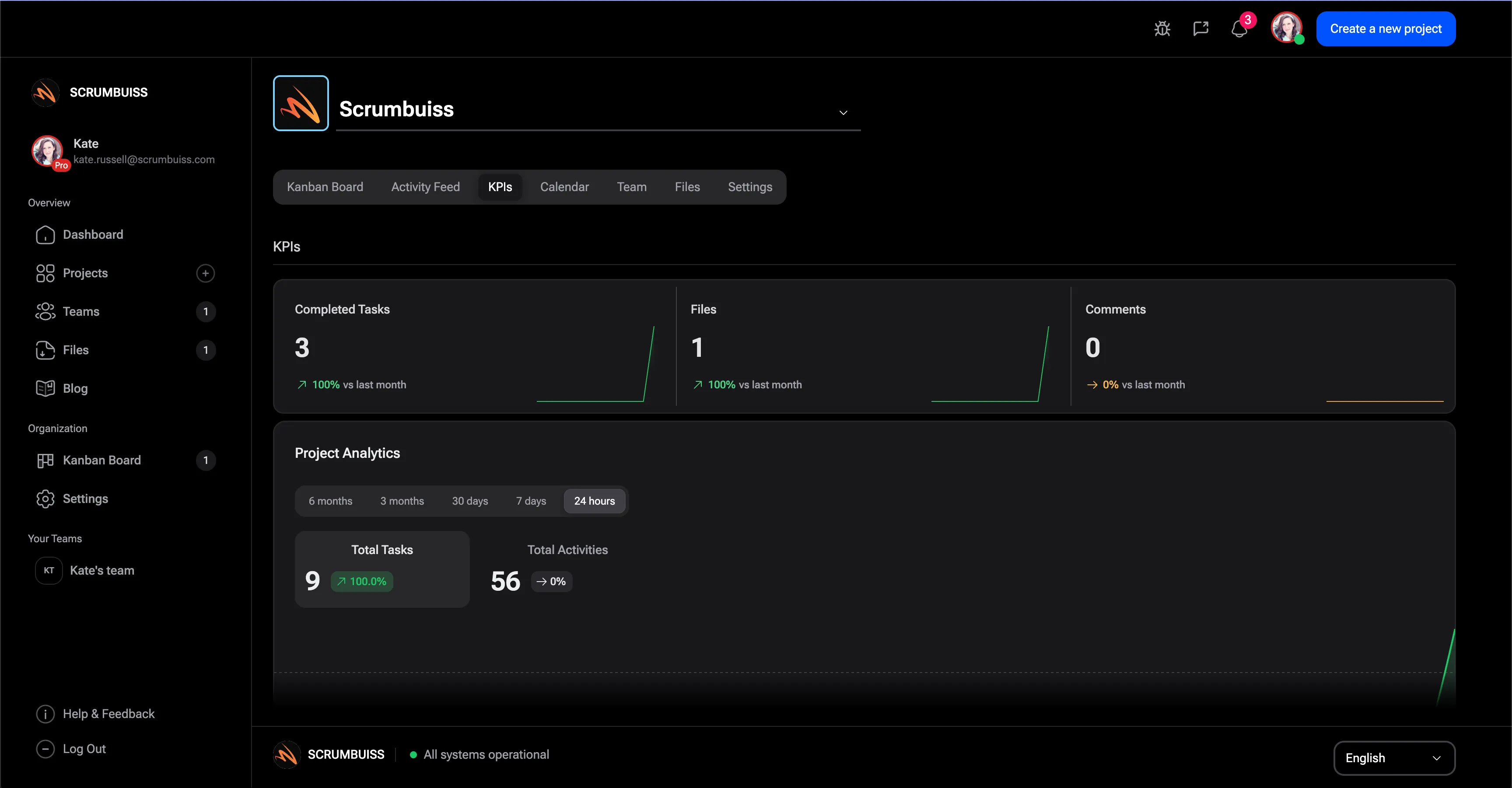
A useful GitHub integration does not stop at developer convenience. It should help product leads, delivery managers, and other stakeholders understand what moved, what is blocked, and where execution risk is building without requiring them to operate inside GitHub every day.

  • Bring development signals into planning and reporting conversations.
  • Keep product, ops, and delivery leads aligned on what changed since the last review.
  • Use one operating layer for code-related work and adjacent delivery decisions.
Project delivery overview in Scrumbuiss

Pilot design

Test the integration around one real weekly workflow

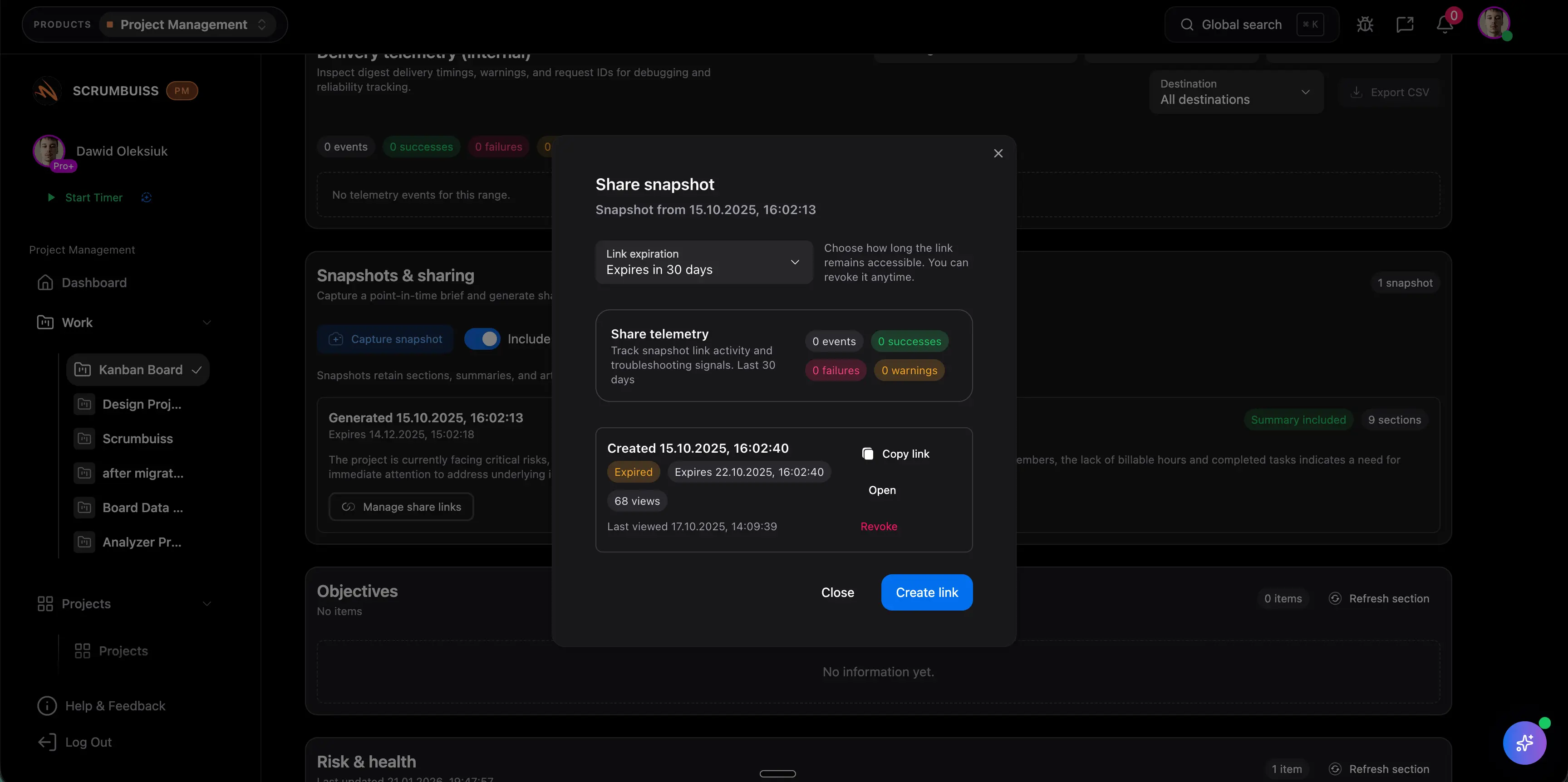
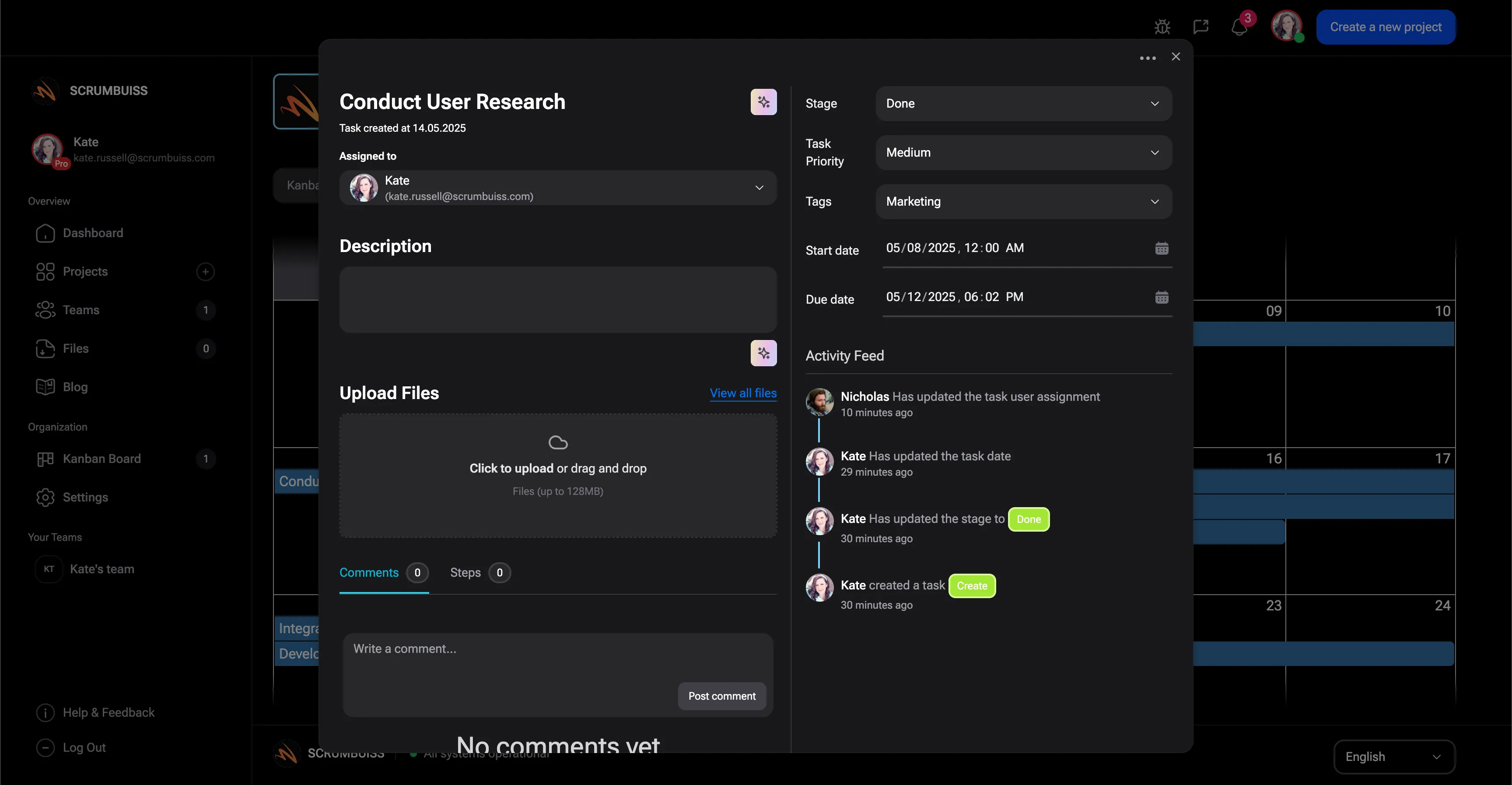
The best GitHub-integration trial is not a feature demo. It is one live workflow such as backlog refinement, sprint commitment, release review, or incident follow-up. Start with a single team and a single repo, then expand only after the reporting loop works for both engineering and non-engineering stakeholders.

  • Pick one repo, one team, and one reporting meeting.
  • Decide which GitHub events matter for planning visibility before rollout.
  • Verify the workflow with real pull requests before standardizing across teams.
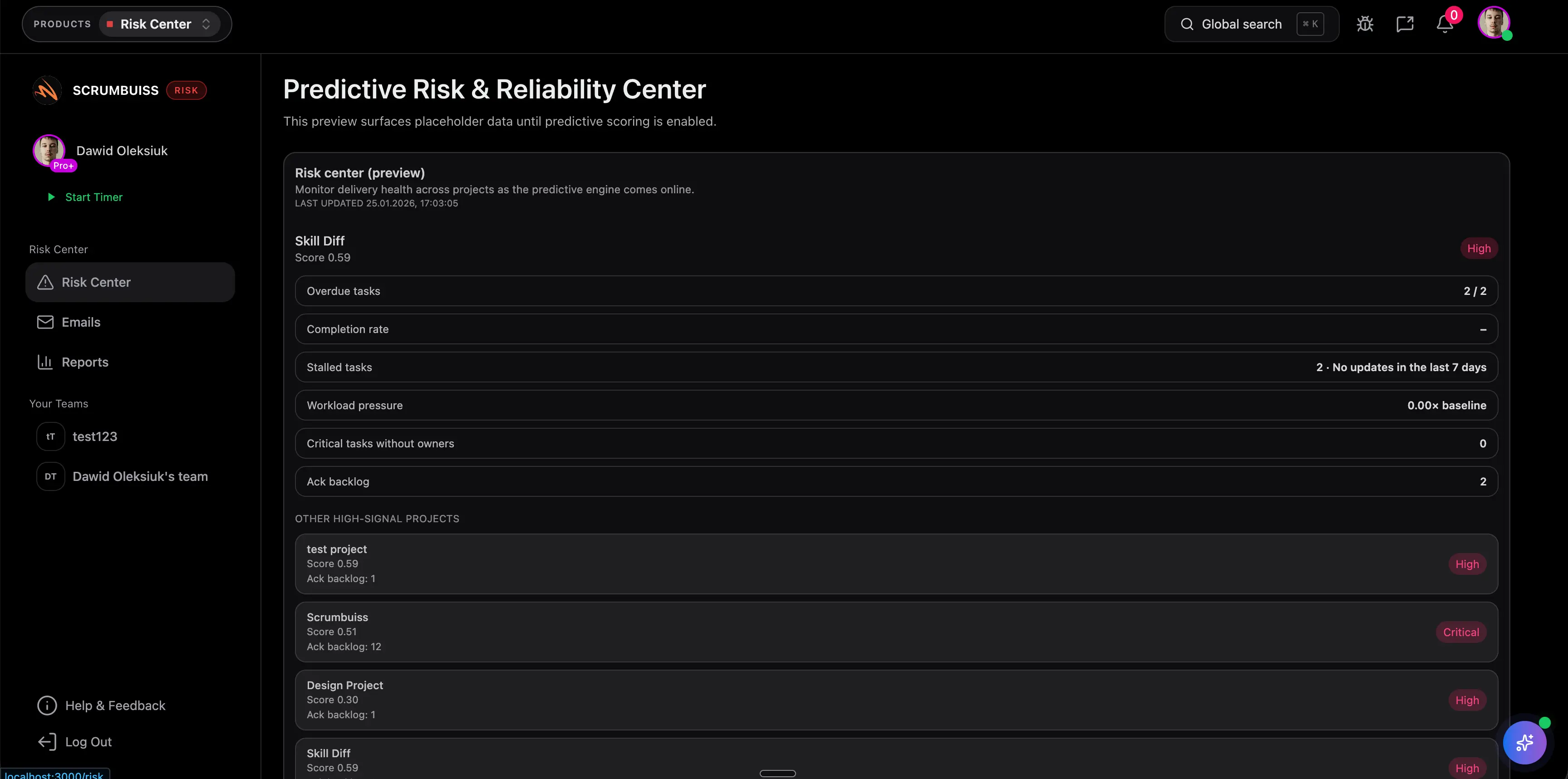
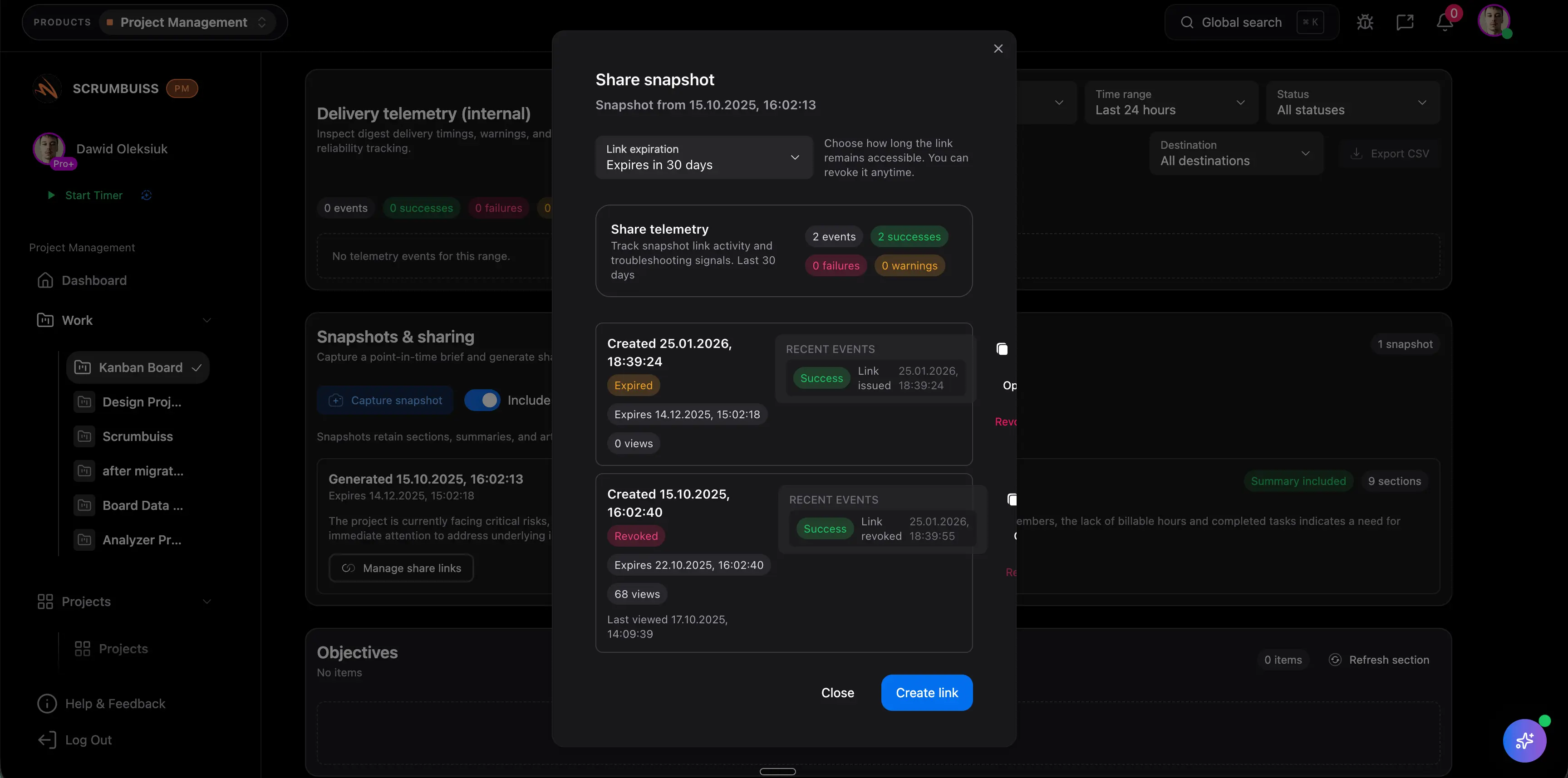
GitHub activity connected to Scrumbuiss workflows

Competitor snapshot

These tools all connect GitHub differently. The useful question is where the rest of your operating workflow should live after code activity leaves the repo.

Tool Best for GitHub angle Main tradeoff Why teams choose Scrumbuiss instead
ClickUp Teams that want GitHub events attached to a broad all-in-one task workspace. Publicly positions branches, commits, and pull requests as task-level context inside ClickUp. The broader workspace can become configuration-heavy when delivery standards and reporting discipline matter more than tool breadth. Scrumbuiss is stronger when the goal is a clearer delivery operating layer around sprints, timelines, workload review, and stakeholder reporting.
Asana Cross-functional teams that want GitHub updates visible on tasks used by product and business stakeholders. Publicly positions GitHub branches, commits, and pull requests as updates that keep software and product teams aligned inside Asana. The integration is centered on task sync and cross-functional collaboration, not on a deeper engineering-delivery operating model. Scrumbuiss is stronger when software delivery, planning, and reporting all need to stay closer together instead of living in separate layers.
OpenProject Teams that want work packages linked to GitHub activity inside a more formal project-governance environment. Publicly highlights connecting commits and pull requests to work packages, plus GitHub activity and build status visibility. It is a heavier fit if the team wants a lighter delivery workflow instead of a more formal work-package model. Scrumbuiss is stronger when the team wants agile delivery visibility, workload review, and stakeholder-friendly reporting without that heavier setup.
Zenhub Engineering teams that want project management to stay deeply embedded inside GitHub. Publicly positions Zenhub as project management for GitHub with planning, roadmaps, automation, and reporting built around the GitHub experience. That GitHub-native model is less ideal when managers, operations teams, or client stakeholders need a broader operating layer outside the repo. Scrumbuiss is stronger when GitHub should inform delivery and reporting, but not become the only surface the rest of the business can understand.

Review exact plan limits, GitHub event coverage, and setup details on the vendor pages before you buy. Product names are trademarks of their respective owners.

Evaluation checklist for a GitHub integration pilot

Use this checklist to test a real workflow instead of stopping at a demo account.

  1. Step 1

    Choose one live team, one repo, and one weekly delivery meeting for the pilot.

  2. Step 2

    Define which GitHub events matter for visibility: commits, pull requests, status changes, or issue references.

  3. Step 3

    Map the work structure first so the integration supports a real sprint, timeline, or release workflow.

  4. Step 4

    Decide which stakeholders need engineering-level detail and which only need delivery-level reporting.

  5. Step 5

    Test the workflow with real pull requests and real deadlines, not sample data.

  6. Step 6

    Review where context still breaks: planning, handoff, workload, release review, or stakeholder updates.

  7. Step 7

    Standardize only after the team can run one full weekly cycle without rebuilding the story manually.

FAQ

These are the buying and setup questions teams usually need answered before standardizing a GitHub-connected workflow.

What should project management software with GitHub integration actually help with?

It should make GitHub activity useful in the broader delivery workflow. That usually means tying commits, pull requests, and repository progress back to planned work, sprint reviews, release visibility, and reporting that non-engineering stakeholders can still follow.

Is Scrumbuiss a better fit than a GitHub-native planning tool?

Scrumbuiss is a better fit when GitHub should stay important but not become the only place the business can understand delivery. If the team wants planning, workload review, stakeholder reporting, and adjacent workflows outside GitHub, Scrumbuiss is usually the stronger evaluation path.

Should we evaluate this against Jira, ClickUp, Asana, or Zenhub?

Yes. Those tools represent different buying patterns: Jira for established engineering process, ClickUp for broad all-in-one work management, Asana for cross-functional collaboration, and Zenhub for GitHub-native planning. The right comparison depends on where your weekly operating workflow should live.

What is the right way to pilot a GitHub integration?

Run one real workflow with one team, one repo, and one live reporting loop. Use actual pull requests, deadlines, and planning rituals, then measure whether the integration reduced manual status translation or only moved it somewhere else.

Who should be involved in the evaluation?

Include the engineering lead who owns the repo workflow, the person responsible for planning or sprint review, and at least one stakeholder who consumes delivery updates outside engineering. If those three viewpoints are not aligned, the pilot will miss the real workflow pressure.