Project development plan template Excel
Download a free project development plan template for Excel with phases, milestones, owners, dependencies, risks, status fields, Gantt chart inputs, and deliverable tracking for project teams.
Use this project plan template to organize phases, milestones, owners, dependencies, risks, and deliverables before the same plan moves into briefs, timelines, boards, and dashboards in Scrumbuiss.
What this project plan template helps you organize
Use these checkpoints to turn a planning spreadsheet into a delivery plan people can actually run from.
- ✓ Project development plan template structure for phases, milestones, owners, dependencies, dates, and deliverables
- ✓ Spreadsheet-friendly CSV you can open in Excel, Google Sheets, or another planning tool
- ✓ Example project plan rows that show how scope, risks, project timelines, and acceptance criteria stay connected
- ✓ Review checklist for turning a static project plan into a working delivery plan
When to use this template
A project plan template is most useful when the team needs shared structure before dates, owners, and handoffs start drifting.
- Use it before kickoff when the team needs one readable plan for scope, milestones, owners, and dependencies.
- Use it when a project plan currently lives across meeting notes, task lists, and separate status spreadsheets.
- Use it when stakeholders need a project plan example before they agree on dates, deliverables, or review cadence.
- Use it when the team needs a lightweight Excel or CSV starting point before moving the plan into live project software.
What is inside the project plan template
The CSV keeps phases, milestones, tasks, dependencies, risks, owners, due dates, and status in one planning view.
What to include in a project plan
A practical project plan connects objective, timeline, ownership, dependencies, deliverables, risk, and review cadence.
Project objective
State the outcome the project should create so milestones and deliverables can be judged against the same goal.
Phases and milestones
Break the plan into major phases and milestone dates so stakeholders can understand the delivery path without reading every task.
Deliverables
List the outputs the team is committing to, including review expectations and acceptance criteria where useful.
Owners and approvers
Name the person responsible for each line item and the approver who can accept the work or unblock a decision.
Dependencies
Capture upstream work, approvals, files, vendors, or decisions that could delay the plan if they are missed.
Risks and status
Track delivery risk, current status, and the next review date so the project plan stays useful after kickoff.
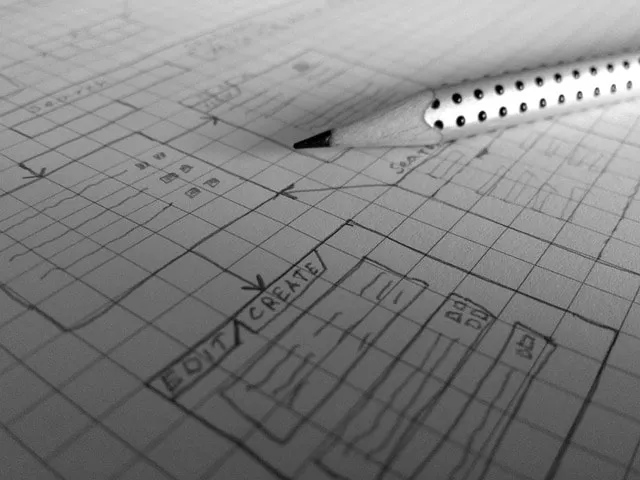
Project plan example structure
Use this example structure to decide how much detail your project plan needs before it becomes hard to maintain.
Discovery and kickoff
Confirm objective, stakeholders, scope, non-goals, and success measures before the team commits to dates.
Planning and dependencies
Map phases, milestone targets, required files, capacity assumptions, approvals, and known blockers.
Execution
Track deliverables by owner, status, due date, dependency, risk level, and next review date.
Review and approval
Use acceptance criteria, approver fields, and handoff notes to make sign-off concrete instead of subjective.
Launch or handoff
Close the plan with final deliverables, unresolved follow-ups, owner handoff, and links to files or dashboards.
Project plan review checklist
Run this checklist before sharing the plan with stakeholders or using it as the basis for delivery commitments.
- Confirm the project objective is specific enough to guide scope and timeline tradeoffs.
- Check that every milestone has an owner, target date, and visible dependency assumptions.
- Make sure each deliverable has acceptance criteria or a clear review expectation.
- Review dependencies before dates are promised to stakeholders.
- Add risks and mitigation notes before the plan is treated as final.
- Link the plan to the brief, files, timeline, dashboard, or board where execution will continue.
Common project plan mistakes
These patterns usually make project plans stale, unrealistic, or disconnected from execution.
- Treating the project plan as a date list instead of a working agreement about scope, ownership, and dependencies.
- Skipping risks and blockers until they already affect the schedule.
- Listing deliverables without naming who approves them or how acceptance will be decided.
- Keeping the plan in a spreadsheet after execution has moved into a separate task board or timeline.
- Adding every possible task instead of keeping the plan focused on decisions, milestones, owners, and delivery confidence.
How to use this project plan template
Start in the CSV, agree on the delivery path, then move into Scrumbuiss when execution, reporting, and handoffs need live context.
Start with the outcome and phases
Write the project objective, then break the work into phases and milestone checkpoints before assigning individual tasks.

Add owners, dates, and dependencies
Name accountable owners, target dates, dependency assumptions, and blockers so the plan shows where delivery confidence is weak.
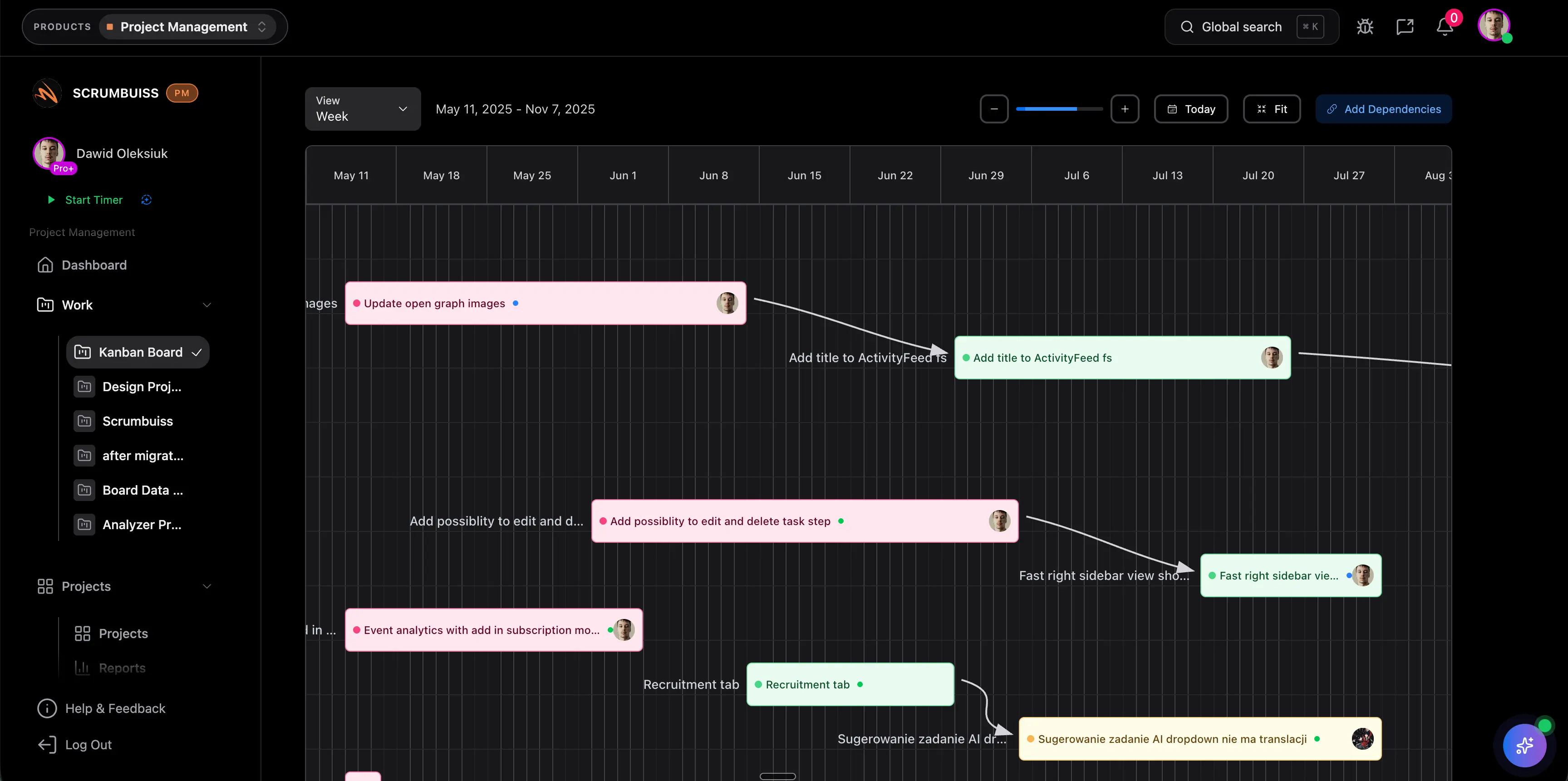
Move execution into live workflow
Use the plan as the starting structure, then connect tasks, files, dashboards, and timeline updates when the work starts moving.
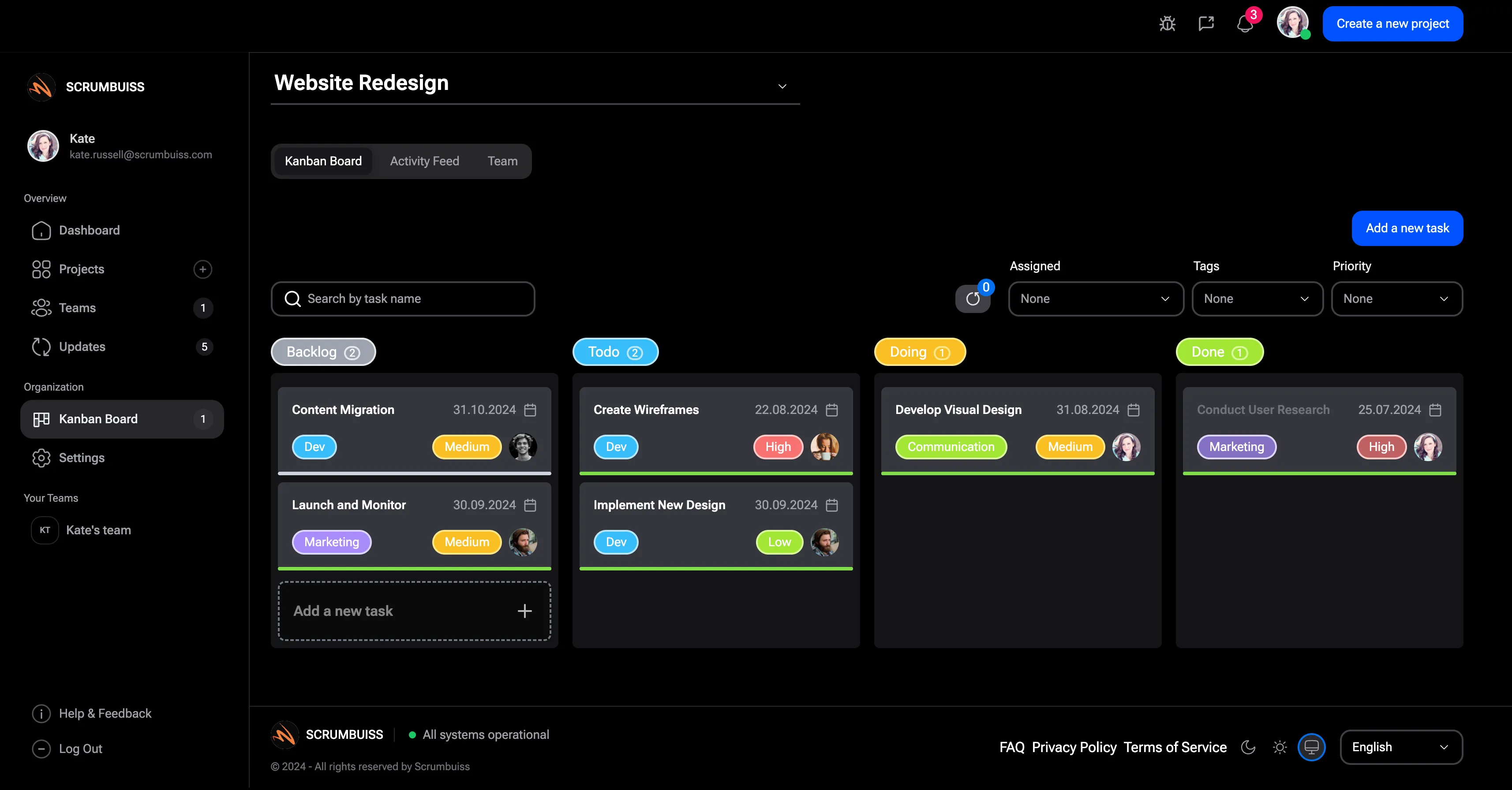
Related planning workflows
Use these Scrumbuiss pages when the project plan needs to stay connected to briefs, intake, timelines, boards, files, and reporting.
Recommended workflows
These workflows benefit from a clear project plan before delivery commitments move into execution.
Software teams
Use caseProject management software for software teams that keeps sprint planning, dependencies, GitHub-adjacent delivery visibility, and stakeholder reporting in one workflow.

Sales pipelines
Use caseSales pipeline software for teams that need lead management, deal follow-up, CRM activity, and sales-to-delivery handoff in one workflow.
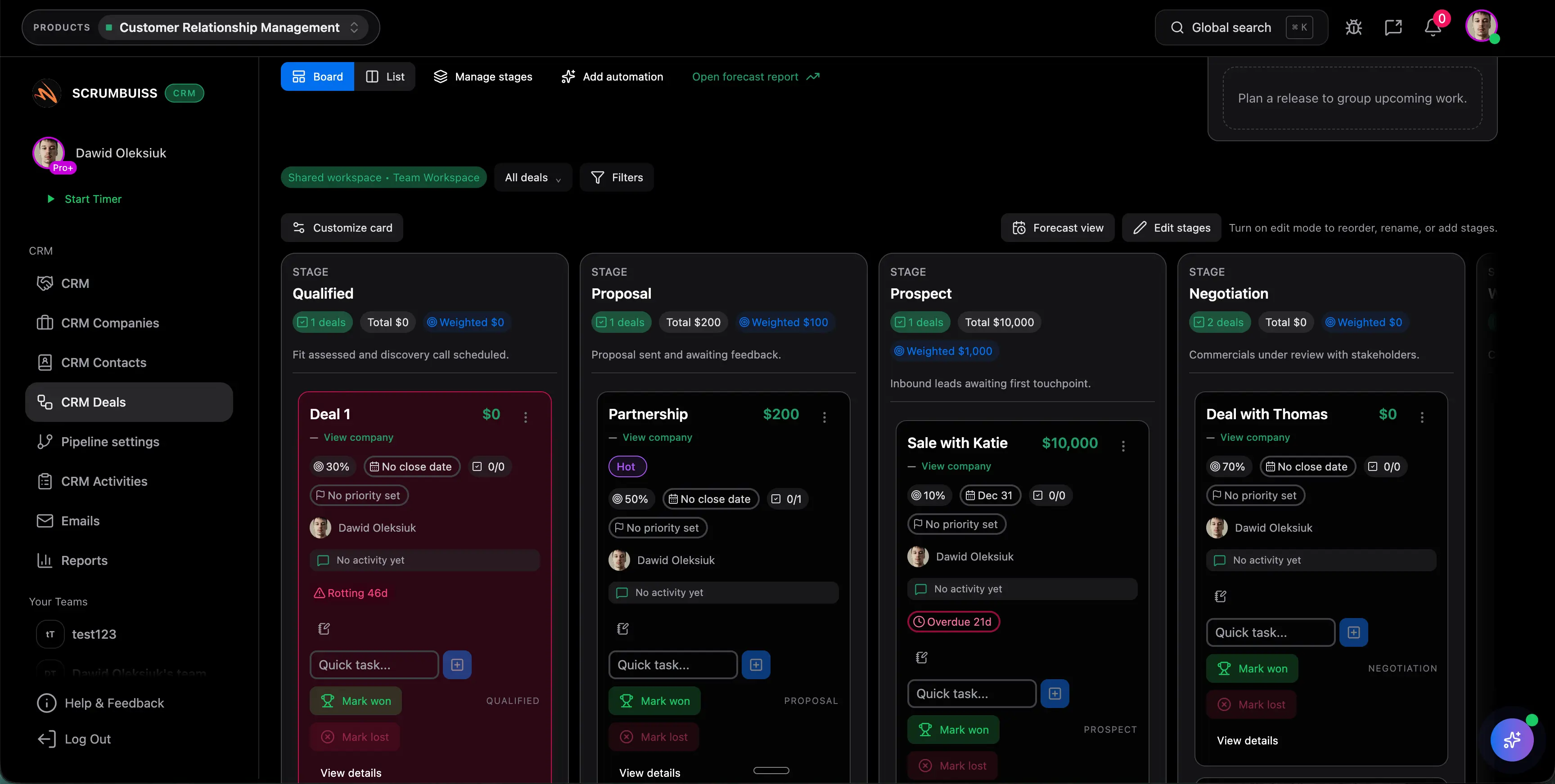
Client onboarding
Use caseClient onboarding software for agencies and implementation teams that keeps the closed-won handoff, kickoff brief, files, approvals, and first status cycle in one workflow.
Client project management
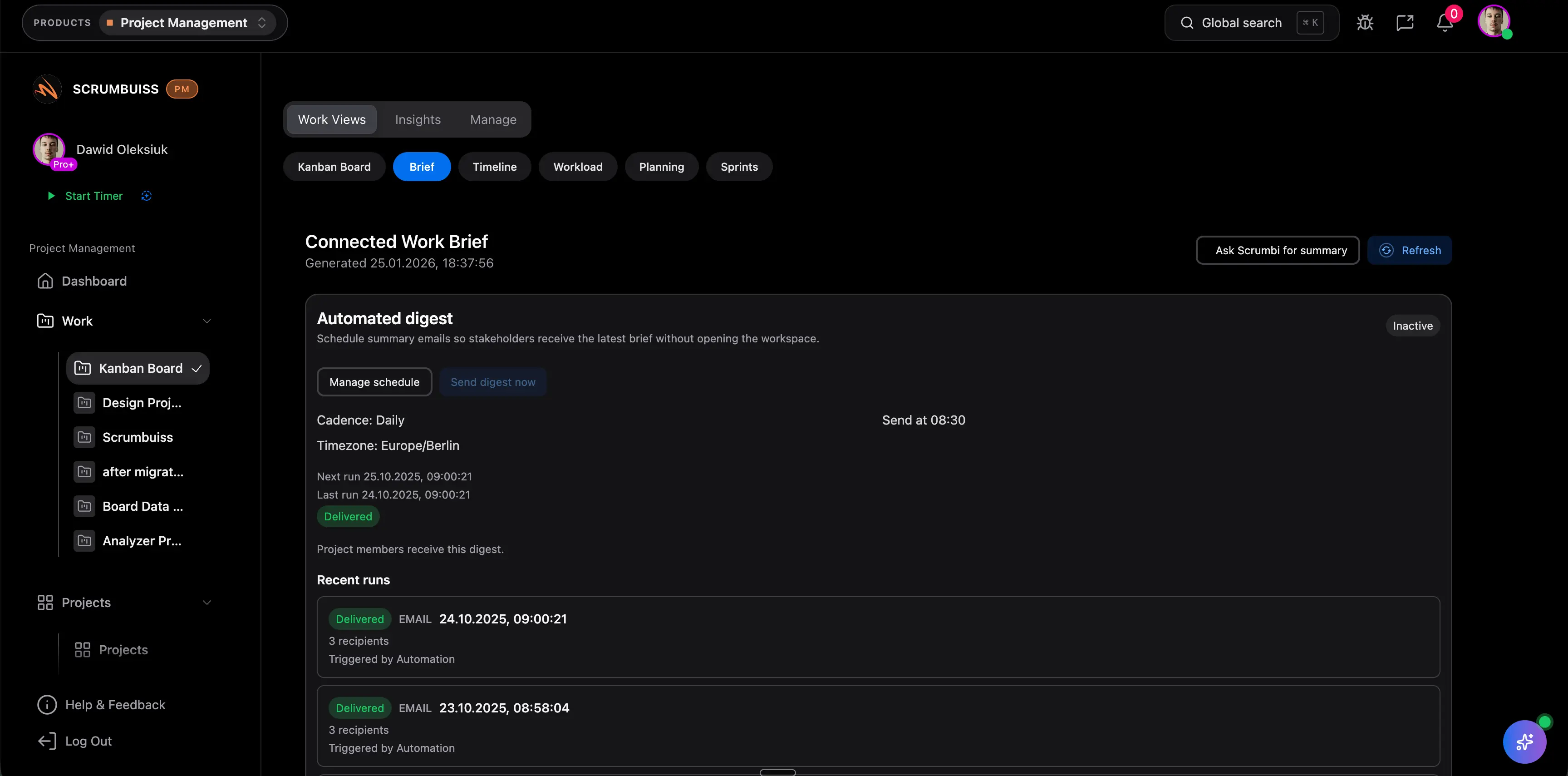
Use caseClient project management software for agencies that keeps intake, briefs, files, approvals, time tracking, workload, and client-visible status in one workflow.
Agencies
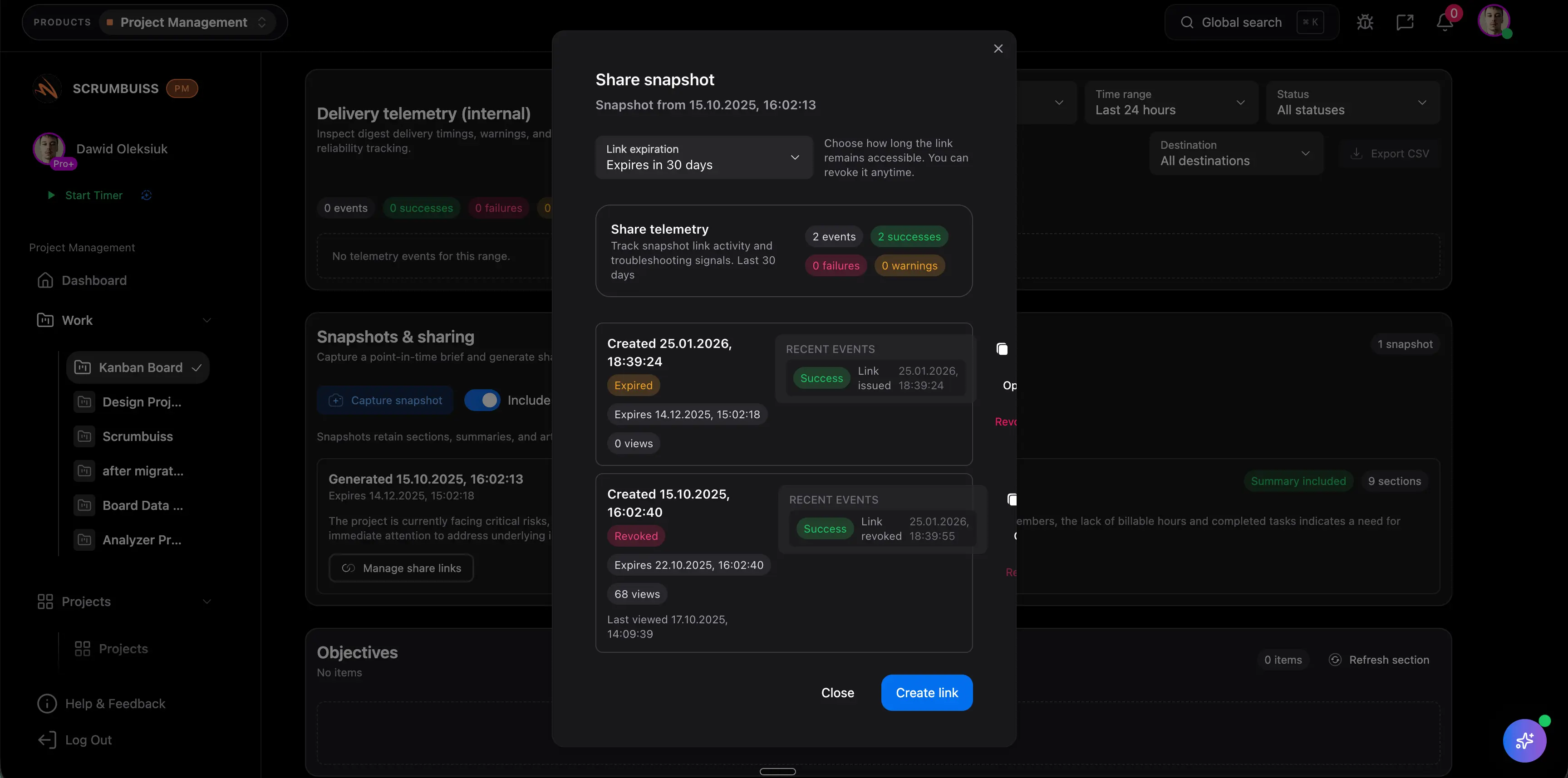
Use caseProject management software for agencies that keeps time tracking, files, workload visibility, and reporting in one workflow.

Need more ideas? Browse use cases .
Project plan template FAQ
What is a project plan template? +
A project plan template is a reusable structure for organizing the goal, phases, milestones, tasks, owners, dates, dependencies, risks, status, and deliverables for a project.
Can I use this project plan template in Excel or Google Sheets? +
Yes. The downloadable CSV opens in Excel, Google Sheets, and most spreadsheet tools. It is designed as a lightweight starting point before the plan moves into live project workflows.
What is the difference between a project plan and a project brief? +
A project brief explains the goal, context, scope, stakeholders, and success criteria. A project plan turns that context into phases, milestones, owners, dependencies, dates, and status tracking.
How detailed should a project plan be? +
It should be detailed enough to show ownership, milestones, dependencies, risks, and delivery expectations without becoming a task dump. Detailed execution work can move into boards, timelines, and dashboards.
When should a project plan move from a spreadsheet into software? +
Move beyond a spreadsheet when tasks, files, status updates, risks, dependencies, and stakeholder reporting need to stay current without manual copy-paste work.