Project status report template
Download a free project status report template with progress, milestones, blockers, risks, decisions, next steps, and stakeholder update fields.
Use this project status report template to prepare stakeholder updates that connect progress, milestones, blockers, risks, decisions, and next steps before the same reporting rhythm moves into Scrumbuiss dashboards.
What this project status report template helps you do
Use these checkpoints to produce a useful update instead of another status document that stakeholders skim and ignore.
- ✓ Project status report structure for progress, milestones, blockers, risks, decisions, and next steps
- ✓ Spreadsheet-friendly CSV that can be opened in Excel, Google Sheets, or a project reporting workflow
- ✓ Fields for audience, reporting period, evidence links, update owner, and decision follow-up
- ✓ Review checklist for turning a static status report into a stakeholder-ready weekly update
When to use this template
A project status report template is most useful when reporting needs a consistent structure before live dashboard updates are trusted by the whole audience.
- Use it when stakeholders need a consistent weekly or biweekly status update instead of a different format every meeting.
- Use it when project reporting currently happens in slide decks, chat threads, and manual spreadsheet summaries.
- Use it when the team needs one place to connect progress, blockers, risks, decisions, and next steps before a dashboard is fully live.
- Use it when a client, sponsor, or leadership group needs a readable project status report without access to every task detail.
What is inside the status report template
The CSV keeps reporting period, status, progress, milestones, blockers, risks, decisions, next steps, due dates, and source links in one view.
What to include in a project status report
A practical status report connects progress, schedule, blocker, risk, and decision context so stakeholders can act quickly.
Overall status
Use a simple status such as Green, Amber, or Red, then explain the evidence behind that label so stakeholders can trust the summary.
Progress and milestones
Summarize what moved since the last report, which milestones changed, and what completion signal matters next.
Blockers and risks
Separate active blockers from potential risks so the report shows what needs help now and what the team is monitoring.
Decisions needed
Name each decision, the person or group who can make it, and the date when the decision is needed to protect the plan.
Next steps
List the work that will happen before the next update so the report creates accountability instead of only describing the past.
Evidence links
Link to dashboards, files, timelines, briefs, or task views so readers can inspect the source without rebuilding the story.

Project status report example structure
Use this outline for a weekly project update, client delivery report, or leadership status review.
Executive summary
One short paragraph covering overall status, progress since last update, and the most important decision or risk.
Milestone movement
List current milestones, date changes, completed work, and any schedule pressure that deserves attention.
Blockers and risks
Show what is blocked now, who owns the unblock, which risks are being watched, and what mitigation is already underway.
Decisions and asks
Separate stakeholder decisions from team-owned next steps so sponsors know exactly where their input is needed.
Next update
Close with the next reporting date, update owner, and the live dashboard, timeline, or board where status will continue.
Status report review checklist
Run this checklist before sharing the update with sponsors, clients, or leadership.
- Confirm the report answers the audience's real question before adding more project detail.
- Check that the overall status is supported by progress, blockers, risk, or schedule evidence.
- Separate completed work from upcoming work so stakeholders do not confuse activity with progress.
- Name one owner for every blocker, decision, or next step.
- Link to the live dashboard, timeline, files, brief, or board that backs up the report.
- Remove stale risks or repeated updates that no longer change a decision.
Common status report mistakes
These patterns usually make project status reports too vague, too long, or disconnected from the work they are supposed to explain.
- Reporting only completed tasks without explaining blockers, risks, decisions, or next steps.
- Using green status labels even when milestones, workload, or approvals are already at risk.
- Sending a long narrative update that hides the decision needed from stakeholders.
- Rebuilding the same report by hand every week from disconnected dashboards, boards, and files.
- Letting the status report become the source of truth instead of linking it back to live project work.
How to use this status report template
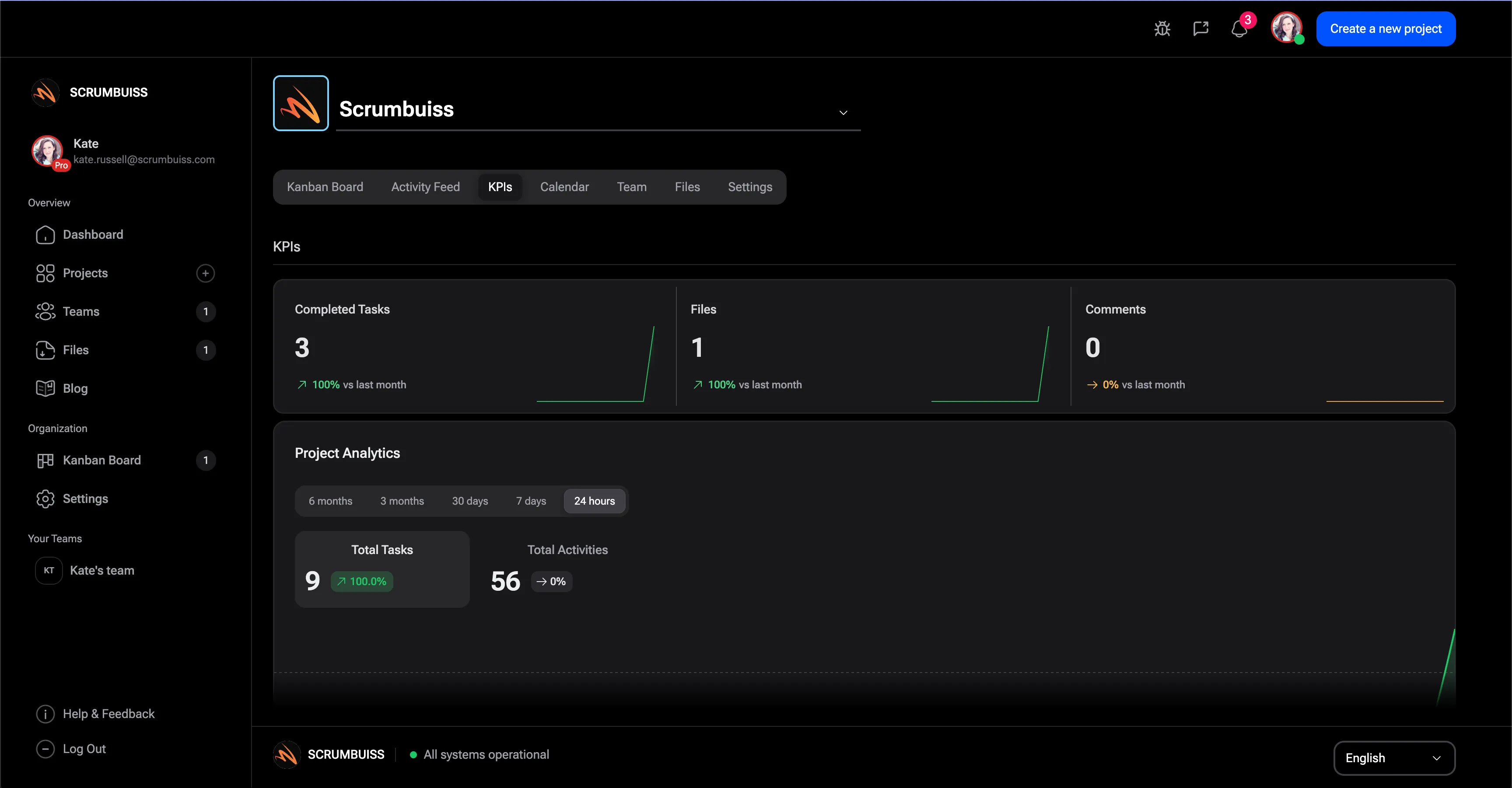
Start in the CSV, agree on the reporting rhythm, then move into Scrumbuiss when stakeholders need live dashboard, timeline, risk, and workload context.
Choose the audience and reporting period
Decide whether the update is for leadership, a client, or the delivery team, then set the reporting period so every row answers the same status question.
Summarize progress with blockers and decisions
Write the status summary after you review milestones, blockers, risks, and decisions needed. That keeps the update evidence-based instead of optimistic.
Link the report back to live work
Use dashboards, timelines, boards, files, and risk records as the source behind the report so the next update does not start from scratch.

Related reporting workflows
Use these Scrumbuiss pages when status reports need live dashboard data, KPI context, timeline movement, workload signals, or delivery risk links.
Recommended workflows
These workflows benefit from consistent status reporting before updates become a manual weekly reconstruction.
Software teams
Use caseProject management software for software teams that keeps sprint planning, dependencies, GitHub-adjacent delivery visibility, and stakeholder reporting in one workflow.

IT operations
Use caseProject management software for IT operations that keeps incidents, change windows, automations, and Slack-connected updates visible in one delivery workflow.

Sales pipelines
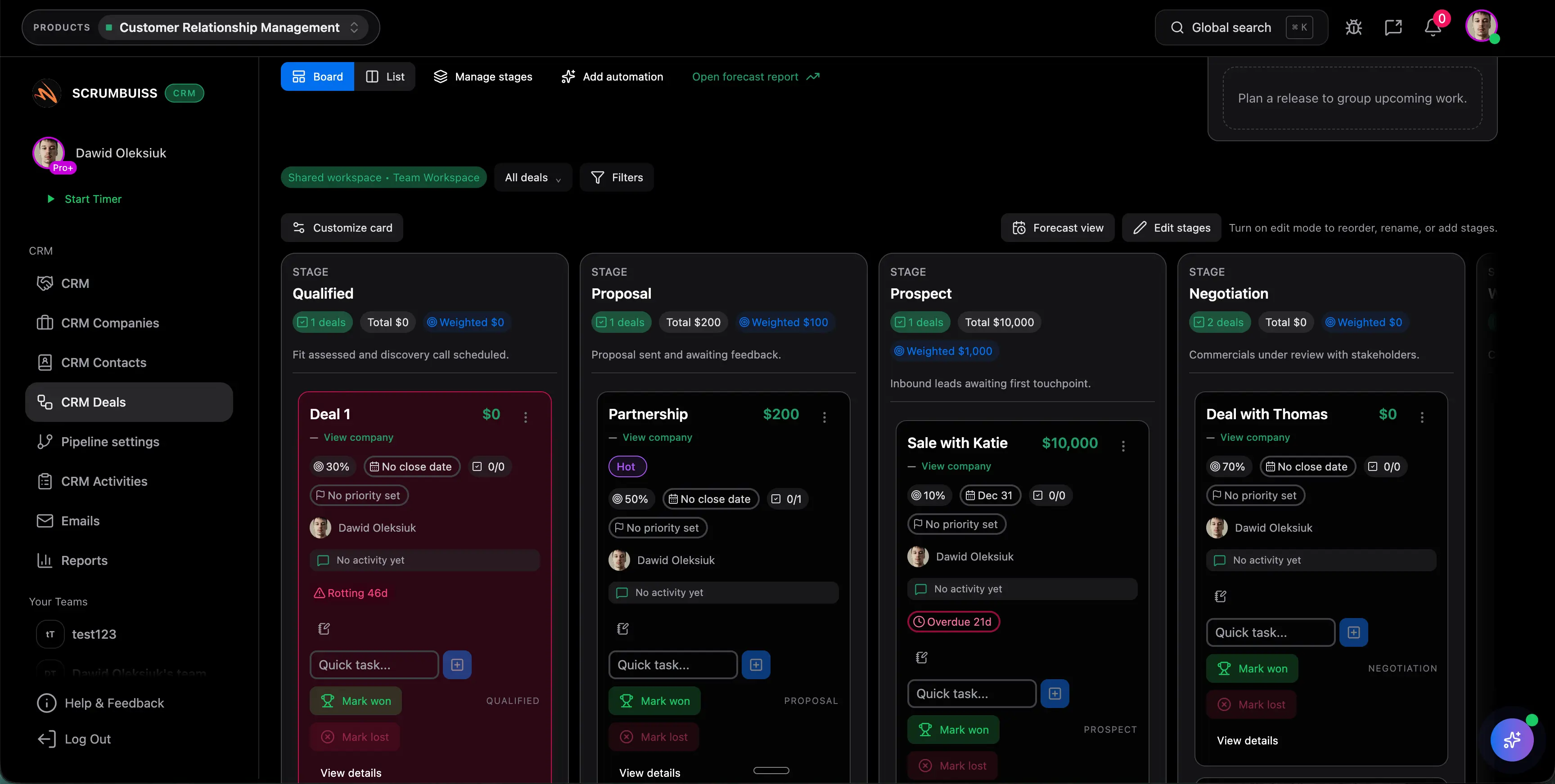
Use caseSales pipeline software for teams that need lead management, deal follow-up, CRM activity, and sales-to-delivery handoff in one workflow.
Client onboarding
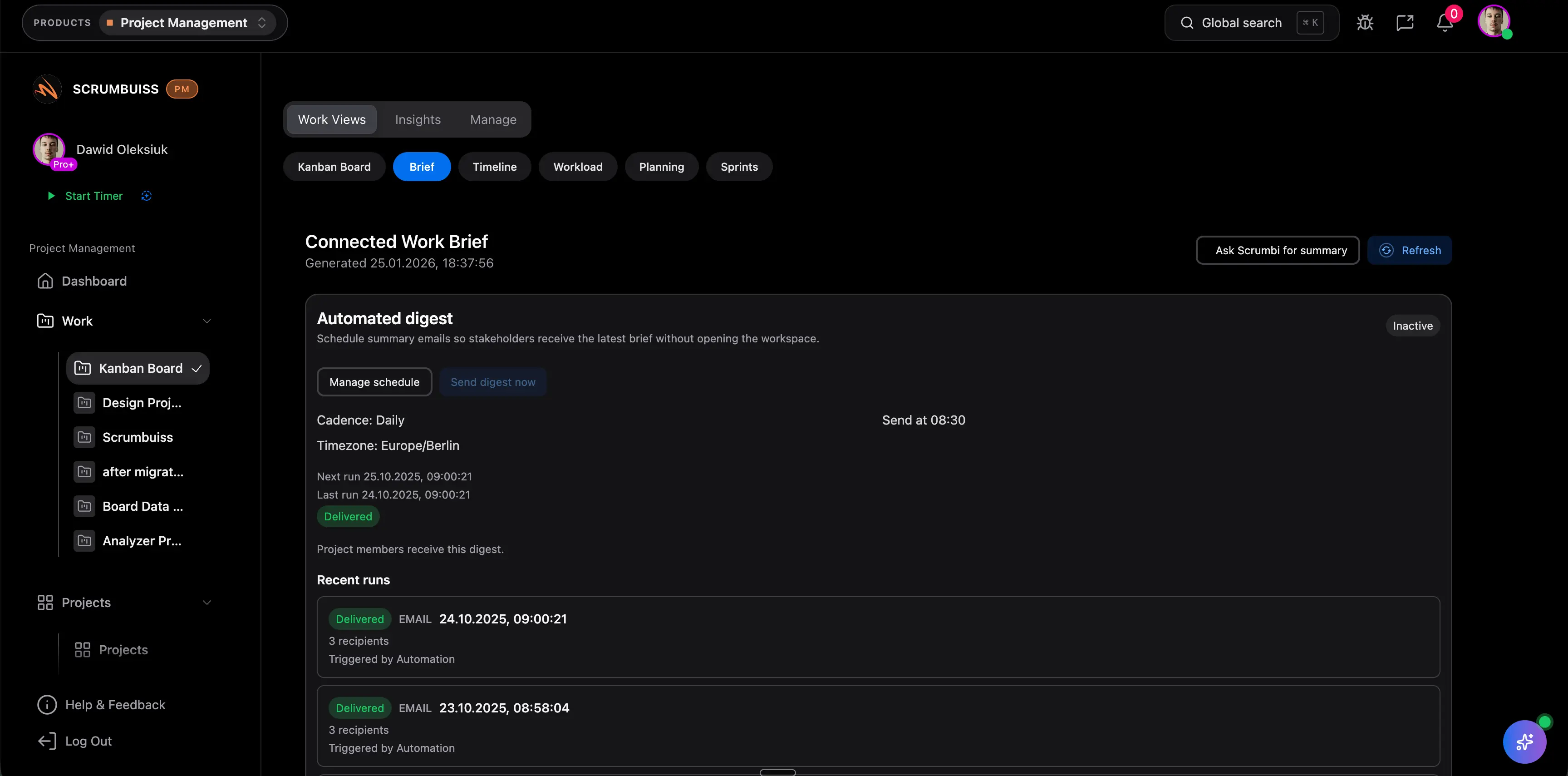
Use caseClient onboarding software for agencies and implementation teams that keeps the closed-won handoff, kickoff brief, files, approvals, and first status cycle in one workflow.
Client project management
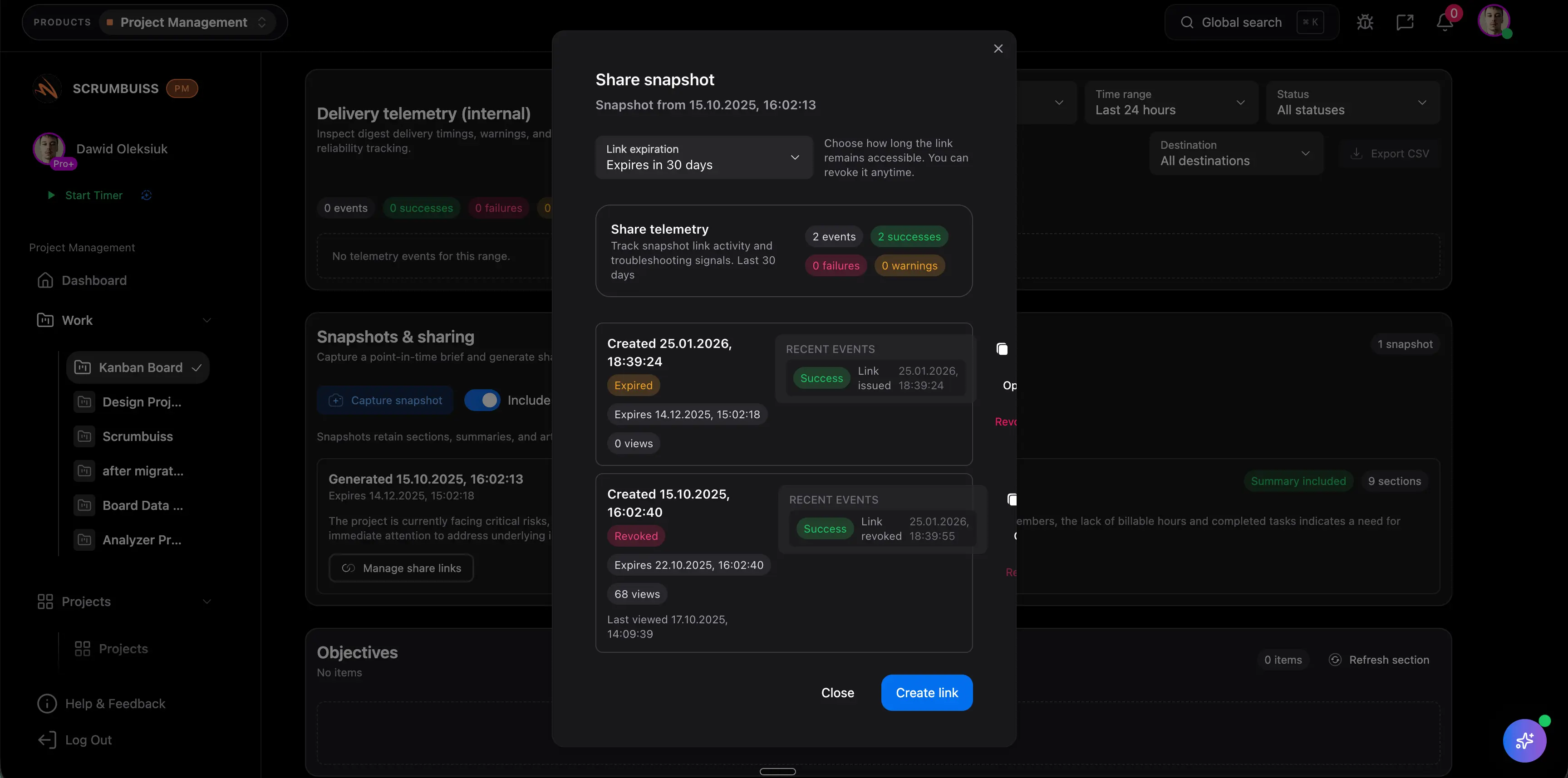
Use caseClient project management software for agencies that keeps intake, briefs, files, approvals, time tracking, workload, and client-visible status in one workflow.
Agencies
Use caseProject management software for agencies that keeps time tracking, files, workload visibility, and reporting in one workflow.

Need more ideas? Browse use cases .
Project status report template FAQ
What is a project status report template? +
A project status report template is a reusable structure for updating stakeholders on overall status, progress, milestones, blockers, risks, decisions needed, and next steps for a project.
What should a project status report include? +
Include the reporting period, audience, project owner, overall status, progress summary, milestone movement, blockers, risks, decisions needed, next steps, due dates, and links to the live evidence behind the update.
How often should a team send a project status report? +
Many teams use a weekly or biweekly cadence. The right cadence depends on project risk, stakeholder involvement, milestone pressure, and how quickly decisions need to be made.
What is the difference between a status report and a project dashboard? +
A status report is the written update for a specific audience and reporting period. A project dashboard is the live view that should supply the current progress, blocker, risk, and workload context behind that report.
Can I use this status report template in Excel or Google Sheets? +
Yes. The CSV can be opened in Excel, Google Sheets, or another spreadsheet tool. It is designed as a lightweight reporting structure before the same cadence moves into a live dashboard workflow.
When should status reporting move into project management software? +
Move beyond a spreadsheet when status depends on live tasks, timelines, workload, risks, files, or stakeholder decisions that should not be rebuilt manually every week.