Kanban board template
Download a free Kanban board template with columns, Kanban card fields, WIP limit prompts, priorities, owners, due dates, blockers, and review notes.
Use this Kanban board template to define columns, card fields, WIP limits, blockers, and review notes before moving daily work into live Kanban, sprint, dashboard, and task-management workflows in Scrumbuiss.
What this Kanban board template helps you set up
Use these checkpoints to build a board that shows work in motion instead of only storing tasks.
- ✓ Kanban board template with ready-to-adapt columns, card fields, and workflow review prompts
- ✓ Kanban card template fields for owner, priority, due date, blocker, acceptance note, and next action
- ✓ WIP limit prompts that help the board show flow problems instead of becoming a task parking lot
- ✓ CSV format you can use in Excel or Google Sheets before moving the board into Scrumbuiss
When to use this template
A Kanban board template is most useful when the team needs visible flow, clear card fields, and simple policies before adopting a live board.
- Use it when a team needs a simple Kanban board before committing to a full project-management workflow.
- Use it when cards move across a board but ownership, blockers, WIP limits, and done criteria are unclear.
- Use it when task status needs to be visible without creating a large project plan first.
- Use it when a free Kanban board or spreadsheet is enough for setup, but live work may later need reporting and automations.
What is inside the Kanban board template
The CSV includes workflow columns, WIP prompts, card fields, blocker notes, done criteria, and review prompts.
What to include in a Kanban board
A useful Kanban board combines workflow stages, card ownership, WIP limits, blockers, and explicit done criteria.
Board goal
Define what type of work the board manages so the columns and policies match the real workflow.
Columns
Use clear stages such as Backlog, Ready, In progress, Review, Blocked, and Done, then adapt them to how work actually flows.
WIP limits
Set work-in-progress limits for active columns so overload becomes visible before everything looks equally urgent.
Kanban cards
Give each card an owner, priority, due date, blocker field, acceptance note, and next action so it can move without extra clarification.
Blocked work
Make blockers explicit with a reason, unblocker, and review date instead of letting cards sit silently in progress.
Done criteria
Write what has to be true before a card can move to Done so the board does not hide unfinished handoff work.
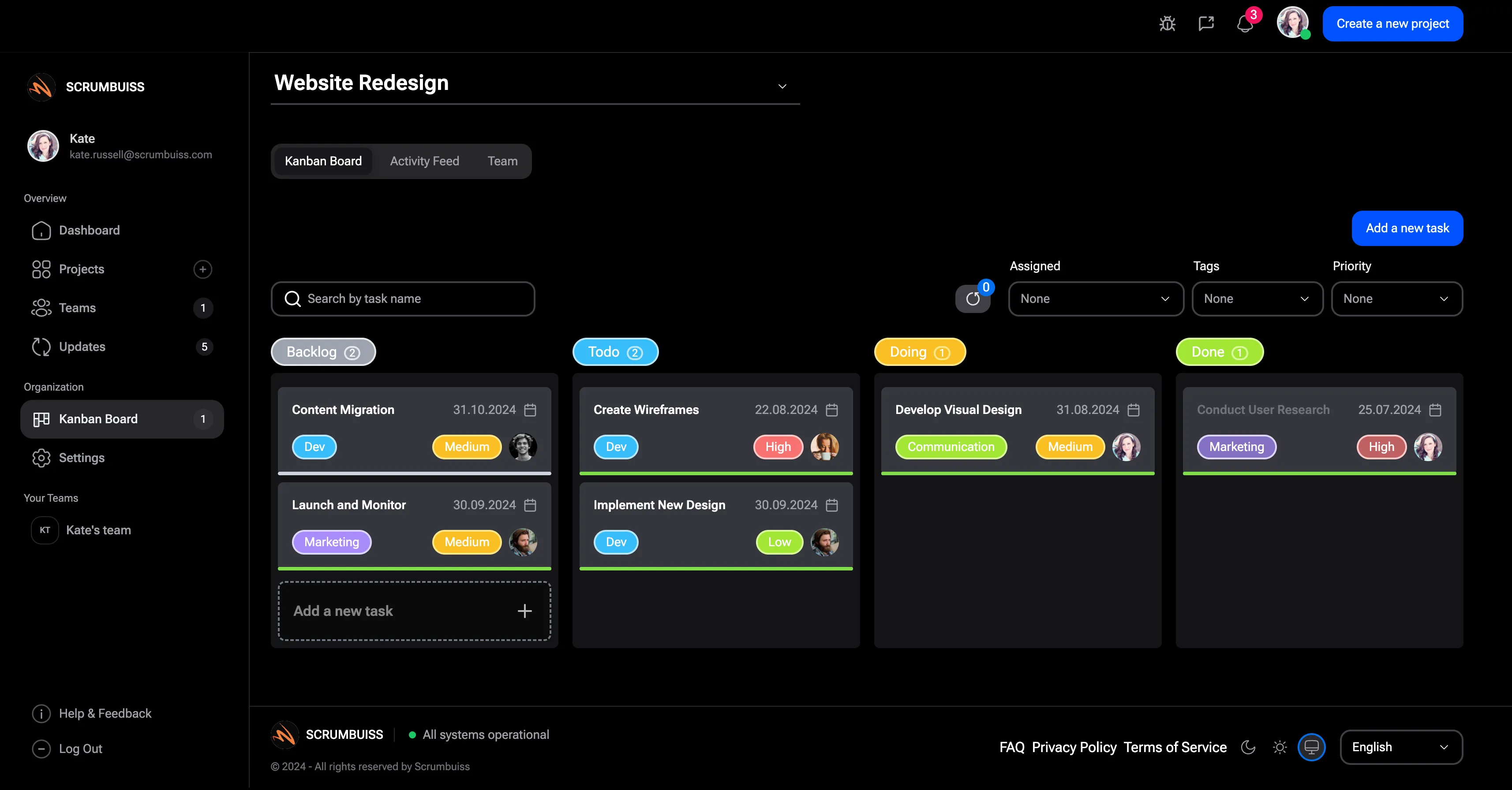
Kanban board example columns
Use these columns as a starting point, then adapt the workflow to the way your team actually moves work.
Backlog
Ideas and requested work that are not yet ready for commitment. Keep cards short and avoid assigning everything at once.
Ready
Work that has enough context, acceptance criteria, and owner clarity to begin without another discovery loop.
In progress
Active work with a named owner and a WIP limit so the team can see overload before delivery slows down.
Review
Cards waiting on feedback, approval, testing, or stakeholder review before they can move to Done.
Blocked
Cards that need an unblocker, decision, file, dependency, or escalation before work can continue.
Done
Completed work that meets the definition of done, including handoff notes, acceptance criteria, and any final file links.
Kanban board review checklist
Run this checklist before using the board for team review or before moving it into project-management software.
- Confirm each column represents a real workflow state, not a vague label.
- Set WIP limits for active work and review them when the board repeatedly overfills.
- Make sure every active card has one owner, a next action, and enough context to move.
- Use blocker fields so stuck work is visible during daily or weekly review.
- Define Done clearly enough that review, QA, handoff, or approval work is not hidden.
- Connect the board to dashboards, sprint planning, or project timelines when stakeholders need higher-level reporting.
Common Kanban board mistakes
These patterns usually turn Kanban into a task parking lot instead of a flow-management system.
- Creating too many columns, which makes the board harder to scan and review.
- Using Kanban cards as vague reminders instead of actionable work with an owner and next step.
- Ignoring WIP limits until every active column is overloaded.
- Letting blocked cards sit without an unblocker, review date, or escalation path.
- Treating Done as finished even when review, files, approvals, or handoff notes are still missing.
How to use this Kanban board template
Start with the CSV, define the board policy, then move into Scrumbuiss when cards, status, blockers, and reporting need to stay live.
Define the workflow before adding cards
Choose columns that represent real states of work, then write the policy for when a card is allowed to move forward.
Create useful Kanban cards
Add owner, priority, due date, blocker, acceptance note, and next action fields so every active card can be reviewed quickly.
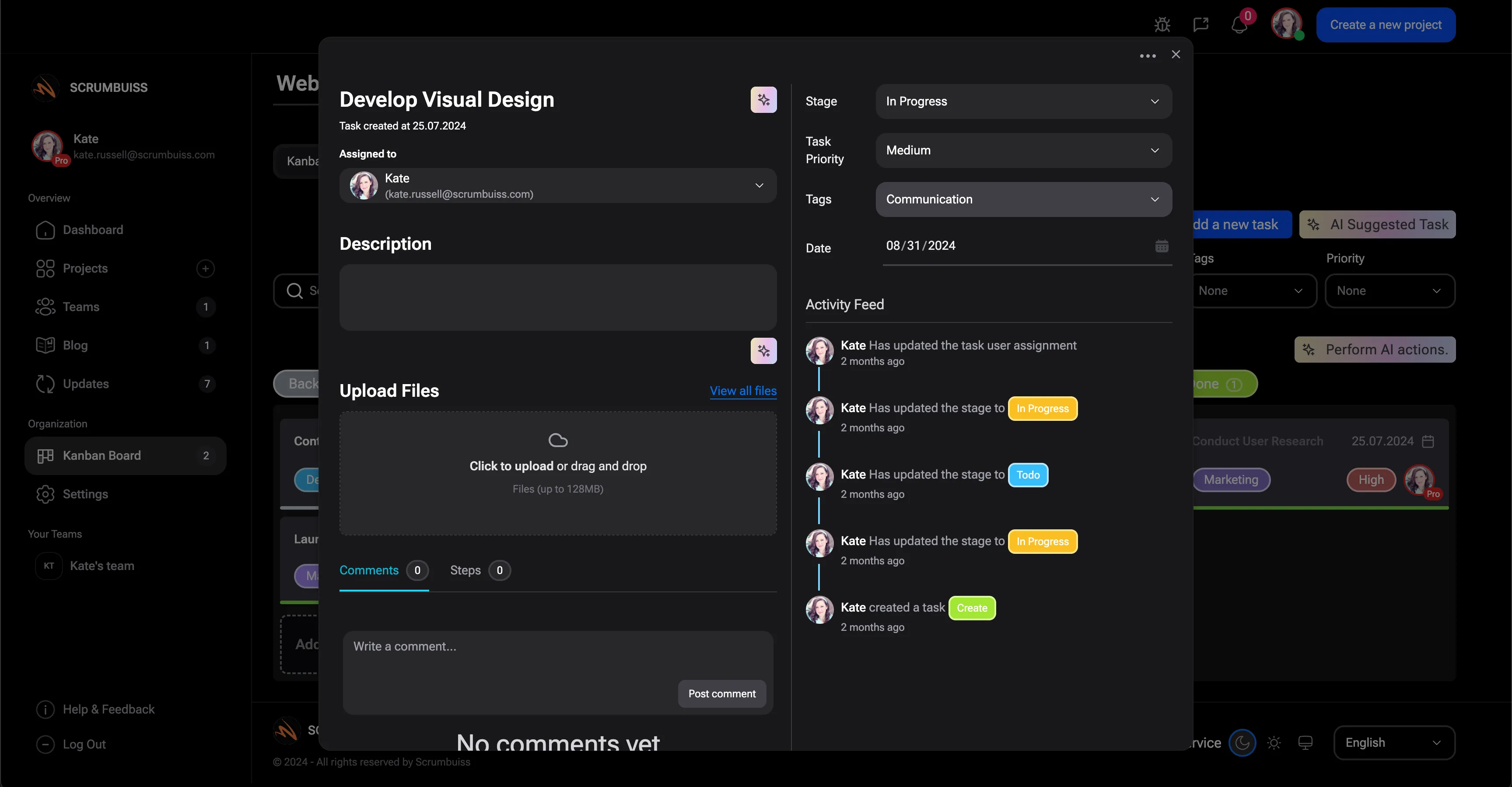
Review flow and move into live work
Use WIP limits and blocker review to improve flow, then move into Scrumbuiss when the board needs dashboards, sprints, and automations.

Related Kanban workflows
Use these Scrumbuiss pages when the board needs live cards, sprint planning, dashboards, automations, and task-management context.
Recommended workflows
These workflows use Kanban boards when teams need visible task flow and clearer execution rhythm.
Software teams
Use caseProject management software for software teams that keeps sprint planning, dependencies, GitHub-adjacent delivery visibility, and stakeholder reporting in one workflow.

Client project management
Use caseClient project management software for agencies that keeps intake, briefs, files, approvals, time tracking, workload, and client-visible status in one workflow.
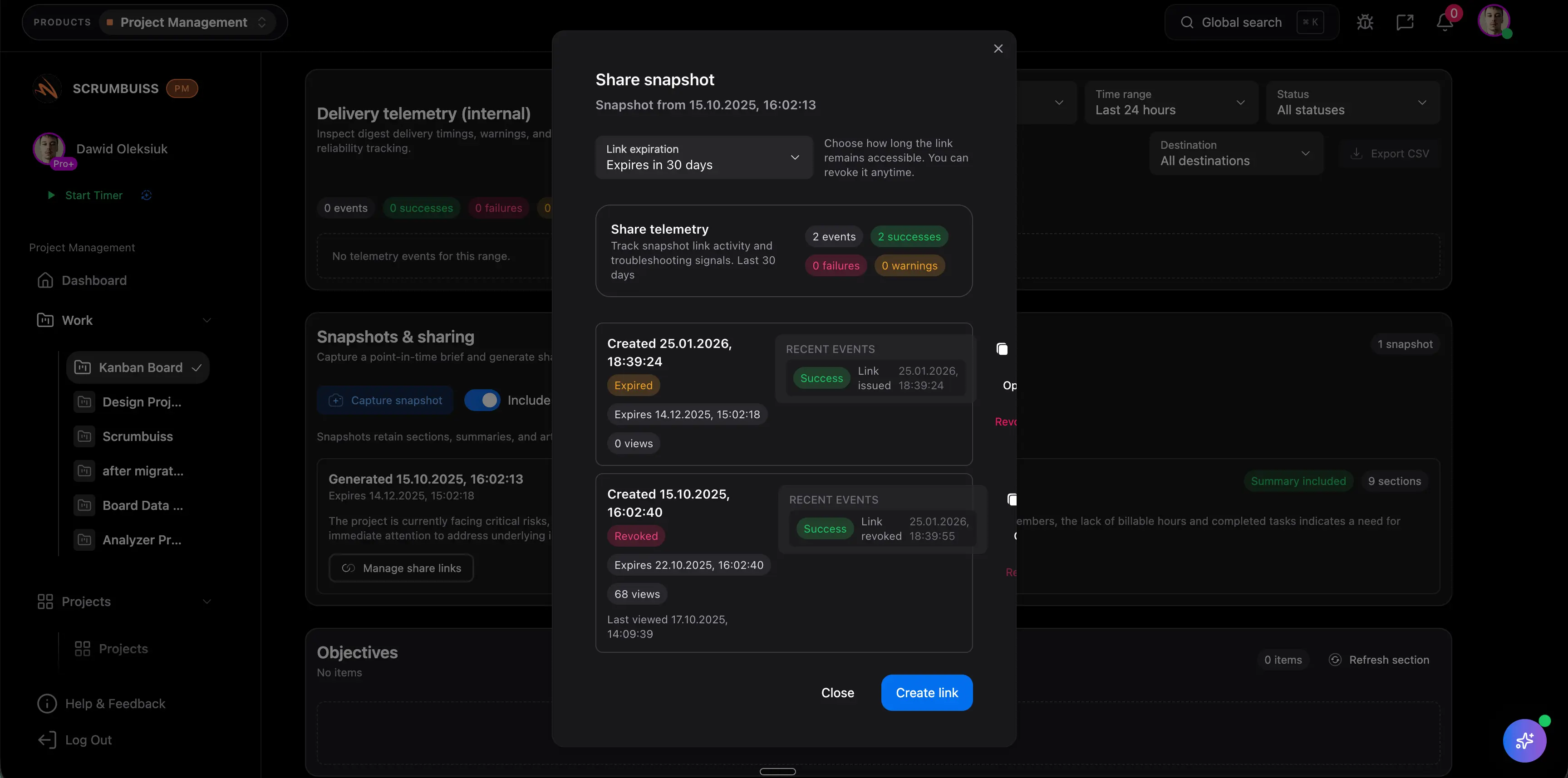
Agencies
Use caseProject management software for agencies that keeps time tracking, files, workload visibility, and reporting in one workflow.

Need more ideas? Browse use cases .
Kanban board template FAQ
What is a Kanban board template? +
A Kanban board template is a reusable structure for organizing work by workflow stage. It usually includes columns, card fields, WIP limits, blocker tracking, owners, due dates, and done criteria.
What columns should a Kanban board include? +
A simple starting point is Backlog, Ready, In progress, Review, Blocked, and Done. Teams should adjust the columns to match the real handoffs in their workflow.
What should a Kanban card include? +
A practical Kanban card should include a clear title, owner, priority, due date, current blocker if any, acceptance note, and next action. That keeps review focused on movement rather than clarification.
Can I use this Kanban board template in Excel or Google Sheets? +
Yes. The downloadable CSV opens in Excel, Google Sheets, and most spreadsheet tools. It is useful for defining the board structure before moving live work into a Kanban tool.
When should a Kanban board move into project management software? +
Move beyond a spreadsheet when cards need live owners, status history, comments, files, dashboards, automations, sprint planning, or stakeholder reporting.