Workflow management guide - reviewed May 19, 2026

Workflow Management Software for Project Teams

Use Scrumbuiss to move recurring project work from ad hoc requests, scattered updates, and manual handoffs into structured intake, visible ownership, automated follow-up, and reporting that stays close to delivery.

This page is for commercial workflow-management software evaluation. It focuses on operational fit for teams that need process visibility around project work, not a generic definition of workflow management.

Scrumbuiss workflow management software with automations and project context

How we reviewed workflow management software fit

Reviewed on May 19, 2026. This page evaluates one buyer question: when should workflow management live inside the project operating layer instead of becoming a separate process tool that still needs manual task updates, reminders, and reporting cleanup.

  • Scrumbuiss references come from the live Project Intake, Forms, Automations, Custom Fields, Project Brief, Dashboard, and Project Delivery pages.
  • We used the SEMrush keyword export to identify workflow-management intent, then filtered out keywords that did not match Scrumbuiss product reality or buyer relevance.
  • The page is written for people-first evaluation: fit, tradeoffs, pilot questions, and related workflows are prioritized over repeating keyword variants.
When Scrumbuiss is a fit

The best fit depends on whether the workflow needs to stay tied to project execution after the request is captured.

Strong fit for Scrumbuiss

Best when workflow management is about project intake, routing, ownership, follow-up, and reporting around work that still needs to be delivered.

  • Requests arrive through forms, email, chat, or stakeholders and need a reliable route into delivery.
  • The team wants automations and custom fields without separating workflow control from live project work.
  • Managers need visibility into stuck handoffs, overdue follow-up, and process health.

Worth piloting carefully

A pilot is useful when the team already has project tools but process control still depends on manual reminders and side spreadsheets.

  • Start with one workflow that has clear stages, owners, and recurring handoff points.
  • Measure whether the team spends less time asking for status and reassigning follow-up manually.
  • Validate that the workflow stays readable once real exceptions and urgent requests appear.

Probably not the best fit

A process-first BPM or enterprise workflow tool may fit better when the workflow is compliance-heavy and disconnected from project delivery.

  • The primary need is complex approval governance rather than project execution visibility.
  • The workflow does not create tasks, deliverables, files, or stakeholder reporting inside the project workspace.
  • You need a dedicated enterprise process suite before you need delivery coordination.

Capture demand

Turn incoming requests into structured work

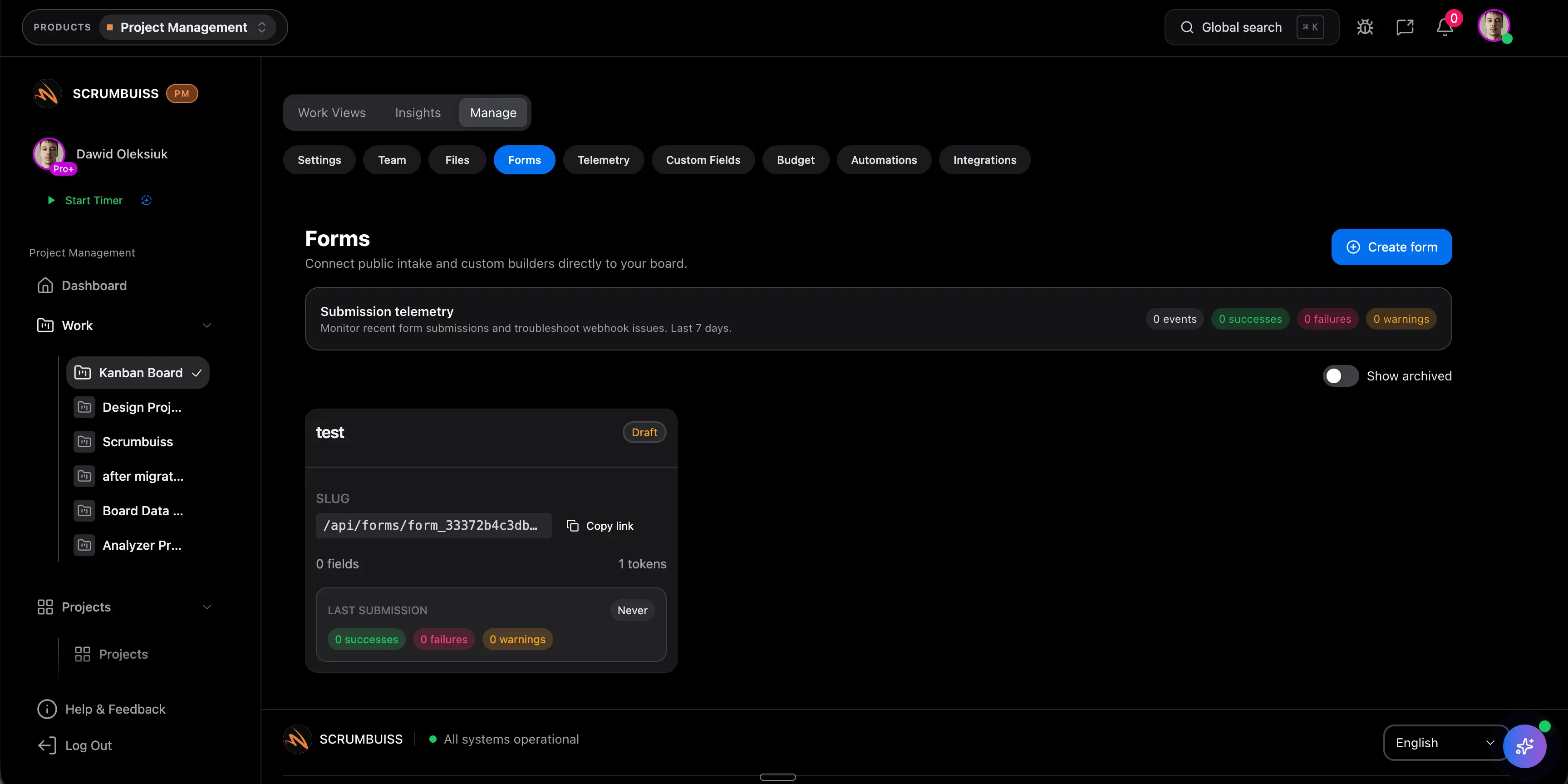
Workflow management starts to matter when requests keep entering through different channels and the team loses time deciding what each request means, who owns it, and what should happen next.

  • Use forms and project intake to collect the details required for triage.
  • Apply custom fields so routing, reporting, and ownership do not depend on free-text cleanup.
  • Attach briefs, files, and context before the work becomes a vague task on a board.
Scrumbuiss forms and project intake for workflow management

Route and follow up

Automate repeatable handoffs without hiding responsibility

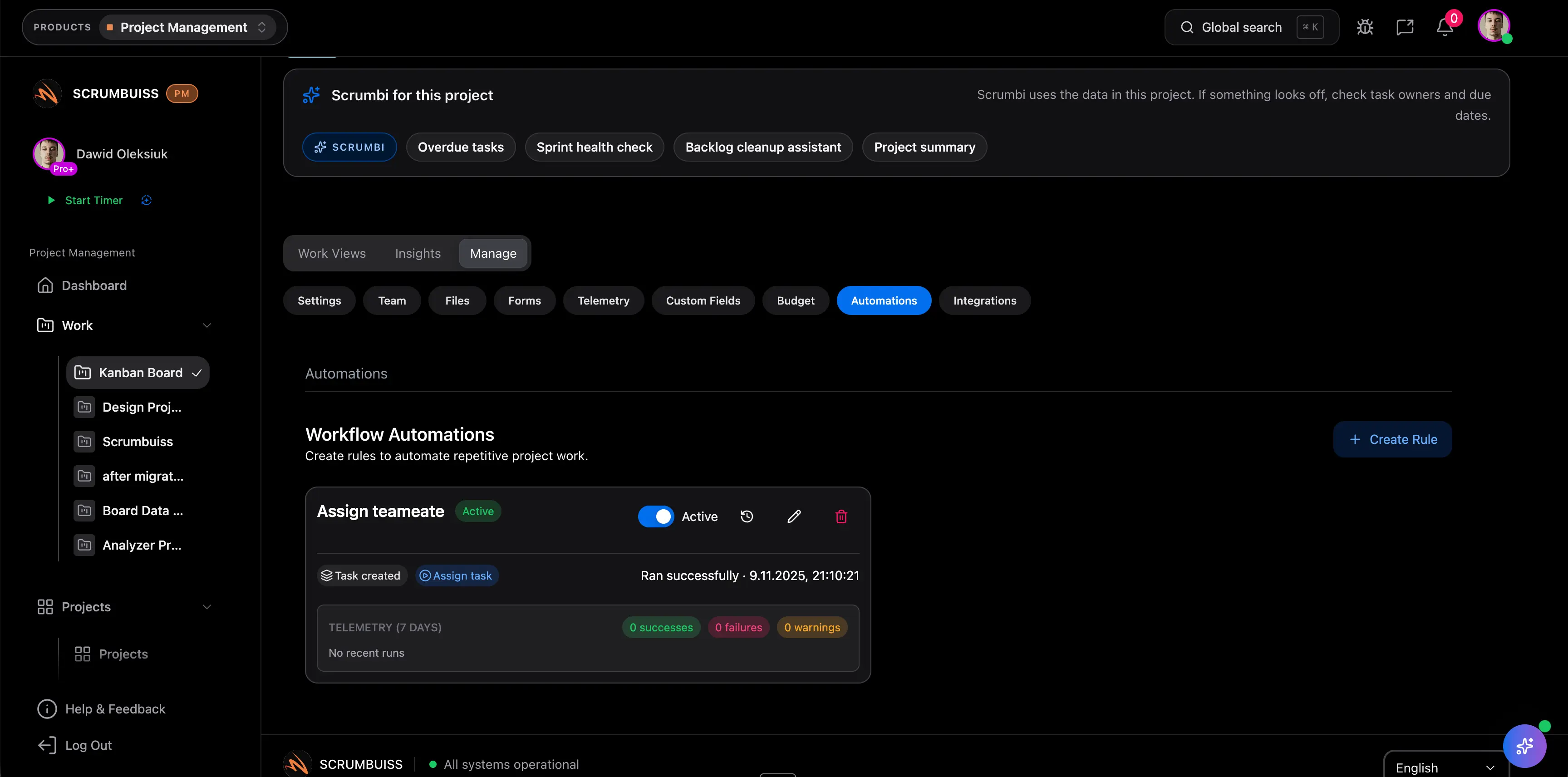
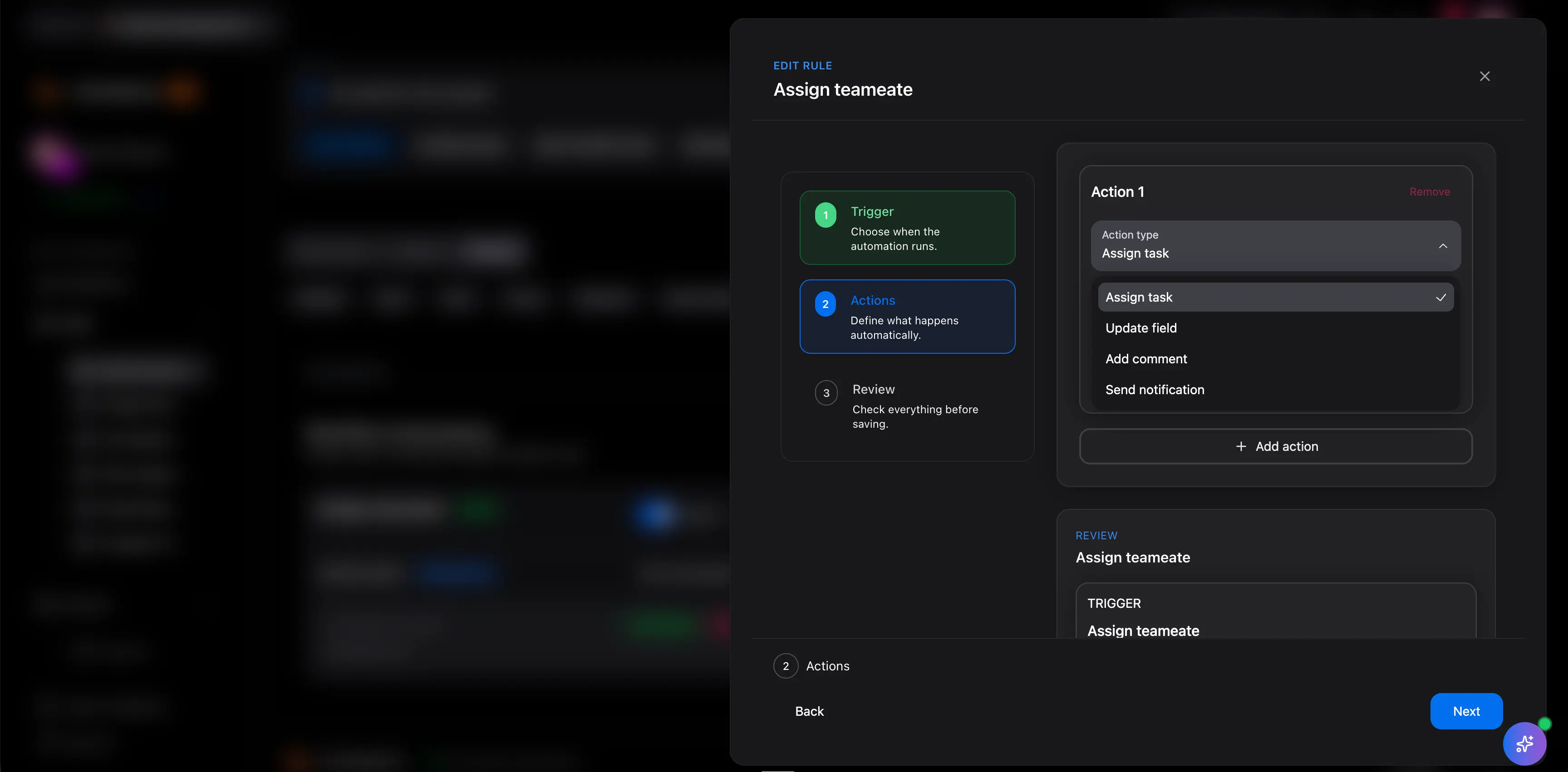
Automations are useful when they make ownership and next steps clearer. They should reduce manual follow-up while still keeping the process understandable to the people doing the work.

  • Trigger reminders, routing, or status updates from real workflow conditions.
  • Keep activity visible so stakeholders can understand what changed and why.
  • Use automation for predictable steps while leaving judgment calls with accountable owners.
Scrumbuiss automation workflow for project handoffs

Report and improve

Use workflow visibility to improve the next cycle

The workflow should make it easier to see recurring bottlenecks, missing fields, slow approvals, and overloaded owners. That is the difference between tracking a process and improving it.

  • Review where work queues up and which stages create repeated delays.
  • Connect workflow health to dashboards, workload review, and delivery planning.
  • Adjust forms, fields, and automations as the team learns which steps actually create clarity.
Scrumbuiss dashboard used to review workflow progress

Where to go next

These pages answer adjacent buyer questions without making this workflow guide too broad.

Project plan template

Use this when the team needs a lightweight planning structure before routing work through a live workflow.

Kanban board template

Use this when the workflow needs clear columns, card fields, WIP limits, and blocker review before rollout.

Workflow management software FAQ

These answers keep the category evaluation specific to project workflows, routing, automations, and reporting.

What is workflow management software used for in project teams?

It helps teams capture incoming work, define stages and ownership, automate repeatable follow-up, and see where work is blocked while the work remains tied to real projects.

Is Scrumbuiss a BPM platform?

No. Scrumbuiss is better understood as project and workflow management software for teams that need intake, execution, files, reporting, and follow-up in one operating workspace.

When should we use automations instead of manual process steps?

Use automations for predictable reminders, routing, and notifications. Keep judgment-heavy decisions visible and assigned to accountable owners.
