Meeting agenda template
Download a free meeting agenda template for project meetings, kickoff reviews, decisions, action items, owners, risks, and follow-up summaries.
Use this meeting agenda template to run project meetings with a clear purpose, agenda slots, decisions, action items, risks, and follow-up ownership before the same rhythm moves into Scrumbuiss.
What this meeting agenda template helps you run
Use these checkpoints to turn recurring project meetings into decisions and owned follow-up instead of open-ended status conversations.
- ✓ Meeting agenda format for purpose, attendees, agenda topics, decisions, and follow-up
- ✓ Markdown template you can copy into docs before recurring meetings move into a live workflow
- ✓ Fields for action items, owners, due dates, risks, parking lot items, and next review date
- ✓ Review checklist for making project meetings shorter and more decision-oriented
When to use this template
A meeting agenda template is most useful when project meetings need structure, preparation, decisions, and follow-up ownership.
- Use it before project kickoff when stakeholders need a shared agenda and decision path.
- Use it when recurring project meetings drift into status updates without decisions, owners, or follow-up.
- Use it when agenda items, blockers, risks, and action items are scattered across chat, docs, and calendar notes.
- Use it before moving recurring meeting follow-up into Scrumbuiss dashboards, briefs, automations, and calendar workflows.
What is inside the agenda template
The Markdown template keeps purpose, attendees, agenda slots, decisions, action items, risks, parking lot items, and follow-up in one readable outline.
What to include in a meeting agenda
A useful meeting agenda connects the meeting purpose to owners, inputs, decisions, action items, and the next review.
Purpose
State the meeting goal and desired outcome so the agenda does not become a loose status conversation.
Attendees and preparation
Name who is required, why they are needed, and what each person should review before the meeting.
Agenda slots
Give each topic an owner, timebox, input needed, and expected output.
Decision log
Separate decisions from discussion so stakeholders can see what was decided, who owns the decision, and what remains open.
Action items
Assign every follow-up to one owner with a due date and related blocker or risk when applicable.
Parking lot
Capture useful but off-topic items without letting them derail the current meeting purpose.
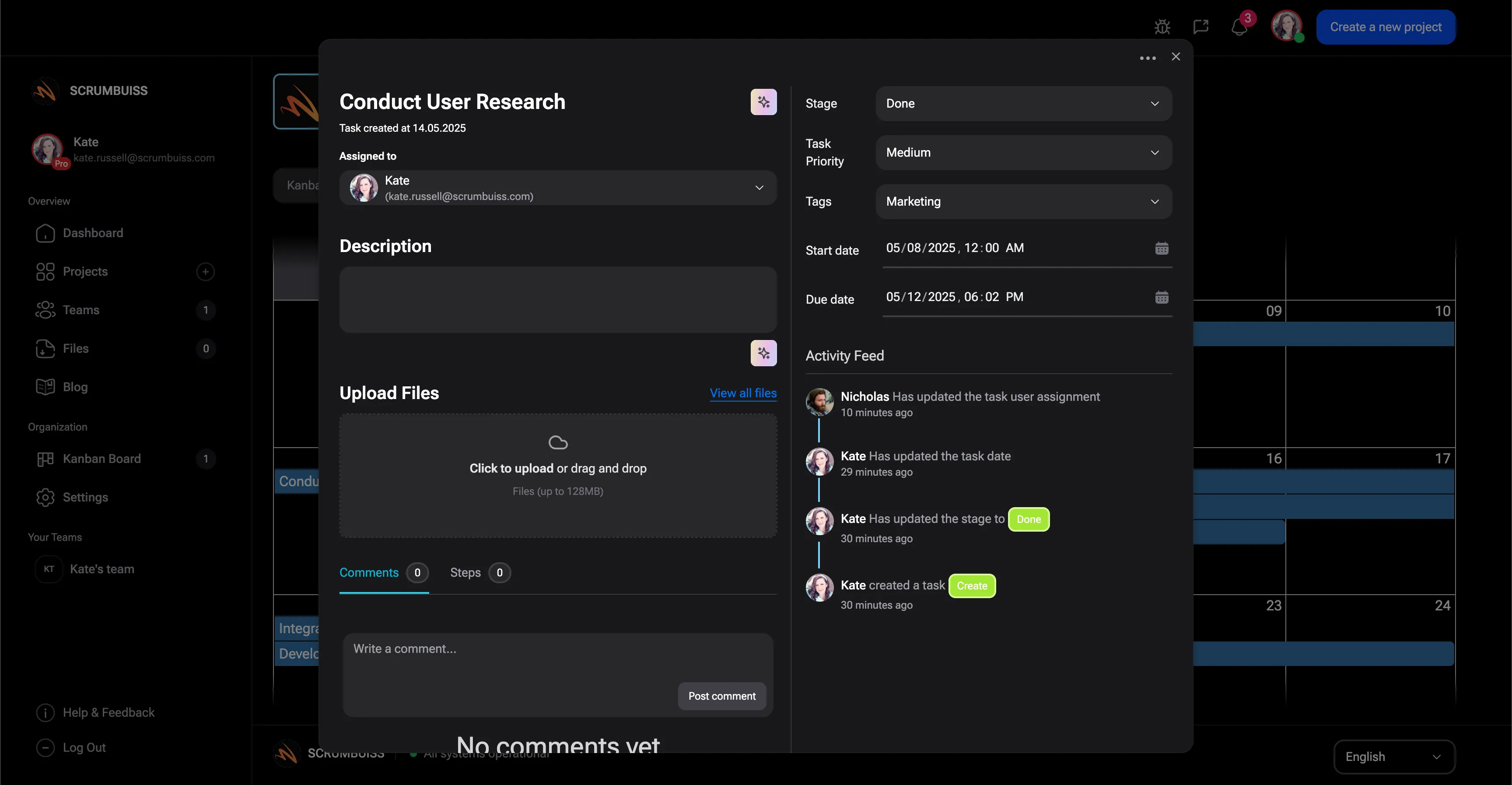
Meeting agenda example structure
Use this structure for project kickoff meetings, weekly project reviews, team meetings, and stakeholder decision sessions.
Purpose and context
Explain the project stage, meeting goal, and the decision or alignment needed by the end of the meeting.
Agenda topics
List agenda slots by timebox, topic owner, input needed, and expected outcome.
Decision review
Record open decisions, decision owners, due dates, and the project milestone or risk affected.
Action items
Assign follow-up work with owners and due dates before the meeting closes.
Follow-up summary
Send a short recap with decisions made, actions assigned, risks to monitor, and the next meeting or review date.
Meeting agenda review checklist
Run this checklist before sending the agenda or closing the meeting.
- Confirm the agenda has one clear purpose and expected outcome.
- Add preparation links before the meeting so context is not rebuilt live.
- Give every agenda topic an owner and a timebox.
- Separate decisions from action items so follow-up is not ambiguous.
- Assign one owner and due date for each action item.
- Link the meeting summary back to the project brief, schedule, dashboard, or files.
Common meeting agenda mistakes
These patterns usually create longer meetings, vague decisions, and follow-up work that gets lost.
- Using a meeting agenda as a generic note page instead of a decision tool.
- Inviting attendees without defining what they need to decide or prepare.
- Leaving action items ownerless after the meeting ends.
- Letting parking lot items consume the meeting because the agenda has no timeboxes.
- Keeping meeting follow-up in calendar notes while the project plan, dashboard, and brief live elsewhere.
How to use this agenda template
Start in the Markdown outline, run the meeting from decisions and action items, then move follow-up into Scrumbuiss when recurring meetings need live context.
Set the purpose before inviting people
Name the meeting outcome, decision owner, and required preparation before the agenda goes on the calendar.
Run the meeting by decisions and actions
Use timeboxes, topic owners, a decision log, and action items so the meeting produces follow-up instead of only discussion.

Move follow-up into the project workflow
Link decisions, action items, blockers, and risks back to the project brief, schedule, dashboard, or delivery workflow.

Related meeting and follow-up workflows
Use these Scrumbuiss pages when meeting agendas need project context, calendar visibility, dashboards, briefs, and automated follow-up.
Recommended workflows
These workflows benefit from a clear agenda before recurring project meetings become a status-reporting habit.
Software teams
Use caseProject management software for software teams that keeps sprint planning, dependencies, GitHub-adjacent delivery visibility, and stakeholder reporting in one workflow.

IT operations
Use caseProject management software for IT operations that keeps incidents, change windows, automations, and Slack-connected updates visible in one delivery workflow.

Sales pipelines
Use caseSales pipeline software for teams that need lead management, deal follow-up, CRM activity, and sales-to-delivery handoff in one workflow.
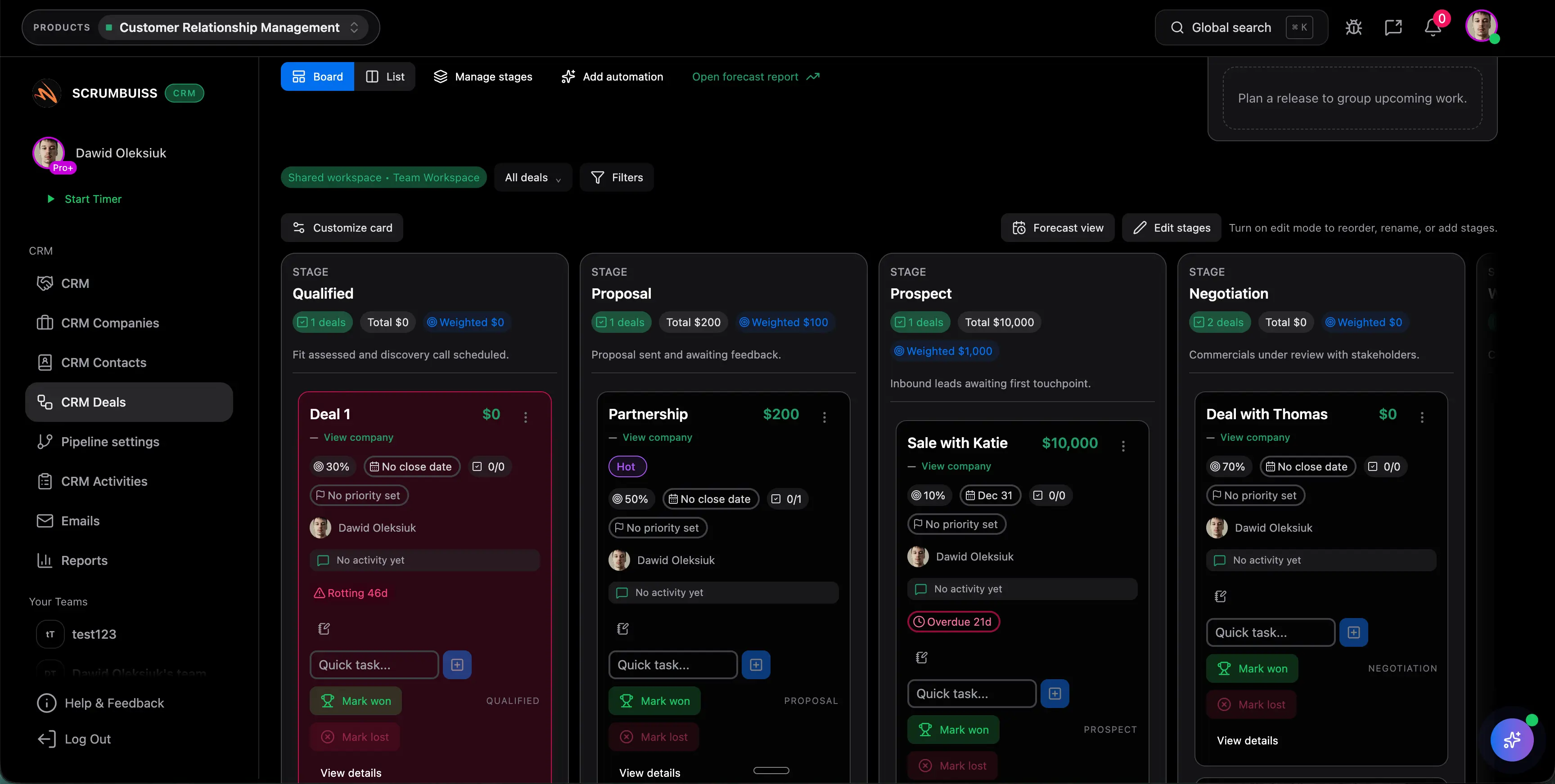
Client onboarding
Use caseClient onboarding software for agencies and implementation teams that keeps the closed-won handoff, kickoff brief, files, approvals, and first status cycle in one workflow.
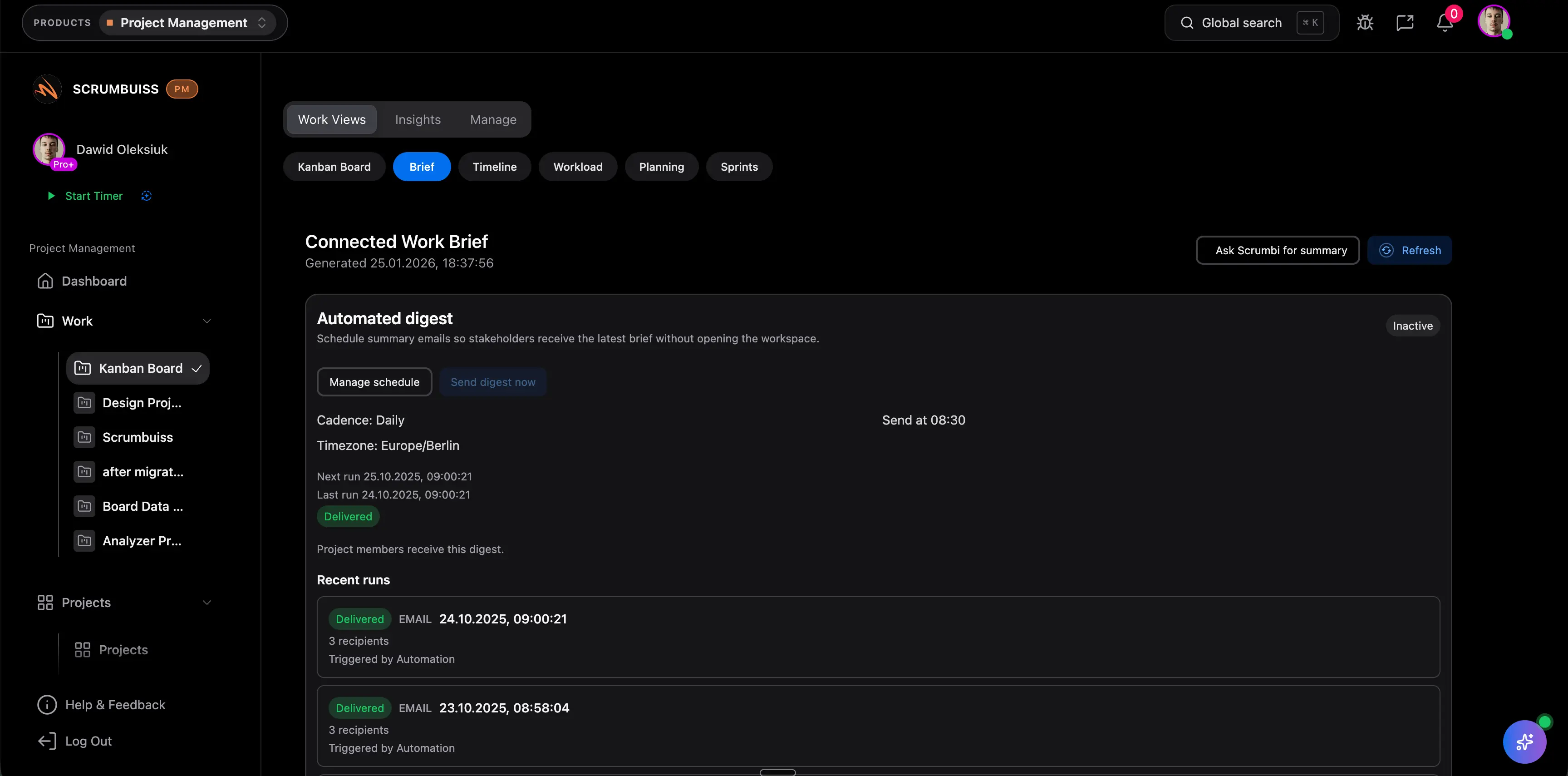
Client project management
Use caseClient project management software for agencies that keeps intake, briefs, files, approvals, time tracking, workload, and client-visible status in one workflow.
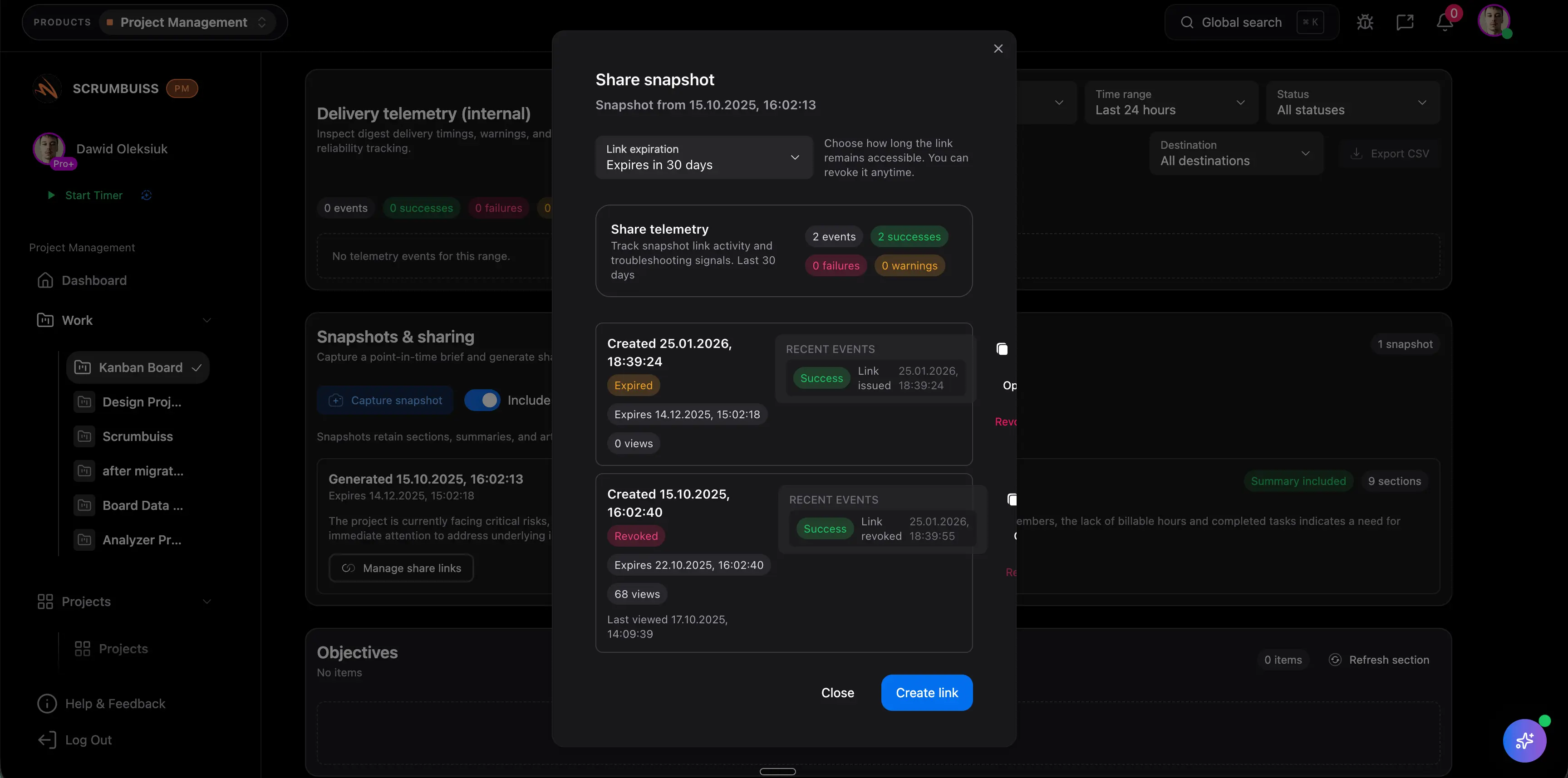
Agencies
Use caseProject management software for agencies that keeps time tracking, files, workload visibility, and reporting in one workflow.

Need more ideas? Browse use cases .
Meeting agenda template FAQ
What is a meeting agenda template? +
A meeting agenda template is a reusable outline for defining the meeting purpose, attendees, agenda topics, decision log, action items, owners, due dates, risks, parking lot items, and follow-up summary.
What should a meeting agenda include? +
Include the meeting purpose, desired outcome, attendees, preparation links, topic timeboxes, topic owners, decisions needed, action items, due dates, risks, parking lot items, and next review date.
How do you write a project kickoff meeting agenda? +
Start with the project goal, scope, stakeholders, timeline, risks, decisions needed, and immediate next steps. Assign an owner for each agenda topic and close with action items and follow-up dates.
How is a meeting agenda different from meeting notes? +
The agenda sets the purpose, topics, owners, and expected outputs before the meeting. Meeting notes capture what happened, what was decided, and what follow-up work was assigned.
Can I use this template for weekly team meetings? +
Yes. It works for weekly team meetings when the meeting needs decisions, blockers, risks, action items, and follow-up ownership. It is not meant to replace a live project workflow when action items need recurring tracking.
When should meeting follow-up move into project management software? +
Move beyond a document when decisions, action items, blockers, risks, files, or status updates need owners, due dates, reminders, and visibility across the project workflow.