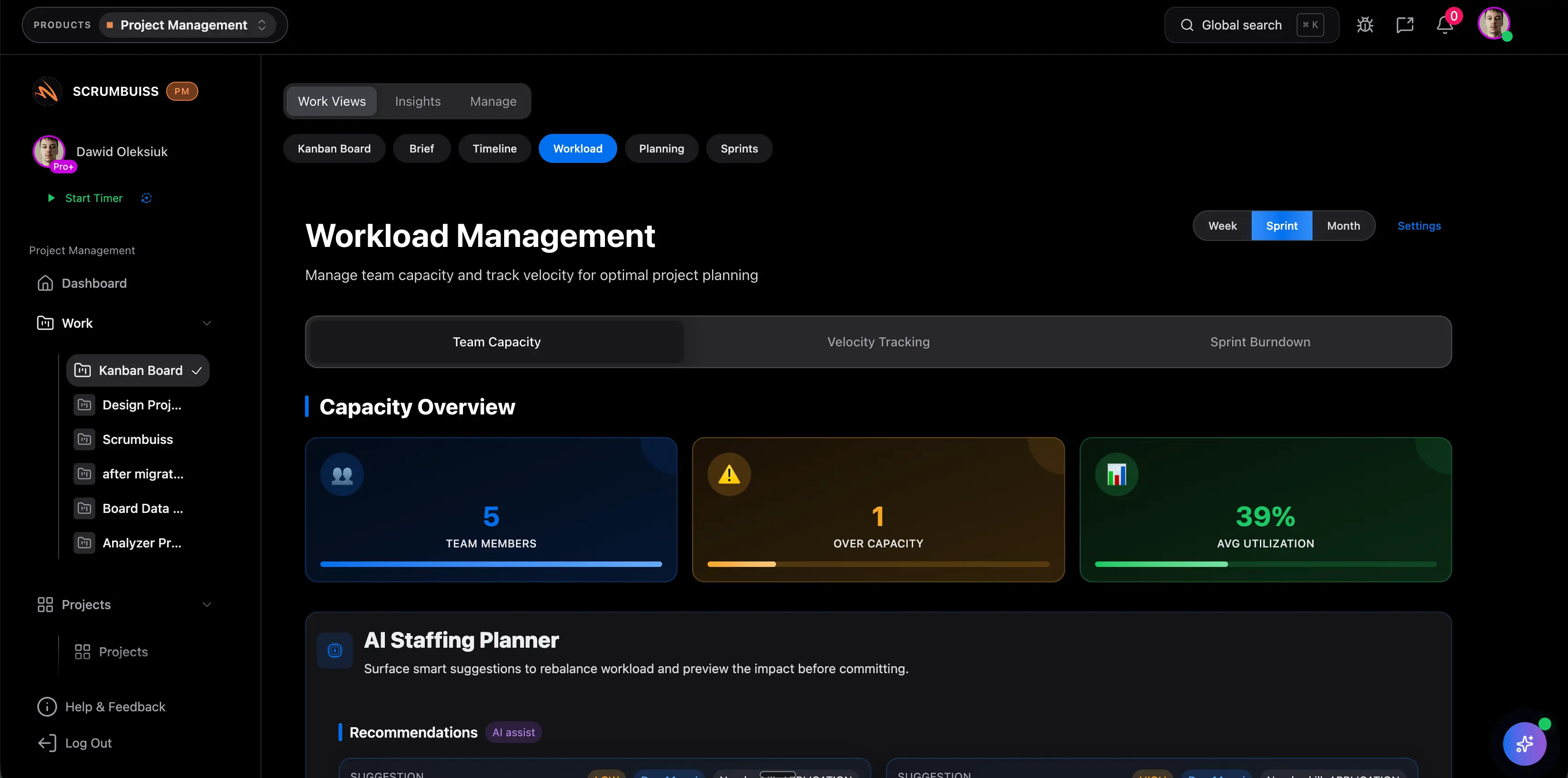
Resource Smoothing in Project Management
Resource smoothing in project management adjusts task timing to reduce workload peaks without changing the project finish date. It uses available float to make the plan more balanced while protecting the deadline.
This page targets the resource smoothing and leveling comparison terms found in SEMrush. It is intentionally separate from the resource leveling guide because smoothing has a narrower scheduling constraint: the end date should not move.
Key Takeaways
- Resource smoothing balances workload by using available float.
- It aims to keep the project finish date unchanged.
- It works only when tasks have enough scheduling flexibility.
- If the conflict cannot be solved within float, resource leveling may be required.
What Is Resource Smoothing?
Resource smoothing is a schedule optimization technique. The project manager shifts noncritical work within available float so people, tools, or environments are not overloaded in a short period.
It is useful when:
- the project has a fixed deadline
- tasks have flexible start dates
- workload peaks can be reduced without changing the critical path
- the team wants a more sustainable delivery rhythm
Resource Smoothing Example
| Task | Original timing | Issue | Smoothed decision |
|---|---|---|---|
| Documentation update | Week 3 | Writer has too many review tasks | Move to Week 4 within float |
| Design polish | Week 4 | Designer is over capacity | Move noncritical polish to Week 5 |
| Internal demo prep | Week 5 | PM workload spike | Start prep two days earlier |
The project end date stays the same because the moved tasks were not on the critical path.
Resource Smoothing vs. Resource Leveling
| Question | Resource smoothing | Resource leveling |
|---|---|---|
| Main goal | Smooth workload peaks | Resolve resource constraints |
| Uses float? | Yes | Sometimes |
| Can finish date move? | Usually no | Yes |
| Best when | Deadline is fixed and tasks have flexibility | Schedule is unrealistic because resources are overbooked |
| Risk | Hidden overload if float is overestimated | Stakeholder impact if date changes |
Resource Smoothing Steps
- Find workload peaks by person, role, or shared resource.
- Identify tasks with float.
- Move flexible tasks away from peak periods.
- Keep critical path tasks protected.
- Recheck workload after the move.
- Update the schedule and communicate changed task timing.
FAQ
Frequently
asked
questions
Unlock Success &
Power Up Your Projects
Next to explore
Explore more pages to understand the product suite, common workflows, and evaluation guides.