
Software Organizer and Organization Software Guide
A software organizer is a tool that helps people organize digital work, but the term has two common meanings. In one category, it means an app-management utility for installed programs, cleanup, backups, and updates. In another category, it means organization software for tasks, files, schedules, projects, and team collaboration.
This guide separates those categories so the search intent stays clear. If you need a personal organizer app, prioritize quick capture, reminders, data import, and a usable free plan. If you need a collaboration tool for projects, prioritize task management, owners, due dates, time tracking, file context, and real-time team collaboration. For a deeper project-management-only comparison, use the project management tools guide instead.
How this guide is reviewed
We review software organizer use cases by the job the buyer is trying to finish: removing installed apps, planning personal work, organizing shared files, or managing team projects. The recommendations below are not a single ranked list because app cleanup utilities, organizer apps, and project management software solve different problems.
For team use, we score whether the software can assign tasks, preserve project details, connect files, show due dates, support recurring tasks, and make status visible without another reporting spreadsheet. For personal organization, we score capture speed, reminders, search, calendar fit, and how quickly a user can stay organized after setup.
Key Takeaways
-
Software organizer tools split into two search intents: utilities that manage installed apps and organization software that manages tasks, files, projects, and collaboration.
-
Personal organizer apps should make it easy to import data, plan recurring tasks, search quickly, and stay organized without adding more admin work.
-
Team-focused organizing software should support task owners, due dates, project health, time tracking, file context, AI-powered setup help, and real-time collaboration across team members.
Best Software Organizer Categories
| Software organizer type | Best fit | Features to check |
|---|---|---|
| App cleanup utility | Managing installed apps and removing unused programs | Batch uninstall, automatic backups, built-in ratings, registry cleanup, Universal Windows app support |
| Personal organizer app | Daily planning and individual productivity | Day planner views, recurring tasks, reminders, quick search, calendar import, free plan limits |
| Team organization software | Shared projects, files, and team management | Task management, assign tasks, drag and drop boards, Google Drive or file integrations, time tracking, real-time updates |
| Project management tool | Delivery workflows with owners, timelines, and reporting | Project details, project health, dashboards, team collaboration, AI-powered workflow setup, workload visibility |
Software organizer vs organizing software
The best software organizer depends on which problem you mean. A cleanup utility keeps a computer tidy. Organizing software keeps work tidy. A project management tool keeps shared delivery work accountable.
| Comparison | Software organizer utility | Organization software | Project management tool |
|---|---|---|---|
| Primary job | Manage installed applications and cleanup | Organize personal or shared work | Plan, assign, track, and report project delivery |
| Typical user | Individual computer user or IT admin | Individual, small team, or operations group | Project teams, agencies, software teams, and managers |
| Must-have features | Batch uninstall, backups, update review, search | Lists, reminders, files, labels, calendar views | Owners, tasks, due dates, boards, timelines, dashboards, time tracking |
| Buying risk | Installing another utility that is rarely used | Creating scattered lists without accountability | Overbuying a complex platform before the workflow is clear |
If your team is searching for organizing software because work is spread across chat, spreadsheets, files, and personal notes, start with a project workflow rather than a cleanup utility. Define the work that needs an owner, due date, file, approval, and status update, then choose the lightest tool that can support that workflow reliably.
App cleanup utility checklist
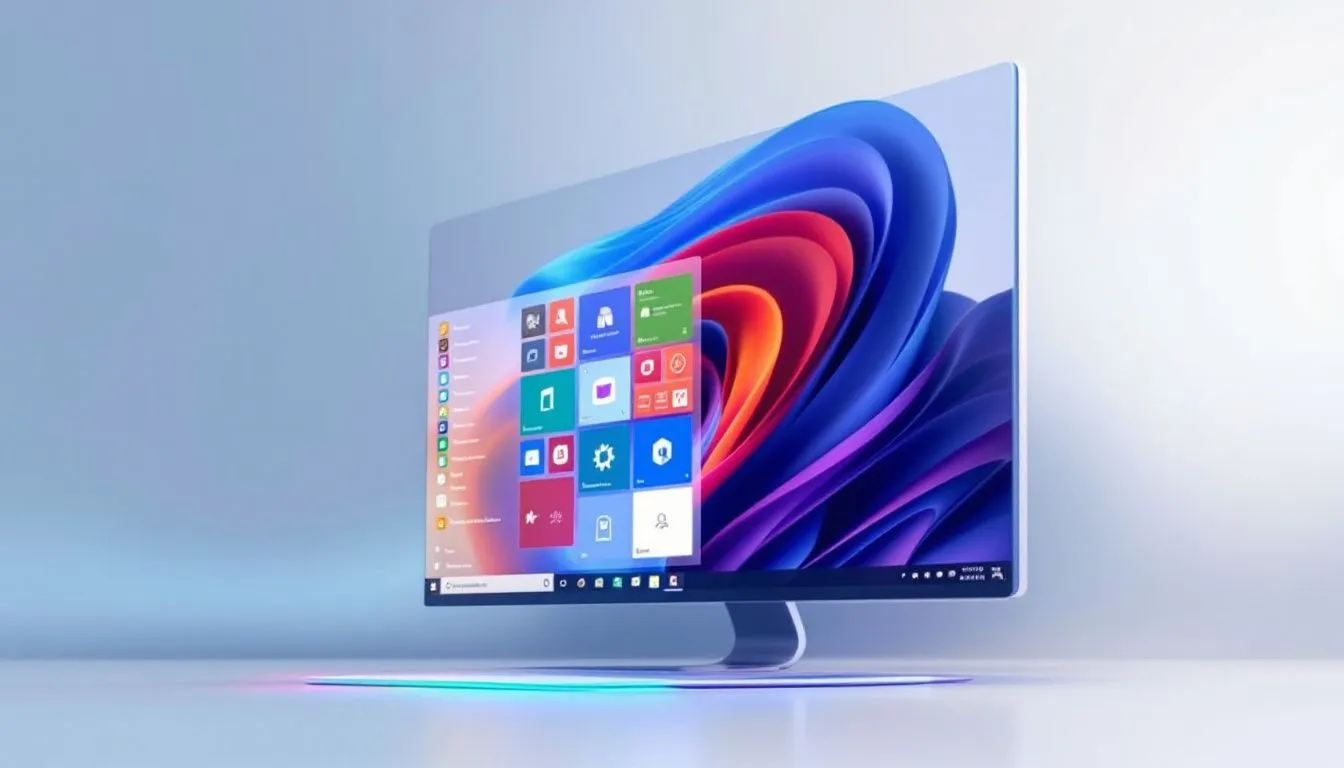
If your search intent is an installed-program software organizer, evaluate it as a cleanup utility. The important question is whether it can remove programs safely and leave a clear recovery path if something goes wrong.
| Utility feature | Why it matters |
|---|---|
| Complete uninstall review | Helps find leftover files, folders, services, startup entries, and registry traces after removal. |
| Batch program removal | Saves time when cleaning several unused apps, especially on older machines or managed devices. |
| Universal Windows app support | Helps manage built-in apps that do not behave like traditional desktop programs. |
| Backup or restore point workflow | Reduces risk before removing apps, drivers, or shared components. |
| Installed-program export | Gives IT or power users a reference list before a migration, audit, or rebuild. |
| Search and grouping | Makes large app inventories easier to review by vendor, date, size, or usage pattern. |
Do not use an app cleanup utility as a substitute for team organization software. It can keep a device cleaner, but it will not assign tasks, manage recurring work, or show project status.
Organizational Software for Teams and Daily Planning
Organizer software has changed a lot over the last 20 years. Older utilities focused mainly on installed apps and cleanup. Newer organizational software often combines management tools for files, apps, tasks, and shared work so individuals and team members can stay organized without moving between too many systems.
If you need a personal day planner, look for fast capture, clear reminders, and the ability to import data from calendars, files, or existing lists. If you need a collaboration tool for a team, score whether people can assign tasks, track recurring tasks, and keep team collaboration visible without adding another layer of manual team management.
For project-heavy work, a general software organizer is usually only the starting point. Teams eventually need shared ownership, project status, file context, and reporting. That is where a project-management workspace like Scrumbuiss or the broader project management tools guide becomes more relevant than a personal organizer alone.
Organizing software evaluation checklist
When the intent is organizing software rather than cleanup software, use a buyer checklist that matches the work pattern.
| Need | Personal organizer app | Team organizing software |
|---|---|---|
| Capture | Fast notes, reminders, and task entry | Forms, intake, comments, and task creation from team requests |
| Structure | Lists, labels, calendar, recurring tasks | Boards, timelines, owners, custom fields, approvals, and dependencies |
| Search | Find notes, files, tasks, and saved details quickly | Search across tasks, projects, files, comments, and status updates |
| Collaboration | Optional sharing | Real-time collaboration, permissions, notifications, and shared project context |
| Reporting | Personal progress or calendar review | Dashboards, project health, workload, time tracking, and stakeholder reporting |
If you only need personal reminders, a lightweight organizer app is enough. If several team members need to coordinate work, review due dates, share files, and report progress, choose team organizing software or a project management workspace.
Scrumbuiss: Achieve More with Less Effort

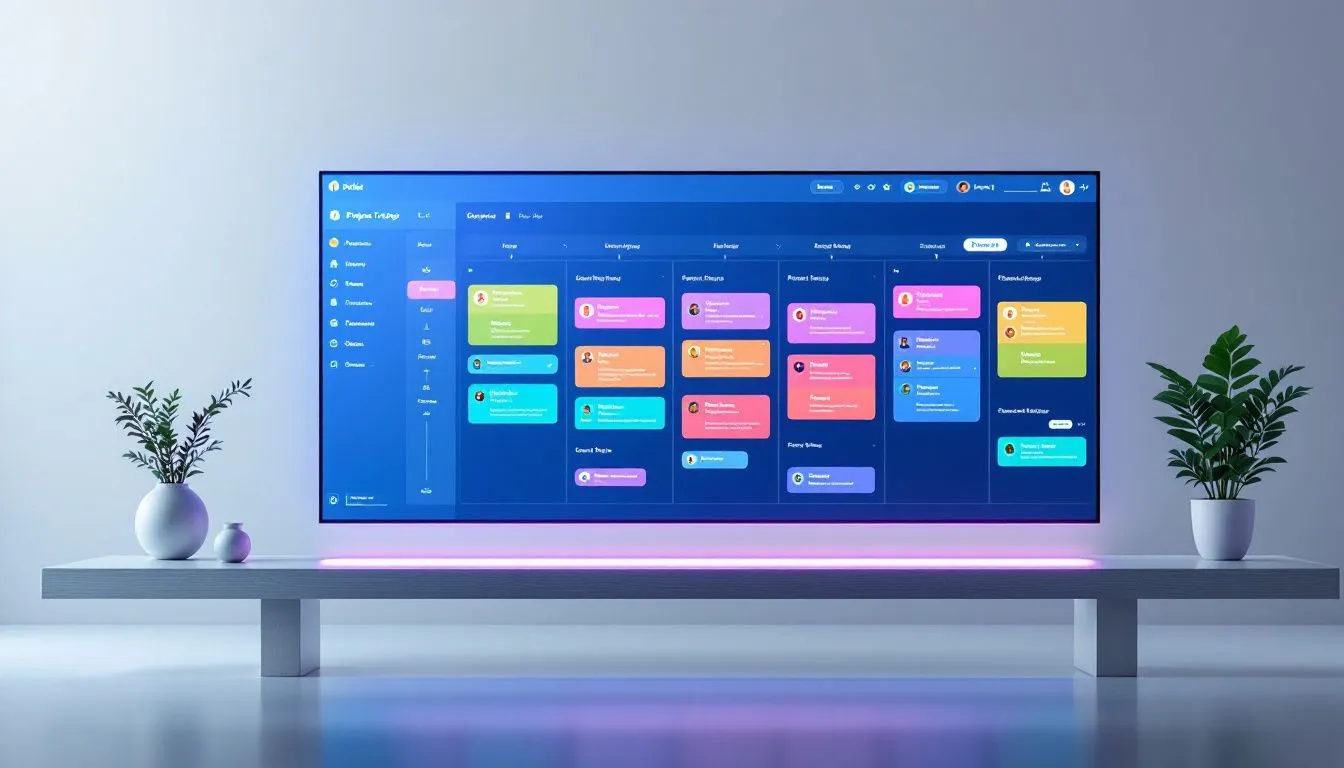
Scrumbuiss supports task management and project tracking for teams that need more than a personal organizer app. It includes a kanban board for visual project monitoring, plus features for managing tasks, overseeing projects, coordinating team work, and keeping project files near the work they support.
With its aim to optimize procedures and improve workflow efficacy, Scrumbuiss integrates an AI-powered assistant designed to speed up project setup while fostering better teamwork among users. By keeping task management, file context, time tracking, and project status in one workflow, it gives teams a clearer operating layer than a personal organizer app alone.
Data Protection and Reliability
In today’s digital era, safeguarding data and ensuring its reliability are of utmost importance. Scrumbuiss is committed to maintaining the security and dependability of user data. By implementing robust protection measures against unauthorized access, we foster trust among users by keeping their sensitive information safe.
Placing a high priority on securing data not only preserves your personal information, but also upholds the integrity of your online space.
Customer Support Availability
Providing clear customer support is a critical element for any reputable software service. Published support channels, responsive issue handling, and useful onboarding materials all make organization software easier to adopt.
Support expectations matter even more for teams spread across time zones. Before choosing software, confirm which support channels are included, how priority issues are handled, and whether onboarding support is available during rollout.
For Scrumbuiss, review the current support and onboarding options during evaluation so the rollout plan matches the team's operating needs.
Summary
The best software organizer is the one that matches the job. Choose an app cleanup utility when the problem is installed programs, updates, and safe removal. Choose a personal organizer app when the problem is daily planning and reminders. Choose team organization software or a project management tool when work needs owners, dates, files, recurring tasks, project status, and shared accountability.
For teams, the strongest organizing software is usually the tool that reduces coordination work. If people can see who owns each task, what files support the work, what is blocked, and what changed since the last review, the software is doing more than storing lists.
Frequently
asked
questions
Unlock Success &
Power Up Your Projects
Next to explore
Explore more pages to understand the product suite, common workflows, and evaluation guides.