Incident postmortem template
Download a free incident postmortem template with a blameless example, timeline, impact summary, root cause section, and follow-up checklist.
Download the outline, review the filled example, and adapt the structure for blameless incident reviews that lead to clearer follow-through.
What this incident postmortem template helps you capture
Use these checkpoints to keep the review factual, blameless, and actionable instead of producing another vague lessons-learned doc.
- ✓ Blameless review structure for timeline, impact, root cause, and contributing factors
- ✓ Filled authentication outage example you can adapt after real incidents
- ✓ Communication notes, customer impact summary, and follow-up ownership in one outline
- ✓ Free Markdown download with prompts for action items, due dates, and prevention checks
When to use this template
Use it after incidents that deserve more than a chat recap, especially when teams need a reusable structure for impact, timeline, and follow-up ownership.
- Use it within 24 to 72 hours of an outage or serious service disruption while facts, decisions, and gaps are still fresh.
- Use it when engineering, support, operations, and leadership need one blameless record of what happened, who was affected, and what changes should follow.
- Use it when recurring incidents expose process, monitoring, or release gaps and the team needs a structured way to separate root cause from contributing factors.
- Use it when customers or internal stakeholders expect a consistent incident review format instead of scattered notes across chats, docs, and tickets.
What’s inside
Each section is designed to help the team explain what happened, why it mattered, and which prevention steps come next.
What to include
These fields keep the postmortem useful for engineering, support, operations, and leadership instead of only the people who were on the call.
Incident summary
Write a short overview of the incident, severity level, affected service, and incident window so readers can understand the event before reading the full timeline.
Customer impact
Document who was affected, how the outage showed up, and how long the customer-facing impact lasted so the review stays grounded in real consequences.
Timeline
Capture detection, escalation, mitigation, resolution, and major decision points with timestamps pulled from alerts, logs, tickets, or status updates.
Root cause
State the direct technical or process failure that triggered the incident in plain language instead of hiding it behind jargon.
Contributing factors
List the conditions that made the incident harder to detect, recover from, or contain, such as alert gaps, risky rollout steps, or unclear ownership.
Communications
Record when support, customers, leadership, or status channels were updated so the team can improve future incident communication.
Action items
Turn each prevention step into a concrete follow-up with one owner, one due date, and a clear outcome the team can verify later.
Follow-up review
Note how the team will confirm that the fixes shipped, the runbooks changed, and the same failure path is less likely to recur.
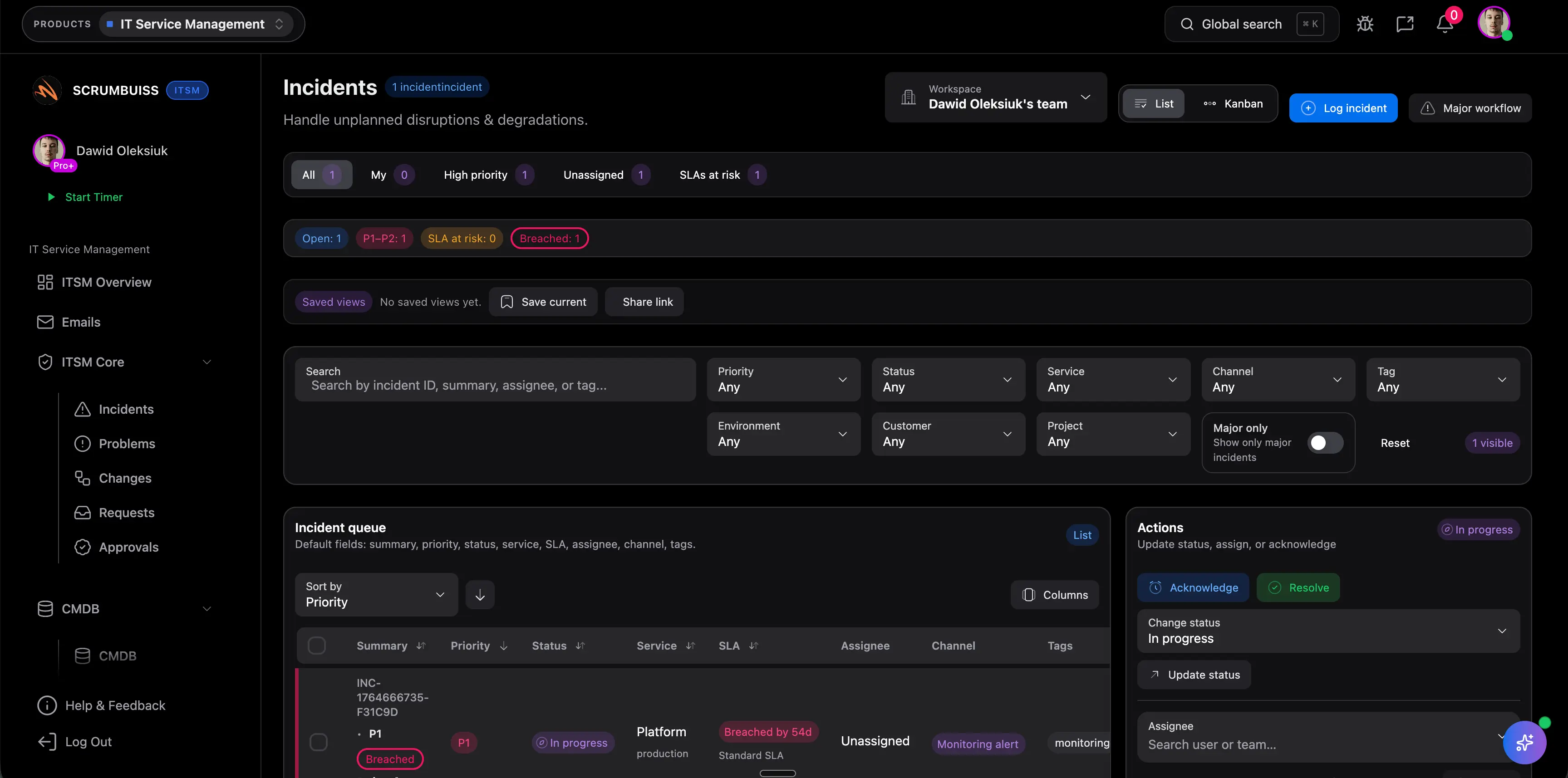
Filled incident postmortem example
This example shows how a blameless postmortem can document a customer-facing authentication outage without turning the write-up into a novel.
Incident summary
At 09:12 UTC, a production configuration change caused the authentication service to reject valid refresh tokens, blocking customer sign-in for 43 minutes.
Customer impact
31% of login attempts failed between 09:12 and 09:55 UTC, 214 active sessions were forced to sign in again, and support handled 18 related tickets.
Timeline
09:12 alert triggered on login failures, 09:18 on-call acknowledged, 09:24 rollback attempted, 09:37 config diff identified, 09:46 corrected config deployed, 09:55 error rate normalized.
Detection and response
The team first saw the issue through a spike in 401 responses, assembled the platform and authentication owners, and used recent deployment history to narrow the blast radius.
Root cause
A production auth issuer value was copied from a staging configuration during a rollout, causing the token validation service to reject otherwise valid refresh tokens.
Contributing factors
There was no automated config validation for auth issuer changes, the dashboard emphasized overall error rate instead of login-specific failures, and the rollback checklist did not cover config-only deploys.
Communications
The status page was updated at 09:26 UTC, support received a customer response macro at 09:30, and the final resolution summary was shared internally at 10:08 with next-step commitments.
What went well
On-call pairing between platform and auth owners reduced diagnosis time, and support escalated customer-facing symptoms quickly enough to confirm the incident scope.
Follow-up actions
Add config validation in CI by March 15, create a login-failure alert by March 14, and require a production config checklist for auth changes by March 18.
Postmortem review checklist
Use this checklist before publishing the write-up so the document supports follow-through rather than closing the incident too early.
- Confirm the timeline uses actual timestamps from logs, alerts, and incident updates instead of memory alone.
- Separate the root cause from contributing factors so the team does not confuse the triggering failure with the conditions that made impact worse.
- Quantify customer impact, affected systems, and resolution timing before sharing the document broadly.
- Assign each follow-up action one owner and one due date, then convert it into tracked work before closing the review.
- Document what went well during detection, escalation, and communication so the team keeps the useful parts of the response.
- Review whether customers or stakeholders need a separate external summary rather than the full internal postmortem.
Common mistakes
Most weak postmortems fail because they blur cause and contributing factors, skip impact details, or leave follow-up actions too vague to execute.
- Turning the postmortem into a blame exercise, which discourages accurate reporting and makes future incidents harder to diagnose.
- Jumping straight to the first visible failure without documenting the contributing factors that allowed the outage to spread or last longer.
- Writing vague action items like "improve monitoring" instead of specific follow-ups with owners, due dates, and completion criteria.
- Skipping the communication timeline, which hides whether customers, support, and leadership were updated at the right times.
- Treating the postmortem as done once the document is published instead of checking whether the prevention actions actually ship.
How to run a blameless postmortem with this template
A lightweight flow you can reuse after outages, degraded service events, and internal incidents that need clearer learning and ownership.
Reconstruct the incident before opinions take over
Pull timestamps from alerts, logs, tickets, and status updates first. Build the timeline around observable events so the team debates decisions with shared facts instead of memory gaps.
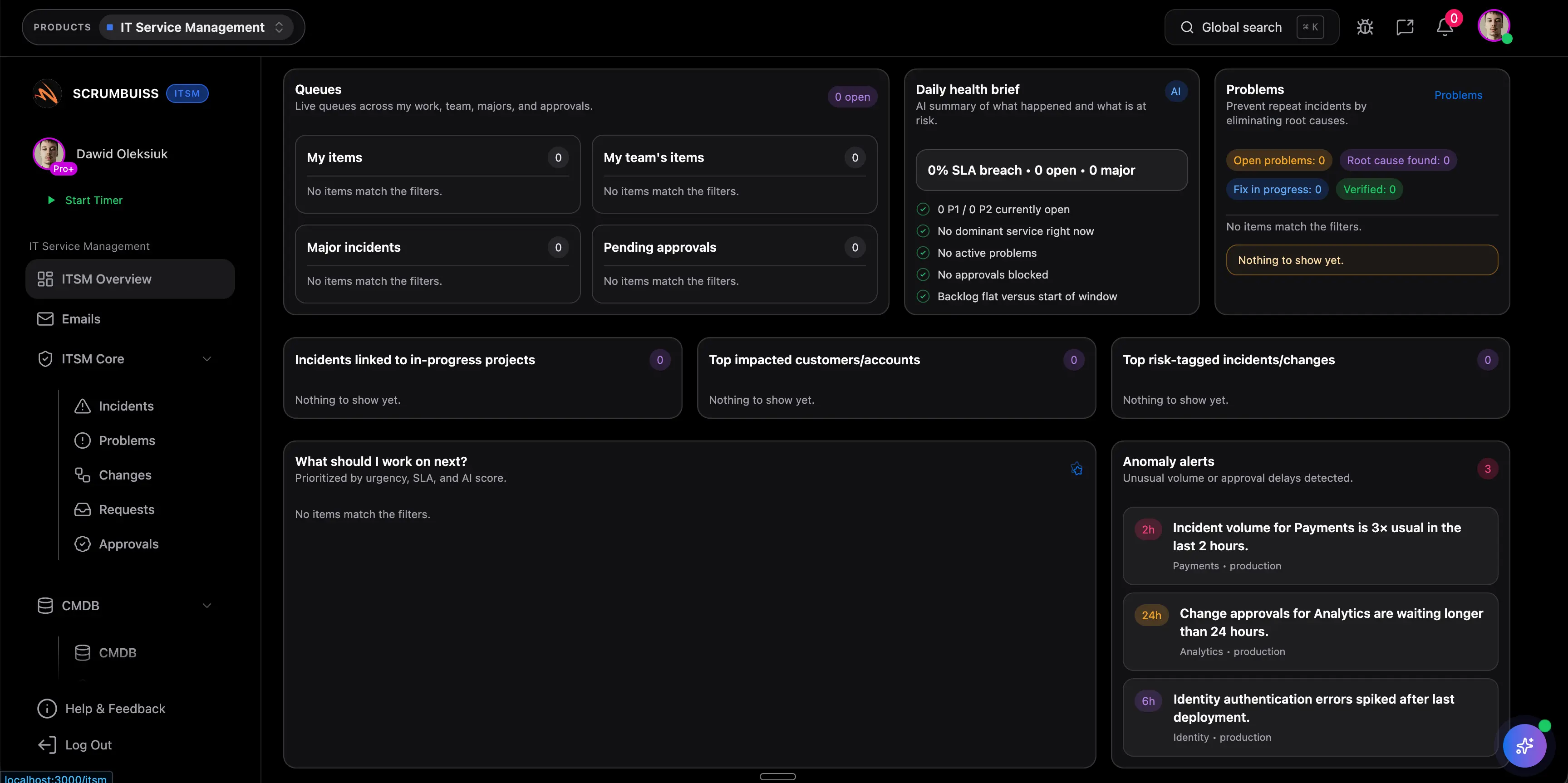
Document cause, contributors, and communications separately
Capture the direct failure, the conditions that amplified impact, and how customers or internal teams were informed. Keeping those threads separate makes the review easier to trust and act on.
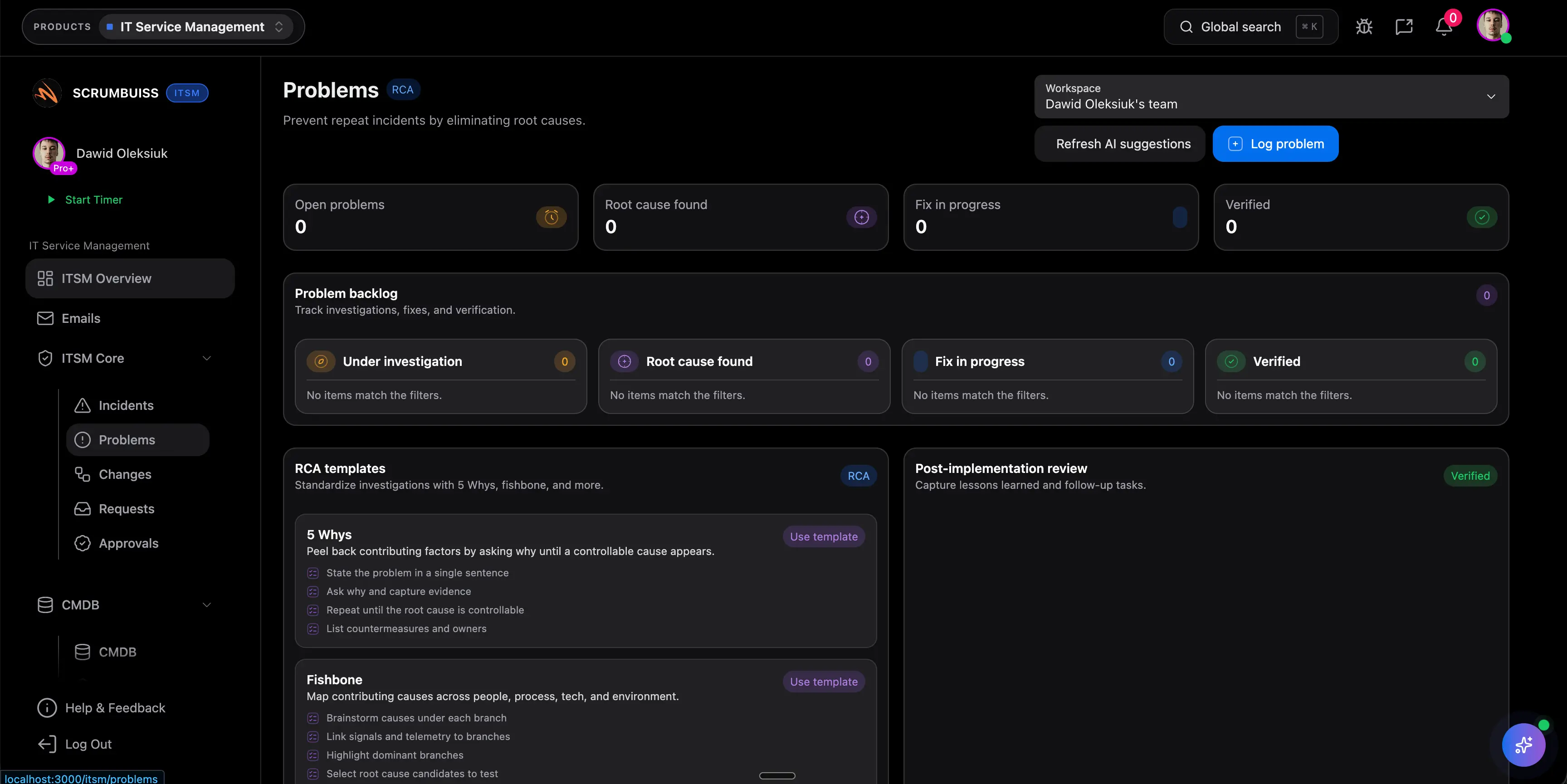
Turn the review into tracked prevention work
Close the meeting only after follow-up actions have owners, due dates, and a place in the team's workflow. The postmortem is useful when it changes future response, not when it only records the past.
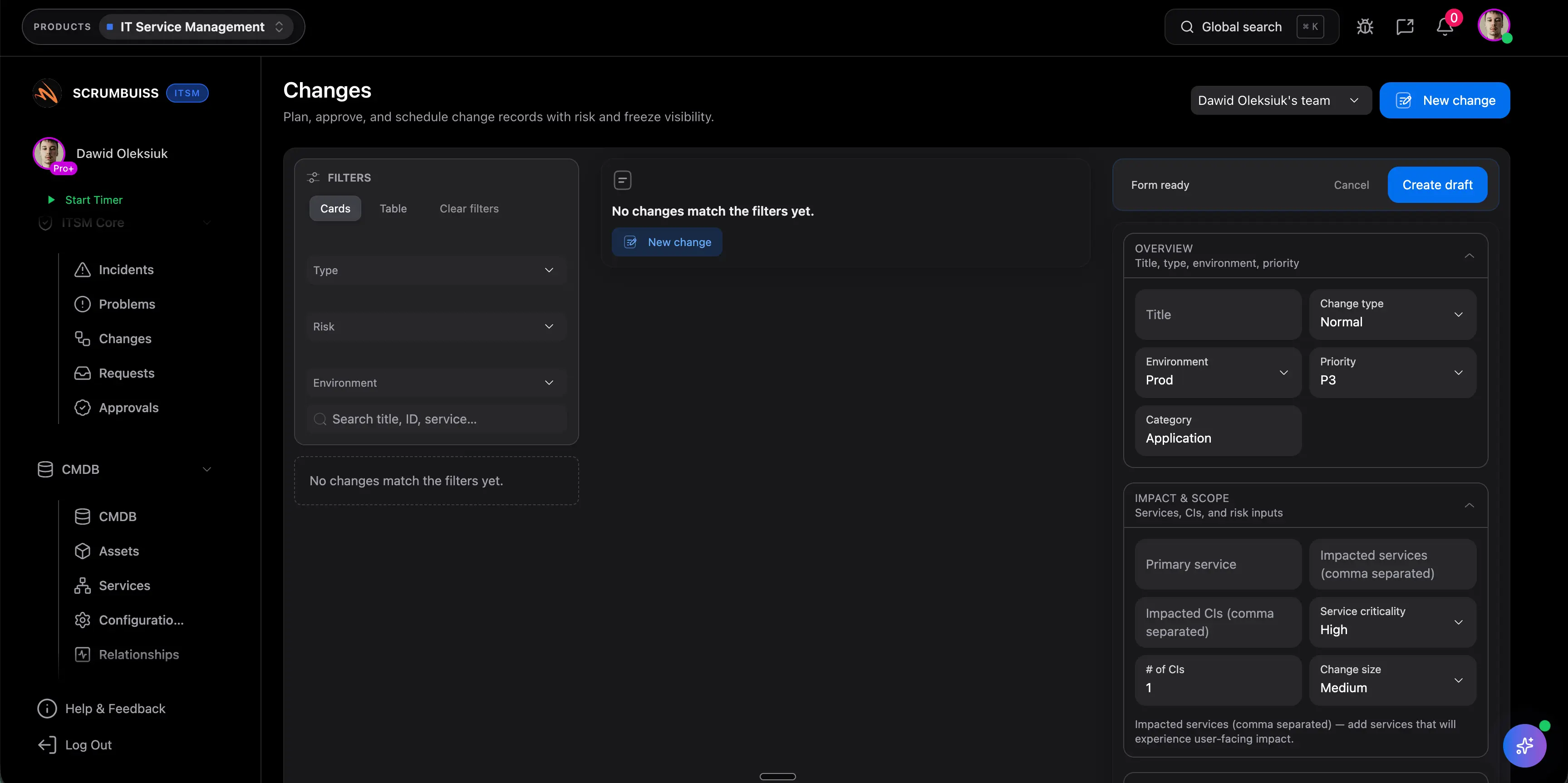
Related features
Use these Scrumbuiss features to collect incident inputs, track follow-ups, and keep response context attached to the work.
Recommended workflows
See the team workflows where incident reviews connect to ongoing operations and risk tracking.

Need more ideas? Browse use cases .
Incident postmortem template FAQ
Should postmortems be blameless? +
Yes. A useful postmortem examines systems, decisions, safeguards, and communication gaps instead of turning the review into a search for one person to blame. Teams get better data when contributors can describe what happened honestly.
What is the difference between root cause and contributing factors? +
The root cause is the direct failure that triggered the incident. Contributing factors are the conditions that made the outage easier to cause, slower to detect, or harder to resolve, such as missing alerts, risky rollout steps, or unclear ownership.
Who should attend an incident postmortem? +
Include the people closest to the incident response and the systems affected: incident commander, on-call responders, service owners, and anyone responsible for follow-up actions. Bring in support, product, or communications leads when customer impact or status updates were a meaningful part of the event.
How soon should we write a postmortem? +
Usually within 24 to 72 hours, once the service is stable and the team has enough evidence to reconstruct the timeline. Waiting too long makes timelines fuzzy and often weakens the quality of the follow-up actions.
Who should own the follow-up actions? +
Each action item should have one directly accountable owner and one due date. The incident commander or facilitator can help collect the work, but the fixes should live with the teams responsible for shipping the prevention steps.
Should we share the same postmortem with customers? +
Usually no. The internal postmortem should be detailed enough for operational learning, while an external summary should focus on customer impact, resolution timing, and the corrective actions you are comfortable sharing publicly.