Workflow step 1
Qualify and progress deals
Track stages and next steps so your team always knows what to do next.
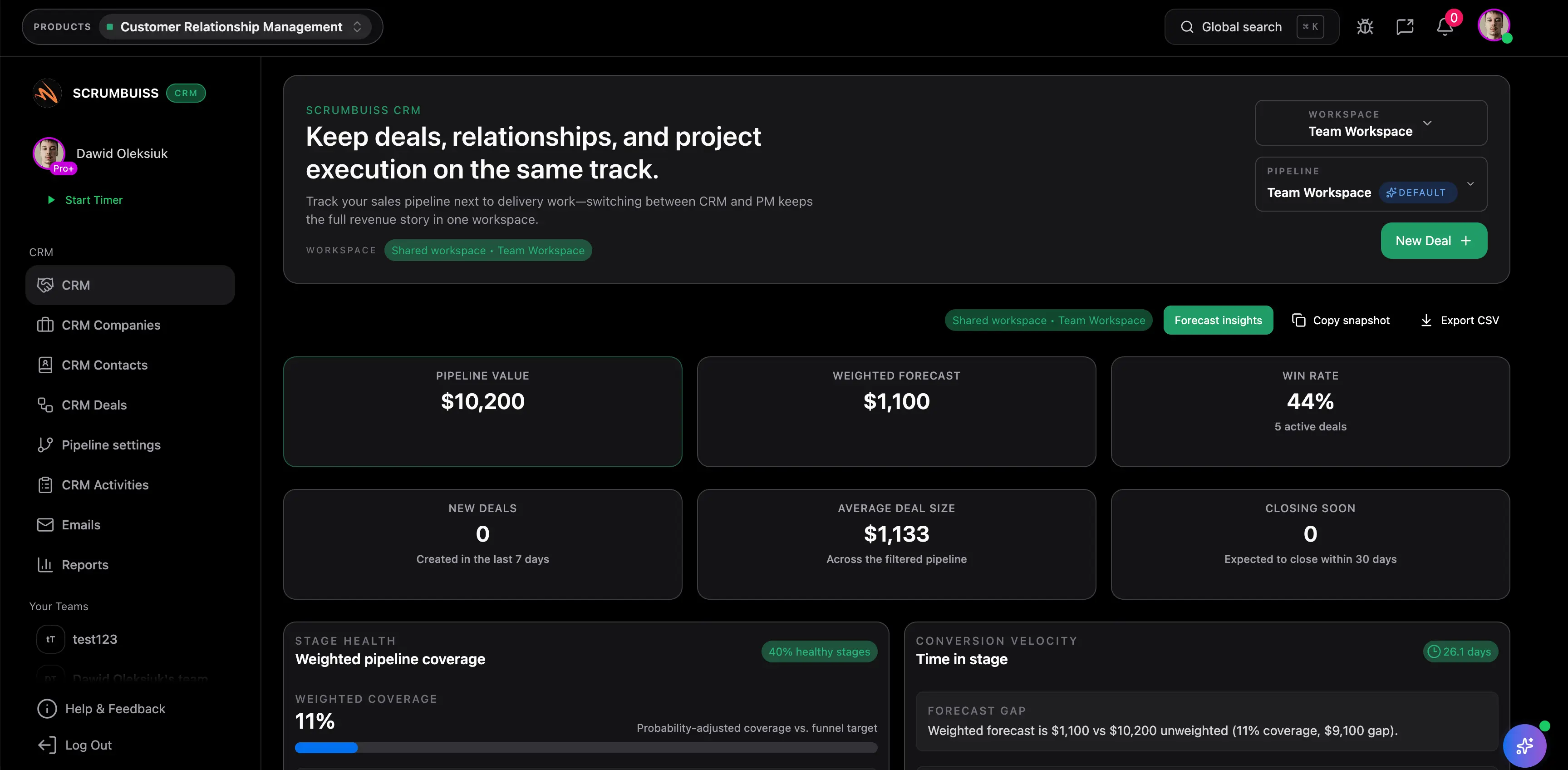
Explore related feature pages to go deeper.
Use this rollout as a practical starting point for your first workspace.
Track stages and next steps so your team always knows what to do next.
Use activities and email workflows to stay on top of communication.
Turn a won deal into an execution plan with the right context attached.
These are common operational gains teams usually target after rollout.
Keep contacts, deals, and activities in one place so reps spend less time updating tools.
Illustrative example: Save 30–60 minutes per rep per week by simplifying CRM updates and reminders.
Use activities and playbooks to standardize next steps across the pipeline.
Illustrative example: Prevent 1–2 missed follow-ups per week by tracking activities and due dates in one view.
Turn won deals into a brief or project without losing context, reducing rework and confusion.
Illustrative example: Save 1–2 hours per deal by reusing deal context instead of recreating delivery docs.
Start lean, then add more structure once the workflow is running.
Copy and adapt these templates to kickstart your workflow.
Yes. You can link pipeline outcomes to delivery work so handoffs are clearer and status stays visible.
It’s designed to be lightweight and workflow-first. If you have complex enterprise requirements, we can review fit together.
