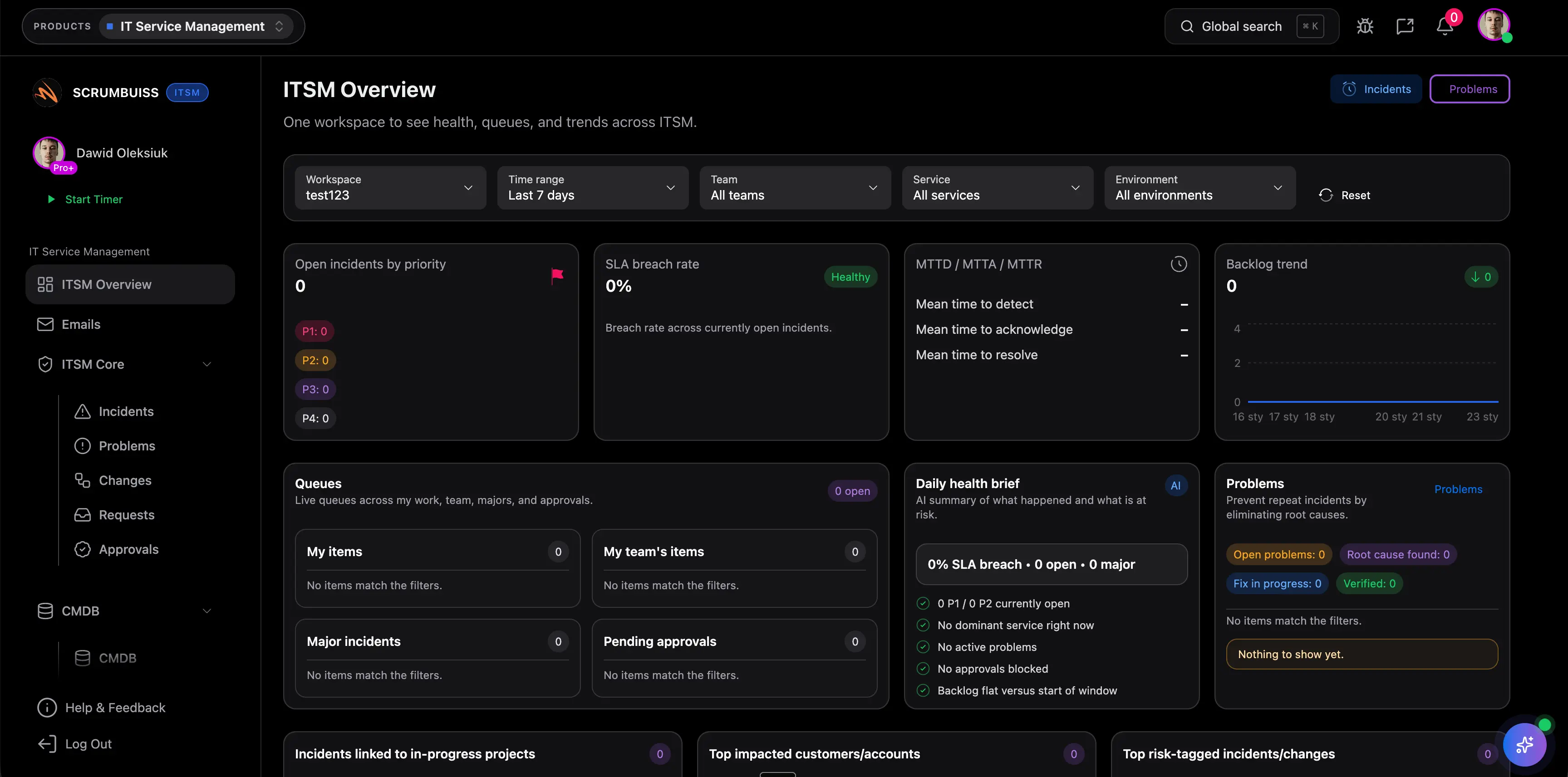
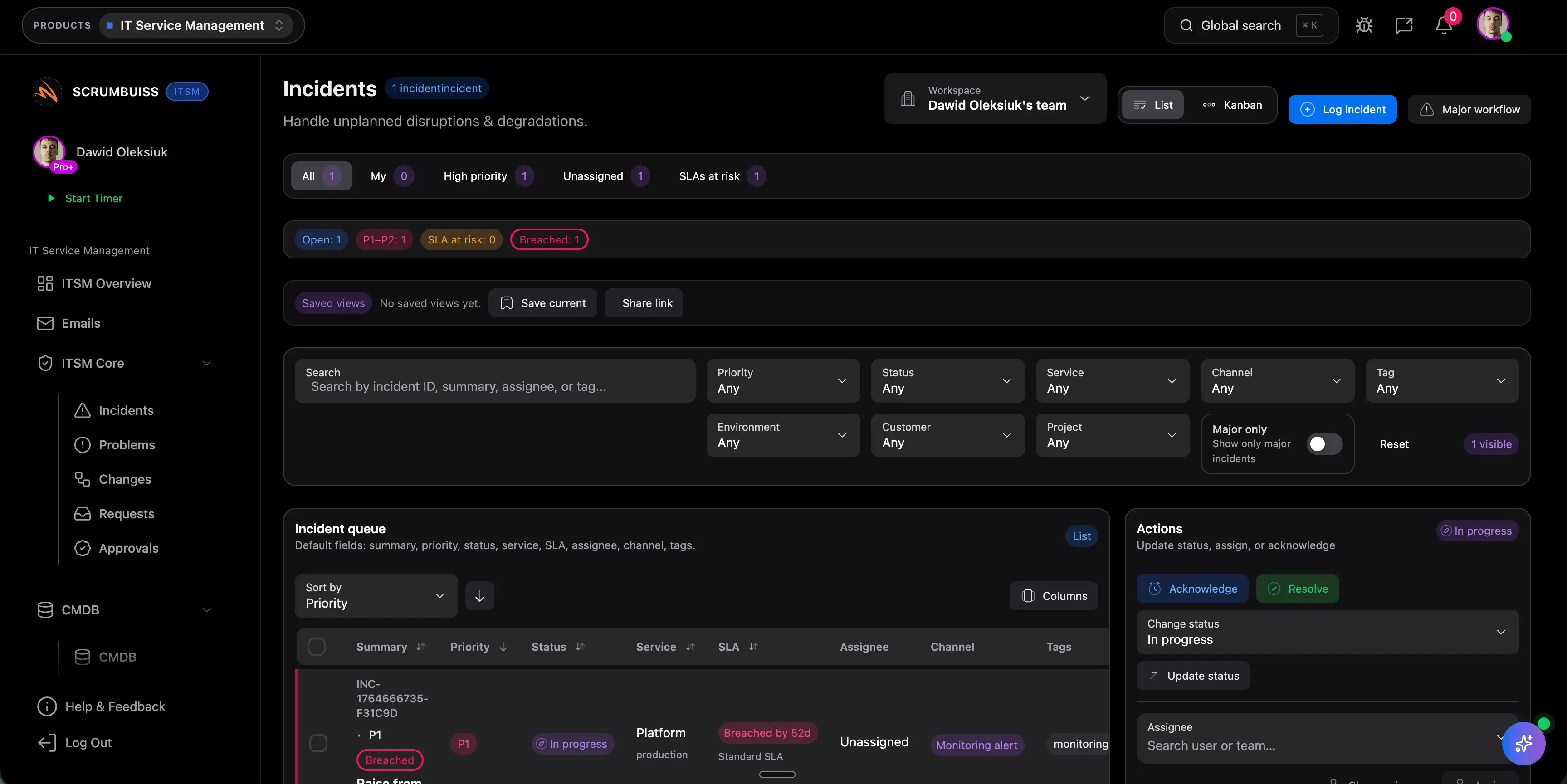
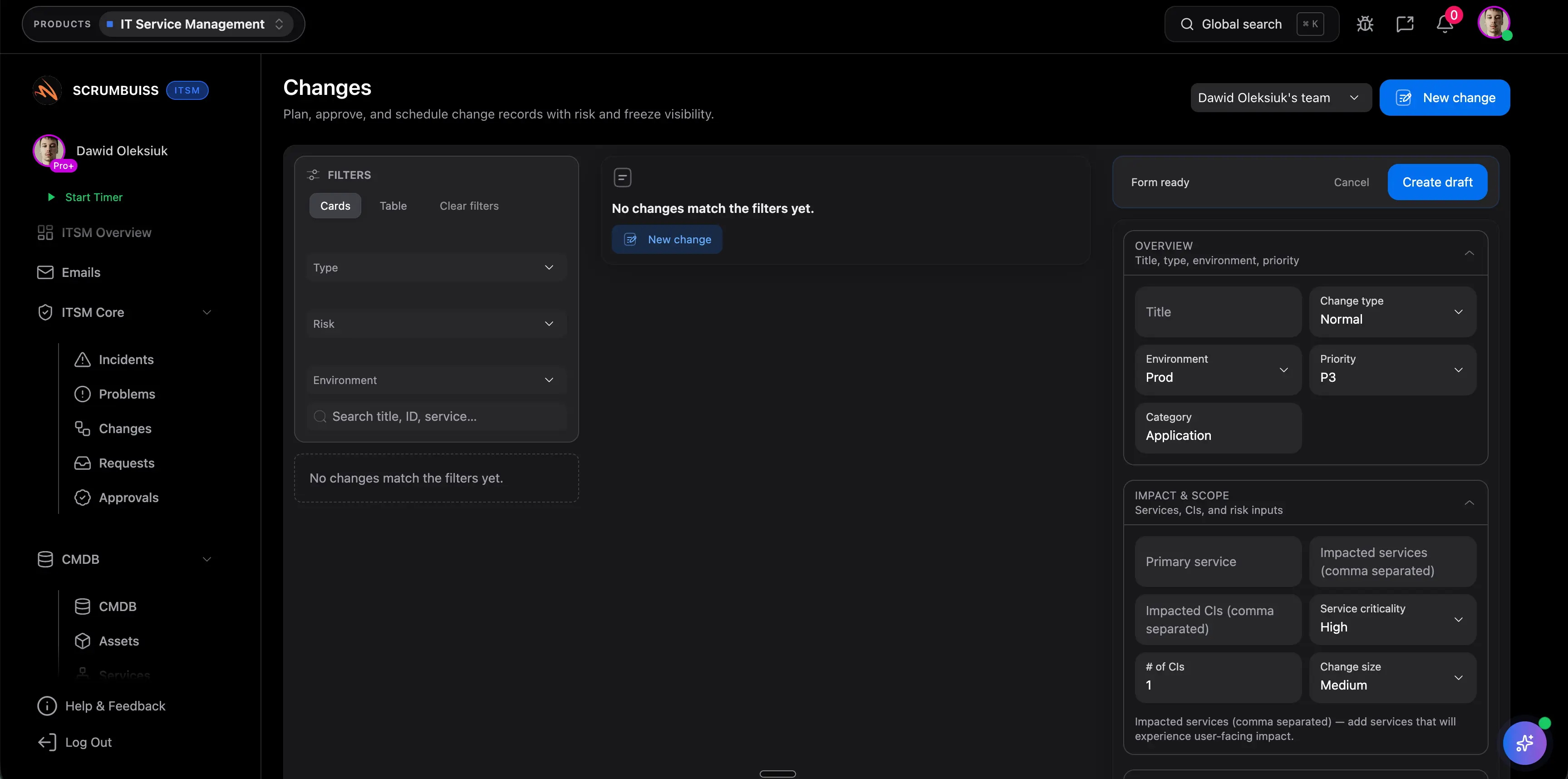
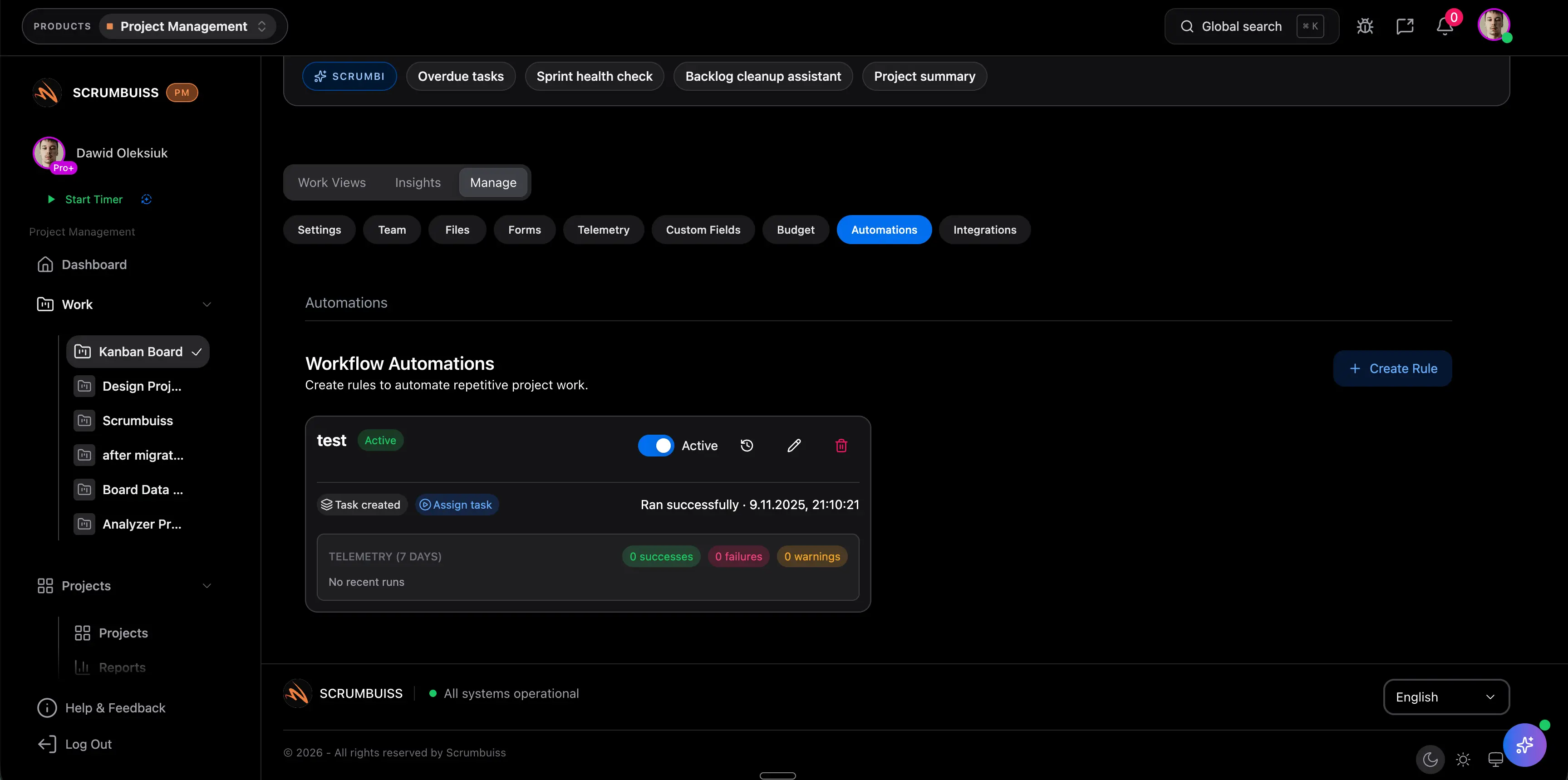
| Best fit | Teams that want incidents, changes, and delivery-adjacent follow-up to stay readable in one operating workspace. | Atlassian-centered teams that want service management tightly connected to the wider Jira platform. | Enterprises standardizing on a broader service-management and workflow platform at scale. | IT teams wanting a modern AI-powered ITSM layer with strong service-desk orientation. |
| Primary operating model | One operating layer for incident triage, change scheduling, operational reporting, and follow-up tied to adjacent work. | One AI-powered platform for service teams with requests, IT operations, and links into Jira issue workflows. | Enterprise AI platform for service operations, workflows, and performance visibility across a larger program. | Unified AI-powered ITSM with self-service, agent assistance, and broader service-operations extensions. |
| Incident handling | Incident ownership, current status, and next actions stay attached to the operational or delivery context that created them. | Officially highlights managing requests in one place and using AI to detect, resolve, and prevent incidents. | Officially emphasizes issue identification, service performance insight, and AI-enabled service operations. | Officially emphasizes always-on support, AI help for agents, and faster service response in one portal. |
| Change coordination | Shared change windows, timing, and follow-up stay visible to operations and delivery leads together. | Officially highlights automated change requests and deploy-with-confidence workflows for IT operations. | Officially highlights automated change processes, real-time alerts, and end-to-end release-readiness visibility. | Broader ITSM coverage is clear, but buyers should validate exact change-governance depth in a live workflow. |
| Cross-team context | Slack updates, Confluence-linked docs, and delivery follow-up can stay close to the same operational record. | Officially emphasizes context across Atlassian and third-party tools through Teamwork Graph. | Broad platform connectivity is a strength, but teams should judge how readable that context stays in daily operations. | Omnichannel support and integrations help distribute context, but teams should test whether it stays tied to follow-through work. |
| Operating weight | Lighter product choice when the problem is weekly coordination overhead more than enterprise platform depth. | Stronger when Atlassian governance, issue-tracker adjacency, and larger service-management design are already strategic. | Heavier enterprise rollout when governance, scale, and platform breadth outweigh simplicity. | Dedicated ITSM layer with modern AI packaging; still separate from broader delivery workflows unless the team proves otherwise. |