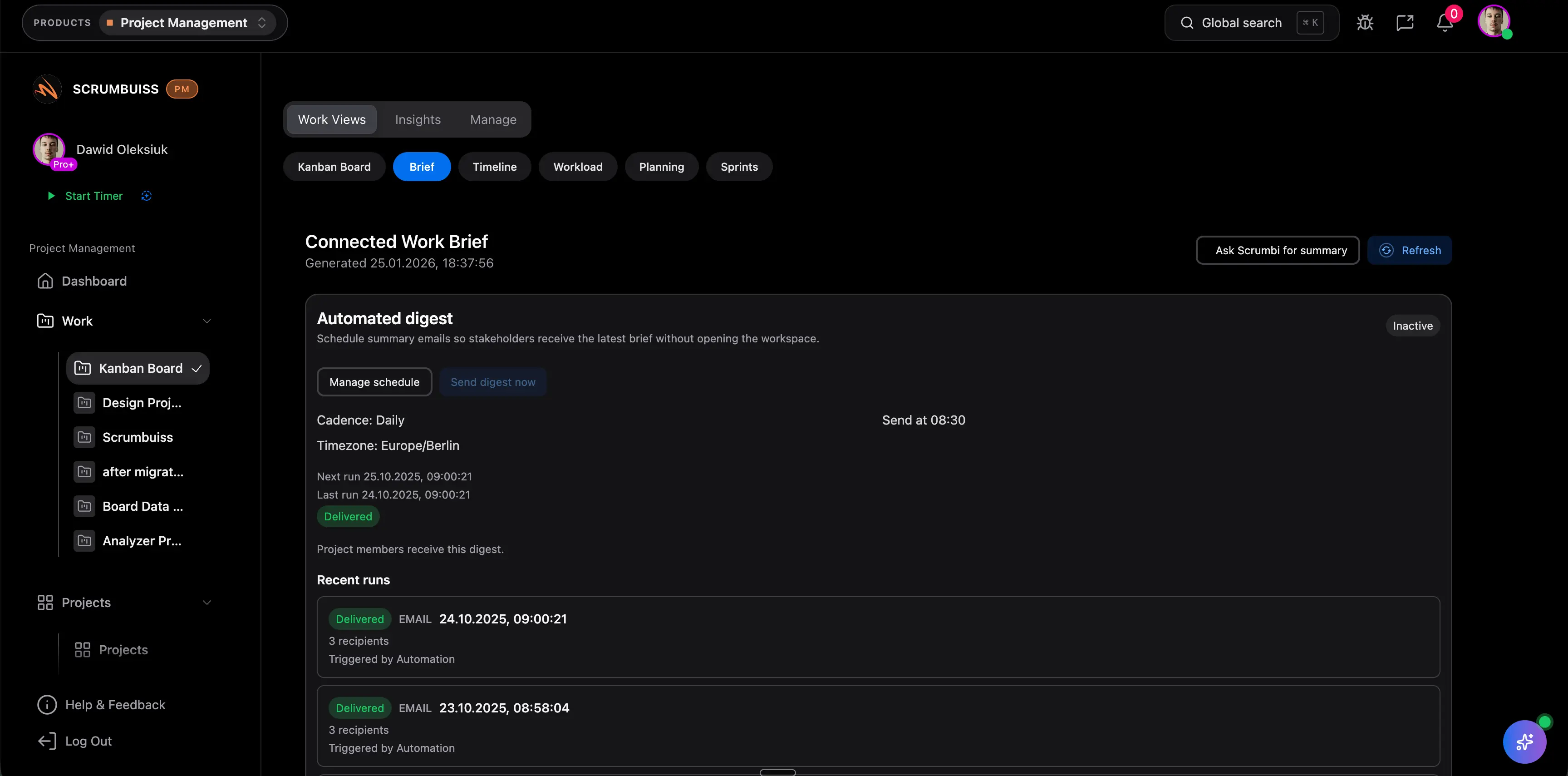
Start every engagement with a structured brief
Capture scope, stakeholders, deliverables, reporting cadence, and success criteria before work moves into production.
Explore related feature pages to go deeper.
Use this rollout as a practical starting point for your first workspace.
Capture scope, stakeholders, deliverables, reporting cadence, and success criteria before work moves into production.
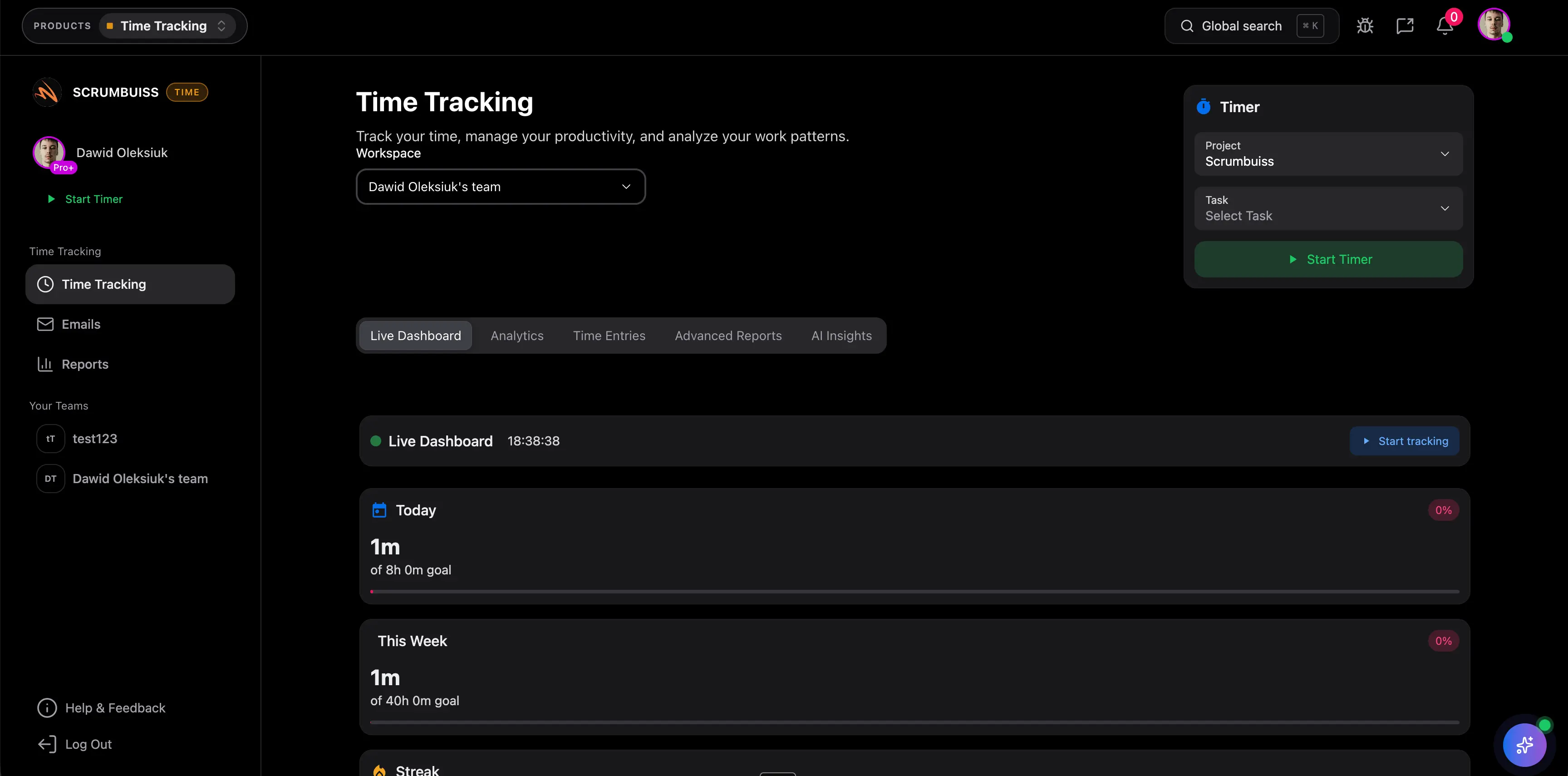
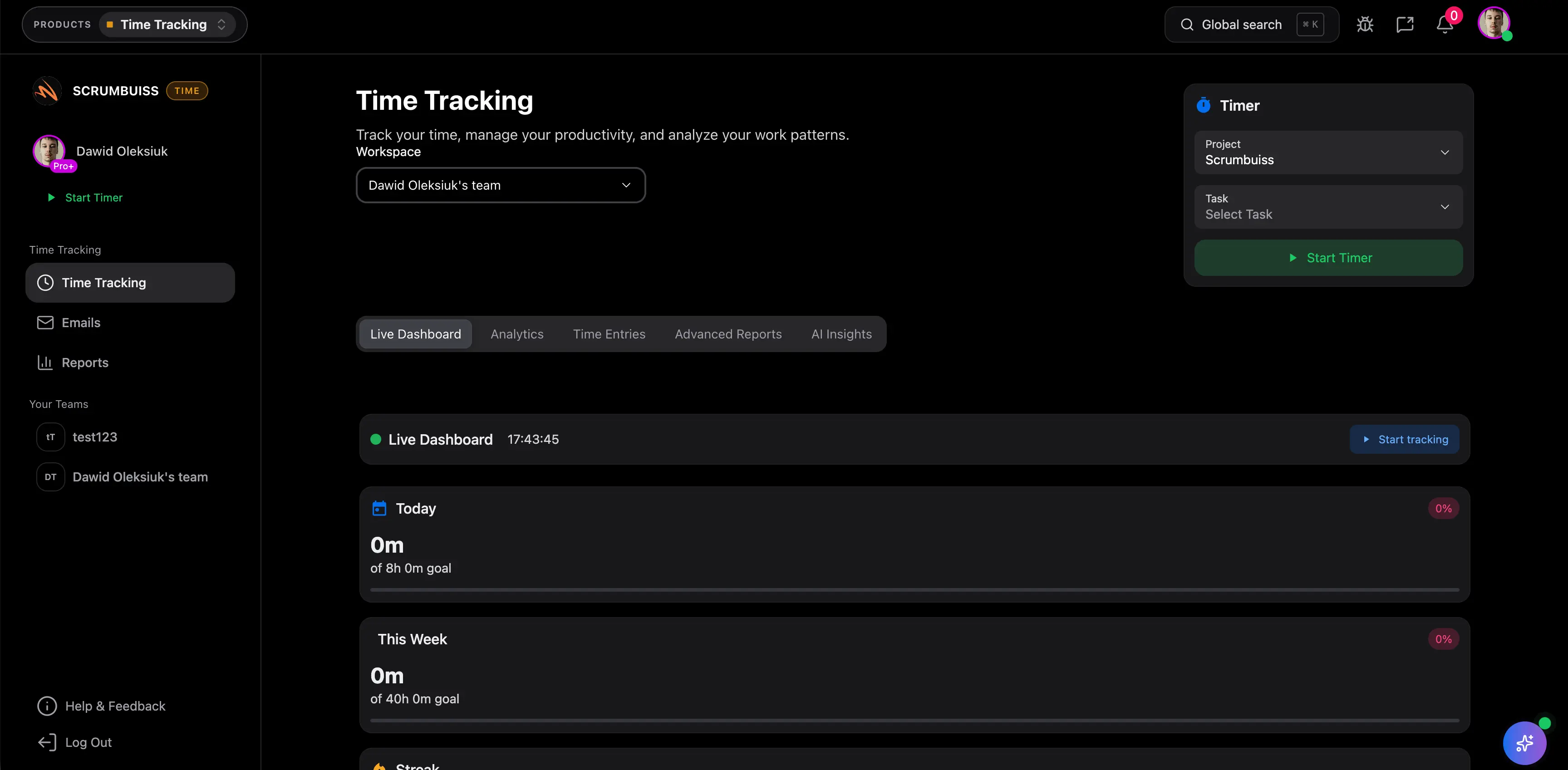
Track milestones, log time, and review client workload before blockers turn into missed deadlines or invisible over-servicing.
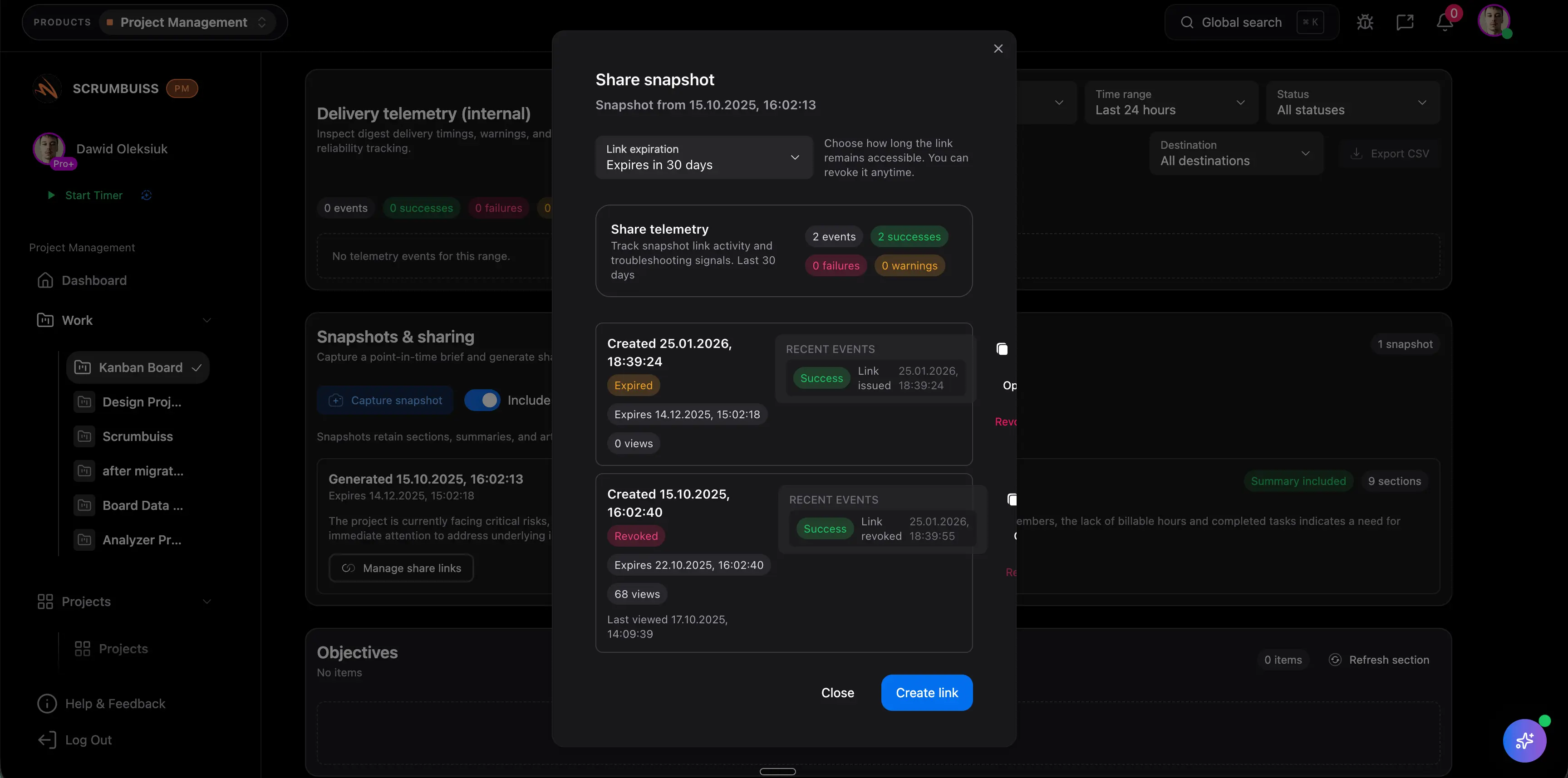
Use dashboards, timelines, and structured updates to explain progress, effort, and next steps without rebuilding the report manually.
These are common operational gains teams usually target after rollout.
Keep time attached to delivery work so the agency captures effort consistently instead of losing it in side tools or late-entry catchups.
Illustrative example: Recover 15–30 minutes per person per week of billable work that would otherwise be missed or logged too late.
Use shared briefs, milestones, and dashboards so account leads spend less time rebuilding weekly updates from scattered sources.
Illustrative example: Save 1–2 hours per week for account or delivery leads by turning live project data into faster status reporting.
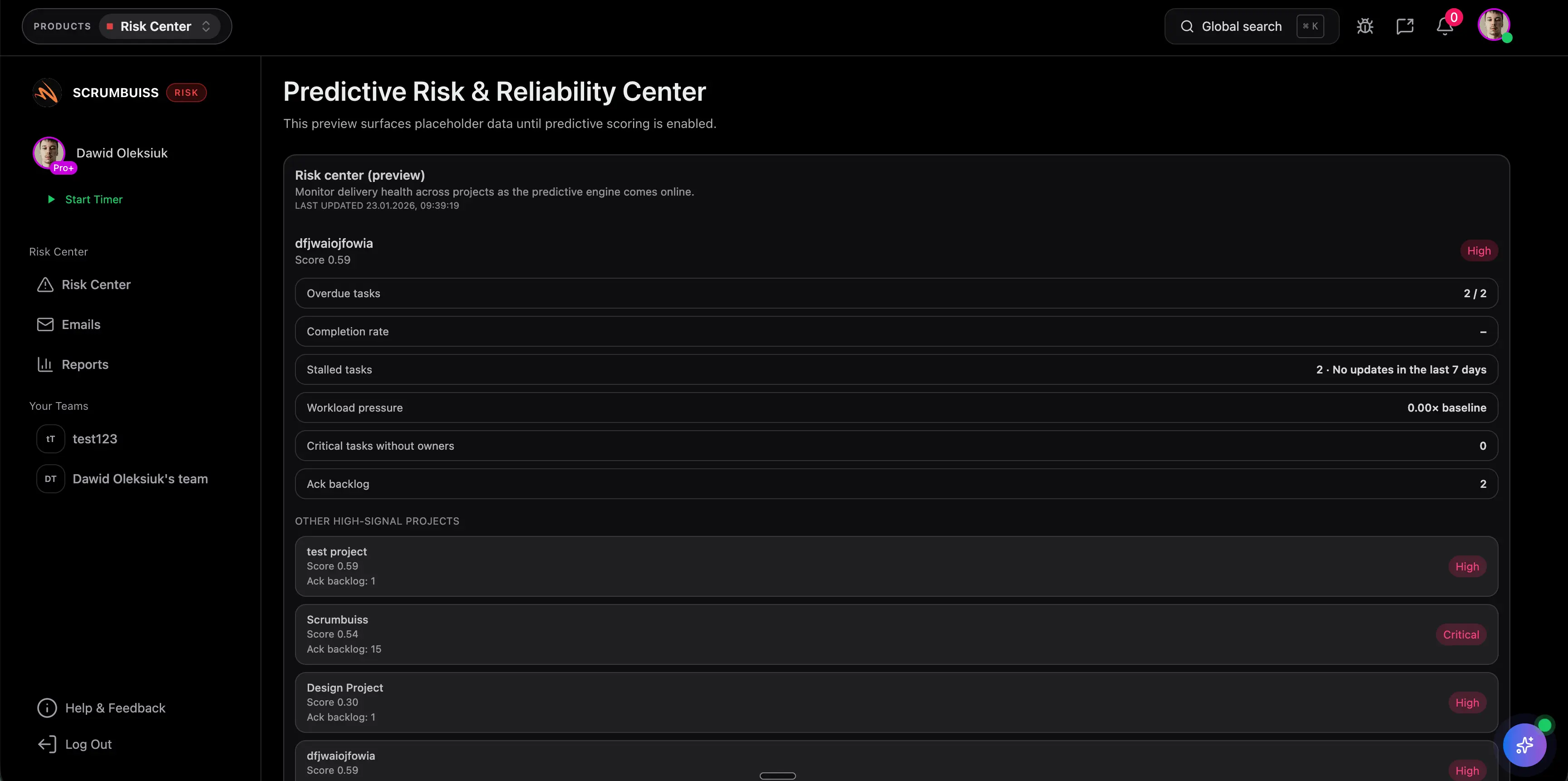
Review workload and project health in the same operating layer before one overloaded week cascades across multiple client deadlines.
Illustrative example: Prevent schedule slippage and urgent re-planning by spotting overloaded people or accounts earlier in the week.
Start lean, then add more structure once the workflow is running.
See how teams apply this product in real scenarios.
Copy and adapt these templates to kickstart your workflow.
Download a free project brief template with a filled example, one-page outline, and practical checklist for aligning scope, stakeholders, milestones, and handoffs.

Download a free risk register template with likelihood × impact scoring, example rows, owners, and a weekly review cadence.
Yes. Reporting views help you see where time is spent across clients, projects, and teams.
Yes. Time entries can be connected to the work being delivered, so reporting stays grounded in real output.
