Risk register template
Download a free risk register template with likelihood × impact scoring, example rows, owners, and a weekly review cadence.
Use this page as a starting point, then adapt the template to your workflow in Scrumbuiss.
Checklist before you share it
Use these points as a quick checklist before you share or reuse the template.
- ✓ Likelihood × impact scoring system
- ✓ Filled example rows with owners and mitigations
- ✓ Weekly review cadence with next actions
- ✓ Free CSV download you can adapt in Excel or Google Sheets
When to use this template
Use it when you need a lightweight way to track risks, owners, and next actions.
- At project kickoff, when you need one place to log the biggest delivery, staffing, vendor, or deadline risks.
- During weekly delivery reviews, so owners can update probability, impact, and mitigation progress without rebuilding the tracker.
- When multiple teams share dependencies and need a lightweight risk register template before moving into a fuller workflow tool.
- When stakeholders ask for a concise risk summary with owners, next review dates, and clear escalation signals.
What’s inside
Sections you can copy into your own workflow.
What to include
These are the fields that make a risk register useful in practice.
Risk statement
Describe the threat in plain language so the team understands what could happen and why it matters.
Likelihood and impact
Score how likely the risk is and how severe the outcome would be if it happened.
Priority score
Multiply likelihood × impact so the team can sort the register and focus on the highest-priority items first.
Owner
Assign one person responsible for monitoring the risk and moving mitigation actions forward.
Mitigation plan
Write the immediate action that lowers probability, reduces impact, or prepares a fallback path.
Trigger signal
Record the leading indicator that tells the team when the risk is getting worse and needs attention.
Review date and status
Set the next review date and track whether the risk is open, watching, mitigated, or escalated.
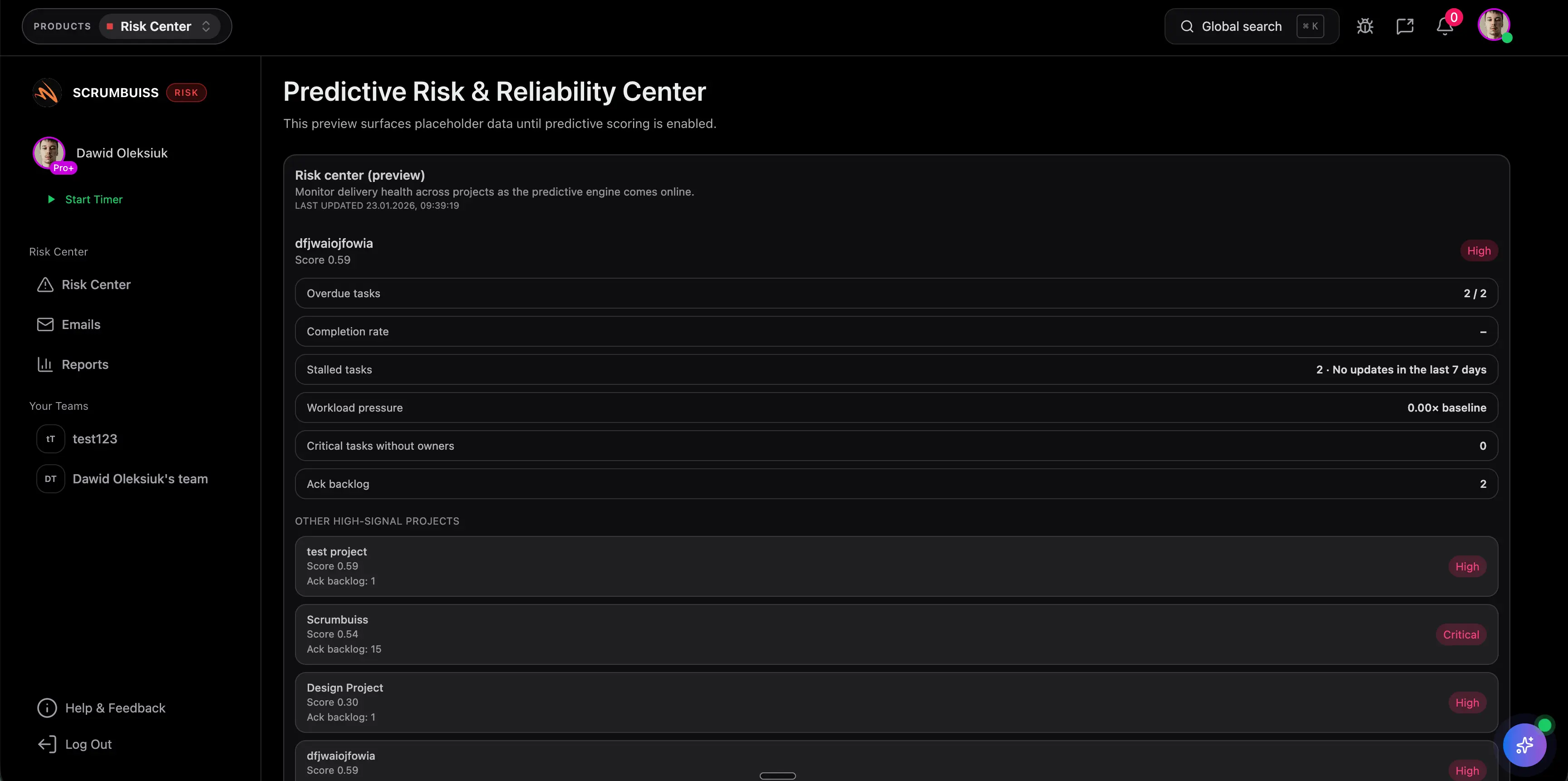
Filled risk register example
Use these example rows as a reference before tailoring the template to your project.
| Risk | Likelihood | Impact | Score | Owner | Mitigation | Trigger | Review date | Status |
|---|---|---|---|---|---|---|---|---|
| Vendor API delivery slips by two weeks | 4 | 5 | 20 | Engineering lead | Freeze dependent scope and confirm fallback workflow by Friday | Vendor misses sandbox milestone | 2026-03-19 | Escalated |
| Key frontend engineer is unavailable during release hardening | 3 | 4 | 12 | Project manager | Cross-train second owner and pull test cases forward | PTO request or support load spikes | 2026-03-18 | Open |
| Unclear acceptance criteria cause rework after stakeholder review | 3 | 3 | 9 | Product manager | Review acceptance criteria in the project brief before sprint start | Stories enter sprint without sign-off | 2026-03-17 | Watching |
| Performance regression pushes launch past planned window | 2 | 5 | 10 | Tech lead | Add load-test checkpoint and reserve one rollback window | Response times exceed target in staging | 2026-03-20 | Open |
Scoring guide
A simple scoring model helps the team agree on which risks need action first.
Monitor it, but keep the review light unless the trigger signal changes.
Review it in weekly project check-ins and confirm the mitigation owner.
Add concrete mitigation work this week and report progress in the status update.
Escalate immediately, assign a contingency plan, and review before new commitments.
Weekly review checklist
Use this checklist to keep the register current during recurring project reviews.
- Confirm every active risk still has a named owner.
- Update likelihood, impact, and score based on current evidence.
- Check whether mitigation work is done, blocked, or needs escalation.
- Look for new trigger signals, deadlines, or dependency changes.
- Close risks that are no longer relevant so the register stays useful.
Common mistakes
These are the patterns that usually make a risk register stale or hard to trust.
- Logging vague risks without a trigger, owner, or mitigation action.
- Leaving scores unchanged even when the project context has clearly shifted.
- Tracking too many low-value risks until the register becomes noise.
- Treating the register as a one-time kickoff document instead of a weekly operating tool.
How to use it in Scrumbuiss
A simple approach you can replicate in your workspace.
Collect risks early
Capture the biggest delivery, staffing, dependency, and deadline risks during planning and assign one owner to each.
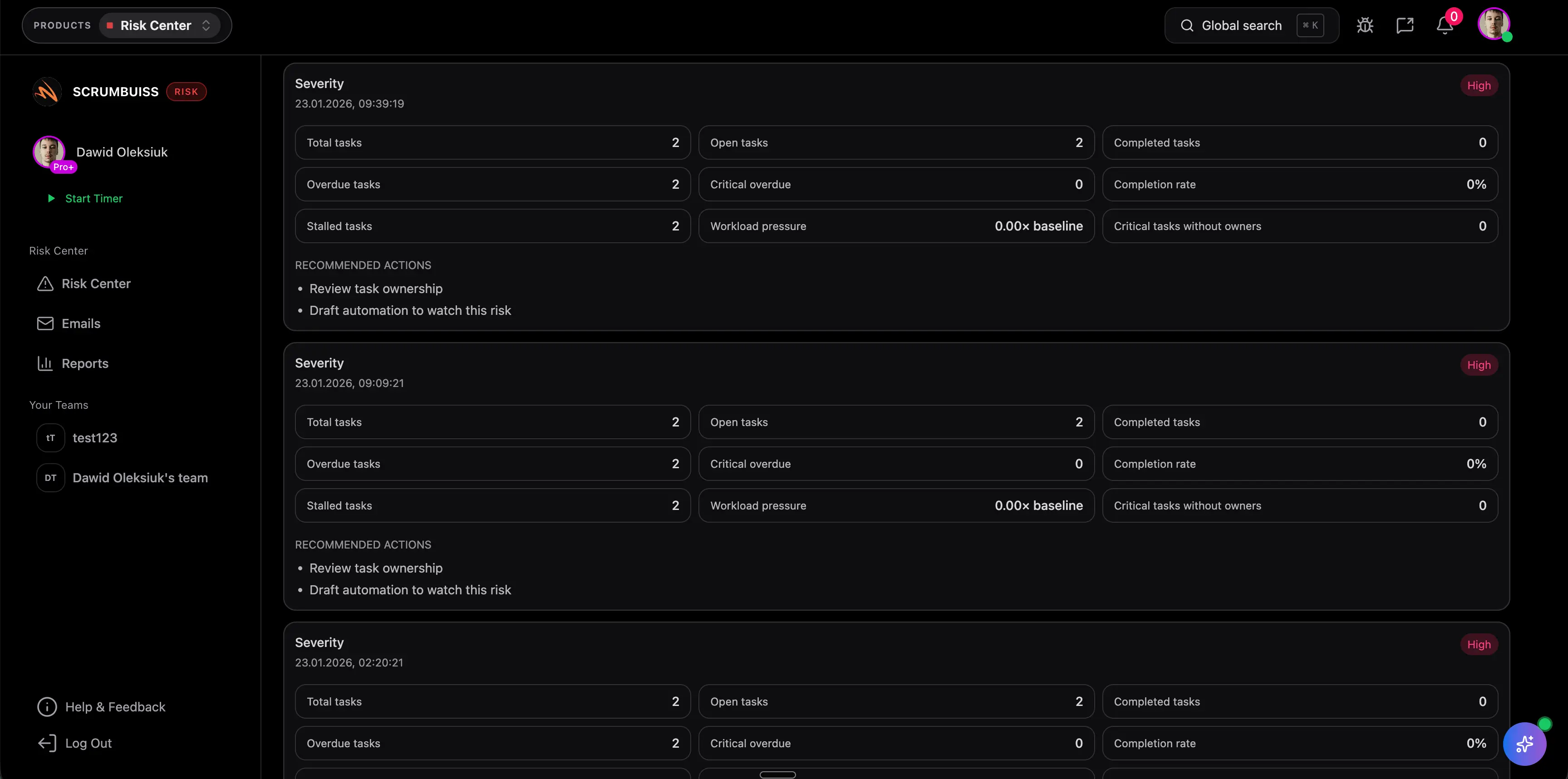
Score and prioritize
Use the same likelihood × impact scale across the team so the highest-priority risks rise to the top quickly.
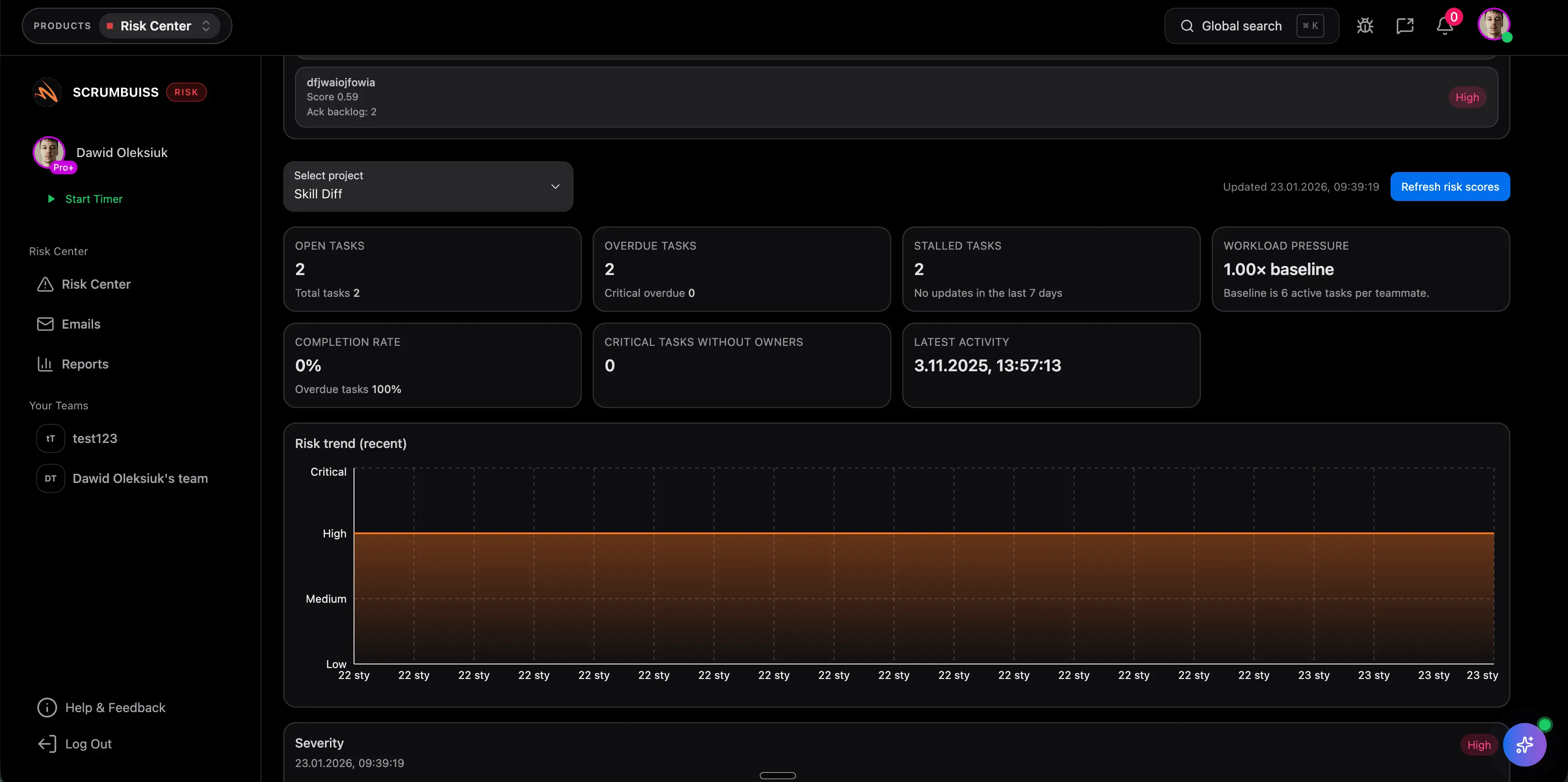
Review weekly
Treat the register as an active tool: update signals, mitigation progress, and next actions during every project review.
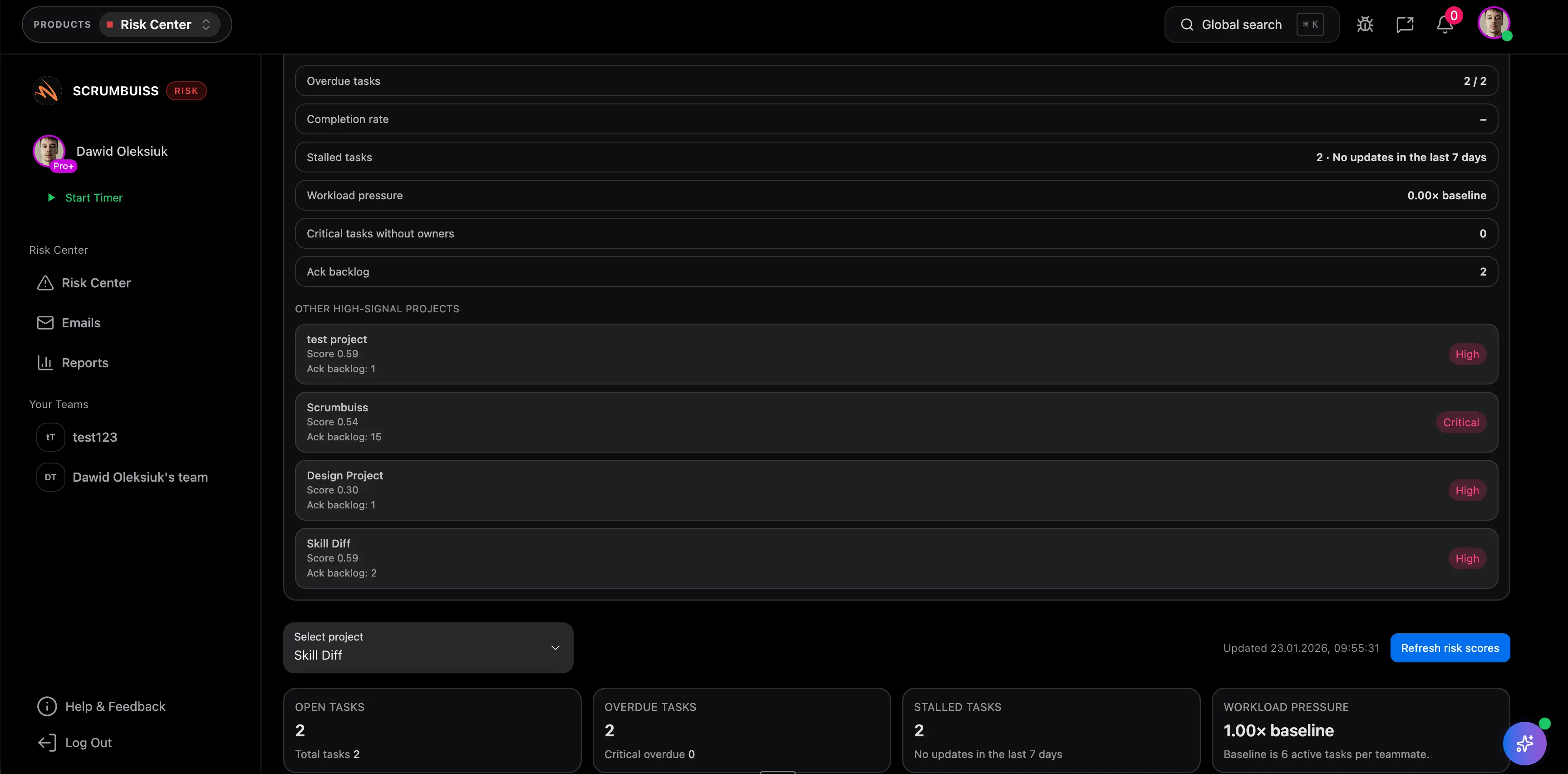
Related features
Explore the building blocks you can use with this template.
Recommended workflows
See how teams apply this template in real scenarios.
Software teams
Use caseProject management software for software teams that keeps sprint planning, dependencies, GitHub-adjacent delivery visibility, and stakeholder reporting in one workflow.

IT operations
Use caseProject management software for IT operations that keeps incidents, change windows, automations, and Slack-connected updates visible in one delivery workflow.

Agencies
Use caseProject management software for agencies that keeps time tracking, files, workload visibility, and reporting in one workflow.

Need more ideas? Browse use cases .
FAQ
What is a risk register template? +
A risk register template is a reusable table for tracking potential project risks, their scores, owners, mitigation plans, and review dates. Teams use it to spot threats early and decide what needs action first.
How do you score risks in a risk register? +
A simple starting point is likelihood × impact on a 1 to 5 scale. That gives you a priority score you can sort, review, and escalate consistently across the team.
What’s the difference between a risk and an issue? +
A risk is a potential future problem; an issue is already happening. Track risks early so you can mitigate before they become issues.
Can I use this risk register template in Excel or Google Sheets? +
Yes. The downloadable CSV opens in Excel, Google Sheets, and most spreadsheet tools. You can keep it as a lightweight tracker or adapt the same structure inside Scrumbuiss.
How often should we review the risk register? +
Weekly is the default for active projects. If the work is stable, every two weeks can be enough, but the register should still be updated whenever a trigger signal changes.