Root cause analysis template
Download a free root cause analysis template with issue details, incident timeline, 5 whys prompts, evidence, corrective actions, owners, and verification checks.
Use this RCA template to turn incidents and recurring issues into evidence-based follow-up work, then connect the analysis to incident management, ITSM, risk, and postmortem workflows in Scrumbuiss.
What this root cause analysis template helps you do
Use these checkpoints to keep RCA focused on evidence, corrective action, and verified improvement.
- ✓ Root cause analysis format for incidents, failed handoffs, process issues, and recurring delivery problems
- ✓ 5 whys prompts, timeline fields, evidence notes, contributing factors, and corrective actions in one CSV
- ✓ Owner, due date, verification check, and status fields so RCA follow-up does not stop at the meeting
- ✓ Practical structure for IT, engineering, support, and project teams that need learning without blame
When to use this template
A root cause analysis template is most useful after incidents, recurring failures, failed handoffs, and service problems that need more than a quick workaround.
- Use it after an incident, outage, failed release, service desk escalation, or recurring delivery issue that needs more than a quick fix.
- Use it when the team needs a consistent RCA template before moving incident learning into a live workflow.
- Use it when corrective actions need owners, due dates, and verification checks instead of broad lessons learned.
- Use it when support, IT operations, engineering, and delivery teams need a shared root cause analysis format.
What is inside the RCA template
The CSV covers issue context, impact, symptoms, timeline, immediate cause, 5 whys, root cause, evidence, corrective action, ownership, verification, and status.
What to include in a root cause analysis
A useful RCA shows what happened, why it happened, what evidence supports the conclusion, and what will change next.
Issue summary
Identify the affected service, process, date, impact, and visible symptoms so the RCA starts from observable facts.
Incident timeline
Record what happened before, during, and after the issue so the team can see detection, escalation, response, and recovery steps.
Immediate cause
Capture the direct trigger without stopping there. The immediate cause explains what failed first, not why the system allowed it.
5 whys analysis
Ask successive why questions until the team reaches a fixable process, control, dependency, or decision gap.
Evidence and contributing factors
Link logs, tickets, messages, screenshots, files, or stakeholder notes that support the analysis and explain secondary causes.
Corrective action and verification
Assign each action to an owner, due date, status, and verification check so the team can prove the issue was reduced.
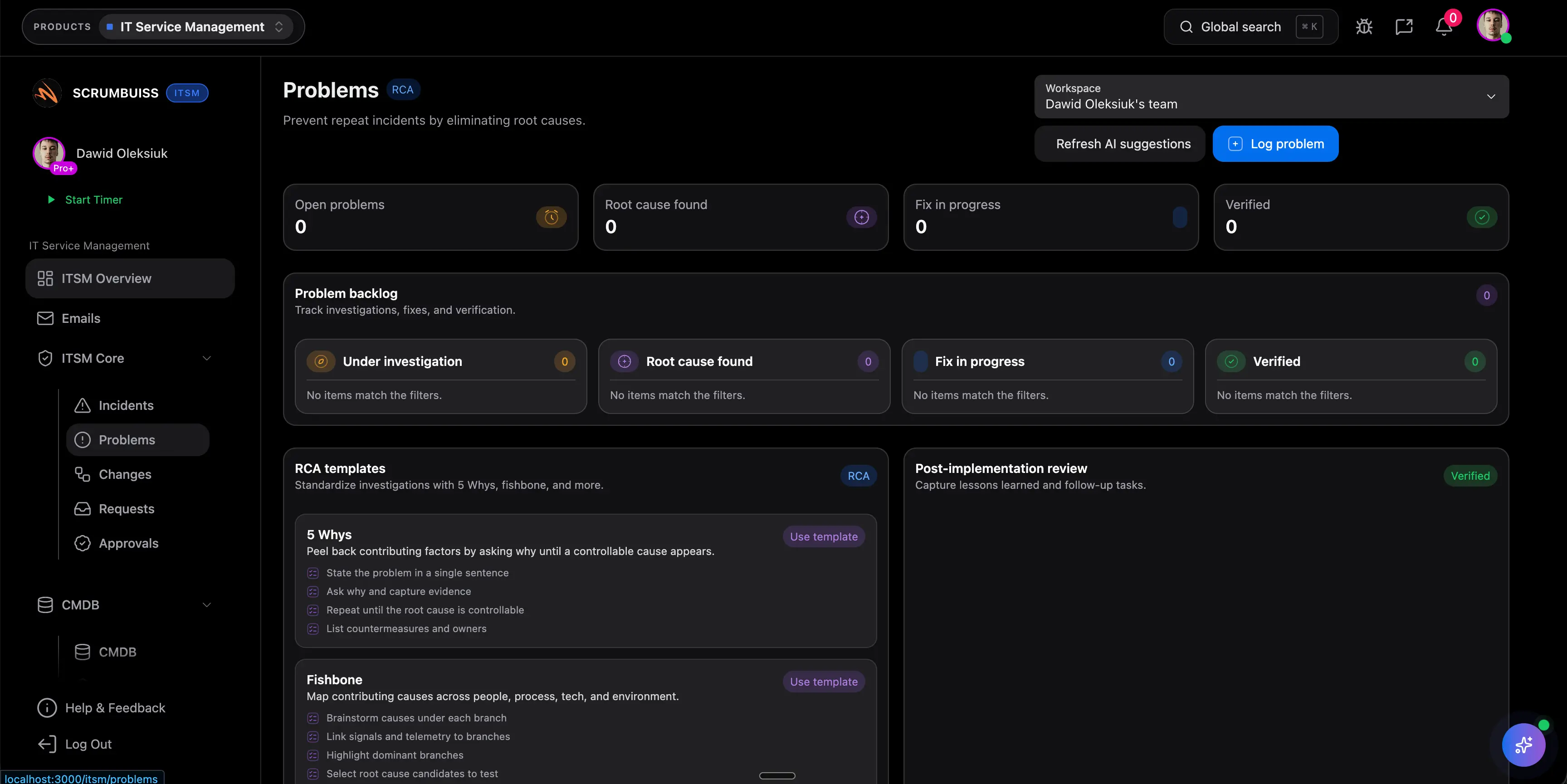
Root cause analysis example structure
Use this incident-style example to structure the issue summary, timeline, 5 whys, root cause, and corrective actions.
Issue and impact
Customers could not sign in for 28 minutes after a configuration change caused token validation failures.
Timeline
Alert fired at 09:12, support confirmed customer reports at 09:16, rollback started at 09:25, service recovered at 09:40.
Immediate cause
A staging issuer value was copied into production configuration during a maintenance update.
5 whys
The review found that config-only deploys skipped automated validation and the runbook focused on code releases.
Root cause
Production configuration changes did not have automated environment validation or an explicit rollback checklist.
Corrective action
Add environment validation for auth settings, update the config-change runbook, and run a recovery test before the next maintenance window.
RCA review checklist
Run this checklist before closing the analysis or sharing corrective actions with stakeholders.
- Base the RCA on evidence, timeline facts, and user impact instead of memory or opinion.
- Separate immediate cause from root cause so the team does not stop at the first technical trigger.
- Write at least one corrective action that changes the system, process, checklist, or validation path.
- Assign every corrective action to an owner, due date, status, and verification check.
- Link the RCA to the incident record, postmortem, risk, or IT change that created follow-up work.
- Review completion later so the RCA produces a verified improvement, not only a document.
Common RCA mistakes
These patterns make root cause analysis harder to trust, harder to follow up, or less useful for prevention.
- Treating the RCA as a blame exercise, which makes the timeline less accurate and the actions less useful.
- Stopping at the immediate cause instead of asking why the process, tool, or review path allowed it.
- Creating vague actions such as be more careful without a concrete owner or verification check.
- Leaving evidence out, which makes the analysis hard to trust when stakeholders review it later.
- Disconnecting the RCA from incident reporting, risk review, change management, or follow-up tasks.
How to use this RCA template
Start in the CSV, confirm the facts, and move into Scrumbuiss when RCA actions need owners, service context, risk review, and recurring follow-up.
Rebuild the timeline from evidence
Capture detection, escalation, response, recovery, and stakeholder updates with links to logs, tickets, or files where available.
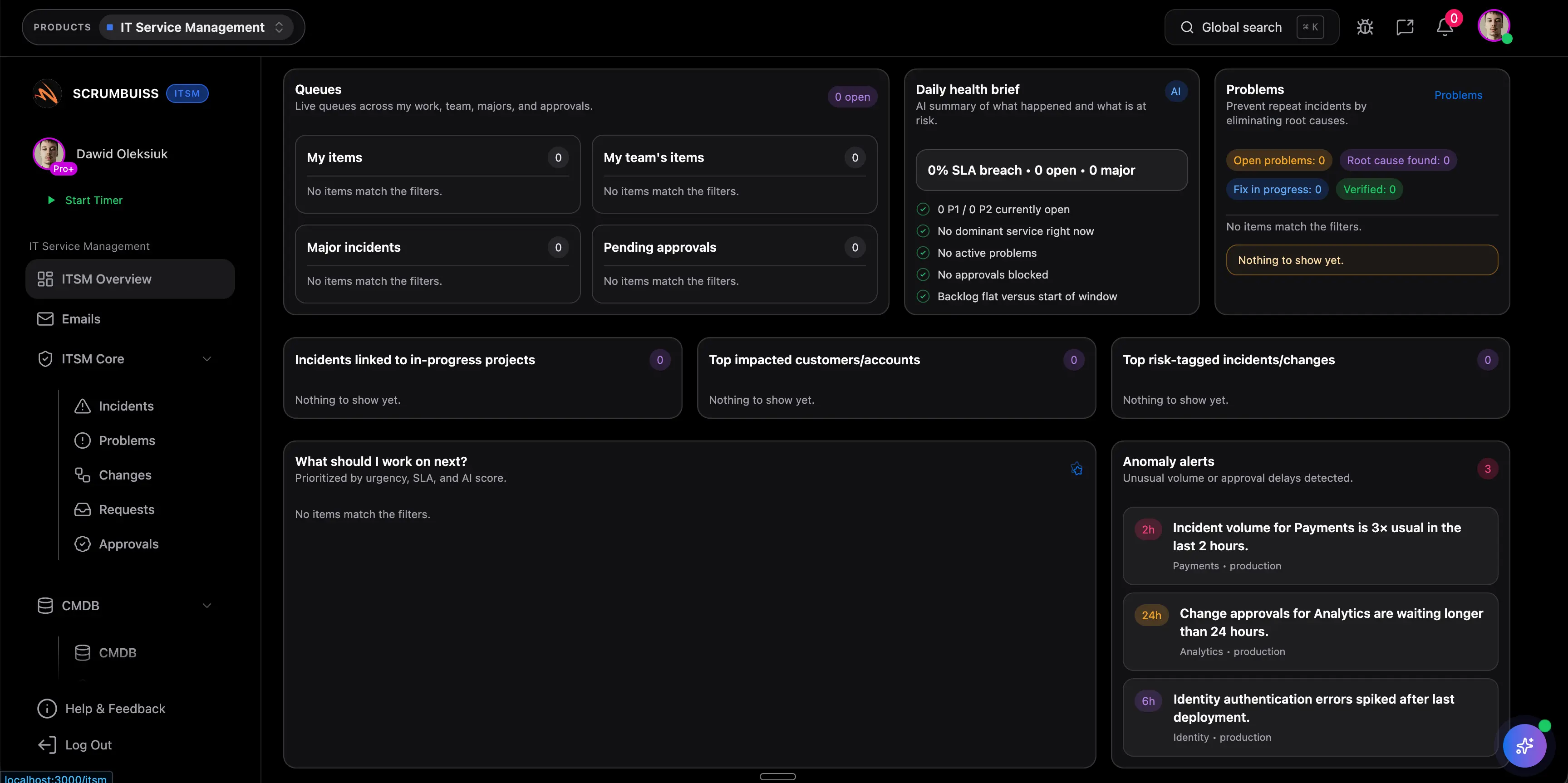
Use 5 whys without forcing a single answer
Ask why each failure happened, then document root cause and contributing factors when the issue has more than one driver.
Track corrective action to verification
Move RCA follow-up into Scrumbuiss when owners, due dates, risk links, change records, and verification checks need to stay visible.
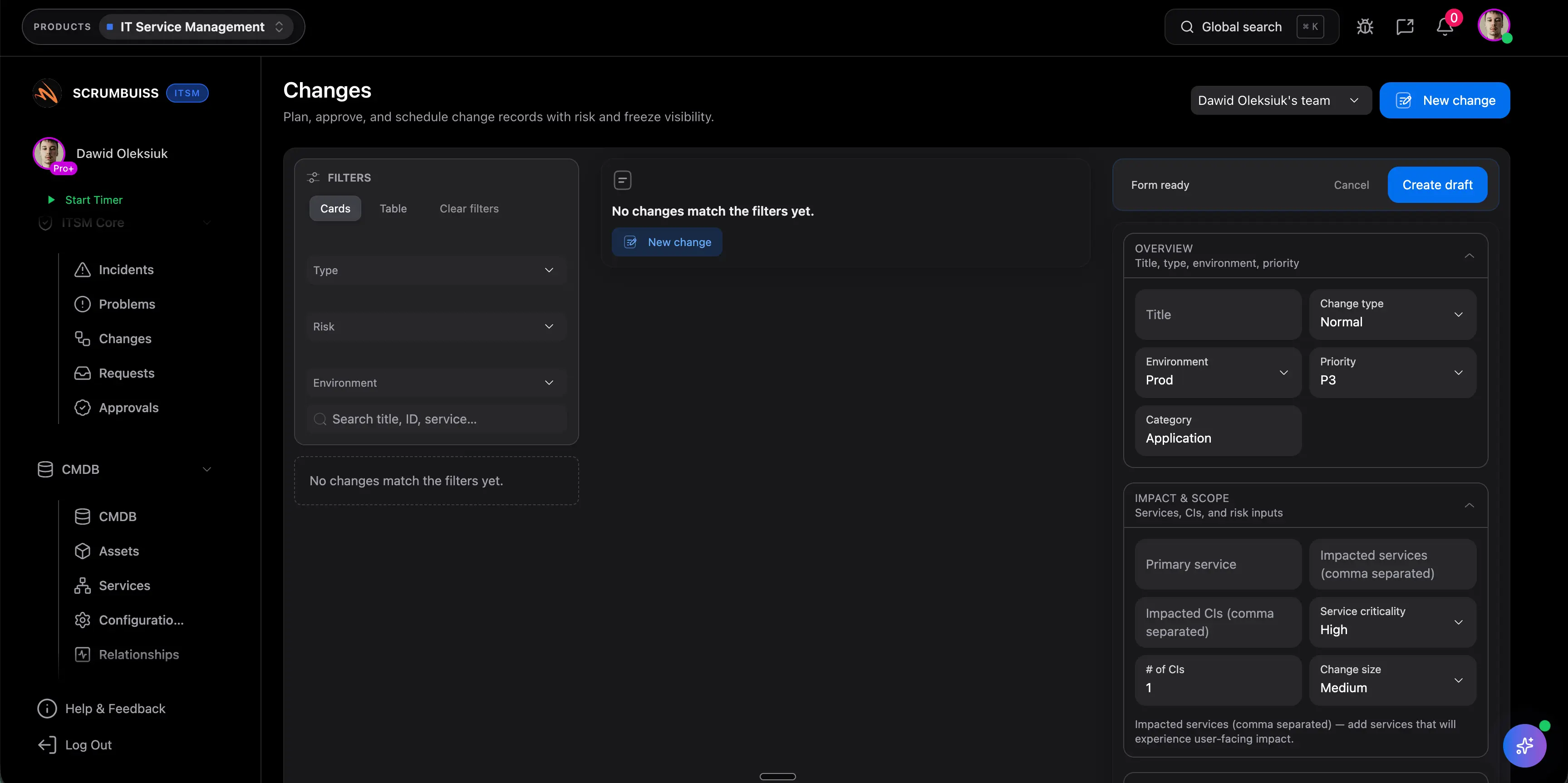
Related incident and risk workflows
Use these Scrumbuiss pages when root cause analysis needs live incident context, service desk visibility, risk tracking, or change follow-up.
Recommended workflows
These workflows benefit from structured RCA when incidents or recurring failures create follow-up work.

Need more ideas? Browse use cases .
Root cause analysis template FAQ
What is a root cause analysis template? +
A root cause analysis template is a reusable structure for documenting an issue, impact, timeline, immediate cause, 5 whys, root cause, contributing factors, evidence, corrective actions, owners, due dates, verification checks, and status.
Is an RCA template the same as an incident postmortem? +
They overlap, but they are not identical. RCA focuses on why the issue happened and what should change. A postmortem also covers response, communication, customer impact, and broader lessons from the incident.
What should a 5 whys template include? +
A 5 whys template should include the problem statement, each why question, evidence or notes for each answer, the root cause, contributing factors, corrective actions, owners, due dates, and verification checks.
Can I use this RCA template in Excel or Google Sheets? +
Yes. The downloadable CSV opens in Excel, Google Sheets, and most spreadsheet tools. It is designed as a lightweight RCA format before follow-up work moves into a live workflow.
When should root cause analysis move into incident management software? +
Move beyond a spreadsheet when RCA actions need incident links, service desk visibility, risk review, change records, owner reminders, and evidence that follow-up work was completed.