IT change management template
Download a free IT change management template with change ID, service, owner, risk, impact, approval, rollout, rollback, communications, and post-change checks.
Use this IT change management template to document service changes, approvals, risk, rollout steps, rollback plans, communication, and post-change checks before moving the workflow into Scrumbuiss ITSM.
What this IT change management template helps you control
Use these fields to make operational changes reviewable before implementation and auditable after rollout.
- ✓ IT change management template for ITSM, service desk, and operational change workflows
- ✓ Change request fields for owner, service, change type, risk, impact, approvals, and planned window
- ✓ Rollout, rollback, communication, and post-change check fields in one spreadsheet-friendly CSV
- ✓ Review checklist for keeping change management connected to incidents, risks, and delivery work
When to use this template
An IT change management template is most useful when changes affect services, users, release timing, incidents, or operational risk.
- Use it when an IT or operations team needs a lightweight ITIL-style change record before adopting a fuller ITSM workflow.
- Use it when service changes need approval, risk review, communication, and rollback planning before implementation.
- Use it when change management currently lives in chat, calendar notes, or informal tickets without a consistent review structure.
- Use it when incidents or recurring issues create follow-up changes that need ownership and a planned window.
What is inside the IT change management template
The CSV covers change ownership, risk, impact, approval, rollout, rollback, communication, validation, and status.
What to include in an IT change record
A practical change record shows what will change, why it matters, who approves it, how it will be implemented, and how rollback works.
Change ID and service
Give each change a stable identifier and affected service so the team can find it during review or incident follow-up.
Owner and approver
Name the person accountable for execution and the person or group that must approve the change before rollout.
Risk and impact
Describe what could fail, who is affected, and how severe the impact would be if the change goes badly.
Planned window
Record the scheduled date, time, and duration so stakeholders can see when the change will happen.
Rollout and rollback
Document the implementation steps, validation checks, and rollback plan before the change starts.
Communication and post-change check
Clarify who communicates updates, what needs to be checked after rollout, and when the change can be closed.
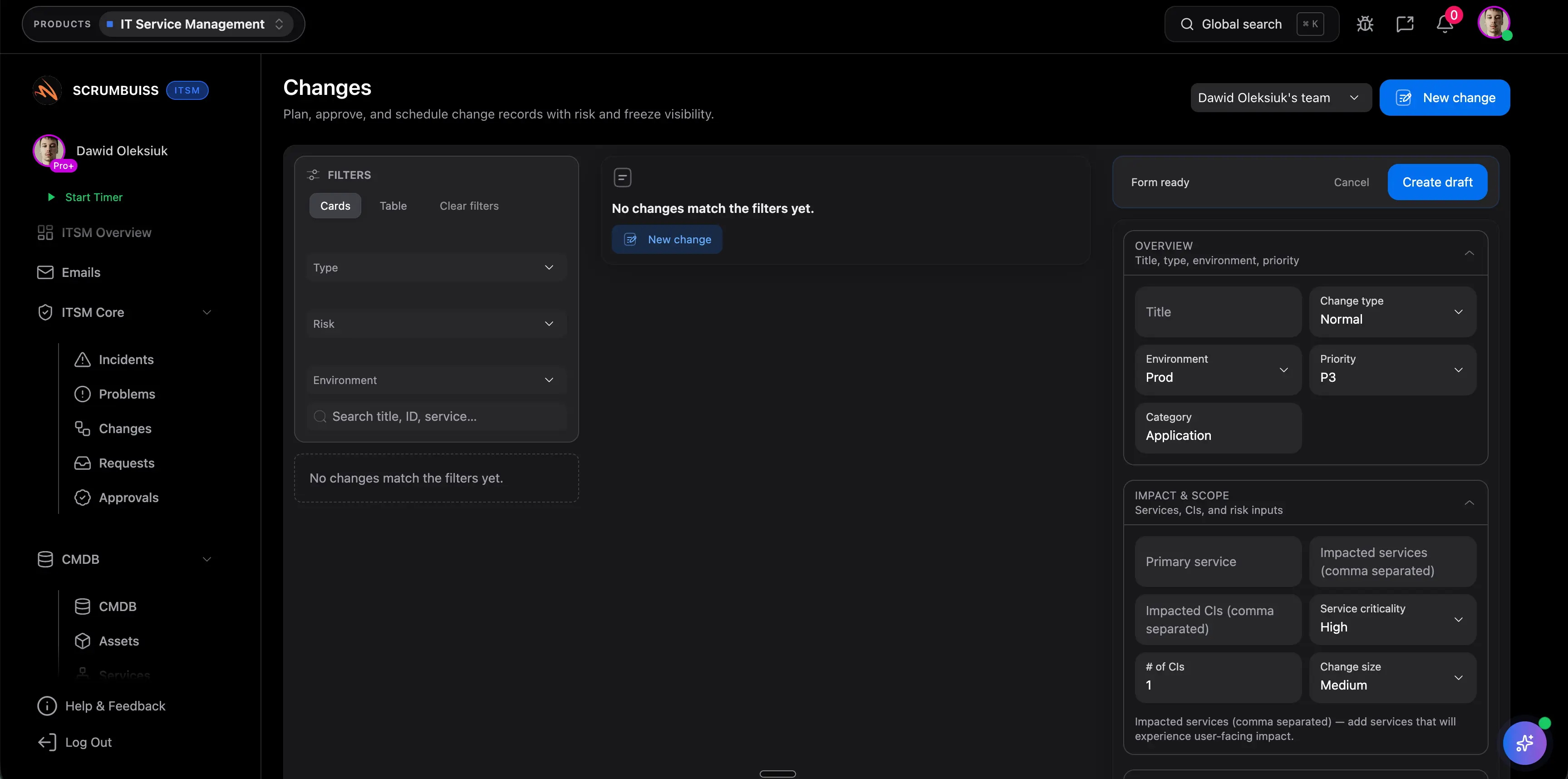
IT change management example structure
Use these change types as a starting point for service, release, maintenance, and post-incident changes.
Standard change
Low-risk, repeatable changes with known steps, pre-approved rules, and a lightweight post-change validation.
Normal change
Planned changes that need risk review, explicit approval, communication, rollout steps, and rollback planning.
Emergency change
Urgent changes that restore service or reduce active risk, with accelerated approval and a required follow-up review.
Post-incident change
Follow-up work created by an incident review, linked to root cause, mitigation work, and recurring risk reduction.
Release or maintenance window
Coordinated implementation work that needs schedule visibility, stakeholder communication, and validation checks.
Change review checklist
Run this checklist before approval and before the planned implementation window starts.
- Confirm the affected service, owner, approver, and implementation window are clear.
- Check that risk and impact describe what could happen, not only the reason for the change.
- Review dependencies, maintenance windows, and stakeholder communication before approval.
- Write rollout and rollback steps before implementation begins.
- Define the post-change validation check and owner before the change is marked complete.
- Link related incidents, risks, files, or delivery work so the change can be audited later.
Common IT change management mistakes
These patterns usually make changes harder to approve, communicate, recover from, or learn from.
- Approving a change without a rollback plan or post-change validation step.
- Treating change management as a calendar entry instead of a risk, communication, and ownership workflow.
- Leaving impact vague, which makes approval easier but response harder if something fails.
- Disconnecting incident follow-up changes from the incident or risk that created them.
- Using broad organizational change-management language instead of focusing on IT service and operations changes.
How to use this IT change management template
Start in the CSV, confirm risk and approvals, then move into Scrumbuiss when incidents, changes, service desk updates, and follow-up work need live context.
Document the change before approval
Capture service, owner, type, reason, risk, impact, and planned window so the approver can evaluate the real operational tradeoff.
Plan rollout, rollback, and communication
Write implementation steps, validation checks, rollback actions, and stakeholder communication before the change starts.
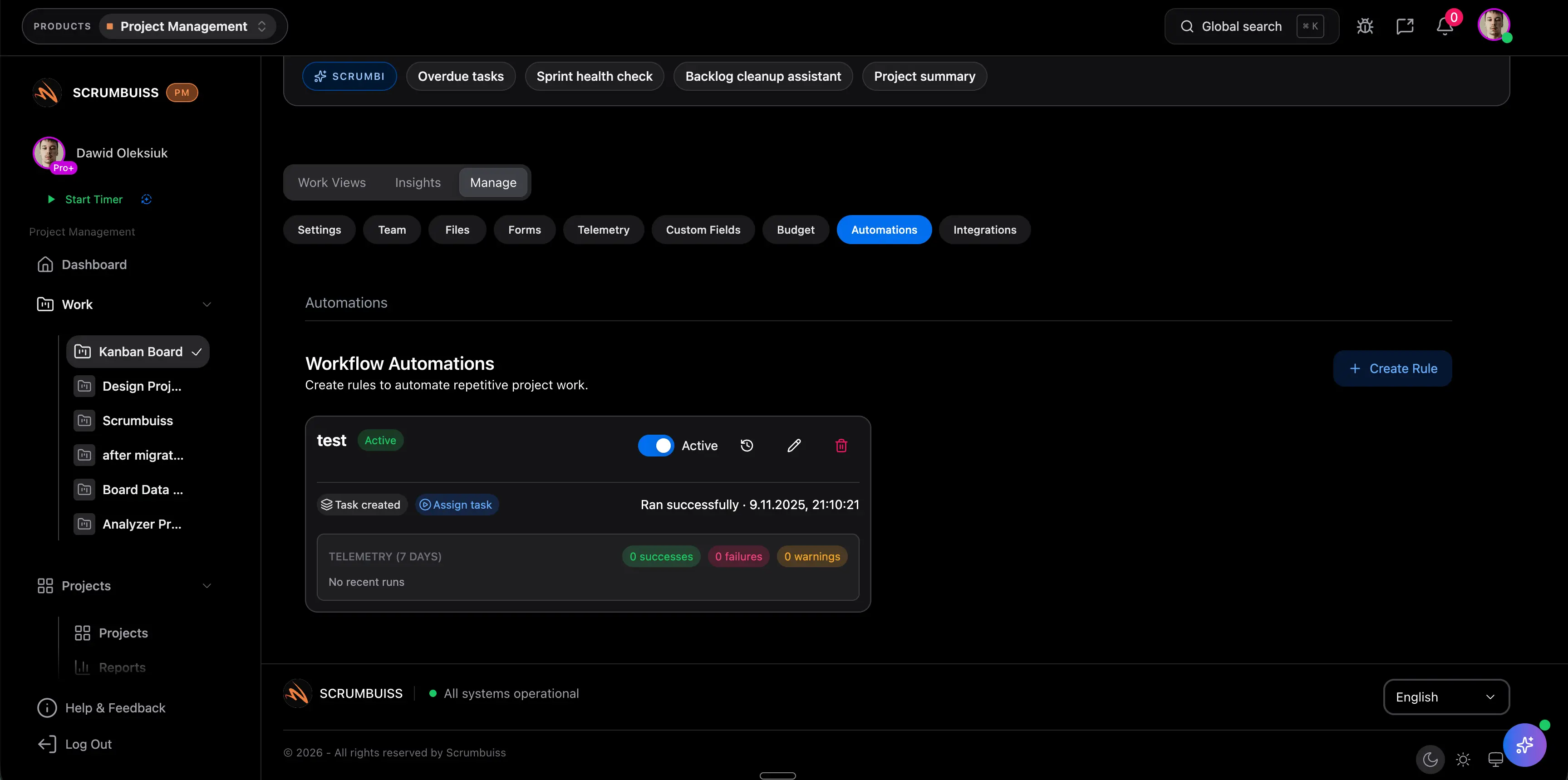
Connect the change to ITSM follow-up
Move into Scrumbuiss when the change needs incident links, risk review, automation, calendar visibility, or post-change follow-up work.
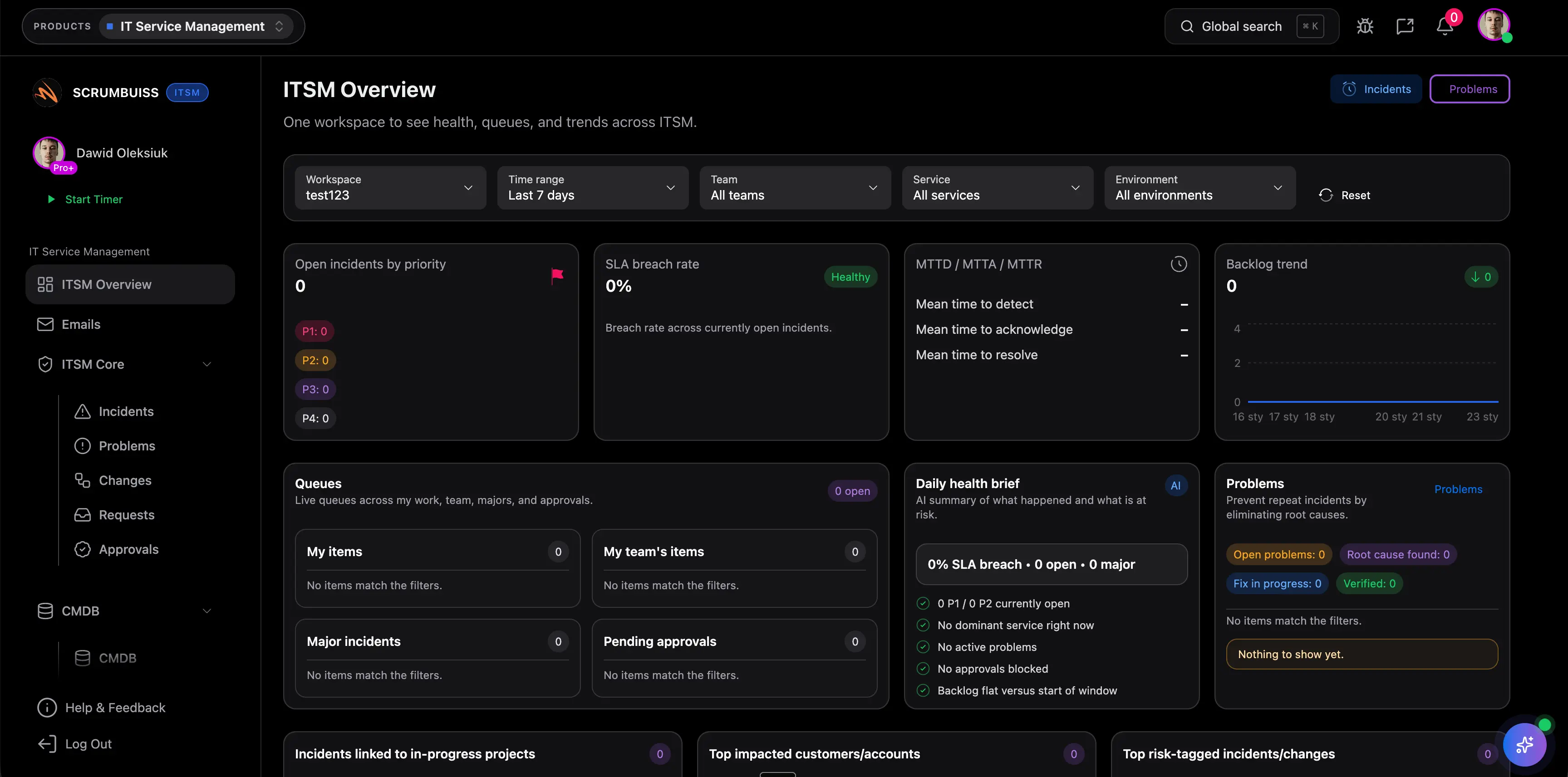
Related ITSM workflows
Use these Scrumbuiss pages when change records need to stay connected to incident response, risk, automations, calendars, and IT operations.
Recommended workflows
These workflows benefit from a consistent change record before operational updates are implemented.

Need more ideas? Browse use cases .
IT change management template FAQ
What is an IT change management template? +
An IT change management template is a reusable structure for documenting service changes, owners, approvals, risk, impact, rollout steps, rollback plans, communications, validation checks, and final status.
Is this the same as organizational change management? +
No. This template is focused on IT and service-management changes such as maintenance windows, service updates, incident follow-up, and release-related operational work.
What should every IT change request include? +
Every change request should include the affected service, owner, approver, change type, reason, risk, impact, planned window, rollout steps, rollback plan, communication owner, validation check, and status.
Can I use this IT change management template in Excel or Google Sheets? +
Yes. The downloadable CSV opens in Excel, Google Sheets, and most spreadsheet tools. It is useful for piloting change control before moving the workflow into ITSM software.
When should change management move into ITSM software? +
Move beyond a spreadsheet when changes need live approvals, incident links, service desk visibility, calendar coordination, automations, risk review, or post-change follow-up tracking.