Escalation Matrix Guide
An escalation matrix defines when a project issue, risk, blocker, or decision should move from normal team handling to a higher level of attention. It keeps escalation factual by naming thresholds, owners, timing, and communication paths before pressure rises.
This guide targets the escalation matrix keyword cluster found during SEMrush research. It complements the project governance guide by focusing on the practical table teams use when issues need action.
Key Takeaways
- An escalation matrix should define triggers, severity, owners, response time, and decision authority.
- Escalation is not blame. It is a path for faster decisions and resource support.
- Thresholds should be clear enough that teams do not wait too long.
- Escalations should be recorded in issue, decision, risk, or change logs.
What Is an Escalation Matrix?
An escalation matrix is a project control table that shows where a problem goes when it cannot be resolved at the current level. It answers:
- What conditions trigger escalation?
- Who handles the first response?
- Who makes the decision if the issue remains blocked?
- How quickly should each level respond?
- Which channel should be used?
- Where should the outcome be recorded?
Escalation matrices are useful for schedule delays, missed approvals, budget issues, quality problems, dependency blockers, client decisions, and launch readiness gaps.
Escalation Matrix Fields
| Field | Purpose |
|---|---|
| Trigger | Defines what causes escalation |
| Severity | Shows impact on scope, schedule, budget, quality, or risk |
| First owner | Names who attempts resolution first |
| Escalation owner | Names who receives escalation next |
| Response time | Sets expected action timing |
| Channel | Defines dashboard, meeting, portal, or direct message |
| Decision authority | Names who can approve the needed action |
| Record location | Shows where the decision or issue is logged |
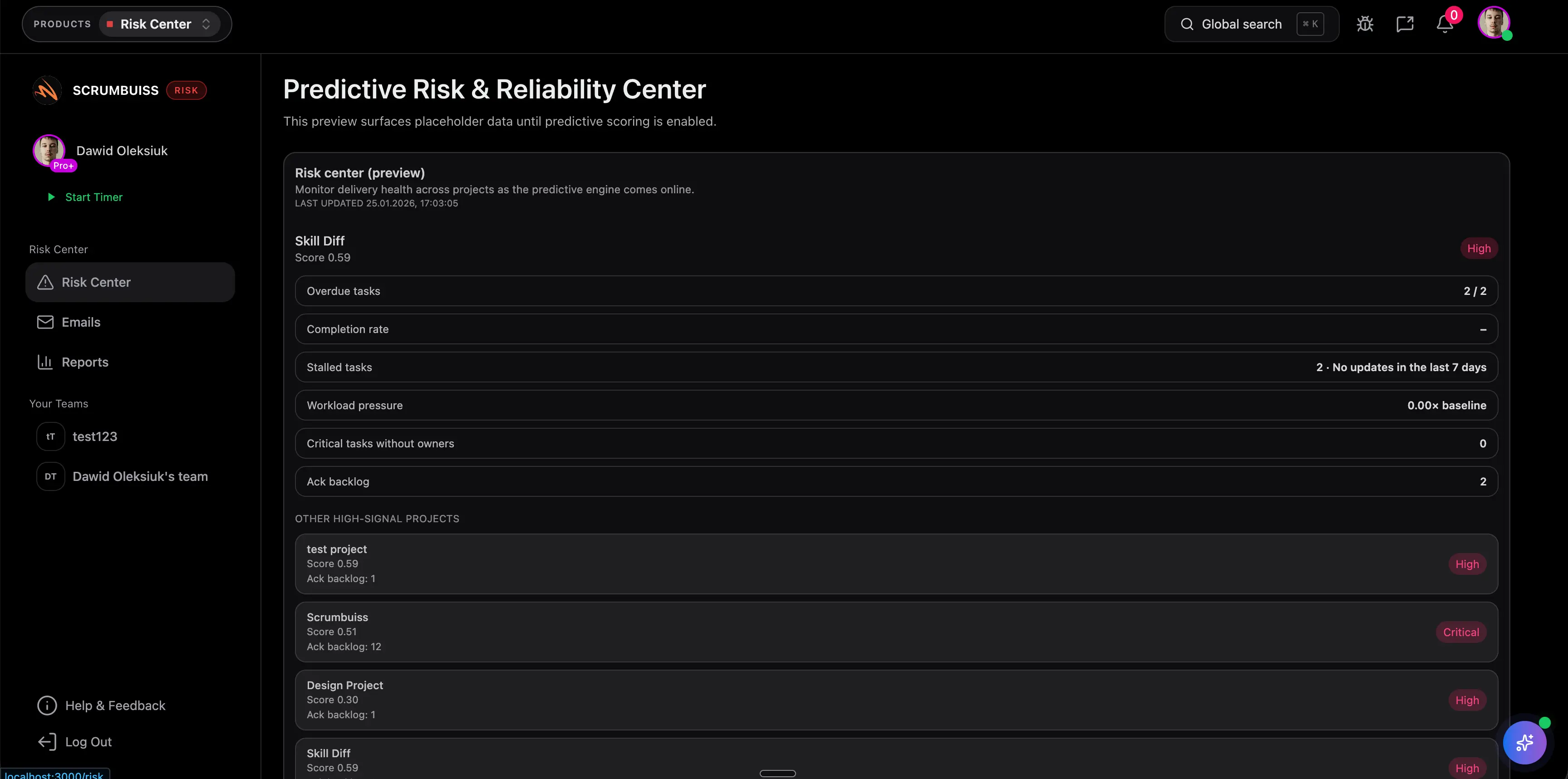
Scrumbuiss supports escalation visibility through Risk Center, Dashboard, Activity Feed, Client Portal, and Project Delivery.
Escalation Matrix Example
| Trigger | First owner | Escalate to | Response time |
|---|---|---|---|
| Approval is overdue by 2 business days | Project manager | Client approver or sponsor | Same day |
| Critical dependency blocks milestone | Delivery lead | Project sponsor | 24 hours |
| Budget forecast exceeds tolerance | Project manager | Finance owner and sponsor | 48 hours |
| Launch readiness gate fails | Operations owner | Steering group | Same day |
Use thresholds that match project size. A small client project may need a simple two-level matrix. A regulated program may need formal severity levels.
Best Practices
Define escalation before conflict
It is easier to agree on thresholds during kickoff than after a delay has already created pressure.
Keep escalation tied to facts
Use impact, due date, risk, blocked decision, or tolerance breach as the trigger. Avoid vague escalation rules.
Record the outcome
Escalated decisions should update the project issue and decision logs, change records, risk views, or status reports.
FAQ
Frequently
asked
questions
Related features
Explore the Scrumbuiss features mentioned in this article.
- Dashboard
Track project progress, blockers, workload, KPIs, status reporting, and analytics context in one live dashboard.
- Activity Feed
Stay up to date with real-time updates on tasks, progress, and team activities.
- Client Portal
Invite clients into a controlled onboarding, file-sharing, and status workflow.
Unlock Success &
Power Up Your Projects
Next to explore
Explore more pages to understand the product suite, common workflows, and evaluation guides.