Project Issue Log and Decision Log Guide
A project issue log tracks active problems that need resolution. A project decision log tracks important decisions that explain why the project changed direction, accepted a tradeoff, or moved forward. Both help teams preserve delivery context.
This guide targets the issue log and decision log keyword clusters found in SEMrush research. Combining them keeps two related, lower-volume log topics on one useful page.
Key Takeaways
- An issue log tracks active problems and resolution ownership.
- A decision log tracks decisions, reasons, approvers, and impact.
- Logs are useful when they are reviewed and linked to actions.
- Issues and decisions should feed status reporting, not live in a forgotten spreadsheet.
Issue Log vs. Decision Log
| Log | What it tracks | Example |
|---|---|---|
| Issue log | Active problem that needs resolution | Vendor file is late and blocks testing |
| Decision log | Decision already made or pending approval | Sponsor approved scope reduction to protect launch date |
An issue may lead to a decision. A decision may create follow-up actions.
Issue Log Fields
| Field | Purpose |
|---|---|
| Issue | Names the problem |
| Impact | Explains effect on scope, schedule, cost, or quality |
| Owner | Names who will drive resolution |
| Status | Open, in progress, blocked, resolved |
| Due date | Sets expected resolution timing |
| Escalation | Shows whether leadership action is needed |
Decision Log Fields
| Field | Purpose |
|---|---|
| Decision | States what was decided |
| Reason | Explains why |
| Approver | Names decision authority |
| Date | Records when the decision happened |
| Impact | Shows effect on scope, schedule, cost, risk, or quality |
| Follow-up | Assigns resulting actions |
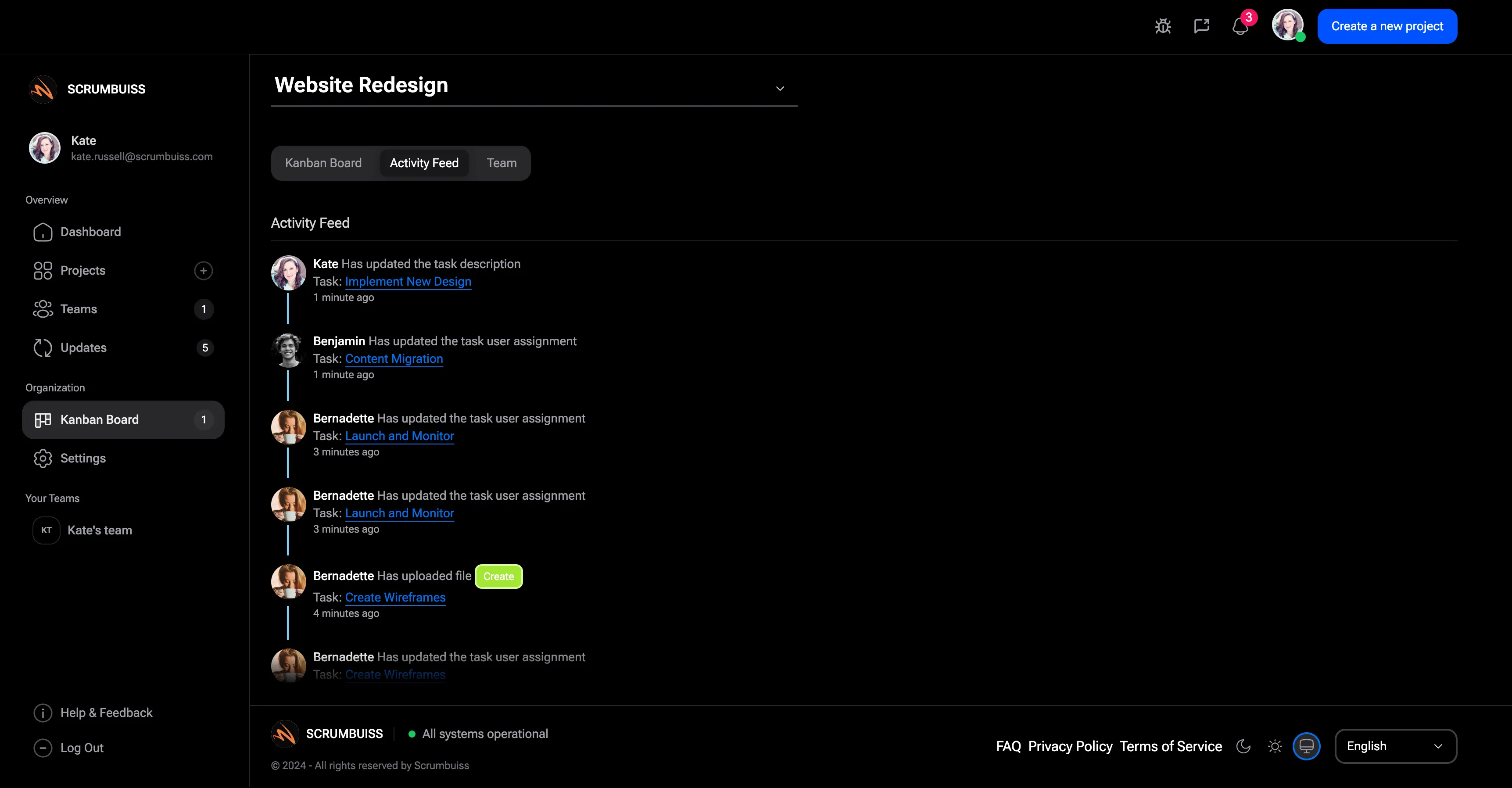
Scrumbuiss supports this context through Activity Feed, Dashboard, Project Delivery, Risk Center, and Files.
FAQ
Frequently
asked
questions
Related features
Explore the Scrumbuiss features mentioned in this article.
- Activity Feed
Stay up to date with real-time updates on tasks, progress, and team activities.
- Dashboard
Track project progress, blockers, workload, KPIs, status reporting, and analytics context in one live dashboard.
Unlock Success &
Power Up Your Projects
Next to explore
Explore more pages to understand the product suite, common workflows, and evaluation guides.