Weekly Project Status Report: Format, Examples, and Template
A weekly project status report gives stakeholders a short, reliable view of project health. It should explain what changed, what is on track, what is blocked, what decisions are needed, and what happens next. The best reports are not long. They are consistent enough that readers can compare this week against last week in minutes.
This guide supports readers searching for "weekly project status report template," "weekly project status report sample," and related weekly reporting terms. If you need the broader reusable format, use the project status report template guide. If you need a downloadable starting point, use the Scrumbuiss project status report template.
Key Takeaways
- A weekly status report should summarize progress, health, blockers, risks, decisions, next steps, and date or scope changes.
- The report should be written for decisions, not documentation volume.
- Use consistent health labels so stakeholders can compare projects and weeks.
- Keep the report connected to live project data so managers do not rebuild status manually every Friday.
What Is a Weekly Project Status Report?
A weekly project status report is a recurring update that communicates the current state of a project to stakeholders. It usually covers work completed, upcoming work, timeline health, budget or effort signals, risks, blockers, decisions needed, and changes since the last update.
The goal is not to repeat every task. The goal is to help readers understand:
- Is the project on track?
- What changed this week?
- What needs attention?
- What decision or support is needed?
- What will happen next?
Weekly Project Status Report Format
Use this structure for most project teams:
| Section | What to include | Keep it short by asking |
|---|---|---|
| Executive summary | One paragraph on overall project health | What should a busy stakeholder know first? |
| Health rating | On track, at risk, off track, or paused | Has the status changed since last week? |
| Completed this week | Meaningful outcomes, not every task | What moved the project forward? |
| Planned next week | Near-term priorities | What will the team focus on next? |
| Risks and blockers | Active risks, blocked decisions, owners | What could change the plan? |
| Decisions needed | Approvals, tradeoffs, escalations | What do we need from readers? |
| Timeline or milestone changes | Date changes and reason | Did the plan move? Why? |
| Notes or links | Dashboard, files, brief, template | Where can readers inspect detail? |
Status Health Labels
Use simple labels and define them clearly.
| Label | Meaning |
|---|---|
| On track | Scope, timeline, and known risks are manageable without escalation |
| At risk | The project can still recover, but a risk, blocker, scope issue, or capacity gap needs attention |
| Off track | The current plan is no longer realistic without a decision or change |
| Paused | Work is intentionally stopped while the team waits for a decision, dependency, or priority change |
Avoid vague labels like "mostly fine" or "monitoring." If the project is at risk, say what must change.
Weekly Project Status Report Template
Copy this structure into your weekly update.
| Field | Update |
|---|---|
| Project name | |
| Reporting week | |
| Owner | |
| Overall status | On track / At risk / Off track / Paused |
| Executive summary | 2-4 sentences |
| Completed this week | 3-5 bullets |
| Planned next week | 3-5 bullets |
| Risks and blockers | Risk, owner, next action |
| Decisions needed | Decision, owner, deadline |
| Timeline changes | What changed and why |
| Links | Dashboard, brief, files, timeline |
If your team wants a reusable file, start from the project status report template and adapt the fields to your reporting rhythm.
Weekly Project Status Report Sample
Here is a concise example for a software delivery project.
| Section | Example |
|---|---|
| Overall status | At risk |
| Executive summary | The onboarding dashboard project is making progress, but the release date is now at risk because the data integration review is still blocked. Design and frontend implementation are on track. We need a decision by Thursday on whether to ship the first version with manual import support or move the release by one week. |
| Completed this week | Finalized dashboard layout, completed frontend chart components, reviewed template copy with customer success |
| Planned next week | Resolve integration decision, complete QA pass, prepare stakeholder preview |
| Risks and blockers | Data integration review is blocked by API access approval. Owner: platform lead. Next action: approve access or confirm release tradeoff |
| Decisions needed | Ship with manual import fallback or move release date by one week |
| Timeline changes | No date change yet, but current release date becomes unrealistic if the integration decision misses Thursday |
The example is useful because it gives readers a decision. It does not hide behind task volume.
What To Include in a Status Dashboard
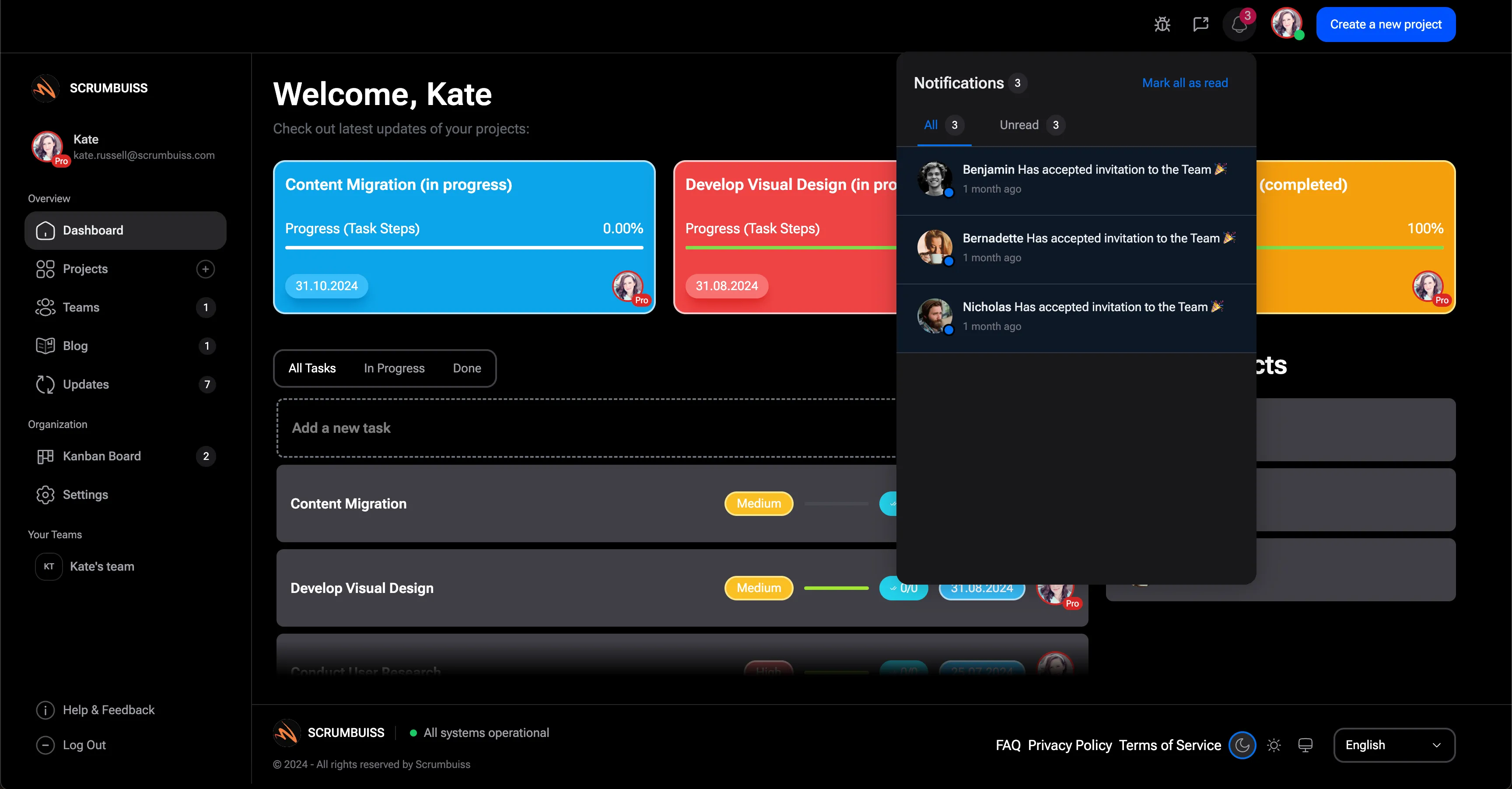
A written report works best when it links to live project data. A project management dashboard should help readers inspect:
- milestone progress
- overdue or blocked work
- workload pressure
- open risks
- recent decisions
- upcoming deadlines
- status trend since the last update
If dashboards and written reports disagree, stakeholders will lose trust in both. Keep the same source of truth behind them.
Common Reporting Mistakes
Reporting activity instead of outcomes
"Held three meetings" is not status. Explain what changed because of those meetings.
Hiding risk until it is too late
An "at risk" label is useful only if it appears while the team can still act.
Writing for everyone at once
Executives, clients, project teams, and operators need different levels of detail. Use the summary for everyone and links for deeper review.
Rebuilding the report manually
If every report requires manual collection from chat, spreadsheets, files, and task boards, the reporting workflow is too fragile. Use one project record, dashboard, or workflow system to keep status close to delivery.
Weekly Reporting Checklist
Before sending, check:
- The first paragraph says whether the project is on track.
- Every risk has an owner and next action.
- Every decision request includes a deadline.
- Dates changed only with an explanation.
- Completed work describes outcomes.
- Next-week work is specific.
- Links point to the latest project context.
FAQ
Frequently
asked
questions
Related features
Explore the Scrumbuiss features mentioned in this article.
- Dashboard
Track project progress, blockers, workload, KPIs, status reporting, and analytics context in one live dashboard.
Unlock Success &
Power Up Your Projects
Next to explore
Explore more pages to understand the product suite, common workflows, and evaluation guides.