Project Status Report Template Guide
A project status report template gives stakeholders a consistent view of project health, progress, risks, blockers, decisions, and next steps. The template should be short enough to read quickly and structured enough to support real decisions.
This guide targets the project status report template keyword cluster found in SEMrush. It supports the downloadable Scrumbuiss project status report template and stays separate from the weekly project status report guide, which focuses on weekly cadence.
Template Fields
| Field | What to include |
|---|---|
| Project name | Clear project or workstream name |
| Reporting date | Date or period covered by the report |
| Owner | Person accountable for the update |
| Overall status | On track, at risk, off track, paused, or complete |
| Executive summary | Two to four sentences on current health and action needed |
| Progress | Completed outcomes since the last report |
| Upcoming work | Next milestones or priorities |
| Milestones | Target date, current status, and variance |
| Risks and blockers | Risk, owner, next action, and due date |
| Decisions needed | Decision, decision owner, context, deadline |
| Links | Dashboard, project brief, files, timeline, and register |
Copy-Friendly Template
| Section | Update |
|---|---|
| Overall status | |
| Summary | |
| Completed since last report | |
| Planned next | |
| Milestone changes | |
| Risks and blockers | |
| Decisions needed | |
| Owner notes | |
| Supporting links |
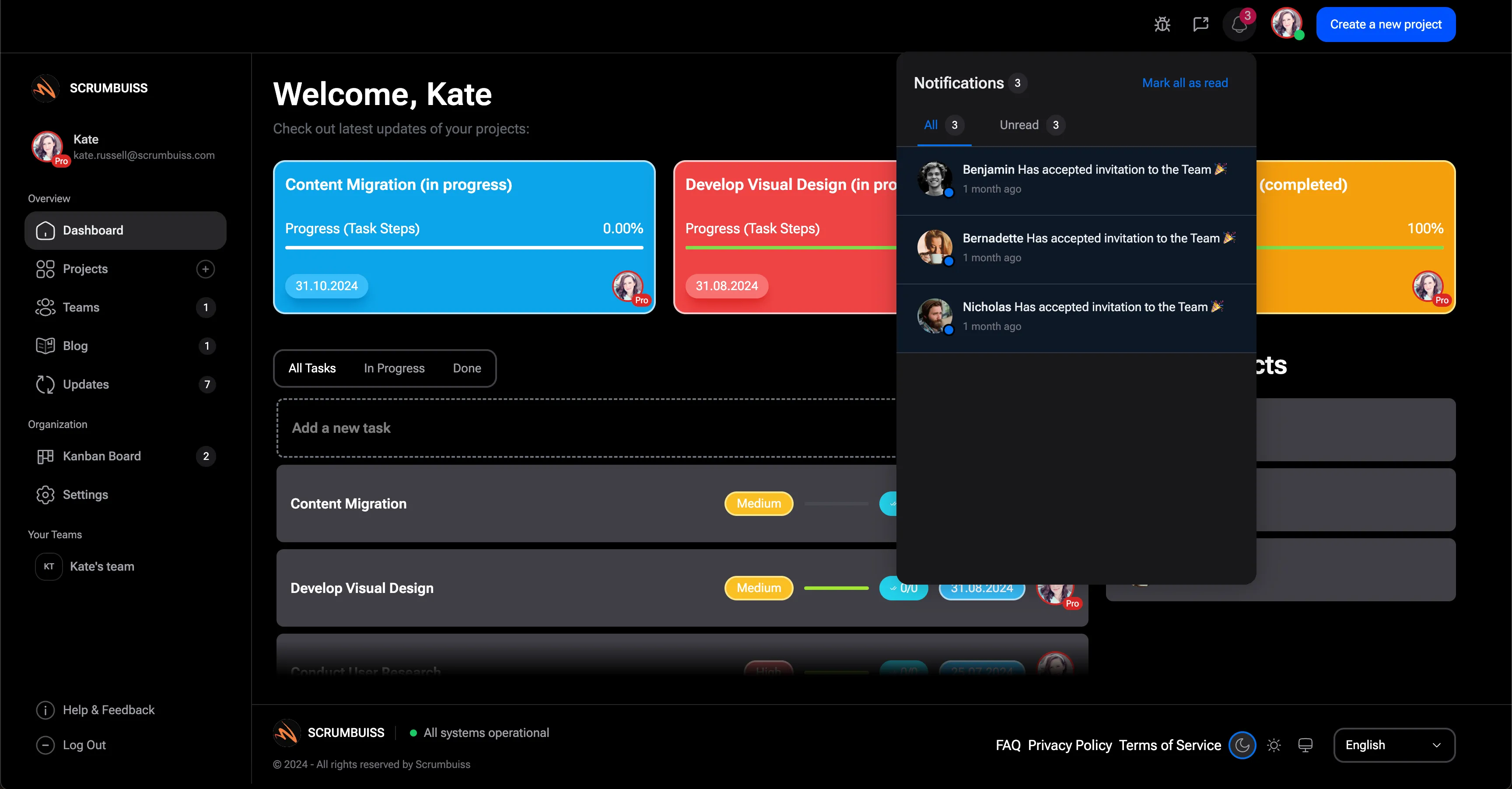
Scrumbuiss helps keep status reports tied to live work through Dashboard, Project Delivery, Activity Feed, and Risk Center.
Template Rules
- Start with the current status and what changed.
- Use the same health labels across reports.
- Name one accountable owner for the report.
- Show risks before they become issues.
- Include decision requests with deadlines.
- Link to live project data instead of pasting every task into the report.
FAQ
Frequently
asked
questions
Related features
Explore the Scrumbuiss features mentioned in this article.
- Dashboard
Track project progress, blockers, workload, KPIs, status reporting, and analytics context in one live dashboard.
- Activity Feed
Stay up to date with real-time updates on tasks, progress, and team activities.
Unlock Success &
Power Up Your Projects
Next to explore
Explore more pages to understand the product suite, common workflows, and evaluation guides.