Back to Blog
Multiple Project Tracking Template
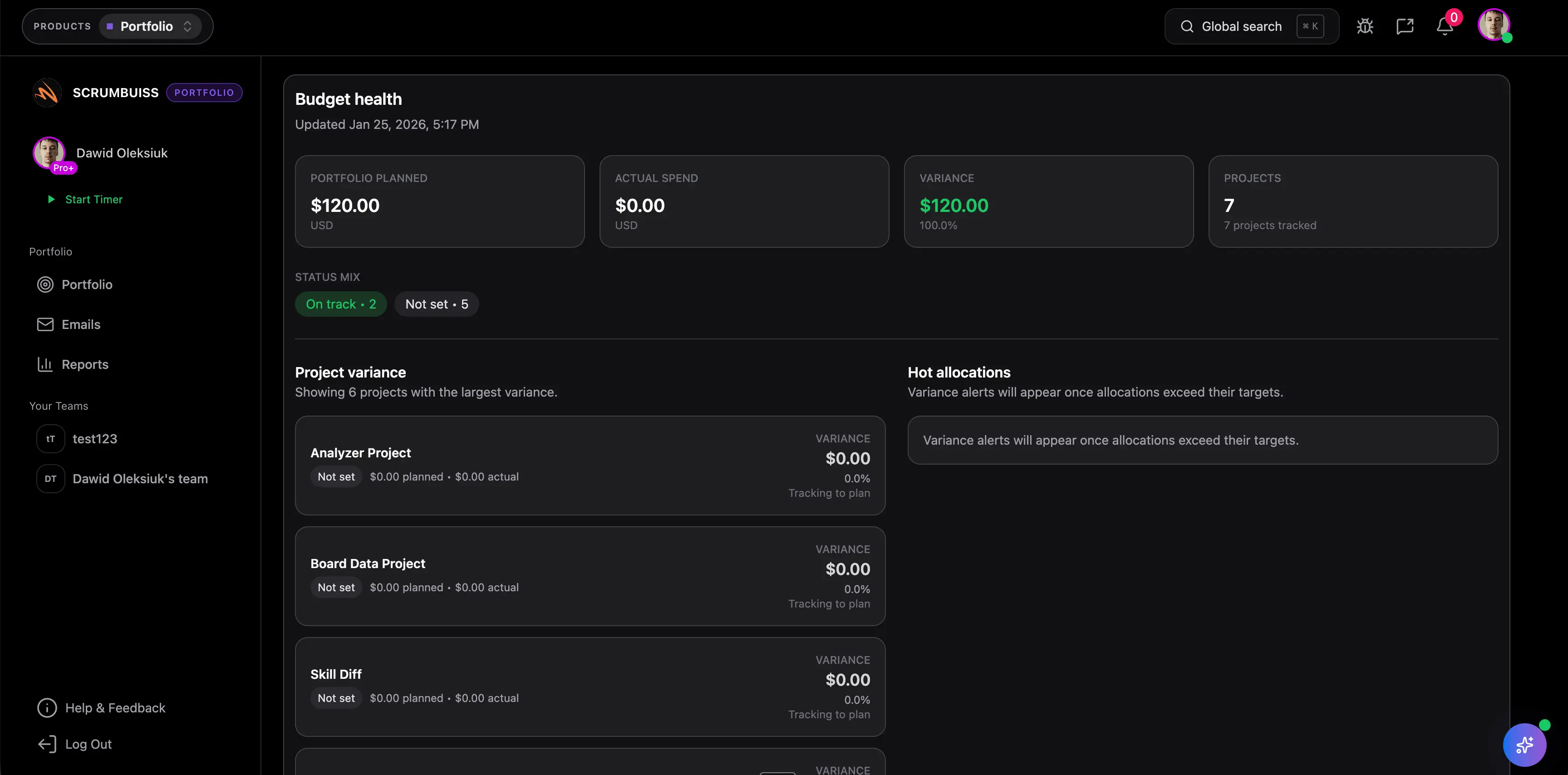
A multiple project tracking template helps managers compare active projects in one view. It is useful when leaders need to see status, priority, owners, dates, blockers, and risks across several projects without opening every project plan.
This guide targets the multiple project tracking template cluster found in SEMrush. It is different from the project tracker template guide because it focuses on rollup visibility across projects, not row-level task tracking inside one project.
Key Takeaways
- A multiple project tracker should summarize project health, priority, owner, milestone, risk, and decision needs.
- It should not try to replace each detailed project plan.
- Use consistent status rules across all projects.
- Move to portfolio software when rollups, capacity, and executive reporting become too manual.
Template Fields
| Field | Purpose |
|---|---|
| Project name | Identifies the work |
| Project owner | Shows accountability |
| Priority | Helps leaders compare tradeoffs |
| Status | On track, at risk, off track, paused, or complete |
| Current milestone | Shows near-term delivery focus |
| Target date | Makes timing visible |
| Budget or effort status | Summarizes cost or capacity pressure |
| Key blocker | Shows the biggest issue |
| Key risk | Shows what may affect delivery next |
| Decision needed | Names the leadership action required |
| Last updated | Shows whether the project summary is current |
Example Rollup View
| Project | Owner | Status | Milestone | Blocker | Decision needed |
|---|---|---|---|---|---|
| Client onboarding refresh | Ops lead | At risk | Workflow approval | Legal review delayed | Confirm launch scope |
| CRM migration | PMO | On track | Data test pass | None | None |
| Reporting dashboard | Analytics lead | Off track | Source data mapping | Missing finance data | Escalate data owner |
When To Use It
Use a multiple project tracking template when:
- managers need one view across active work
- projects share resources
- status updates are inconsistent
- leadership needs a weekly decision list
- portfolio software is not yet in place
For a more formal operating model, use the project portfolio management process guide.
FAQ
FAQsFrequently
Frequently
asked
questions
Unlock Success &
Power Up Your Projects
Next to explore
Explore more pages to understand the product suite, common workflows, and evaluation guides.