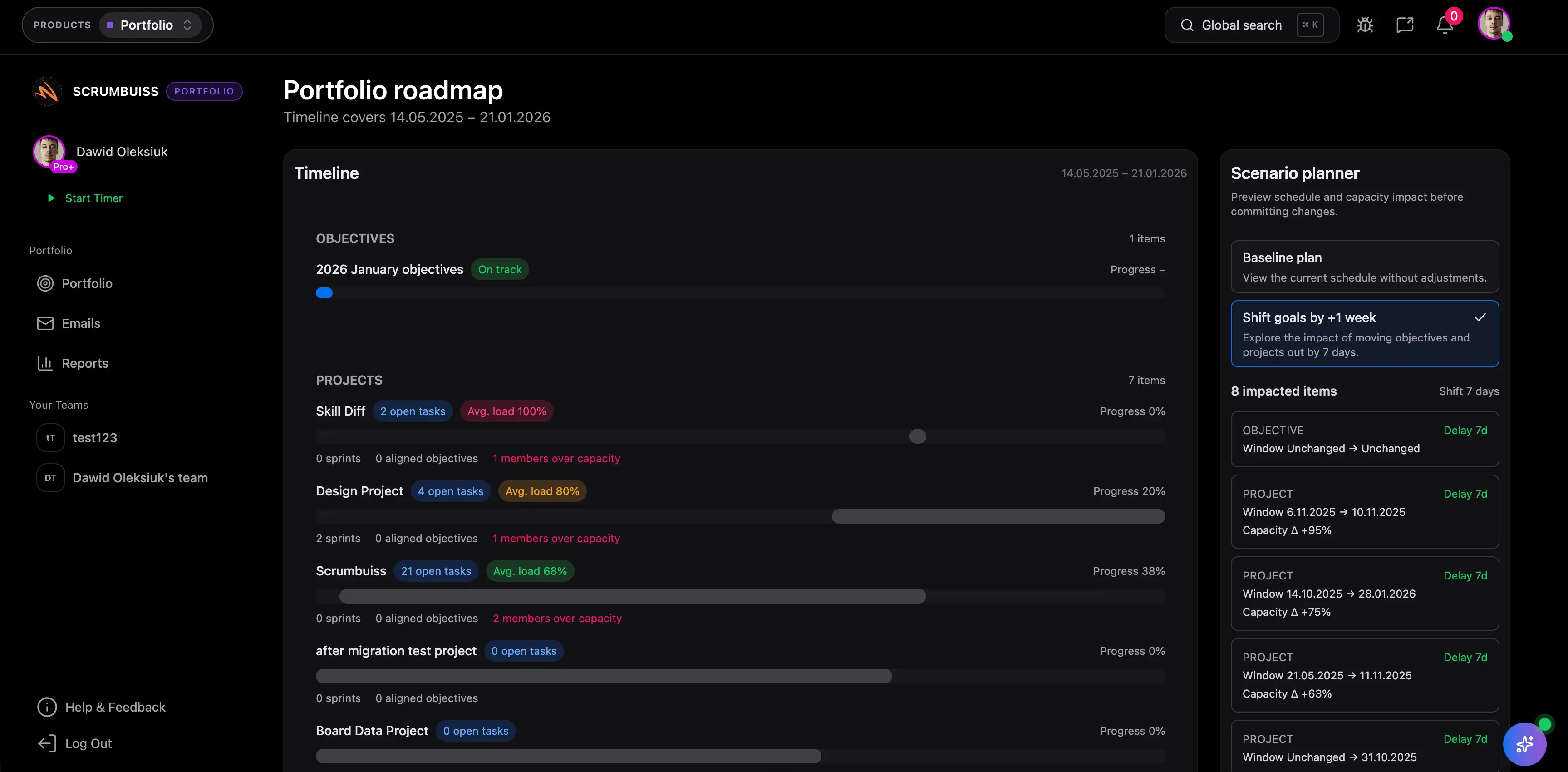
Multiple Project Status Report Template Guide
A multiple project status report template helps leaders compare health across several projects without opening every project plan. It should show which projects need attention, which decisions are blocking progress, and where portfolio risk is increasing.
This guide targets multiple project status report template keywords found in SEMrush. It is different from the single-project project status report template guide because it focuses on portfolio-level comparison.
Portfolio Table Fields
| Field | What to show |
|---|---|
| Project | Name of the project or initiative |
| Owner | Accountable project manager or lead |
| Health | Green, amber, red, paused, complete |
| Trend | Better, unchanged, worse since last report |
| Milestone | Next major milestone and date |
| Variance | Date or effort movement from baseline |
| Top risk | Highest material risk |
| Blocker | Active blocker needing action |
| Decision needed | Sponsor or portfolio decision |
| Next action | Owner and due date |
Example Row
| Project | Health | Trend | Milestone | Top risk | Decision |
|---|---|---|---|---|---|
| Customer portal | Amber | Worse | QA start July 15 | API access approval | Approve manual import fallback |
| Data warehouse | Green | Same | UAT July 22 | Data quality monitoring | No decision needed |
| CRM rollout | Red | Worse | Training July 18 | Regional adoption | Sponsor to confirm rollout date |
Review Rules
- Sort by red and amber projects first.
- Show trend, not just current color.
- Keep decision asks visible.
- Do not mix project-level detail into the portfolio table.
- Link each row to the live project dashboard.
Use Portfolio and Dashboard when multiple-project reporting needs live project data instead of pasted spreadsheet rows.
FAQ
Frequently
asked
questions
Related features
Explore the Scrumbuiss features mentioned in this article.
- Dashboard
Track project progress, blockers, workload, KPIs, status reporting, and analytics context in one live dashboard.
Unlock Success &
Power Up Your Projects
Next to explore
Explore more pages to understand the product suite, common workflows, and evaluation guides.