Project Budget Template Guide
A project budget template helps teams estimate, approve, track, and explain project costs. It should show planned cost, actual cost, variance, contingency, category ownership, and the reason budget changes were approved.
This guide targets the project budget template keyword cluster found in SEMrush research. It supports the project budget guide by focusing on the reusable template fields rather than the full budgeting process or cost management software category.
Key Takeaways
- A project budget template should separate planned cost, actual cost, forecast, and variance.
- Cost categories should match how the team makes decisions.
- Budget tracking needs owners, update cadence, and change notes.
- The template becomes stronger when it links to scope, baseline, and status reporting.
What To Include
| Field | Purpose |
|---|---|
| Cost category | Groups labor, tools, vendors, travel, materials, contingency |
| Description | Explains what the cost covers |
| Owner | Names who controls or updates the line item |
| Estimated cost | Captures the approved planning number |
| Actual cost | Shows recorded spend |
| Forecast | Estimates expected final spend |
| Variance | Compares planned, actual, or forecast values |
| Approval notes | Documents budget changes |
Use categories your stakeholders understand. Overly detailed budgets are harder to maintain.
Example Categories
| Category | Example costs |
|---|---|
| Labor | Internal hours, contractor hours, implementation support |
| Software | Licenses, environments, integrations, testing tools |
| Vendor | Agency, consultant, migration partner, specialist |
| Travel or events | Onsite sessions, workshops, launch event |
| Materials | Hardware, creative production, print, equipment |
| Contingency | Approved buffer for uncertainty |
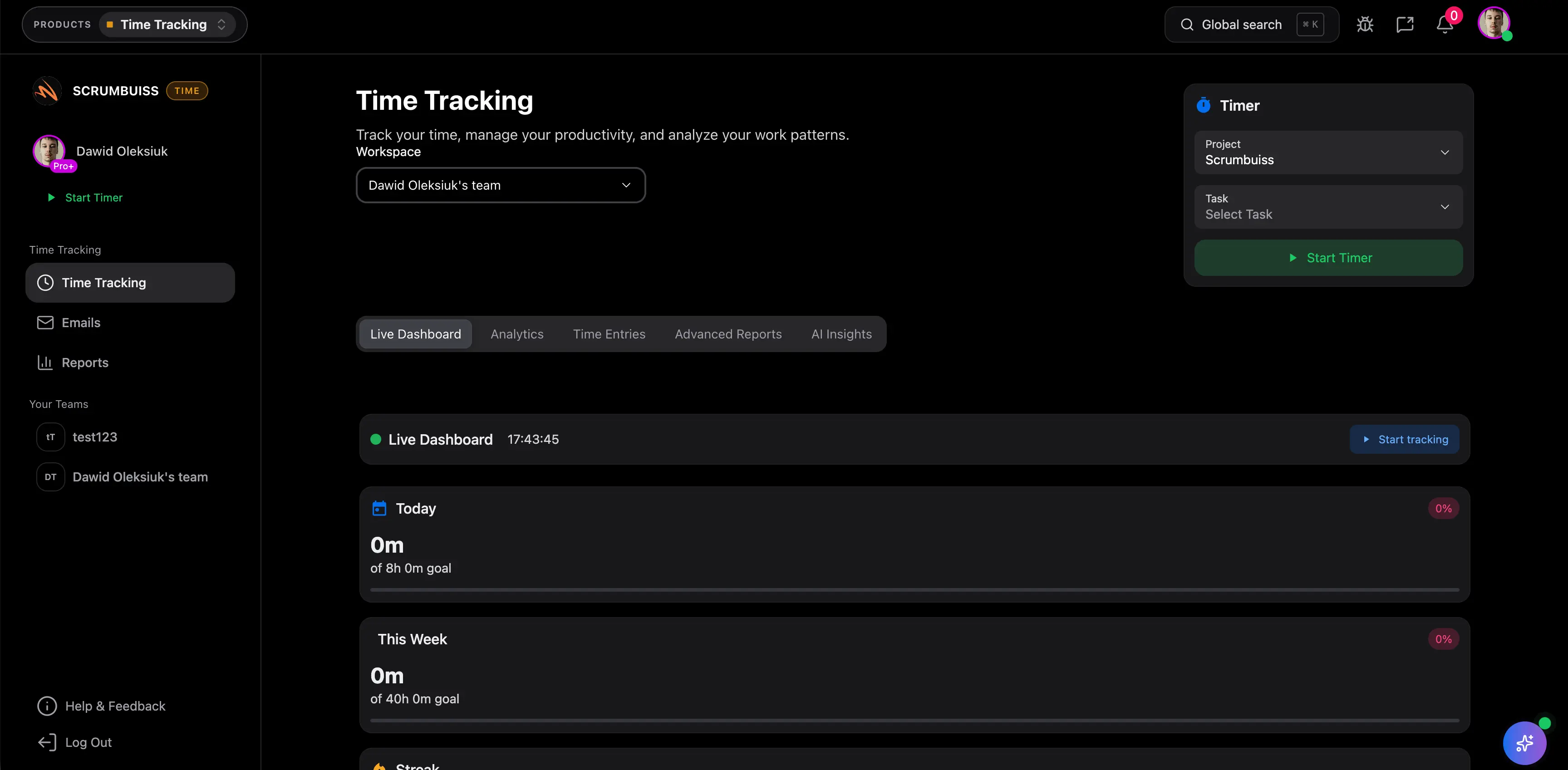
Scrumbuiss can connect budget context with Time Tracking, Dashboard, Project Delivery, and Files.
Budget Template vs. Cost Management Software
| Tool | Best use |
|---|---|
| Budget template | Lightweight planning, approval, and early tracking |
| Cost management software | Live tracking, reporting, approvals, forecasts, and workflow integration |
A template is useful for early standardization. Software becomes more valuable when budget updates, time data, approval notes, and status reporting must stay connected.
FAQ
Frequently
asked
questions
Related features
Explore the Scrumbuiss features mentioned in this article.
- Dashboard
Track project progress, blockers, workload, KPIs, status reporting, and analytics context in one live dashboard.
Unlock Success &
Power Up Your Projects
Next to explore
Explore more pages to understand the product suite, common workflows, and evaluation guides.