Project Deliverables Guide
Project deliverables are the tangible or intangible outputs a project is responsible for producing. They can be documents, software releases, reports, designs, training materials, workflows, approved decisions, or any other agreed output that stakeholders can review or accept.
This guide targets the project deliverables keyword cluster found in SEMrush research. It supports scope, kickoff, files, and closure pages by explaining how to define the outputs that prove the project produced something useful.
Key Takeaways
- A deliverable is an output, not just a task.
- Deliverables should have owners, acceptance criteria, and due dates.
- Clear deliverables make scope, schedule, and closure easier to manage.
- The best deliverable definitions explain what is included, what is excluded, and how approval works.
What Are Project Deliverables?
Project deliverables are the specific outputs promised by a project. They answer:
- What will the project produce?
- Who needs to review or approve it?
- What does complete mean?
- Where will the final version live?
- Which task or milestone creates it?
A deliverable may be internal, such as a migration plan, or external, such as a client-ready report.
Deliverables vs. Tasks vs. Milestones
| Concept | Meaning | Example |
|---|---|---|
| Task | Work someone performs | Draft onboarding checklist |
| Deliverable | Output produced by work | Approved onboarding checklist |
| Milestone | Significant point in time | Onboarding package approved |
| Outcome | Business result | Faster client onboarding |
The task is the activity. The deliverable is the output. The milestone marks progress. The outcome explains why it matters.
Examples of Project Deliverables
| Project type | Possible deliverables |
|---|---|
| Software project | Requirements brief, release plan, feature build, QA report, launch notes |
| Marketing project | Campaign brief, creative assets, landing page, performance report |
| Consulting project | Discovery summary, recommendation deck, implementation roadmap |
| IT project | Migration plan, configuration record, runbook, acceptance report |
| Client onboarding | Handoff checklist, project brief, file repository, training materials |
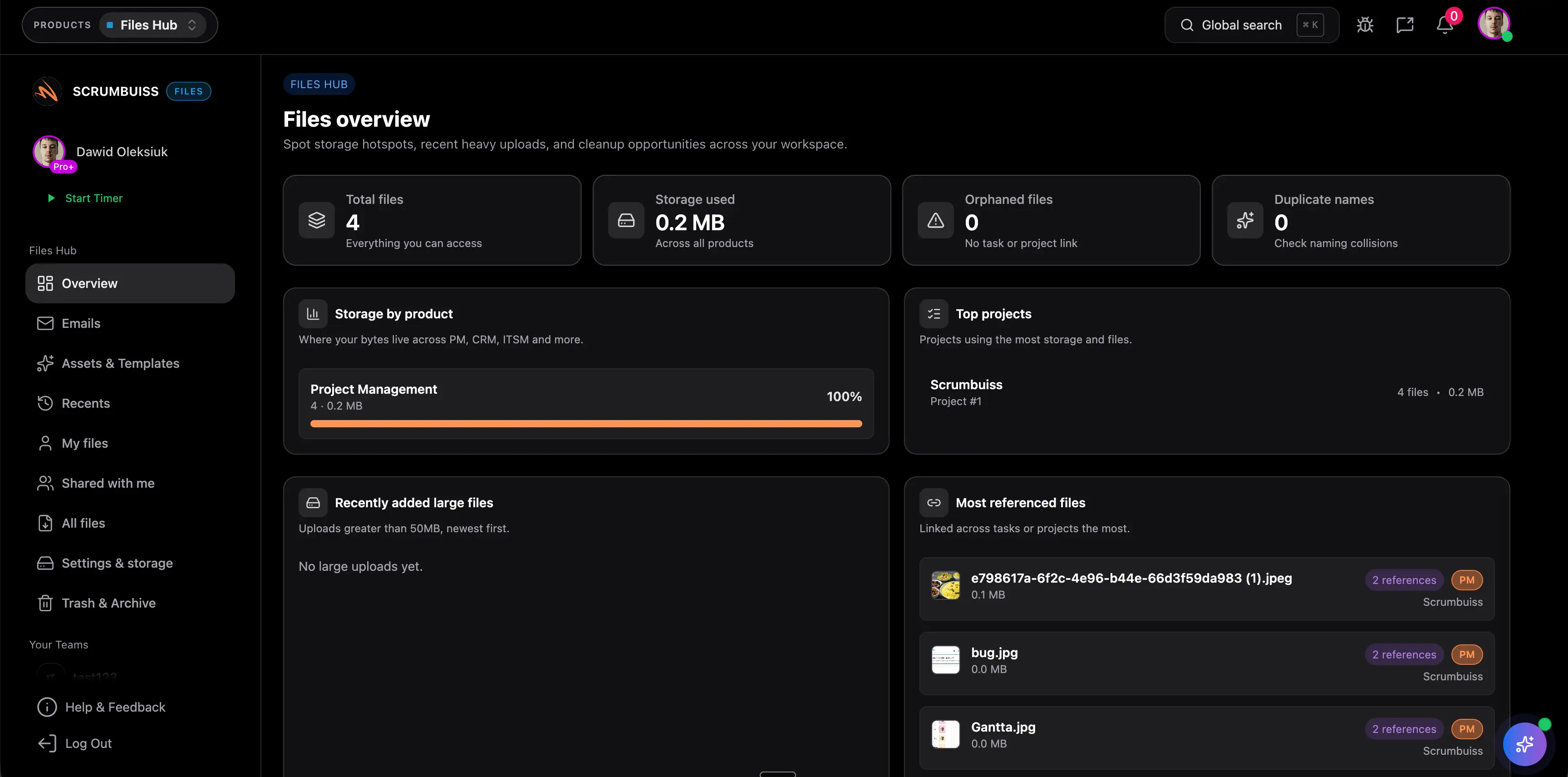
Scrumbuiss helps teams keep deliverables connected with Files, Project Brief, Client Portal, Project Delivery, and Dashboard.
How To Define a Deliverable
| Field | Why it matters |
|---|---|
| Name | Makes the output easy to reference |
| Description | Explains what the deliverable includes |
| Owner | Assigns accountability |
| Reviewer or approver | Identifies acceptance authority |
| Due date | Connects the deliverable to the schedule |
| Acceptance criteria | Defines done |
| Storage location | Keeps the final version findable |
| Related milestone | Shows how the deliverable affects progress |
Deliverables should be clear enough that the team can tell when they are complete without a long debate.
FAQ
Frequently
asked
questions
Related features
Explore the Scrumbuiss features mentioned in this article.
- Project Brief
Create a shareable project brief that stays connected to scope, files, and stakeholder updates.
- Client Portal
Invite clients into a controlled onboarding, file-sharing, and status workflow.
- Dashboard
Track project progress, blockers, workload, KPIs, status reporting, and analytics context in one live dashboard.
Unlock Success &
Power Up Your Projects
Next to explore
Explore more pages to understand the product suite, common workflows, and evaluation guides.