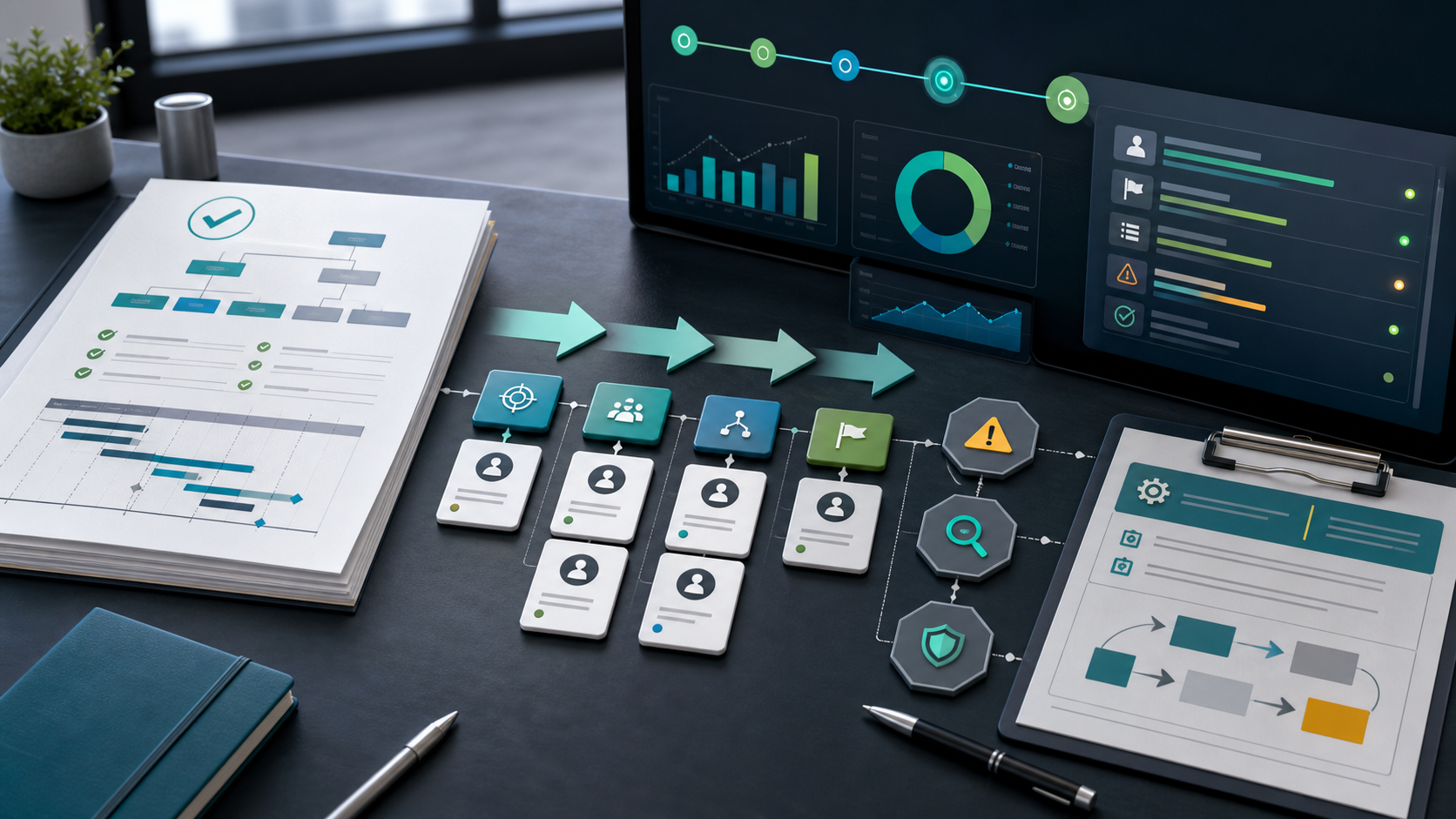
Project Execution Plan Guide
A project execution plan explains how an approved project will actually be delivered. It turns planning decisions into operating rules for workstreams, owners, milestones, controls, risks, communication, and change handling.
This guide targets the project execution plan keyword cluster found in SEMrush. It is different from the project implementation plan guide, which focuses on rollout work, and from the project monitoring and control guide, which focuses on tracking performance after execution begins.
Key Takeaways
- A project execution plan describes how the team will deliver the approved scope.
- It should connect workstreams, ownership, schedule, quality, risks, communication, and controls.
- Execution planning is not the same as implementation planning, although the two often overlap.
- A good execution plan explains how changes and escalations will be handled.
What Is a Project Execution Plan?
A project execution plan is a delivery playbook for a specific project. It documents the strategy, work organization, responsibilities, schedule logic, communication cadence, quality expectations, risk controls, and reporting process that will guide execution.
In Scrumbuiss, teams can connect execution planning with Project Delivery, Activity Feed, Dashboard, Risk Center, and Gantt Timeline.
What To Include
| Section | Purpose |
|---|---|
| Execution strategy | Explains how the project will be delivered |
| Scope baseline | Confirms the approved work |
| Workstreams | Organizes delivery by team, phase, or output |
| Roles and responsibilities | Clarifies who owns what |
| Schedule and milestones | Shows timing and checkpoints |
| Dependency control | Tracks inputs and blocking decisions |
| Quality approach | Defines acceptance and review expectations |
| Risk controls | Shows risk owners and response actions |
| Communication cadence | Defines updates, meetings, and escalation |
| Change process | Explains how scope, budget, or dates can change |
Execution Plan vs. Implementation Plan
| Plan type | Focus |
|---|---|
| Project execution plan | Overall delivery strategy, work control, roles, communication, and change handling |
| Project implementation plan | Steps for deploying, rolling out, launching, or adopting the delivered solution |
| Project management plan | Broader governance document covering how the project will be managed |
| Project controls plan | Performance measurement, baselines, variance, and corrective action |
How To Create a Project Execution Plan
- Confirm the approved scope and success criteria.
- Split delivery into workstreams or phases.
- Assign accountable owners for each workstream.
- Build milestone logic around dependencies.
- Define quality and acceptance checks.
- Add risk controls and escalation rules.
- Set the reporting cadence and dashboard view.
- Confirm how changes will be reviewed and approved.
FAQ
Frequently
asked
questions
Related features
Explore the Scrumbuiss features mentioned in this article.
- Activity Feed
Stay up to date with real-time updates on tasks, progress, and team activities.
- Dashboard
Track project progress, blockers, workload, KPIs, status reporting, and analytics context in one live dashboard.
- Gantt Timeline
Plan dependencies, milestones, and schedule changes with a Gantt chart view that stays close to execution.
Unlock Success &
Power Up Your Projects
Next to explore
Explore more pages to understand the product suite, common workflows, and evaluation guides.