Project Intake Process and Form Guide
A project intake process is the controlled path a request follows before it becomes approved delivery work. A project intake form is only one part of that process. The form captures context; the process qualifies, prioritizes, approves, routes, and hands the work to the right owner.
This guide targets the informational "project intake form" and "project intake process" terms found in SEMrush keyword research. It supports the Scrumbuiss Project Intake buyer page and Forms solution page by explaining how to design the operating process before choosing software.
Key Takeaways
- A good intake process prevents weak requests from becoming unclear projects.
- The intake form should collect decision-ready information, not every possible detail.
- Intake needs triage, prioritization, approval, ownership, and handoff steps after submission.
- The best intake process makes request status visible to both requesters and delivery leads.
What Is a Project Intake Process?
A project intake process is the workflow used to evaluate new project requests. It answers:
- Who can submit a request?
- What information is required before review?
- Who qualifies the request?
- How is urgency or business value assessed?
- Who approves, rejects, defers, or asks for clarification?
- Where does approved work go next?
Without this process, teams often accept work through email, chat, meetings, side conversations, and leadership escalations. That creates a hidden backlog and weakens planning.
Project Intake Process vs. Project Intake Form
| Element | Purpose | Common failure |
|---|---|---|
| Intake form | Captures request details | Collects data but does not drive a decision |
| Intake process | Moves the request through review and approval | Gets skipped when urgent work arrives |
| Intake queue | Shows pending, approved, deferred, and rejected work | Becomes a parking lot with no owner |
| Delivery handoff | Turns approved work into a brief, project, or task set | Loses context between approval and execution |
The form is the front door. The process is the operating system behind it.
Fields To Include in a Project Intake Form
Use enough fields to make a decision without turning the form into a long questionnaire.
| Field | Why it matters |
|---|---|
| Request title | Gives the request a clear label |
| Requester and stakeholder | Shows who needs the outcome and who can clarify details |
| Business problem | Explains why the work matters |
| Desired outcome | Separates the goal from a preferred solution |
| Deadline or timing constraint | Identifies real date pressure |
| Impact if not done | Supports prioritization |
| Required approvals | Prevents late stakeholder surprises |
| Known dependencies | Helps delivery leads spot sequencing issues |
| Files or examples | Keeps supporting material attached |
Avoid asking requesters to solve the delivery plan. They should explain the problem, value, constraints, and decision context.
A Practical Intake Workflow
| Step | Decision | Output |
|---|---|---|
| Submit | Is the request complete enough to review? | New request in intake queue |
| Qualify | Is the problem clear and relevant? | Clarification, rejection, or review-ready request |
| Prioritize | How does it compare with other work? | Priority score or ranked queue |
| Approve | Should the team commit now, defer, or decline? | Approval decision and reason |
| Route | Which owner or team should handle it? | Assigned owner and next step |
| Handoff | What context must move into delivery? | Brief, project, tasks, schedule, and status path |
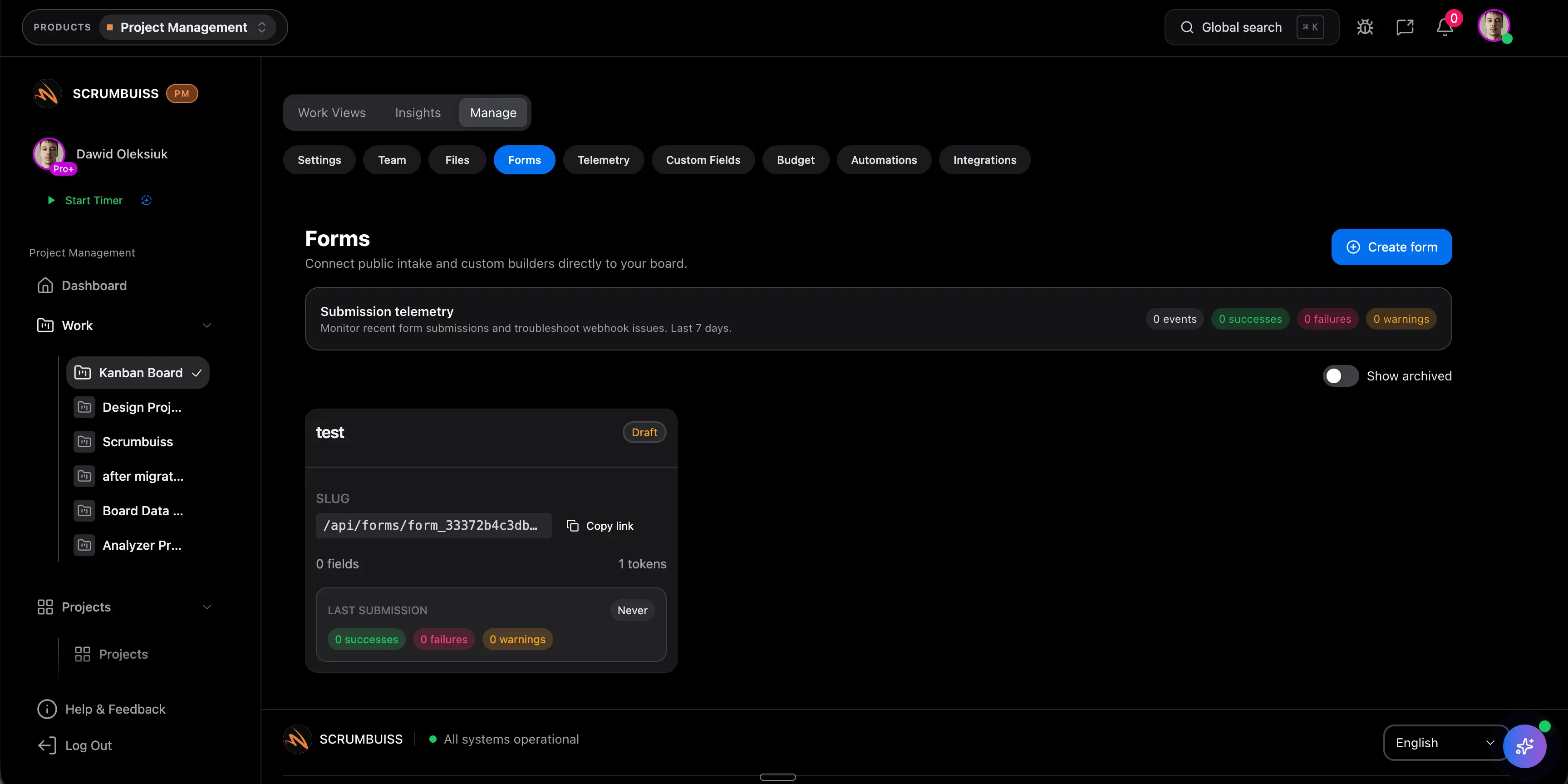
Scrumbuiss supports this path with Forms, Project Intake, Project Brief, Custom Fields, and Dashboard.
Intake Process Best Practices
Make status visible
Requesters should know whether their request is new, needs clarification, under review, approved, deferred, or rejected. Visibility reduces follow-up messages.
Use simple prioritization first
A weighted scoring model can help, but many teams should start with a small set of fields: impact, urgency, effort, strategic fit, and risk.
Keep approvals explicit
Approval should include the decision maker, date, decision, and reason. This prevents later disputes about why work entered the plan.
Connect approved work to delivery
The handoff should preserve the original request, business context, files, decisions, and assumptions. If the delivery owner has to rewrite everything, the intake process is incomplete.
FAQ
Frequently
asked
questions
Related features
Explore the Scrumbuiss features mentioned in this article.
- Forms
Capture project requests with intake forms and route approved work into the right workflow.
- Project Brief
Create a shareable project brief that stays connected to scope, files, and stakeholder updates.
- Dashboard
Track project progress, blockers, workload, KPIs, status reporting, and analytics context in one live dashboard.
Unlock Success &
Power Up Your Projects
Next to explore
Explore more pages to understand the product suite, common workflows, and evaluation guides.