Project Sign-Off Document Guide
A project sign-off document records that the required deliverables, acceptance criteria, exceptions, and open items have been reviewed by the right approver. It gives the team evidence that a project stage, deliverable, launch, or closure has been accepted.
This guide targets the project sign-off document keyword cluster. It supports project closure by focusing on the approval record itself.
Key Takeaways
- Sign-off should be based on defined acceptance criteria, not vague satisfaction.
- The document should name deliverables, approvers, dates, exceptions, and open items.
- Sign-off can happen at milestones, phase gates, go-live, or final closure.
- Store the approval evidence somewhere future teams can find it.
What Is a Project Sign-Off Document?
A project sign-off document is a formal approval record. It answers:
- What is being accepted?
- Which deliverables or stage are included?
- Which criteria were used for approval?
- Who approved it?
- Were there exceptions or open items?
- What happens after sign-off?
- Where is the approval evidence stored?
It is useful for client projects, regulated work, software launches, phase gates, final closure, and deliverables with formal acceptance.
Sign-Off Document Fields
| Field | Purpose |
|---|---|
| Project or deliverable name | Identifies what is being accepted |
| Sign-off type | Shows milestone, deliverable, go-live, or final closure |
| Acceptance criteria | Defines approval conditions |
| Deliverables reviewed | Lists outputs included in approval |
| Exceptions | Records known gaps or accepted limitations |
| Open items | Names remaining follow-up with owners |
| Approver | Names decision authority |
| Date | Records when sign-off happened |
| Evidence link | Points to file, comment, approval, or decision record |
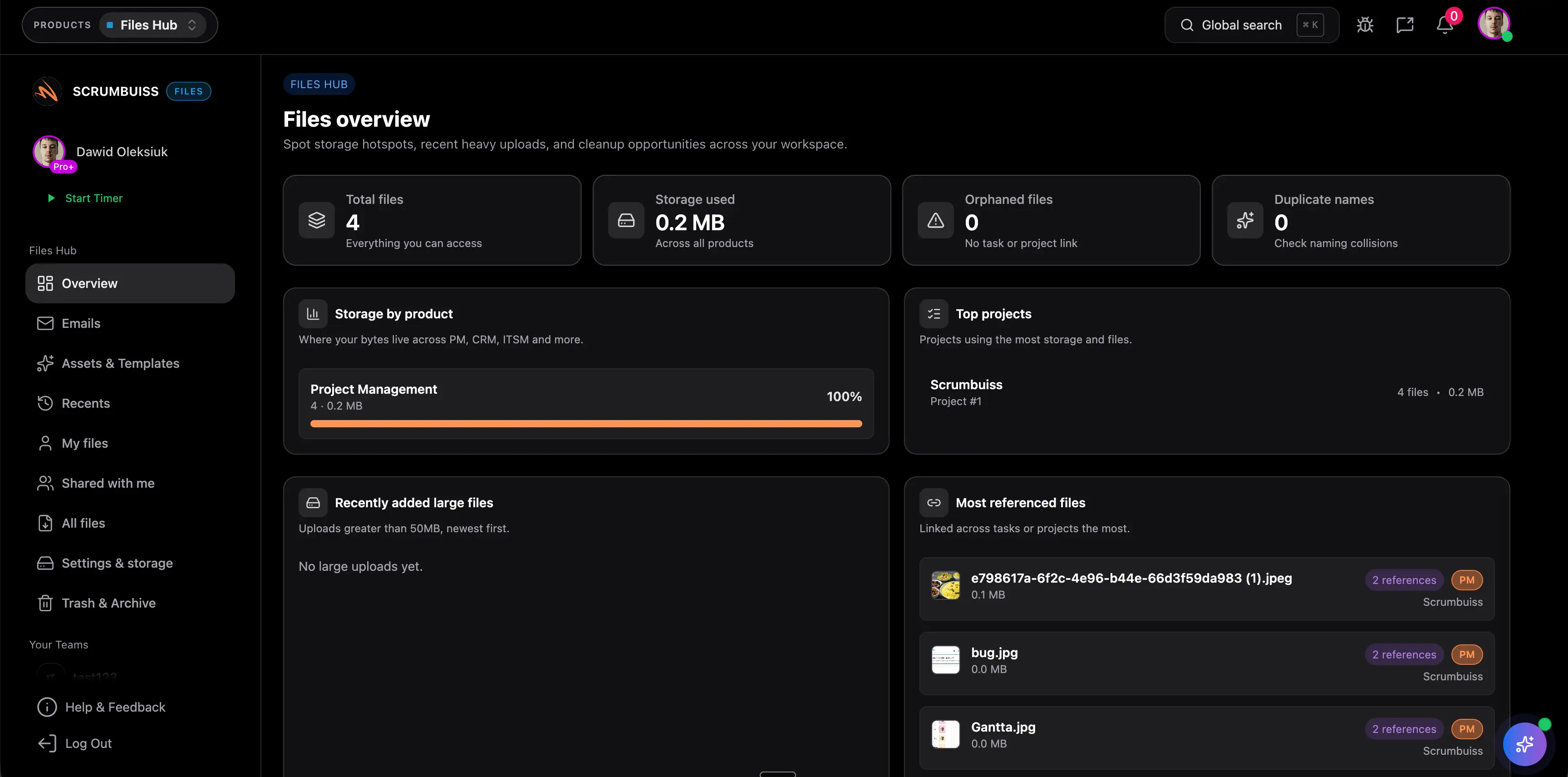
Scrumbuiss supports sign-off records through Files, Client Portal, Activity Feed, Project Delivery, and Dashboard.
Sign-Off Example
| Section | Example |
|---|---|
| Sign-off item | Client onboarding workflow launch |
| Acceptance basis | Scope statement, approved requirements, go-live checklist |
| Exceptions | Reporting export moved to phase two |
| Open items | Support team to monitor first week issues |
| Approver | Client operations lead |
The record should be specific enough that no one has to reconstruct approval later.
FAQ
Frequently
asked
questions
Related features
Explore the Scrumbuiss features mentioned in this article.
- Client Portal
Invite clients into a controlled onboarding, file-sharing, and status workflow.
- Activity Feed
Stay up to date with real-time updates on tasks, progress, and team activities.
- Dashboard
Track project progress, blockers, workload, KPIs, status reporting, and analytics context in one live dashboard.
Unlock Success &
Power Up Your Projects
Next to explore
Explore more pages to understand the product suite, common workflows, and evaluation guides.