Back to Blog
Project Task Tracker Template
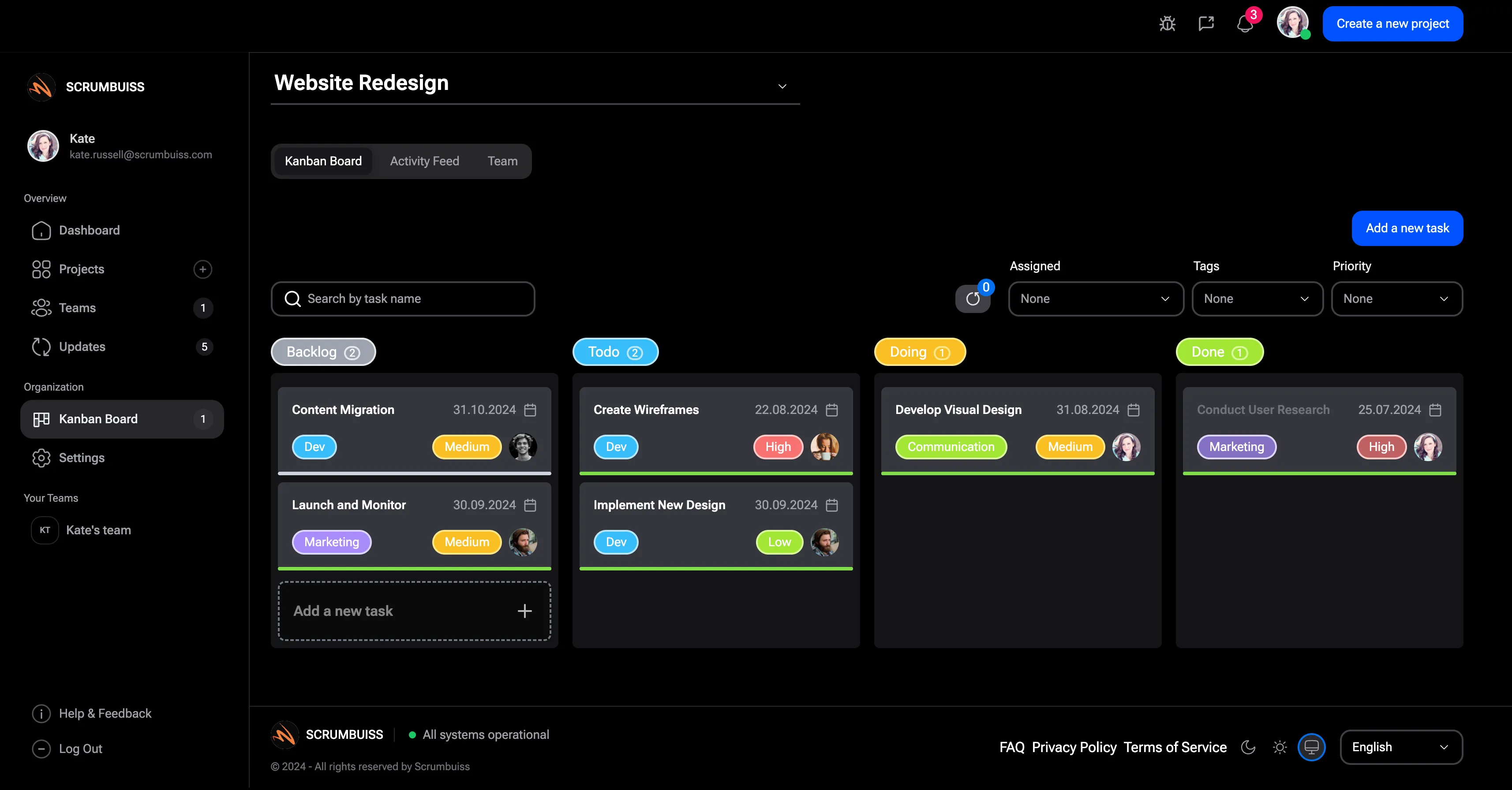
A project task tracker template helps teams manage the task-level work inside a project. It shows who owns each task, what status it is in, when it is due, what blocks it, and what needs attention next.
This guide targets the project task tracker template terms found in SEMrush. It is narrower than the project tracker template guide because it focuses on task execution rather than milestone or project-level tracking.
Key Takeaways
- A task tracker should show owner, status, priority, due date, blocker, dependency, and next action.
- Keep task statuses simple so the team can update them quickly.
- Use the tracker during delivery meetings, not only after work is late.
- Move to a board or project management system when handoffs and dependencies become complex.
Task Tracker Fields
| Field | Purpose |
|---|---|
| Task | Names the work item |
| Owner | Shows who is accountable |
| Status | Planned, active, blocked, review, done |
| Priority | Helps sequence work |
| Due date | Makes time visible |
| Dependency | Shows what must happen first |
| Blocker | Names what prevents progress |
| Next action | Defines the next move |
| Notes | Captures context |
| Last updated | Shows whether the task is current |
Example Task Tracker
| Task | Owner | Status | Due date | Blocker | Next action |
|---|---|---|---|---|---|
| Finalize brief | Project manager | Active | July 5 | None | Send to sponsor |
| Build integration | Engineer | Blocked | July 12 | API access missing | Escalate access request |
| Review launch copy | Marketing lead | Review | July 9 | Legal reviewer unavailable | Confirm backup reviewer |
Task Tracker vs. Action Item Tracker
| Tracker | Best use |
|---|---|
| Project task tracker | Planned project execution work |
| Action item tracker | Follow-ups from meetings, risks, decisions, or reviews |
| Issue log | Active problems that need resolution |
| Kanban board | Visual workflow and handoff tracking |
Use the action item tracker guide when the work comes from meetings or decisions. Use this template when the work is part of the project plan.
FAQ
FAQsFrequently
Frequently
asked
questions
Unlock Success &
Power Up Your Projects
Next to explore
Explore more pages to understand the product suite, common workflows, and evaluation guides.