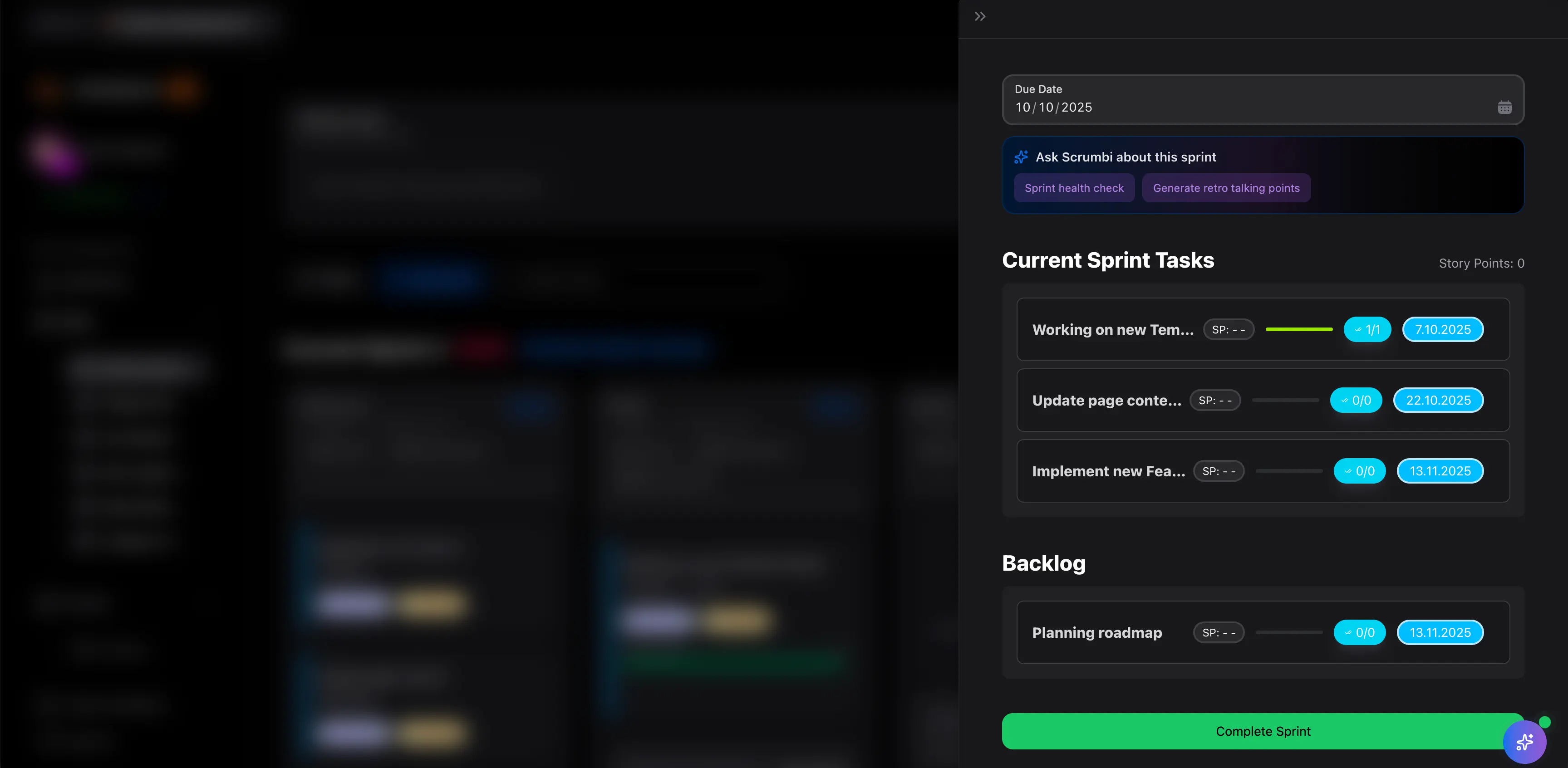
Scrum Board Guide
A Scrum board shows the work a team committed to during a sprint and tracks that work from planned to done. It helps the Scrum team inspect sprint progress, see blockers, and protect the sprint goal.
This guide targets the Scrum board keyword cluster found in SEMrush. It is separate from the Kanban board guide because Scrum boards are organized around sprint commitments.
Key Takeaways
- A Scrum board tracks sprint backlog work during a fixed sprint.
- It should make the sprint goal, active work, blocked work, review work, and done work visible.
- A Scrum board usually resets or changes when the next sprint starts.
- Scrum boards are strongest when paired with sprint planning, daily standups, and retrospectives.
What Is a Scrum Board?
A Scrum board is a visual board used by Scrum teams to manage sprint work. Cards usually represent user stories, tasks, bugs, or backlog items selected for the sprint.
The board helps the team answer:
- What did we commit to this sprint?
- What is in progress?
- What is blocked?
- What is waiting for review?
- What is done?
- Are we still on track for the sprint goal?
Scrum Board Example
| Column | Purpose |
|---|---|
| Sprint backlog | Work selected for the sprint |
| To do | Work ready to start |
| In progress | Work currently active |
| Code review or QA | Work waiting for validation |
| Blocked | Work that needs help before it can move |
| Done | Work completed against the definition of done |
The exact columns should match the team's real workflow. If review or QA creates frequent waiting, make that visible.
Scrum Board vs. Kanban Board
| Area | Scrum board | Kanban board |
|---|---|---|
| Planning | Sprint planning selects the work | Work is pulled as capacity opens |
| Time box | Fixed sprint | Continuous flow |
| Goal | Deliver the sprint goal | Improve flow and reduce bottlenecks |
| Reset | Usually resets each sprint | Usually persists over time |
| Best fit | Product teams using Scrum | Continuous delivery, operations, support, flexible flow |
Use the Kanban vs Scrum guide for the broader methodology comparison.
Common Scrum Board Mistakes
Adding work without sprint review
If new work enters the sprint board casually, the sprint goal becomes hard to protect.
Hiding blocked work
Blocked work should be visible. If blockers stay inside comments or chat, the standup becomes less useful.
Treating done as almost done
The done column should mean the team's definition of done is met.
Making the board too detailed
Use enough detail to manage work. Do not turn the board into a second requirements document.
FAQ
Frequently
asked
questions
Unlock Success &
Power Up Your Projects
Next to explore
Explore more pages to understand the product suite, common workflows, and evaluation guides.