Waterfall Project Management Guide
Waterfall project management is a sequential approach where work moves through defined phases such as requirements, design, build, test, and launch. Each phase usually depends on the previous phase being complete or approved.
This guide targets the waterfall project management keyword cluster found in SEMrush research. It supports the existing agile vs waterfall comparison by owning the standalone waterfall methodology intent.
Key Takeaways
- Waterfall works best when requirements are stable and approval gates matter.
- It makes planning, documentation, and sequential handoffs explicit.
- It is less flexible when requirements change frequently.
- Strong change control is important because late changes can affect many downstream phases.
Waterfall Phases
| Phase | Purpose |
|---|---|
| Requirements | Define what the project must satisfy |
| Design | Plan the solution or delivery approach |
| Build | Create the deliverable |
| Test or validate | Check quality and acceptance |
| Launch or handoff | Release or transfer the output |
| Close | Confirm acceptance and capture lessons |
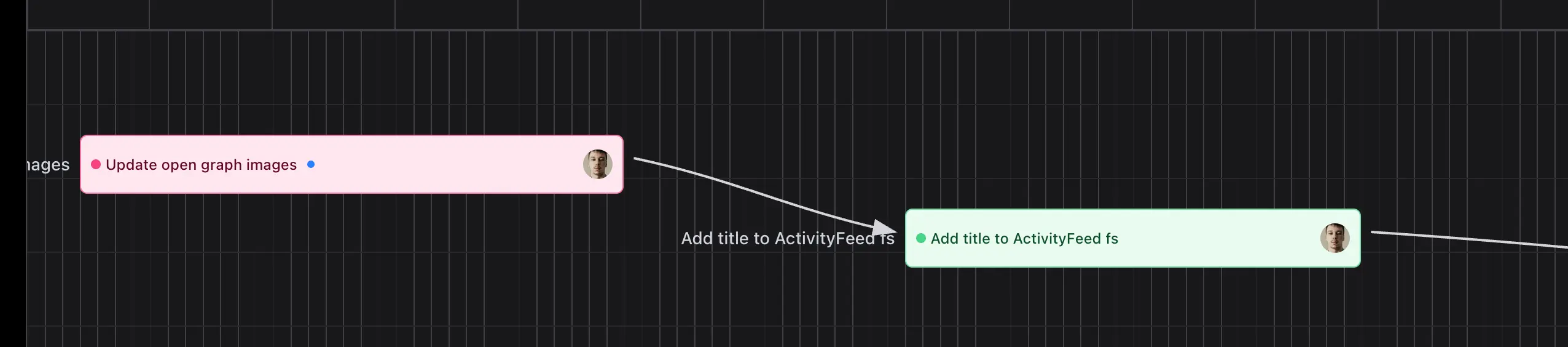
Scrumbuiss supports structured delivery through Project Brief, Gantt Timeline, Project Delivery, Files, and Dashboard.
When Waterfall Fits
Waterfall can fit when:
- requirements are stable
- approvals are formal
- compliance or documentation is important
- handoffs are sequential
- the cost of late change is high
- stakeholders need predictable phase gates
FAQ
Frequently
asked
questions
Related features
Explore the Scrumbuiss features mentioned in this article.
- Project Brief
Create a shareable project brief that stays connected to scope, files, and stakeholder updates.
- Gantt Timeline
Plan dependencies, milestones, and schedule changes with a Gantt chart view that stays close to execution.
- Dashboard
Track project progress, blockers, workload, KPIs, status reporting, and analytics context in one live dashboard.
Unlock Success &
Power Up Your Projects
Next to explore
Explore more pages to understand the product suite, common workflows, and evaluation guides.