Confluence integration guide • reviewed 2026-03-16

Project Management Software With Confluence Integration

Connect Confluence specs, runbooks, and knowledge-base context to planning, change coordination, delivery reviews, and stakeholder reporting so documentation stays useful after work leaves the wiki.

Use this page to compare Confluence-connected briefs, delivery reviews, change coordination, and documentation-heavy handoffs before you standardize on a broader project-management setup.

This page is for teams that already rely on Confluence spaces for specs, runbooks, and operational knowledge and need that context to stay useful after work leaves the wiki.

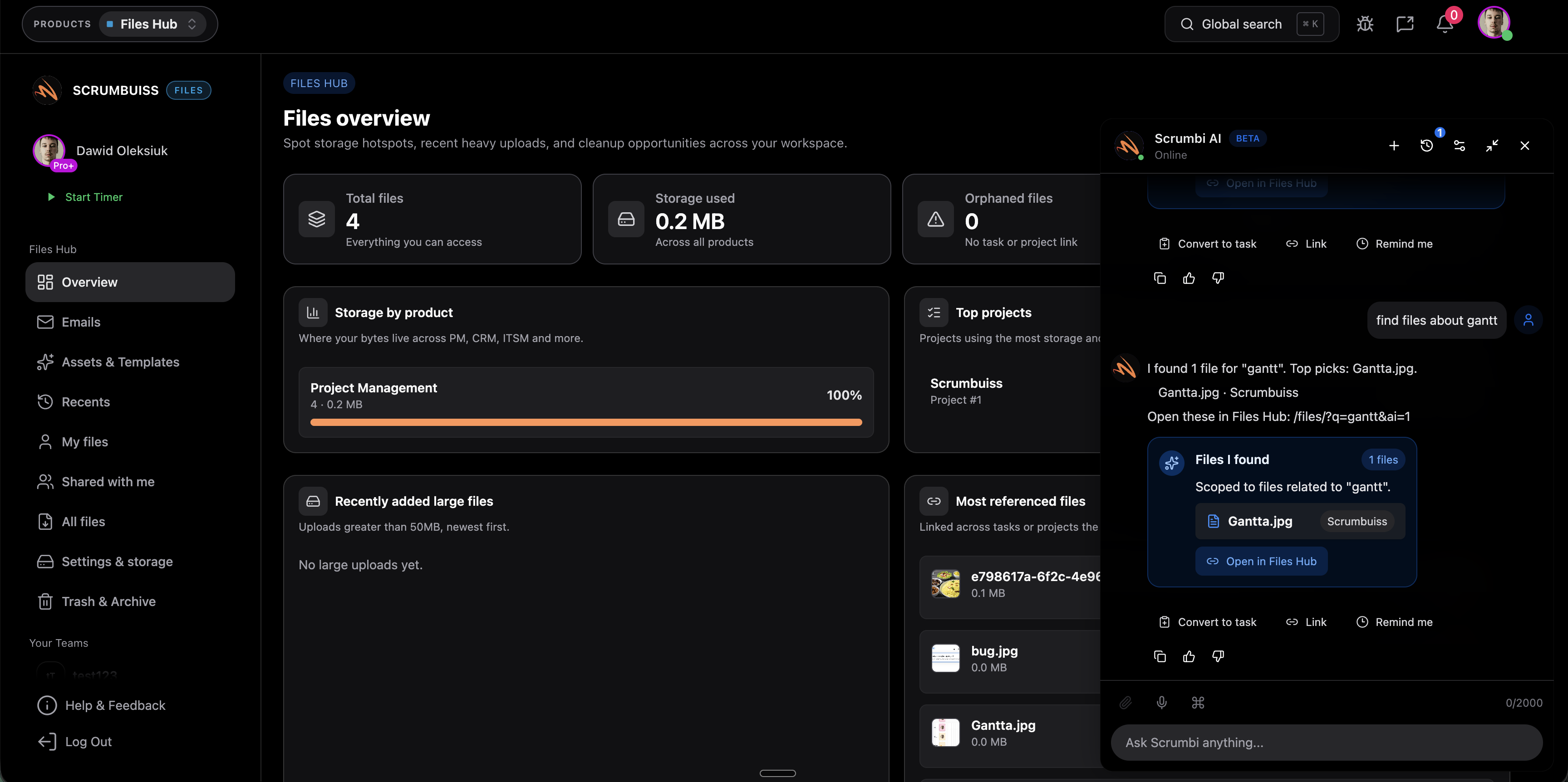
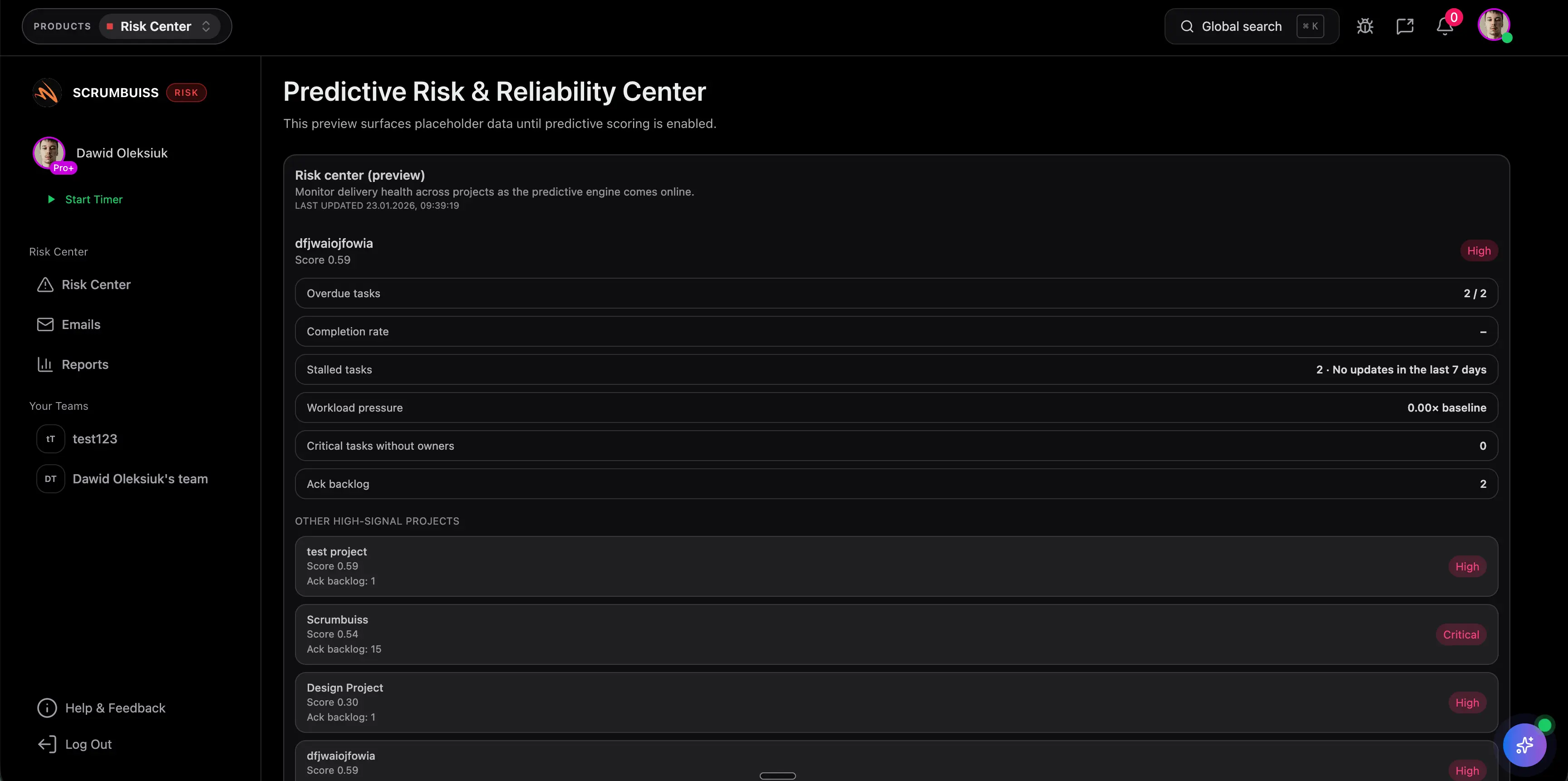
Scrumbuiss Confluence-connected project brief and delivery context overview

How we reviewed Confluence-connected project management tools

Reviewed on March 16, 2026. This page compares one workflow: how teams keep Confluence spaces, Jira-connected documentation, and operational runbooks tied to project delivery instead of letting execution and reporting drift away from the wiki.

  • Scrumbuiss references come from the live pricing page plus the Project Delivery and ITSM product pages, the Project Brief solution page, and the IT operations workflow page in this site.
  • Competitor references come from the official Confluence integration or product pages published by Atlassian, Asana, and ClickUp.
  • The goal is not to score every wiki feature. It is to help teams decide whether Confluence should remain connected project context around a broader delivery layer or stay inside a more wiki-first operating model.

When Scrumbuiss is a fit

The right decision depends less on one Confluence checkbox and more on whether documentation stays useful after kickoff, change coordination, delivery review, and stakeholder reporting begin.

Strong fit for Scrumbuiss

Best when Confluence should stay valuable for specs, runbooks, and team knowledge, but the team still needs a clearer delivery layer for planning, change coordination, and stakeholder reporting.

  • Requirements, architecture notes, or runbooks already live in Confluence and people still reference them every week.
  • Delivery or operations leads need tasks, timelines, ownership, and review workflows to stay readable outside the wiki.
  • The team wants linked documentation context, not another copy-paste loop between Confluence pages and project tracking.

Worth testing carefully

Run a live pilot if Confluence is already central to engineering or operations knowledge, but status and handoff context still get rebuilt manually once work starts moving.

  • Specs and runbooks are well maintained in Confluence, but execution happens elsewhere.
  • Weekly delivery reviews, change windows, or incident follow-ups still require someone to retell the wiki context by hand.
  • One team can test the workflow with a live brief, a real runbook, and one recurring review loop before wider rollout.

Probably not the best fit

A different path may fit better when Jira plus Confluence should remain the full operating model, or when the team only needs lightweight wiki links instead of a broader delivery layer.

  • The team wants planning, tracking, and documentation to stay entirely inside Atlassian tools.
  • Simple page embeds or links are enough and no one needs a stronger stakeholder-facing operating layer.
  • There is little need for broader delivery reporting, workload visibility, or cross-functional handoffs outside the wiki stack.

Specs and briefs

Keep specs and project briefs attached to the work, not trapped in the wiki tree

Confluence is useful when the spec, decision note, or acceptance criteria page is visible from the brief and task where execution happens. That reduces context switching during kickoff, refinement, and cross-functional handoff, and it makes delivery reviews easier for people who do not live in Confluence all day.

  • Link requirements, architecture notes, and decision pages to briefs and work items that depend on them.
  • Reduce the gap between where the team documents decisions and where it executes them.
  • Give delivery leads and stakeholders one place to understand the current work and the supporting documentation behind it.
Scrumbuiss project brief with connected Confluence-style documentation context

Runbooks and change context

Bring runbooks, incident follow-up, and change context into the workflow where action happens

The real test is not whether a Confluence page can be linked. It is whether runbooks, change notes, and post-incident knowledge remain useful during live operational work. Searchability, permissions, and clear next actions all matter if the team wants Confluence to support delivery and IT operations instead of becoming a second system people have to translate manually.

  • Keep runbooks and change documentation close to incidents, requests, and change windows that rely on them.
  • Check whether the right people can reach the right pages without overexposing unrelated wiki spaces.
  • Make sure operational documentation speeds up response and review loops instead of sending teams back into manual status retelling.
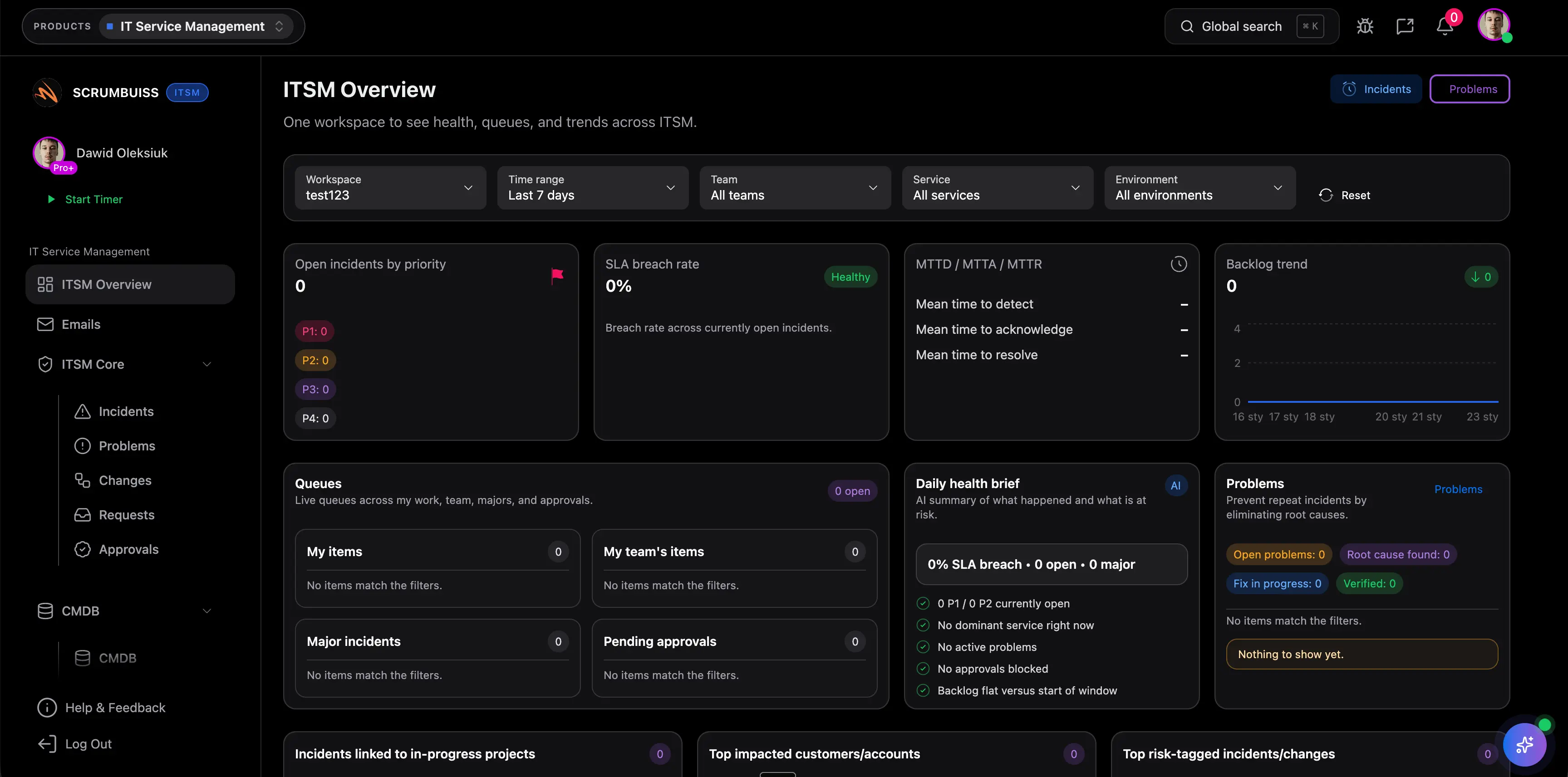
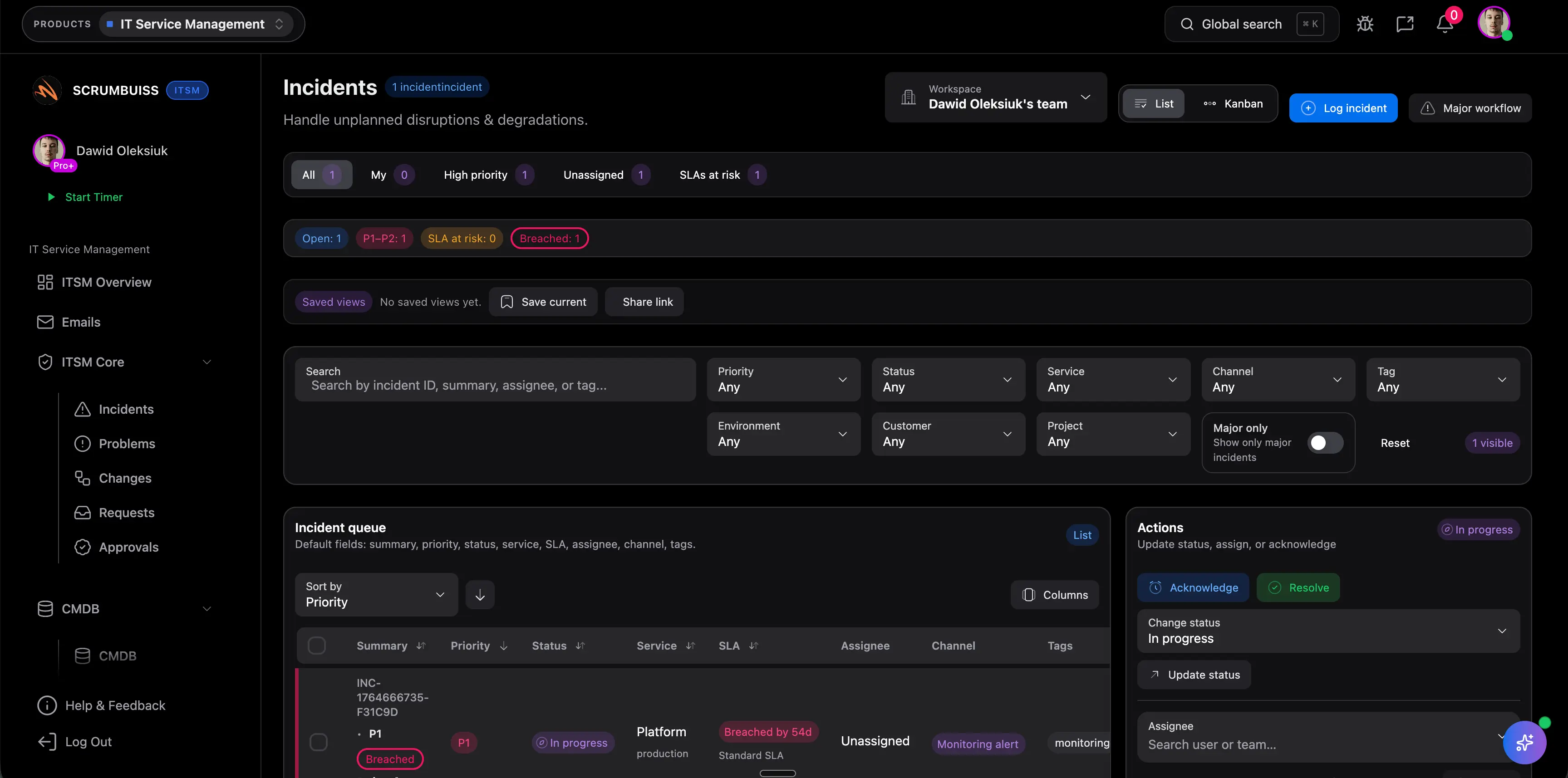
Scrumbuiss IT operations workflow with connected change-management context

Stakeholder reviews

Make delivery reviews and stakeholder handoffs easier to run without rebuilding the story every week

Confluence often holds the background knowledge, but weekly delivery reviews still fail when stakeholders cannot see what changed, what is blocked, and which documentation matters now. Scrumbuiss is strongest when the team can keep Confluence as supporting context while running planning, updates, and handoffs in a clearer operating layer.

  • Connect delivery status, ownership, and supporting documentation in one review flow.
  • Shorten handoffs between engineering, operations, and leadership by keeping the current context visible next to the work.
  • Reduce status-meeting friction when stakeholders can move from the update to the relevant Confluence page without hunting through the wiki first.
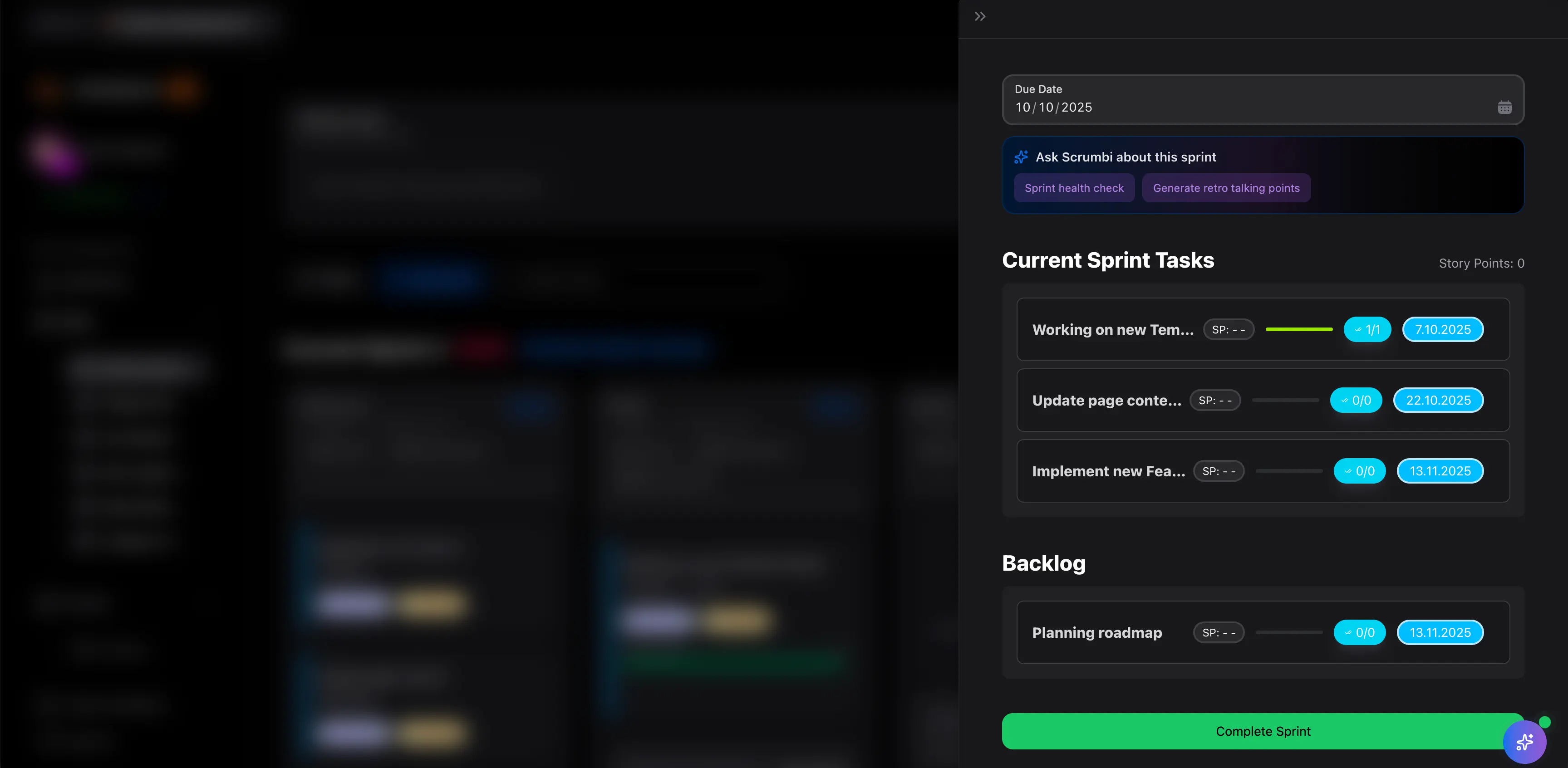
Scrumbuiss project delivery review with connected documentation context

Competitor snapshot for Confluence-connected project management

These options all connect to Confluence differently. The useful buying question is whether Confluence stays linked documentation context around delivery work or remains part of a more wiki-first project operating model.

Tool Best for Confluence angle Main tradeoff Why teams choose Scrumbuiss instead
Atlassian Jira + Confluence Teams willing to keep Jira and Confluence as the primary planning, issue-tracking, and documentation stack. Atlassian publicly positions the integration around linking Jira work to Confluence pages and surfacing Jira planning or reporting context inside Confluence. That model is strongest for teams committed to the Atlassian operating layer, but less ideal when broader stakeholder reporting and delivery visibility need to stay simpler outside the wiki stack. Scrumbuiss is stronger when the team wants Confluence to remain valuable context while planning, change coordination, and weekly delivery reporting live in a more stakeholder-readable operating layer.
Asana for Confluence Cross-functional teams that want Asana project context embedded into Confluence pages used by documentation-heavy collaborators. Asana publicly positions the app around embedding live Asana links inside Confluence pages so wiki readers can see current work context. It keeps task context visible in the wiki, but teams still need to prove the broader planning, handoff, and stakeholder-review workflow stays coherent across two separate layers. Scrumbuiss is stronger when the team wants project briefs, delivery review, and documentation context to stay aligned in one operating layer instead of centering the workflow on embedded task references.
ClickUp + Confluence Teams that want Connected Search and Confluence link previews inside a broad all-in-one workspace. ClickUp publicly positions the integration around searching Confluence content and previewing Confluence links inside ClickUp. Search and previews are useful, but teams still need to validate whether specs, runbooks, and stakeholder context improve the live workflow instead of becoming one more reference surface. Scrumbuiss is stronger when the goal is a more opinionated delivery layer around briefs, change coordination, and reporting, with Confluence attached as useful context instead of a parallel workspace to reconcile.

Review exact permissions, search coverage, macro behavior, and setup details on the vendor pages before you buy. Product names are trademarks of their respective owners.

Evaluation checklist for a Confluence integration pilot

Use this checklist to test one live wiki-to-delivery workflow instead of stopping at a page-preview demo.

  1. Step 1

    Choose one active team, one recurring delivery or operations review, and one Confluence space or page set that already matters to the workflow.

  2. Step 2

    Decide whether the pilot is testing specs in delivery briefs, runbooks in operational work, or stakeholder reporting with linked documentation context.

  3. Step 3

    Review permissions carefully so the right Confluence pages are visible without exposing unrelated private spaces.

  4. Step 4

    Link the selected specs, runbooks, or change notes to a real project brief, work queue, or review meeting instead of sample data.

  5. Step 5

    Check whether people outside the wiki authoring group can still follow the current status and open the right supporting documentation quickly.

  6. Step 6

    Measure whether the team reduced manual retelling during planning, change coordination, or weekly status review.

  7. Step 7

    Standardize only after one full planning-to-review cycle runs cleanly with less copy-paste and fewer context gaps.

FAQ

These are the buying and rollout questions teams usually need answered before Confluence becomes part of a real delivery workflow.

What should project management software with Confluence integration actually help with?

It should make Confluence documentation useful inside the broader delivery workflow. That usually means linking specs, runbooks, change notes, and decision pages to briefs, tasks, reviews, and stakeholder updates so the team can act on the context instead of treating the wiki as a separate archive.

When is Scrumbuiss a better fit than keeping Jira and Confluence as the main operating model?

Scrumbuiss is usually a better fit when the team wants Confluence to stay valuable for documentation, but needs a more stakeholder-readable operating layer for execution, delivery review, incident follow-up, or change coordination. If Jira plus Confluence should remain the full system of record, that is a different evaluation path.

How is this different from a simple Confluence embed or link preview?

A page embed or preview only proves that one tool can display another tool's URL. A real evaluation checks whether the linked documentation improves kickoff, handoffs, review meetings, and operational response once the project is live and multiple people need the context quickly.

Which Confluence content should we test first in a pilot?

Start with the pages that already shape real decisions: requirements or architecture notes for delivery teams, runbooks and change notes for IT operations, or stakeholder-facing decision logs for cross-functional reviews. If the pilot uses low-value documentation, it will not expose the real workflow pressure.

Which permissions questions matter most during the trial?

Validate who can search or open the linked pages, whether sensitive spaces stay protected correctly, and whether stakeholders can reach only the documentation relevant to the workflow they are reviewing. Permission mistakes make the integration look smoother in a demo than it feels in live use.

Who should be involved in the evaluation?

Include the person who owns the Confluence structure, the person who runs planning or operational review, and at least one stakeholder who consumes updates without living in the wiki or project tool all day. If those viewpoints are not aligned, the pilot misses the real handoff problem.

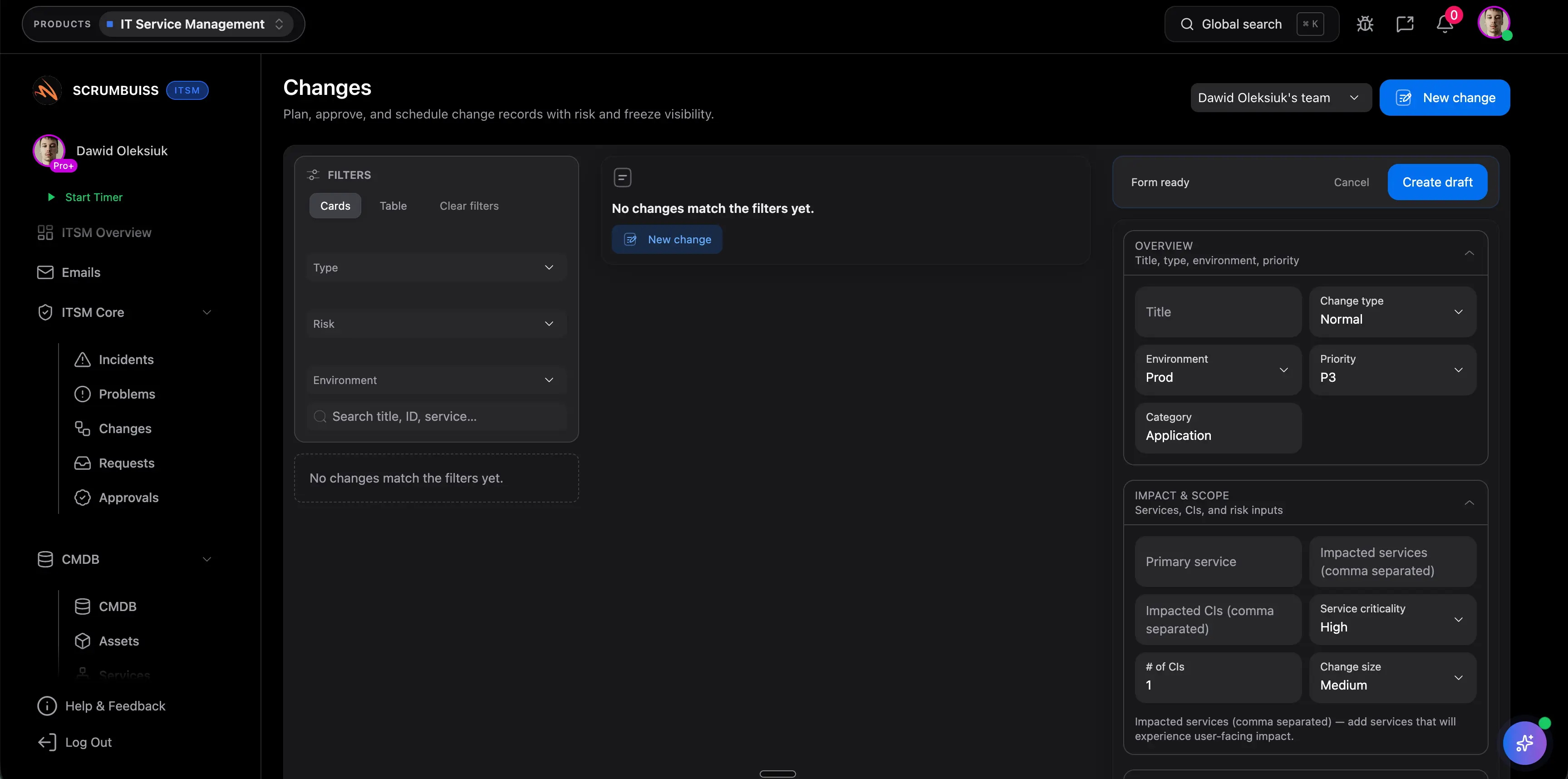
Related templates

Templates teams usually use to support requirements, handoffs, and operational follow-up behind Confluence-connected workflows.