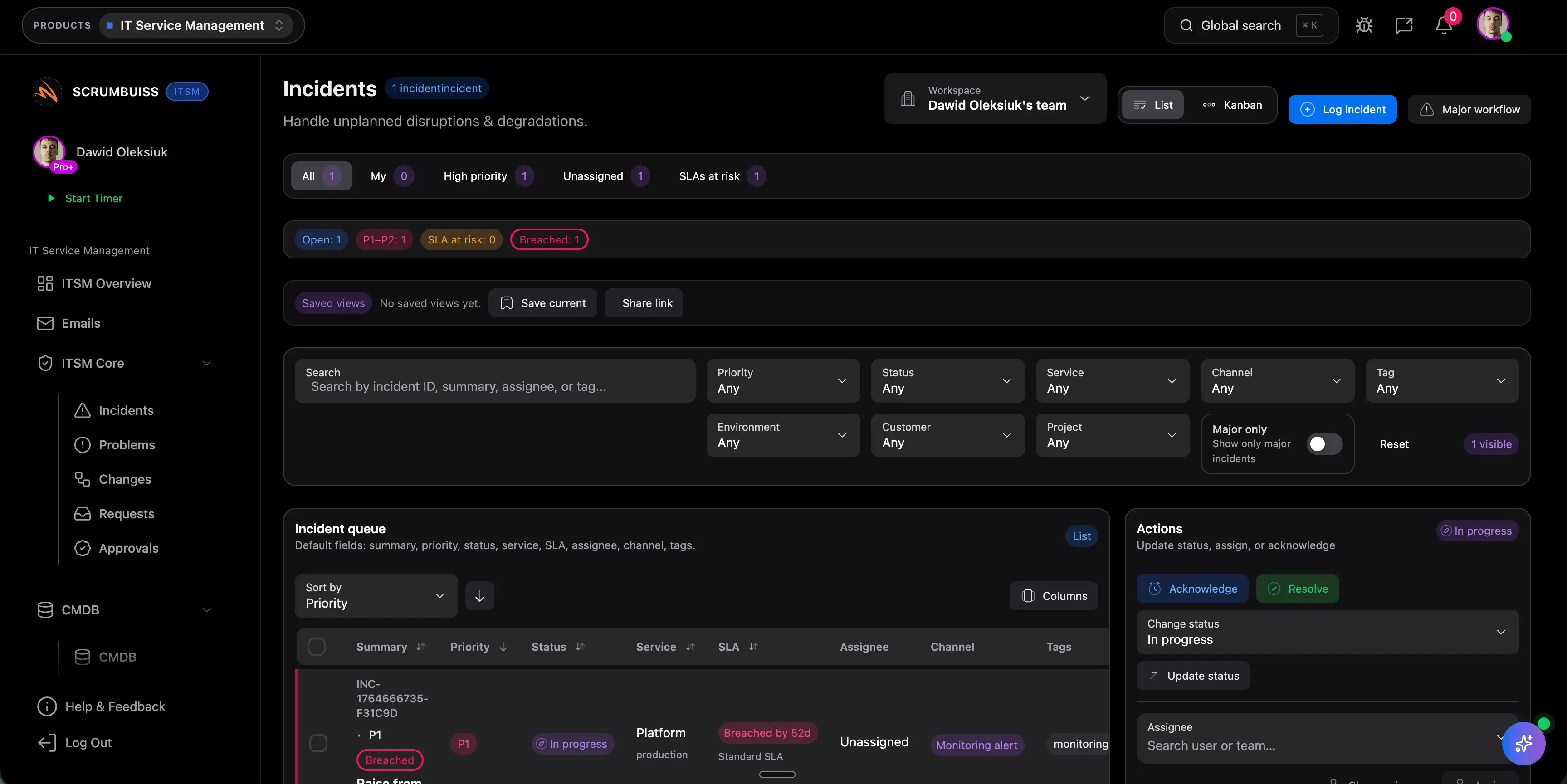
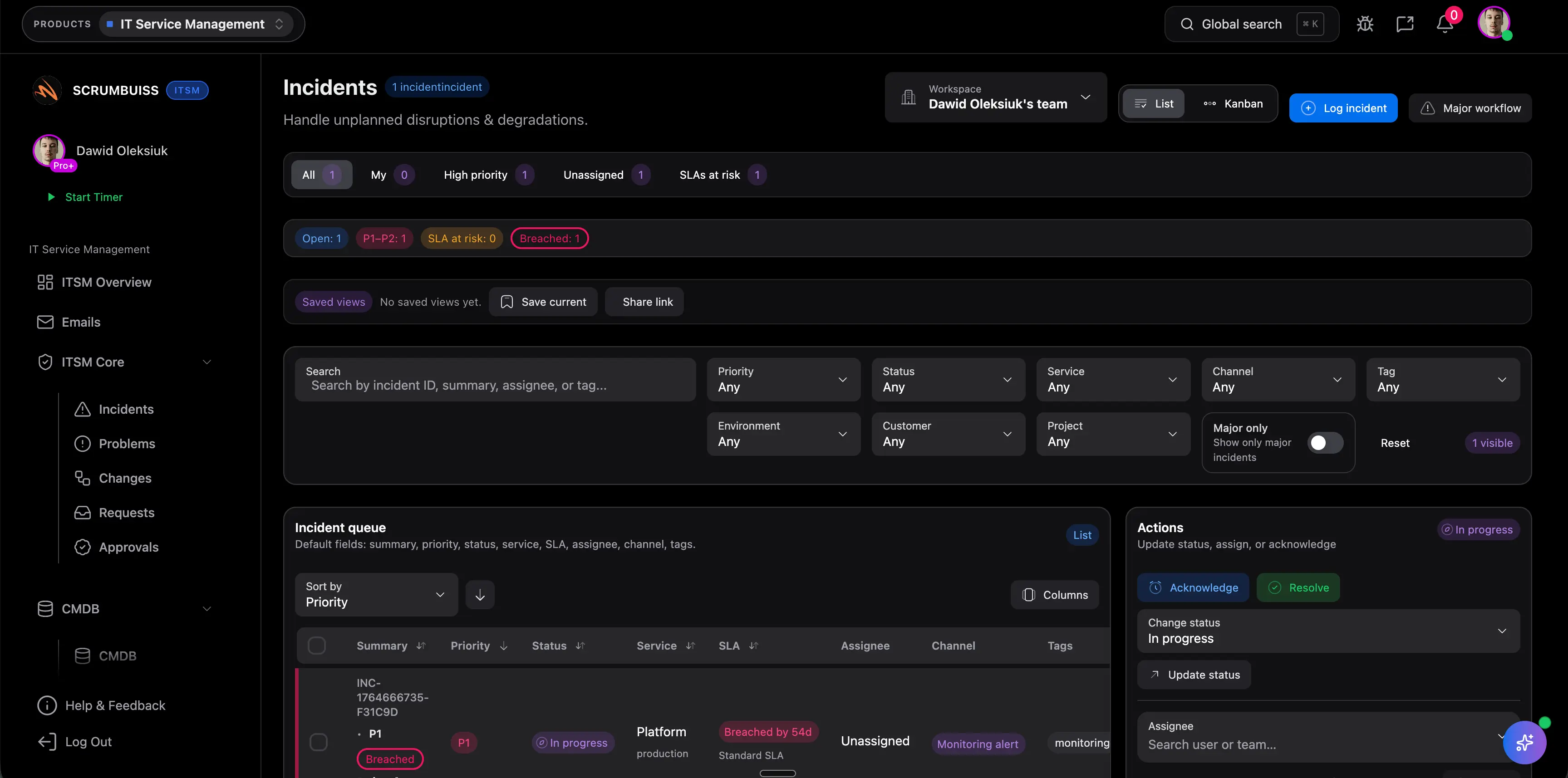
Coordinate incident intake with ownership and context
Capture impact, severity, ownership, and current status in one place so the team can coordinate the incident without rebuilding the story across tickets, chat, and side notes.
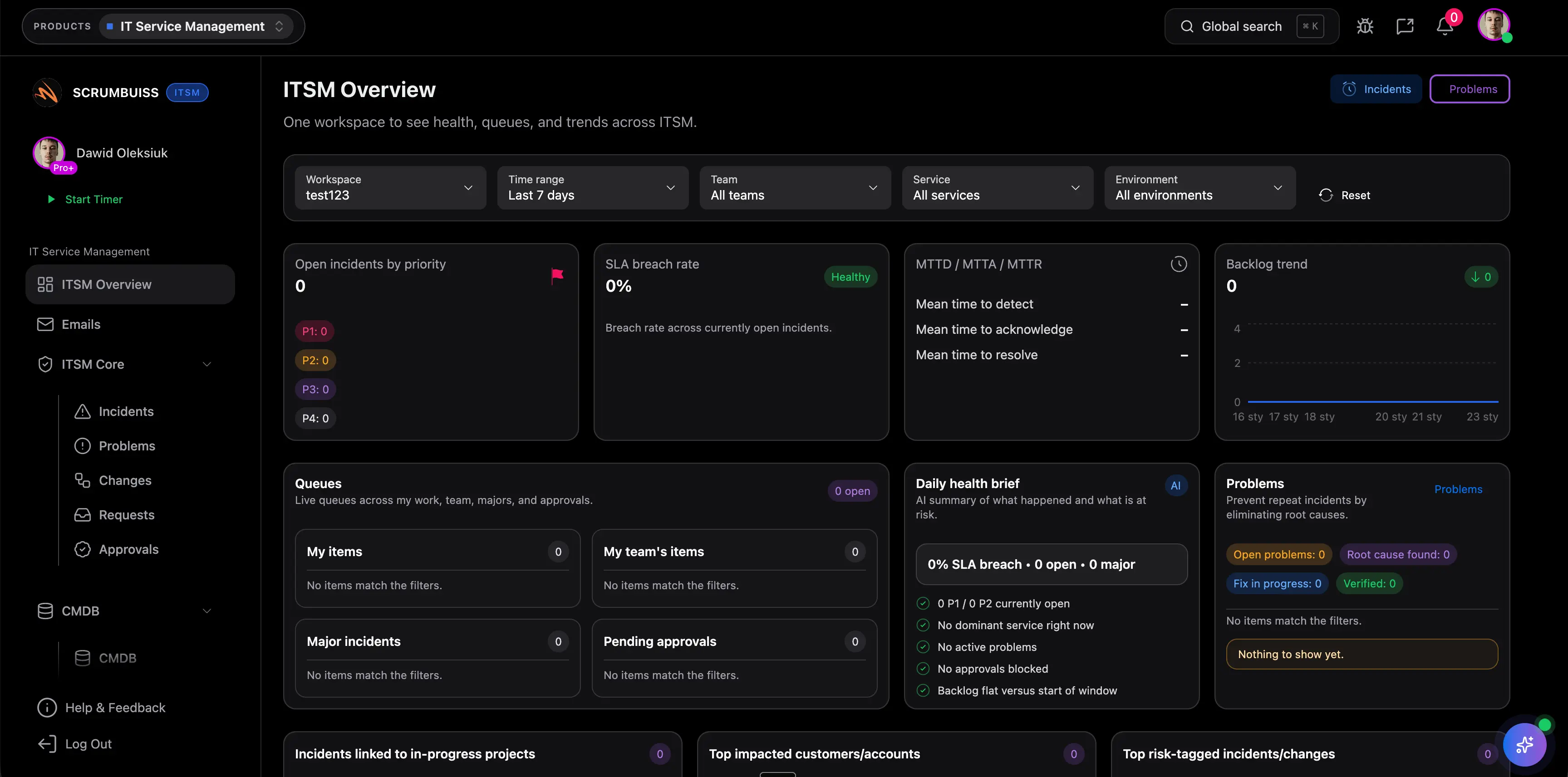
Explore related feature pages to go deeper.
Use this rollout as a practical starting point for your first workspace.
Capture impact, severity, ownership, and current status in one place so the team can coordinate the incident without rebuilding the story across tickets, chat, and side notes.
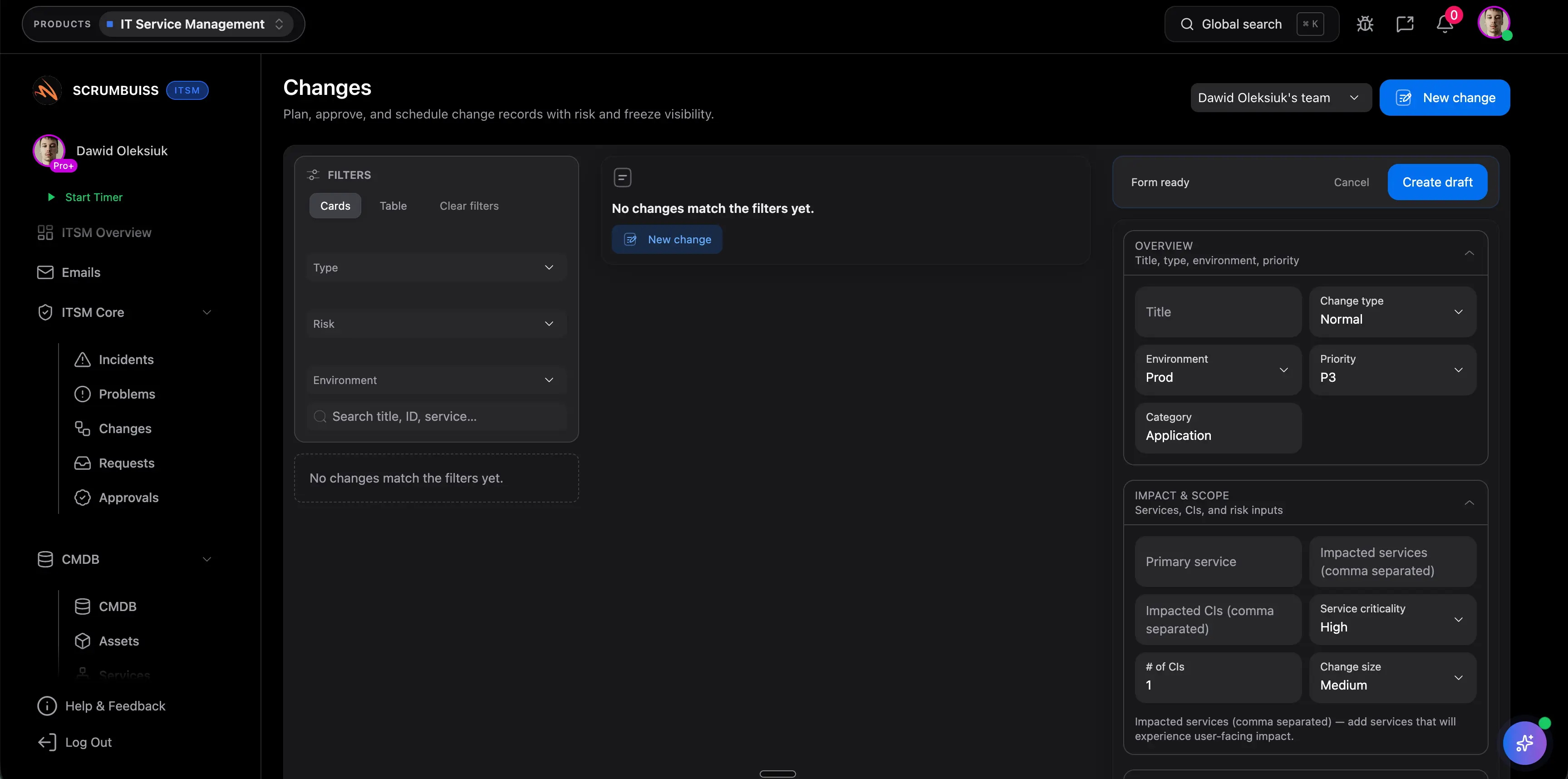
Use a shared calendar and structured fields to schedule changes, expose timing conflicts, and make it obvious which stakeholders need to know before the window opens.
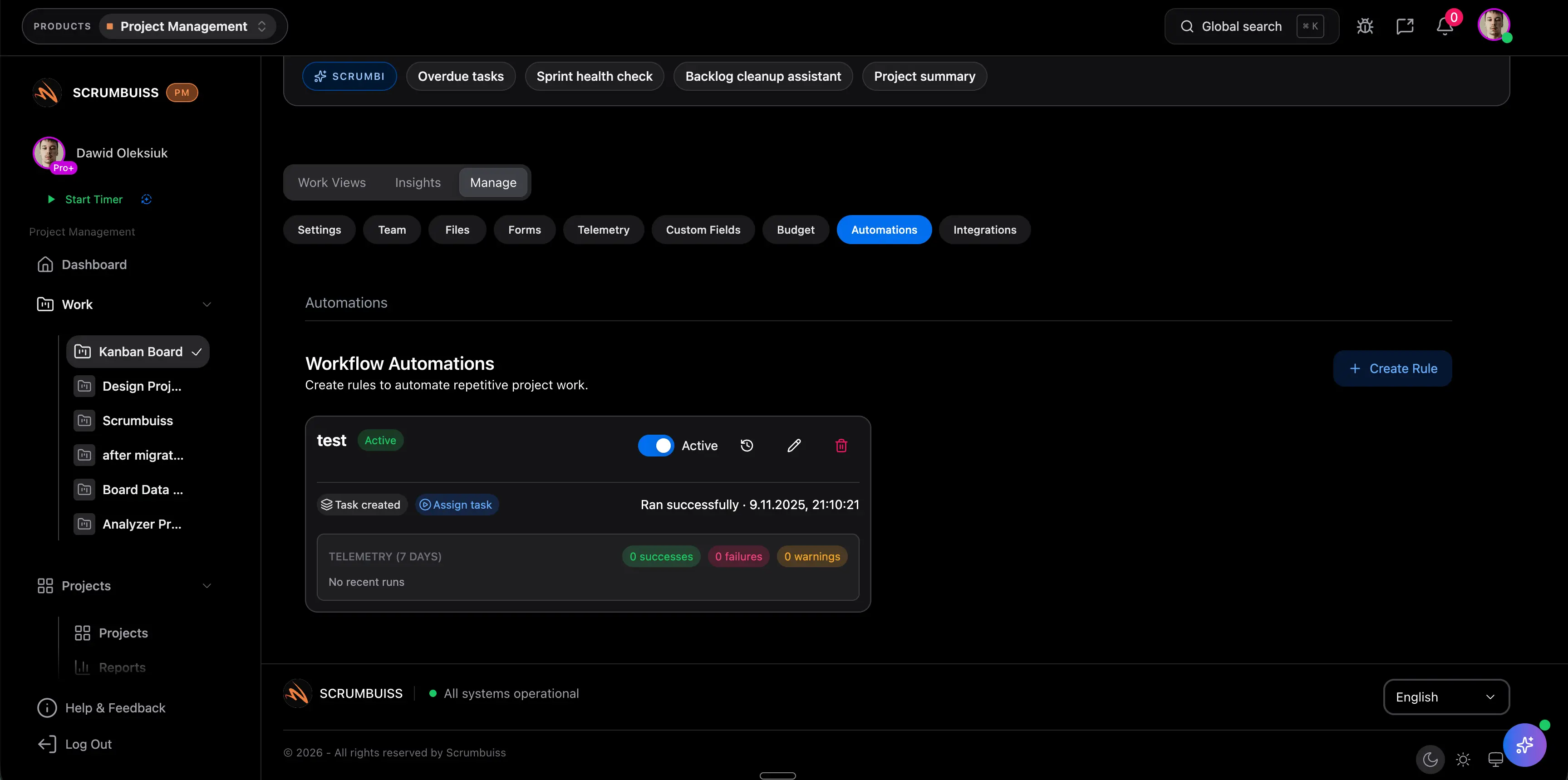
Trigger reminders, escalations, and Slack-connected summaries when thresholds are crossed so the workflow stays active after the incident call ends or the change window closes.
These are common operational gains teams usually target after rollout.
Keep incident details, ownership, current status, and follow-up tasks in one operating layer so fewer updates have to be reconstructed across channels.
Illustrative example: Save 15–30 minutes per incident by reducing duplicate updates across tickets, chat channels, and status recaps.
Use shared change windows, dependencies, and stakeholder visibility to catch conflicts before a change becomes a same-day coordination problem.
Illustrative example: Save 30–60 minutes per change by cutting last-minute rescheduling, clarification, and approval chasing.
Automate reminders, escalations, and Slack-connected updates so the team does not rely on memory to keep operational work moving.
Illustrative example: Save 1–2 hours per week for an on-call lead or ops manager by automating repetitive coordination tasks and exception handling.
Start lean, then add more structure once the workflow is running.
See how teams apply this product in real scenarios.
Copy and adapt these templates to kickstart your workflow.
Download a free incident postmortem template with a blameless example, timeline, impact summary, root cause section, and follow-up checklist.
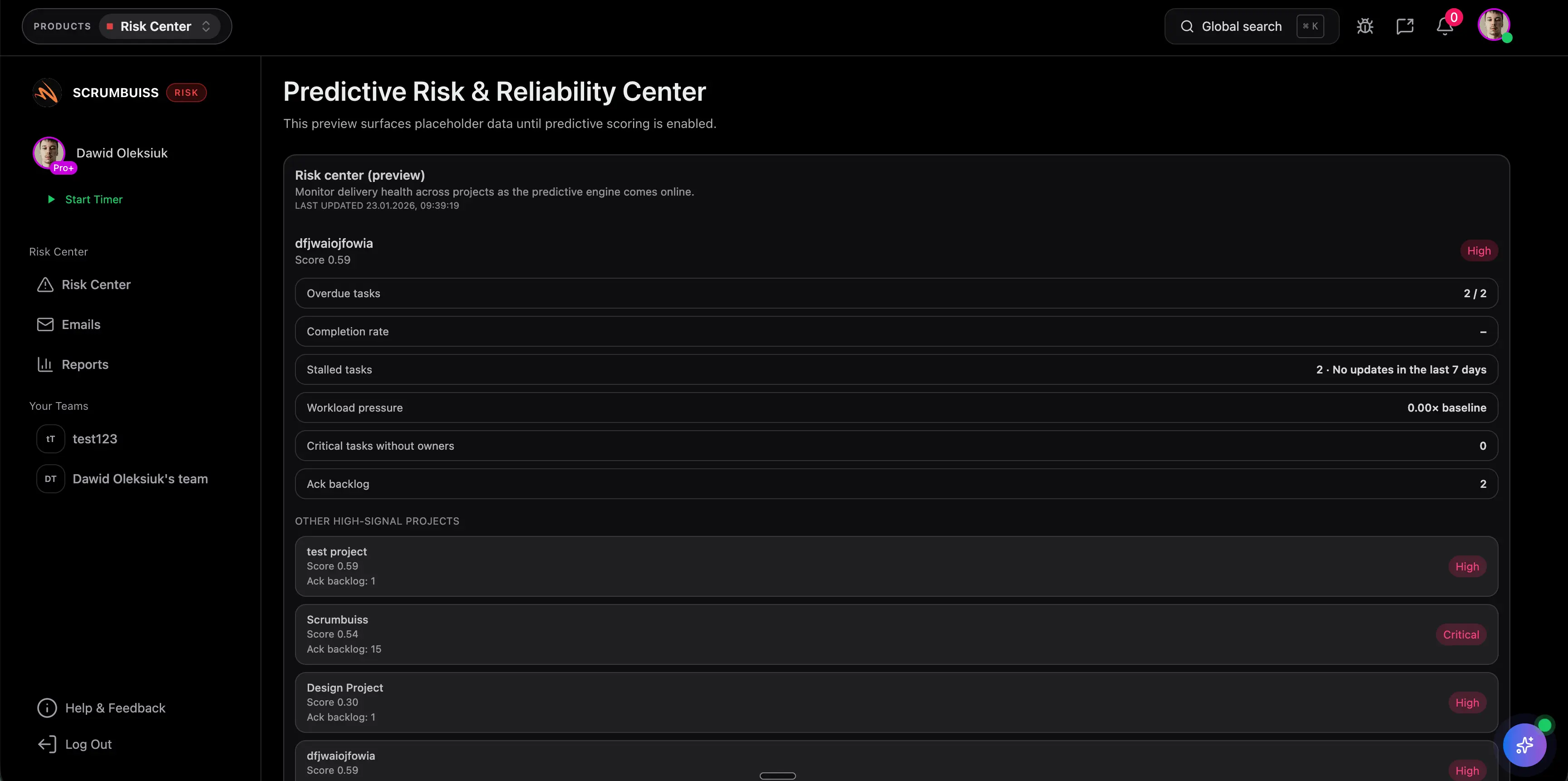
Download a free risk register template with likelihood × impact scoring, example rows, owners, and a weekly review cadence.
Yes. Changes can be planned in a calendar view to coordinate windows and dependencies across stakeholders.
Yes. Use automations to trigger reminders, escalations, and notifications when thresholds are crossed.
