Communication Matrix Guide
A communication matrix is a compact table that shows who receives project information, what they receive, how often, through which channel, and who owns each update. It makes the communication plan easier to operate during delivery.
This guide targets the communication matrix keyword cluster found during SEMrush research. It supports the broader project communication plan guide by focusing on the matrix artifact teams use week to week.
Key Takeaways
- A communication matrix turns the communication plan into an operational table.
- It should define audience, message, cadence, channel, owner, and escalation path.
- Stakeholders should receive information at the right level of detail.
- The matrix should change when project risk, stakeholder needs, or decision cadence changes.
What Is a Communication Matrix?
A communication matrix is a table that maps project communication requirements. It answers:
- Who needs information?
- What information do they need?
- How often should they receive it?
- Which channel should be used?
- Who prepares or sends the communication?
- What triggers escalation?
- Where are decisions recorded?
The matrix is especially useful when a project has multiple stakeholder groups, approval paths, clients, vendors, or delivery teams.
Communication Matrix Fields
| Field | Purpose |
|---|---|
| Audience | Names the stakeholder or group |
| Information need | Defines status, risk, decision, approval, or task detail |
| Cadence | Sets weekly, biweekly, milestone, or exception timing |
| Channel | Defines dashboard, meeting, client portal, email, or chat |
| Owner | Names who prepares and sends the update |
| Escalation trigger | Shows when normal updates are not enough |
| Decision record | Defines where approvals and decisions are stored |
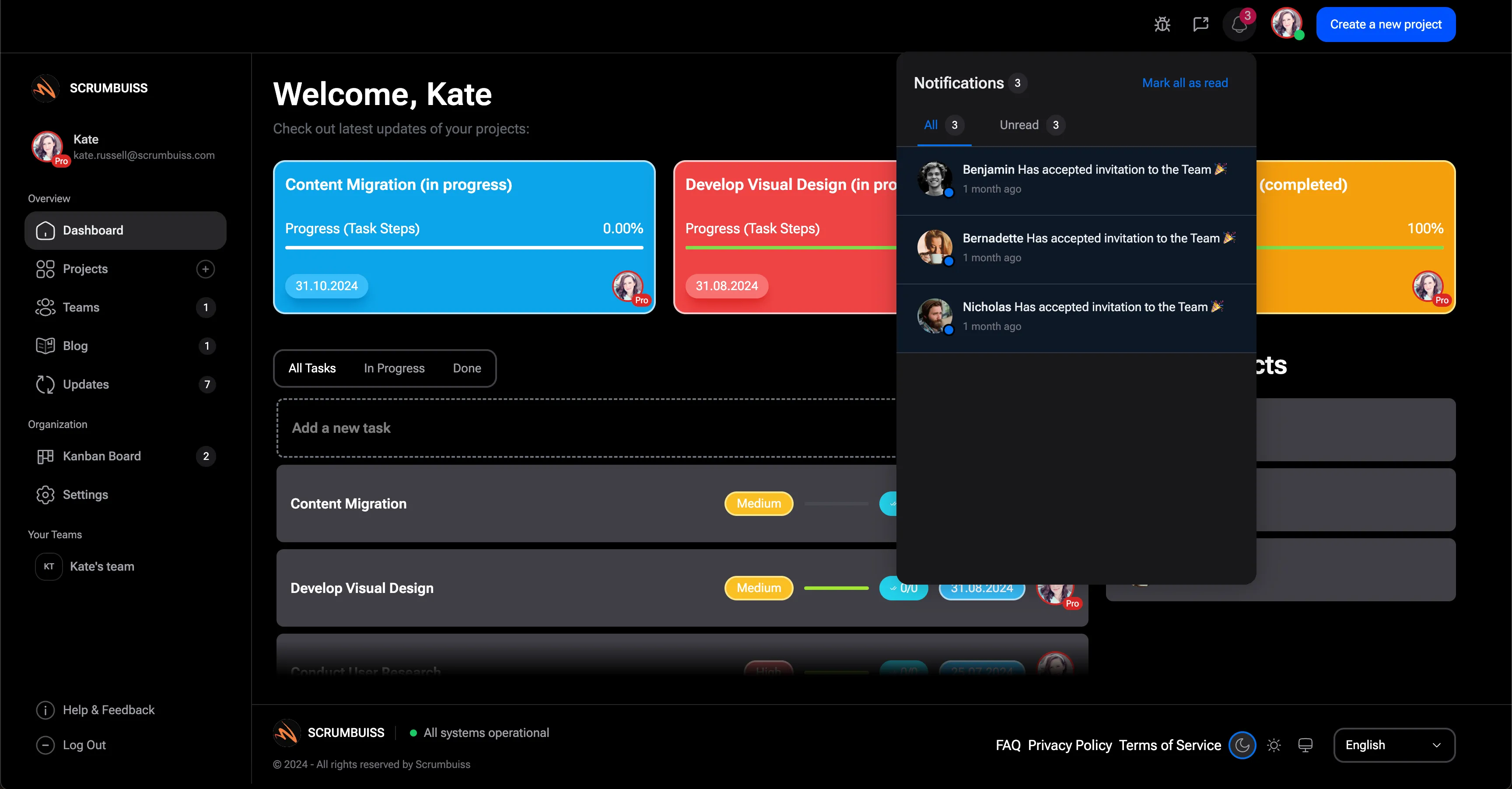
Scrumbuiss supports project communication through Dashboard, Client Portal, Activity Feed, Files, and Project Delivery.
Communication Matrix Example
| Audience | Message | Cadence | Channel | Owner |
|---|---|---|---|---|
| Sponsor | Health, budget, risk, decisions | Weekly | Dashboard summary | Project manager |
| Delivery team | Tasks, blockers, dependencies | Twice weekly | Board and meeting | Delivery lead |
| Client approver | Milestones, approvals, deliverables | Weekly | Client portal | Account lead |
| Steering group | Escalations and tradeoffs | Monthly or exception | Review meeting | Sponsor |
Keep the matrix short enough to use. If the table is too large, teams stop maintaining it.
Communication Matrix vs. Communication Plan
| Artifact | Focus |
|---|---|
| Communication plan | Overall communication strategy, principles, roles, escalation, and governance |
| Communication matrix | Practical table of audience, message, cadence, channel, and owner |
| Status report | Recurring update created from the plan and matrix |
The matrix should not replace the plan when governance is complex. It should make the plan easier to execute.
FAQ
Frequently
asked
questions
Related features
Explore the Scrumbuiss features mentioned in this article.
- Dashboard
Track project progress, blockers, workload, KPIs, status reporting, and analytics context in one live dashboard.
- Client Portal
Invite clients into a controlled onboarding, file-sharing, and status workflow.
- Activity Feed
Stay up to date with real-time updates on tasks, progress, and team activities.
Unlock Success &
Power Up Your Projects
Next to explore
Explore more pages to understand the product suite, common workflows, and evaluation guides.