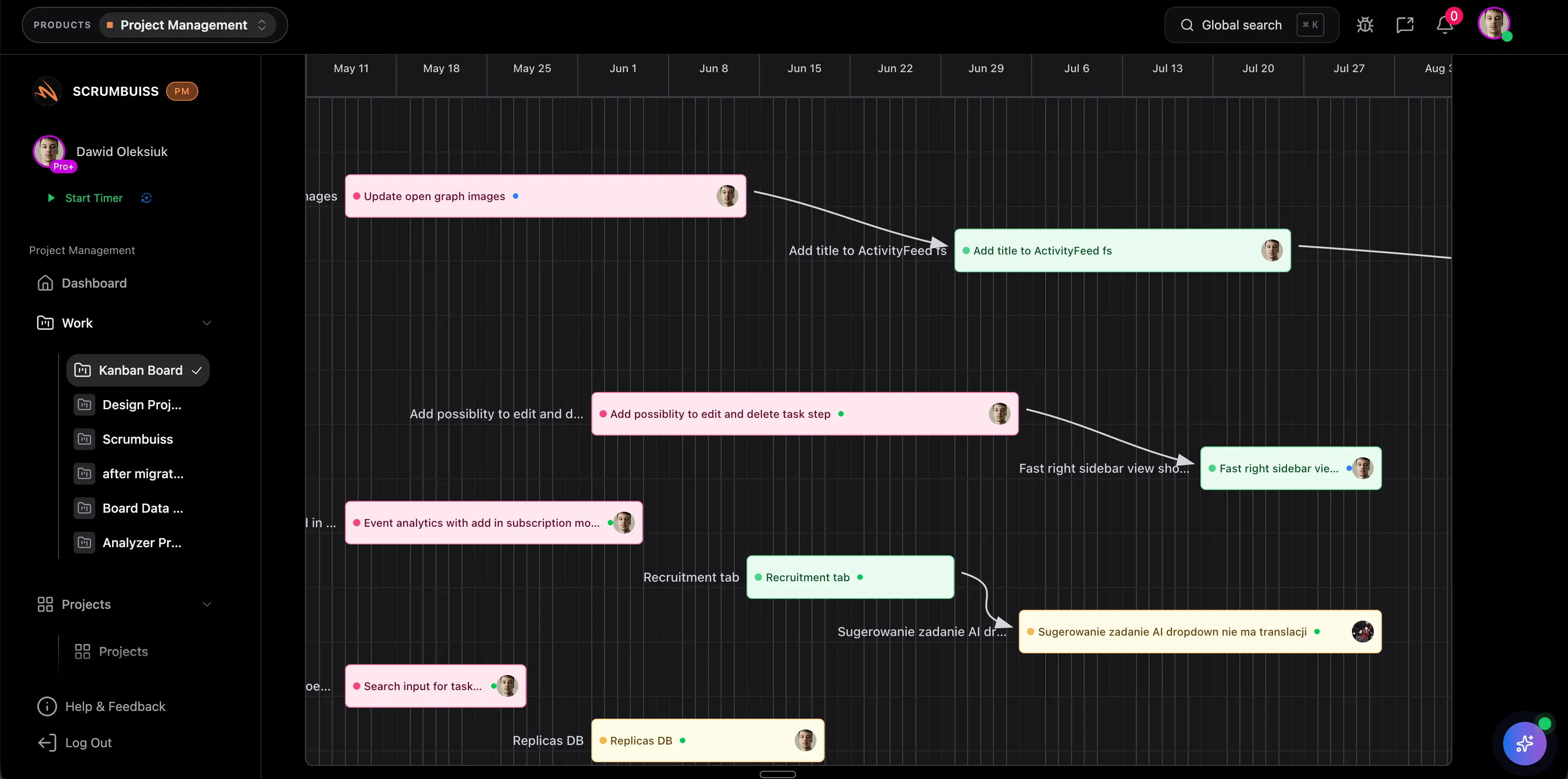
Critical Path in Project Management
The critical path in project management is the longest sequence of dependent activities that determines the shortest possible project duration. If a task on the critical path slips and nothing else changes, the final delivery date slips too.
This guide targets the critical path keyword cluster found in SEMrush research. It supports the project scheduling software guide and Gantt Timeline solution page by explaining the scheduling concept behind the tool workflow.
Key Takeaways
- The critical path shows which tasks directly control the project finish date.
- Critical path tasks usually have zero float, meaning delay affects the schedule.
- Non-critical tasks can still matter, especially when they consume scarce capacity or create risk.
- Critical path analysis is most useful when dependencies and durations are realistic.
What Is the Critical Path?
The critical path is the chain of dependent tasks with the longest total duration. It answers:
- Which tasks must stay on time to protect the finish date?
- Where does the project have no schedule flexibility?
- Which dependencies deserve the most attention?
- What happens if a critical task moves?
The critical path is not always the most visible work. A small approval, vendor handoff, or technical dependency can control the schedule if other work cannot continue without it.
Critical Path Method Steps
| Step | What to do |
|---|---|
| 1. List activities | Break the project into schedule activities |
| 2. Estimate duration | Give each activity a realistic duration |
| 3. Map dependencies | Identify what must happen before other work can start |
| 4. Sequence the work | Build the network of dependent activities |
| 5. Calculate paths | Add durations across each dependency chain |
| 6. Find the longest path | The longest chain is the critical path |
| 7. Monitor changes | Recalculate when duration, scope, or dependencies shift |
Scrumbuiss can help teams keep this connected through Gantt Timeline, Project Delivery, Workload & Capacity, and Dashboard.
Critical Path vs. Float
| Term | Meaning |
|---|---|
| Critical path | The longest dependent path that controls the project finish date |
| Float or slack | The amount of time a task can move before it affects another task or the project end date |
| Zero float | A task has no schedule flexibility |
| Negative float | The schedule is already late against the required finish date |
Float helps project managers decide where they can absorb change and where delay needs immediate action.
Example
Imagine a website launch:
| Task | Duration | Dependency |
|---|---|---|
| Final copy | 4 days | None |
| Design review | 3 days | Final copy |
| Development | 7 days | Design review |
| QA | 3 days | Development |
| Launch approval | 1 day | QA |
This sequence takes 18 days. If development slips by two days and no work is compressed, launch slips by two days. That sequence is the critical path.
Common Mistakes
Treating the critical path as fixed
The critical path can change when scope, estimates, dependencies, or capacity change. Recalculate it during schedule reviews.
Ignoring resource constraints
A task can look non-critical until the same person is needed somewhere else. Capacity can create a practical critical path even when the dependency model looks safe.
Tracking only final deadlines
The final deadline is a lagging signal. Critical path review shows which earlier tasks need attention before the deadline is already at risk.
FAQ
Frequently
asked
questions
Related features
Explore the Scrumbuiss features mentioned in this article.
- Gantt Timeline
Plan dependencies, milestones, and schedule changes with a Gantt chart view that stays close to execution.
- Workload & Capacity
Balance workload, plan capacity, and spot overload early.
- Dashboard
Track project progress, blockers, workload, KPIs, status reporting, and analytics context in one live dashboard.
Unlock Success &
Power Up Your Projects
Next to explore
Explore more pages to understand the product suite, common workflows, and evaluation guides.