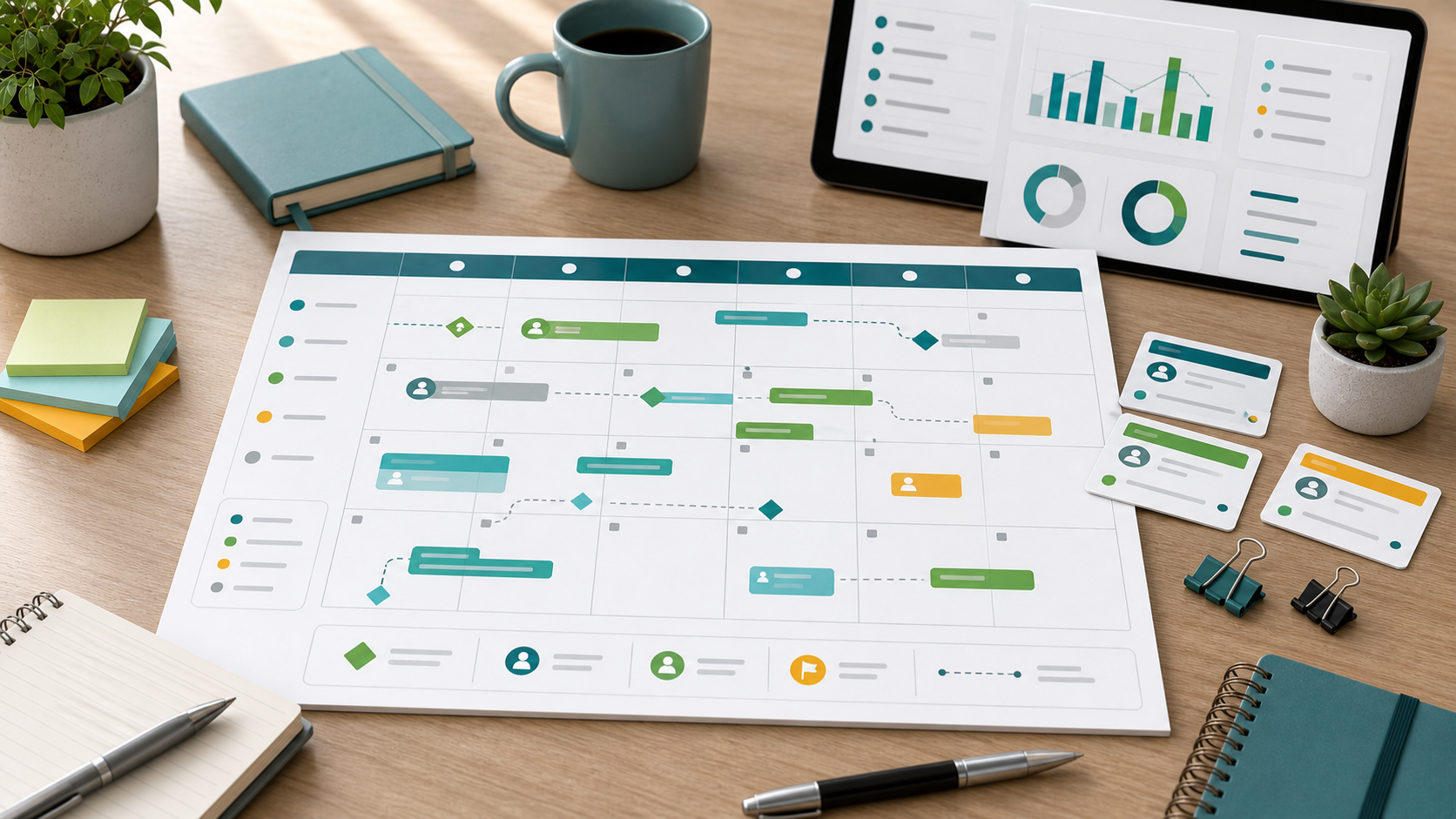
Project Calendar Template Guide
A project calendar template shows project work in the context of weeks, months, holidays, stakeholder reviews, and recurring deadlines. It is useful when the main question is not only what happens next, but when it lands on the team's calendar.
This guide targets the project calendar template keyword cluster found in SEMrush. It is separate from the resource calendar project management guide, which focuses on availability and capacity, and from the project schedule template guide, which is more activity-level.
Key Takeaways
- A project calendar template is best for weekly or monthly visibility.
- It should show milestones, deadlines, review meetings, owners, and blocked dates.
- A calendar is easier to scan than a detailed schedule, but it should link back to the live plan.
- Calendar templates help teams avoid hidden conflicts with holidays, approvals, and recurring reviews.
Project Calendar Template Fields
| Field | Purpose |
|---|---|
| Date | Shows when the event or deadline happens |
| Week or month | Groups work into calendar periods |
| Milestone | Marks major commitments |
| Review meeting | Shows decision or stakeholder cadence |
| Owner | Names accountable role or team |
| Dependency | Shows required input before the date |
| Blocked date | Captures holidays, blackout windows, or unavailable periods |
| Status | Shows whether the date is stable, at risk, or changed |
Scrumbuiss supports calendar-based planning with Calendar, Project Delivery, Dashboard, and Activity Feed.
Calendar vs. Schedule vs. Resource Calendar
| View | Best use |
|---|---|
| Project calendar | Weekly or monthly milestone, deadline, and review visibility |
| Project schedule | Detailed work sequence with dependencies and owners |
| Resource calendar | Team availability, holidays, capacity, and working time |
| Timeline | Higher-level phase and milestone communication |
How To Use a Project Calendar Template
- Add major milestones first.
- Add recurring review meetings and decision dates.
- Mark holidays, unavailable windows, or blackout periods.
- Add owners for deadline-sensitive work.
- Link each calendar item to the detailed schedule or task.
- Review the calendar before committing new dates.
- Update the calendar when approved schedule changes affect stakeholders.
FAQ
Frequently
asked
questions
Related features
Explore the Scrumbuiss features mentioned in this article.
- Calendar
Plan project schedules, milestones, meetings, and shared review dates with calendar context connected to delivery work.
- Dashboard
Track project progress, blockers, workload, KPIs, status reporting, and analytics context in one live dashboard.
- Activity Feed
Stay up to date with real-time updates on tasks, progress, and team activities.
Unlock Success &
Power Up Your Projects
Next to explore
Explore more pages to understand the product suite, common workflows, and evaluation guides.