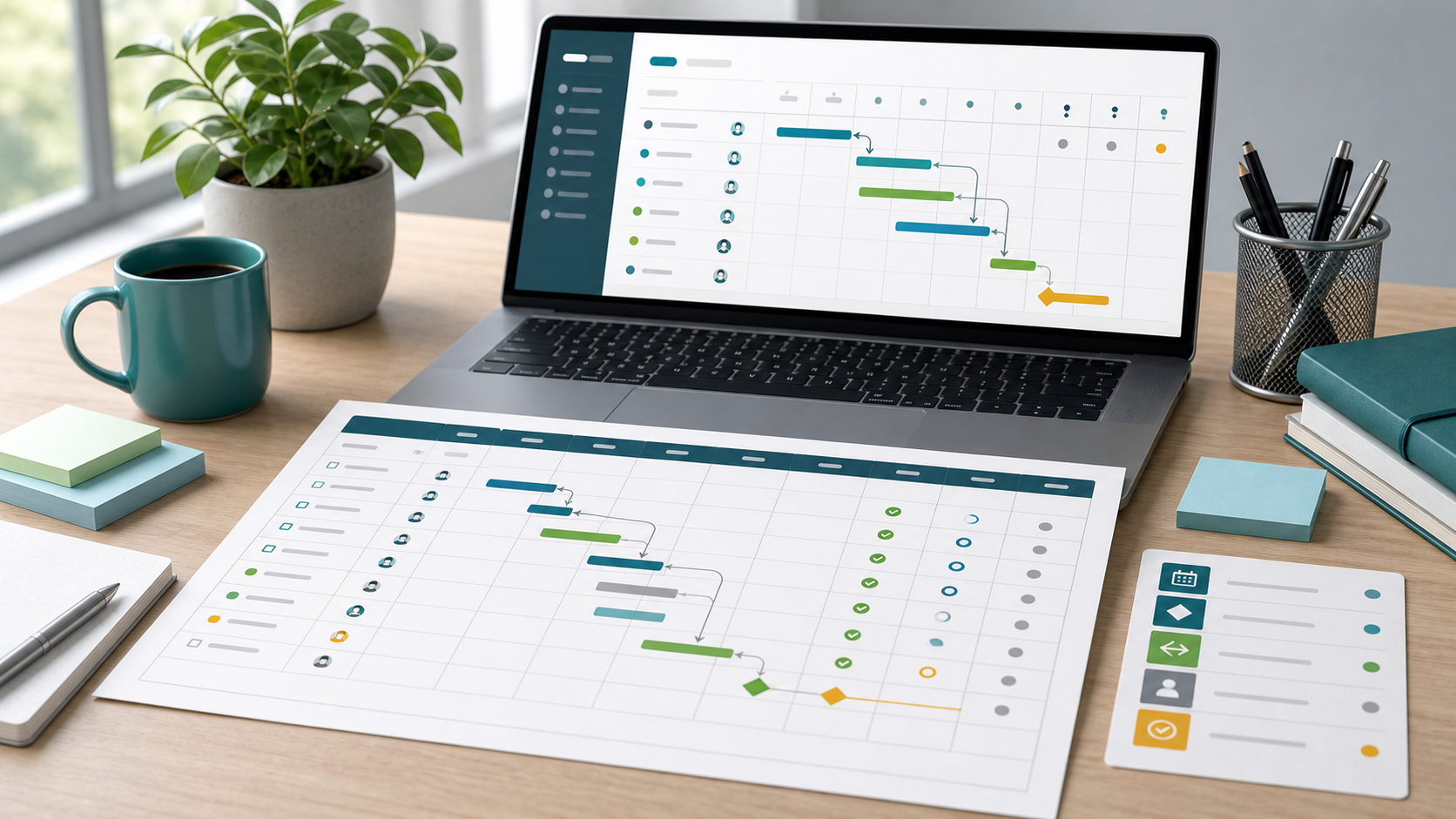
Project Schedule Template Guide
A project schedule template gives teams a reusable way to plan work across dates, dependencies, milestones, owners, and status. It is most useful when the team needs a consistent schedule format but does not want to rebuild the same columns for every project.
This guide targets the project schedule template keyword cluster found in SEMrush. It supports the free project schedule template by explaining the fields and usage decisions behind the template, rather than replacing the downloadable template page.
Key Takeaways
- A project schedule template should make dates, dependencies, and milestones easy to review.
- Excel is useful for simple schedules, but connected software works better when owners and dates change often.
- A template should separate planning fields from live status fields.
- Simple templates work best when they avoid unnecessary governance columns.
Project Schedule Template Fields
| Field | Why it matters |
|---|---|
| Activity | Defines the scheduled work |
| Workstream | Groups related work |
| Owner | Creates accountability |
| Start date | Shows when work can begin |
| Finish date | Shows the planned completion date |
| Duration | Helps estimate total effort or elapsed time |
| Dependency | Shows required prior work or approval |
| Milestone | Marks major commitments |
| Status | Shows planned, active, blocked, at risk, or done |
| Risk | Captures timing uncertainty |
| Notes | Records assumptions and decisions |
Scrumbuiss can turn template fields into live views through Gantt Timeline, Project Delivery, Activity Feed, and Dashboard.
Excel Template vs. Software Template
| Template type | Best for | Watch out for |
|---|---|---|
| Excel schedule template | Simple one-project plans and quick planning workshops | Manual updates and version drift |
| Google Sheets schedule template | Shared lightweight planning | Permissions and formula errors |
| Project management schedule template | Cross-functional planning with owners and dependencies | Too many fields for simple projects |
| Software schedule template | Reusable workflows, dashboards, reminders, and change history | Requires setup discipline |
How To Use a Schedule Template
- Start with deliverables, not dates.
- Add activities under the right workstream.
- Assign an accountable owner for each activity.
- Add dependencies before estimating dates.
- Mark milestones separately from normal tasks.
- Review capacity before approving the schedule.
- Baseline the approved version.
- Move active tracking into a live project workspace when the plan changes often.
FAQ
Frequently
asked
questions
Related features
Explore the Scrumbuiss features mentioned in this article.
- Gantt Timeline
Plan dependencies, milestones, and schedule changes with a Gantt chart view that stays close to execution.
- Activity Feed
Stay up to date with real-time updates on tasks, progress, and team activities.
- Dashboard
Track project progress, blockers, workload, KPIs, status reporting, and analytics context in one live dashboard.
Unlock Success &
Power Up Your Projects
Next to explore
Explore more pages to understand the product suite, common workflows, and evaluation guides.