Project Schedule Examples Guide
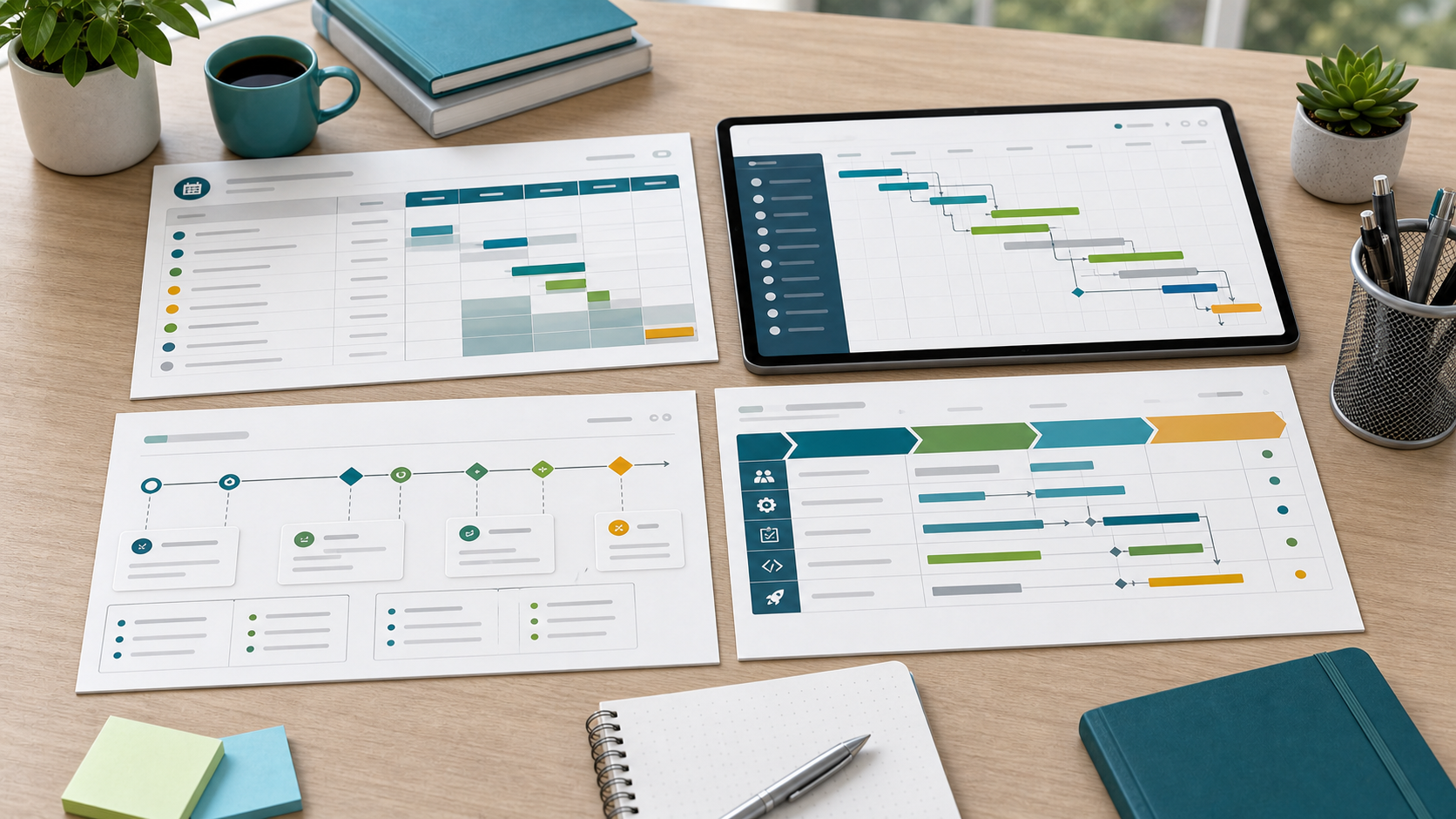
Project schedule examples help teams see how a schedule should look before they create their own. A useful example shows more than dates. It explains sequence, ownership, milestones, dependencies, and where schedule risk could appear.
This guide targets the project schedule example keyword cluster found in SEMrush. It is different from the project schedule template guide, which explains reusable fields, and from the project timeline examples guide, which focuses on higher-level stakeholder timelines.
Key Takeaways
- A schedule example should show tasks, dates, dependencies, owners, and milestones.
- Examples should be adapted by project type and delivery model.
- Software, client, operations, and implementation schedules need different detail levels.
- Schedule examples are most useful when they include risk and review cadence.
Project Schedule Example Types
| Example type | What to emphasize | Common schedule risk |
|---|---|---|
| Software release schedule | Build, QA, launch readiness, support handoff | Late defects or dependency slips |
| Client implementation schedule | Client approvals, setup, data, training, launch | Waiting for client decisions |
| Operations change schedule | Process mapping, testing, rollout, adoption review | Low adoption or unclear ownership |
| Marketing launch schedule | Asset creation, review, channel setup, launch | Review bottlenecks |
| Milestone schedule | Major checkpoints and approval dates | Milestones not tied to real work |
Scrumbuiss supports these examples with Gantt Timeline, Project Delivery, Risk Center, and Dashboard.
Example: Software Release Schedule
| Schedule item | Example |
|---|---|
| Scope | Reporting dashboard release |
| Activities | Design, build, review, QA, release notes, support handoff |
| Dependencies | API readiness, test data, QA environment |
| Milestones | Design approved, build complete, QA passed, launch approved |
| Owners | Product, engineering, QA, support |
| Review cadence | Twice weekly until release, daily during final launch week |
| Risks | Late defects, incomplete release notes, unclear rollback decision |
How To Adapt a Schedule Example
- Replace sample activities with real deliverables.
- Add dependencies before start and finish dates.
- Assign owners to every critical activity.
- Mark milestones separately from normal tasks.
- Add review dates and approval points.
- Add the main schedule risks.
- Compare the example against team capacity before approval.
FAQ
Frequently
asked
questions
Related features
Explore the Scrumbuiss features mentioned in this article.
- Gantt Timeline
Plan dependencies, milestones, and schedule changes with a Gantt chart view that stays close to execution.
- Dashboard
Track project progress, blockers, workload, KPIs, status reporting, and analytics context in one live dashboard.
Unlock Success &
Power Up Your Projects
Next to explore
Explore more pages to understand the product suite, common workflows, and evaluation guides.