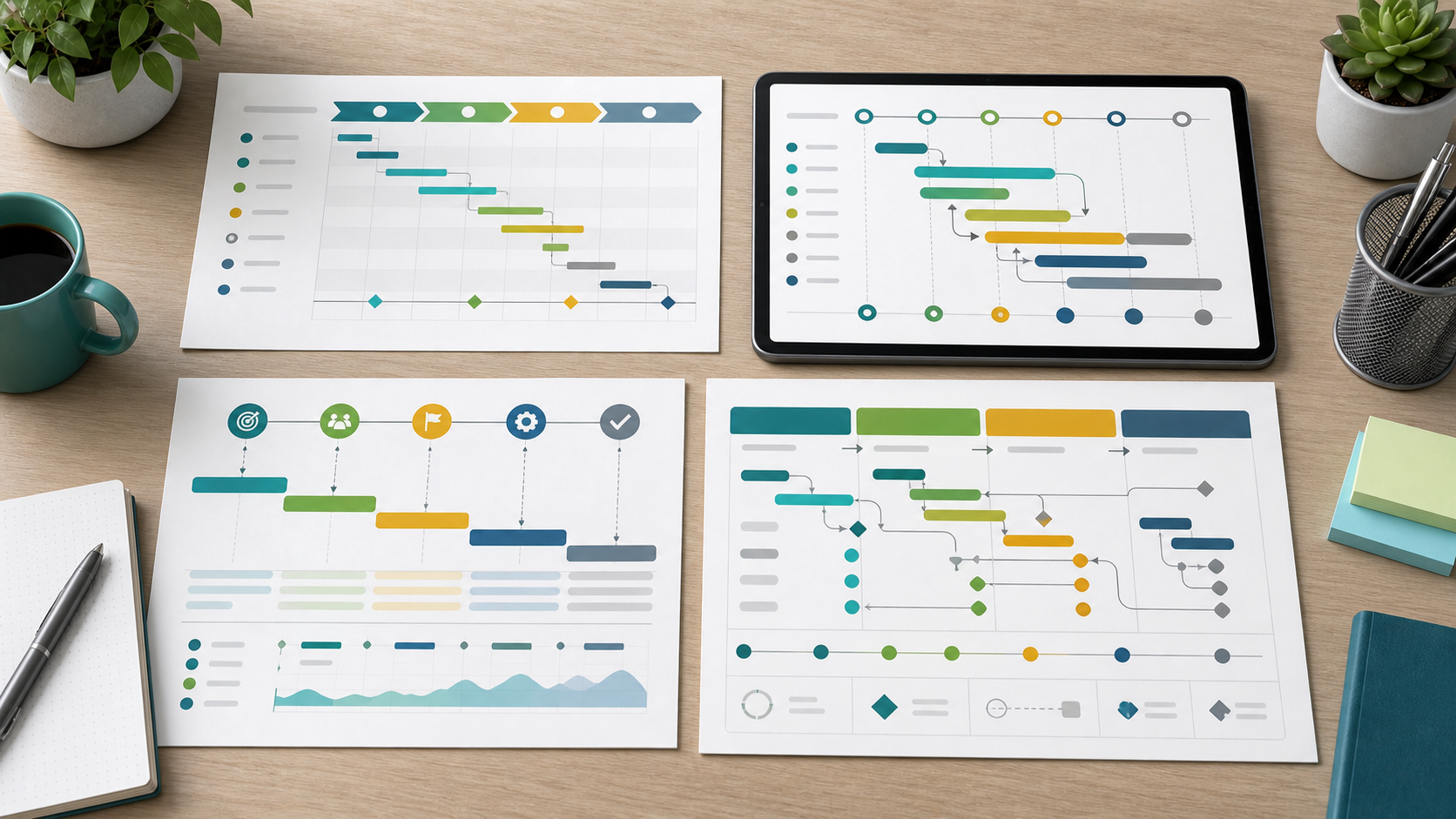
Project Timeline Examples Guide
Project timeline examples show how teams can explain project timing without exposing every task in the underlying schedule. A good timeline example gives stakeholders a clear view of phases, milestones, dependencies, and decision points.
This guide targets the project timeline example keyword cluster found in SEMrush. It is distinct from the project schedule examples guide, which is more detailed and operational.
Key Takeaways
- Timeline examples should show the story of the project, not every task.
- Useful examples include phases, milestones, date ranges, dependencies, and review points.
- Timeline examples are best for stakeholder communication and approval conversations.
- The detailed schedule should still exist behind the timeline.
Project Timeline Example Types
| Timeline example | Best use | What to show |
|---|---|---|
| Product launch timeline | Coordinating go-to-market work | Phases, launch date, review gates |
| Software release timeline | Communicating delivery path | Discovery, build, QA, release, support |
| Client implementation timeline | Aligning client and delivery teams | Onboarding, setup, data, training, launch |
| Research project timeline | Explaining discovery and analysis | Research, synthesis, review, recommendation |
| Operations change timeline | Managing rollout and adoption | Baseline, pilot, rollout, adoption review |
Scrumbuiss helps teams connect timelines to live work with Project Delivery, Gantt Timeline, Dashboard, and Activity Feed.
Example: Client Implementation Timeline
| Phase | Timeline focus |
|---|---|
| Kickoff | Confirm goals, stakeholders, and decision cadence |
| Setup | Configure workflow, roles, permissions, and files |
| Data or content | Gather required inputs and validate quality |
| Training | Prepare users and support owners |
| Launch | Go live and monitor early issues |
| Review | Confirm adoption, risks, and next improvements |
How To Adapt Timeline Examples
- Choose the example that matches the project type.
- Replace phases with your actual delivery stages.
- Add milestone markers only for meaningful commitments.
- Show dependencies that could change stakeholder expectations.
- Use the same status language as your reporting cadence.
- Keep task-level detail in the project schedule.
FAQ
Frequently
asked
questions
Related features
Explore the Scrumbuiss features mentioned in this article.
- Gantt Timeline
Plan dependencies, milestones, and schedule changes with a Gantt chart view that stays close to execution.
- Dashboard
Track project progress, blockers, workload, KPIs, status reporting, and analytics context in one live dashboard.
- Activity Feed
Stay up to date with real-time updates on tasks, progress, and team activities.
Unlock Success &
Power Up Your Projects
Next to explore
Explore more pages to understand the product suite, common workflows, and evaluation guides.