Project Timeline Template Guide
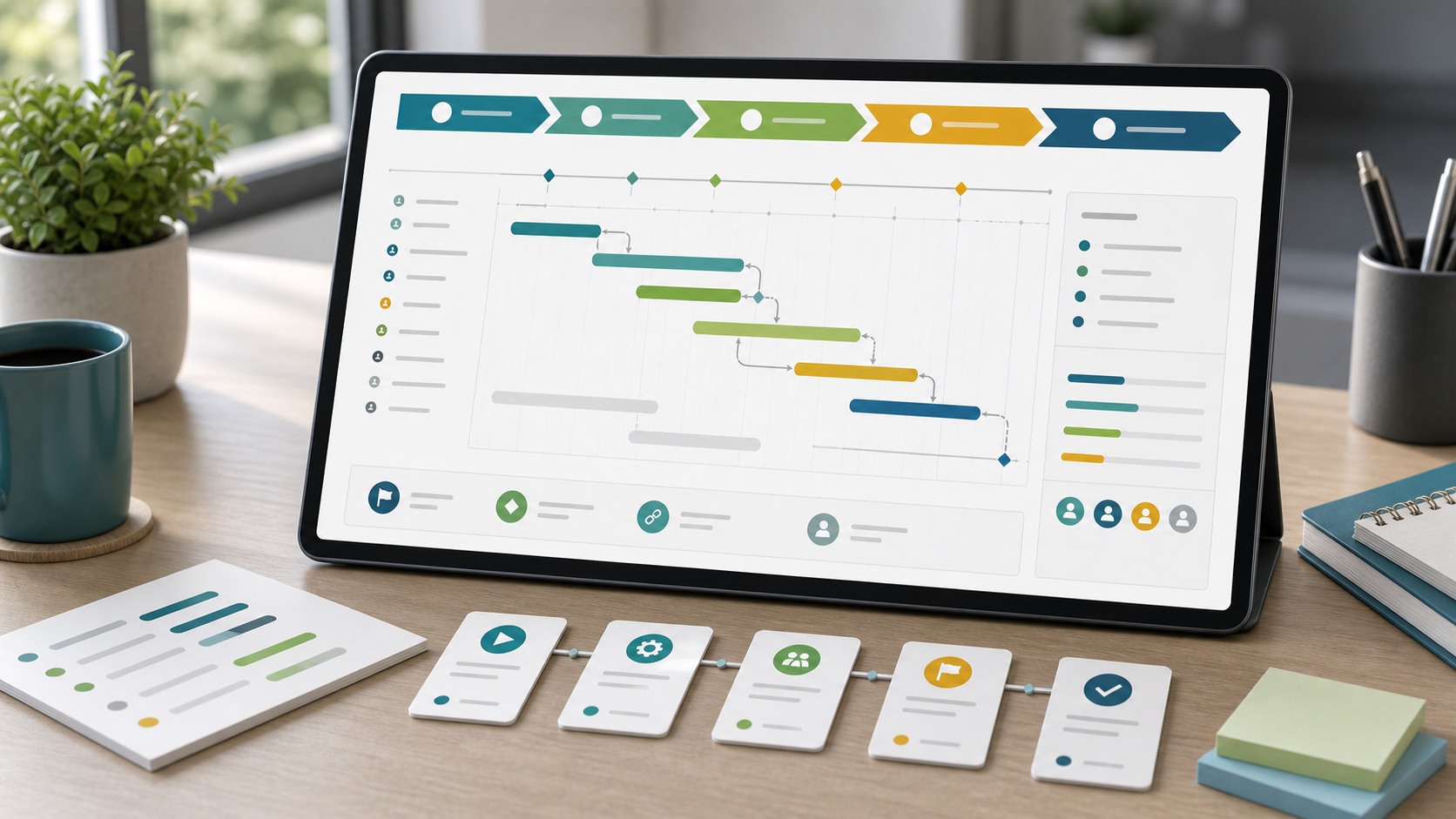
A project timeline template helps teams communicate the major phases, milestones, dates, and dependencies of a project without overwhelming stakeholders with every task. It is best used when the reader needs a clear chronological story rather than a full operating schedule.
This guide targets the project timeline template keyword cluster found in SEMrush. It is separate from the broader project timeline guide and from the project schedule template guide, which is more task-level and operational.
Key Takeaways
- A timeline template should show phases, milestones, dates, dependencies, and review points.
- It should be simpler than a full project schedule.
- Timeline templates work well for stakeholder updates, kickoff decks, and executive reviews.
- Use a schedule template when the team needs detailed activity ownership and duration.
Project Timeline Template Fields
| Field | Purpose |
|---|---|
| Phase | Groups work into a readable sequence |
| Milestone | Marks important checkpoints |
| Date or date range | Shows timing at the right level of detail |
| Dependency | Shows what affects the timeline |
| Owner | Names the accountable role or team |
| Status | Shows whether the phase is on track |
| Risk marker | Flags uncertainty without overloading the view |
| Review point | Shows when stakeholders should decide or approve |
Teams can build timeline views in Scrumbuiss with Gantt Timeline, Project Delivery, Dashboard, and Files.
Timeline Template vs. Schedule Template
| Template | Best audience | Level of detail |
|---|---|---|
| Project timeline template | Sponsors, executives, clients, cross-functional stakeholders | Phases, milestones, major dependencies |
| Project schedule template | Project managers, delivery leads, workstream owners | Activities, durations, owners, dependencies, status |
| Project calendar template | Teams managing weekly reviews, holidays, and deadlines | Dates by week or month |
How To Create a Timeline Template
- Choose the audience before choosing the format.
- Group work into clear phases.
- Add only milestones that matter to decisions.
- Use date ranges when exact task dates are unnecessary.
- Show dependencies only when they affect major timing.
- Add status and risk markers for review meetings.
- Link back to the detailed schedule for execution decisions.
FAQ
Frequently
asked
questions
Related features
Explore the Scrumbuiss features mentioned in this article.
- Gantt Timeline
Plan dependencies, milestones, and schedule changes with a Gantt chart view that stays close to execution.
- Dashboard
Track project progress, blockers, workload, KPIs, status reporting, and analytics context in one live dashboard.
Unlock Success &
Power Up Your Projects
Next to explore
Explore more pages to understand the product suite, common workflows, and evaluation guides.