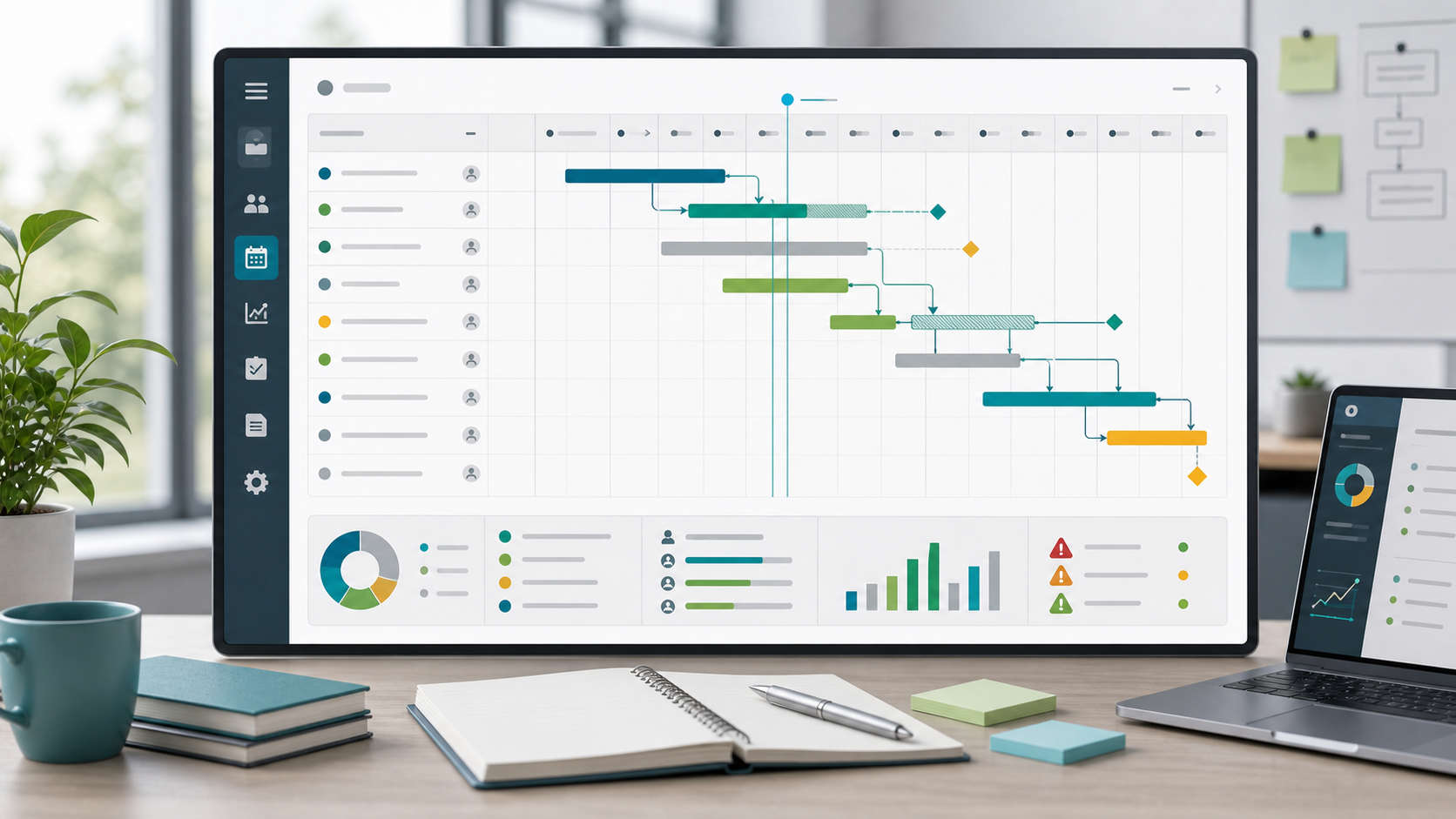
Project Schedule Guide
A project schedule is the operating plan for when work will happen, in what order, and under whose ownership. It connects tasks, start dates, finish dates, dependencies, milestones, capacity, and schedule risk so the team can see whether the plan is realistic before deadlines become urgent.
This guide targets the broad project schedule keyword cluster found in SEMrush. It is different from the older how to create a project schedule guide, which focuses on the creation process, and from the project scheduling software guide, which focuses on tool evaluation.
Key Takeaways
- A project schedule shows dates, sequence, dependencies, milestones, owners, and status.
- A schedule is more detailed than a stakeholder timeline and more time-focused than a task list.
- Schedule quality depends on realistic estimates, capacity checks, and dependency review.
- Teams should baseline the approved schedule and track variance as the project changes.
What Is a Project Schedule?
A project schedule is a time-based plan that explains how project work will move from start to finish. It answers:
- Which work starts first?
- Which tasks depend on other work?
- Who owns each activity?
- Which dates are commitments?
- Which milestones matter to stakeholders?
- What changes if a dependency slips?
Scrumbuiss supports schedule work with Gantt Timeline, Project Delivery, Workload Capacity, Dashboard, and Risk Center.
Project Schedule Components
| Component | Purpose |
|---|---|
| Task or activity | Defines the work to be scheduled |
| Owner | Shows accountability |
| Start date | Shows when work can begin |
| Finish date | Shows expected completion |
| Duration | Shows planned effort or elapsed time |
| Dependency | Shows what must happen first |
| Milestone | Marks a major checkpoint or commitment |
| Baseline | Preserves the approved schedule |
| Status | Shows whether the work is on track |
| Risk | Flags uncertainty that could affect timing |
Schedule vs. Timeline vs. Calendar
| View | Best use |
|---|---|
| Project schedule | Detailed operating plan with tasks, dates, dependencies, owners, and milestones |
| Project timeline | Stakeholder-friendly chronological view of phases and major dates |
| Project calendar | Weekly or monthly view of dates, reviews, deadlines, and availability |
| Gantt chart | Visual schedule with task bars and dependency lines |
Use the schedule for execution decisions. Use the timeline for stakeholder communication. Use the calendar when the team needs to understand dates in the context of weeks, holidays, and recurring reviews.
How To Manage a Project Schedule
- Define the scope and deliverables before assigning dates.
- Break the work into schedule-ready activities.
- Add owners before finalizing dates.
- Map dependencies and approval gates.
- Estimate duration with input from the people doing the work.
- Review capacity and planned time off.
- Set milestones for stakeholder review.
- Baseline the approved schedule.
- Track variance, blockers, and changes during delivery.
FAQ
Frequently
asked
questions
Related features
Explore the Scrumbuiss features mentioned in this article.
- Gantt Timeline
Plan dependencies, milestones, and schedule changes with a Gantt chart view that stays close to execution.
- Workload & Capacity
Balance workload, plan capacity, and spot overload early.
- Dashboard
Track project progress, blockers, workload, KPIs, status reporting, and analytics context in one live dashboard.
Unlock Success &
Power Up Your Projects
Next to explore
Explore more pages to understand the product suite, common workflows, and evaluation guides.