Project Risk Assessment Template Guide
A project risk assessment template gives the team a repeatable way to capture and score risks before they become delivery problems. The template should be simple enough to use in planning meetings and structured enough to support prioritization, ownership, and escalation.
This page targets project risk assessment template and Excel-template searches found in SEMrush. It is intentionally narrower than the project risk assessment guide, which explains the assessment process, and the risk register guide, which covers ongoing tracking.
Template Fields
| Field | What to capture |
|---|---|
| Risk ID | Short identifier used in meetings and status reports |
| Risk statement | The uncertain event and likely project impact |
| Category | Scope, schedule, budget, technical, resource, vendor, stakeholder, quality |
| Probability | Likelihood rating such as low, medium, or high |
| Impact | Severity rating for schedule, budget, scope, quality, or adoption |
| Exposure score | Combined priority signal from probability and impact |
| Evidence | Data, dependency, assumption, or observation behind the score |
| Owner | Person accountable for watching and responding to the risk |
| Response | Avoid, reduce, transfer, accept, escalate, or monitor |
| Mitigation action | Practical next step with a due date |
| Escalation trigger | Condition that requires sponsor or steering decision |
| Review date | When the risk should be reassessed |
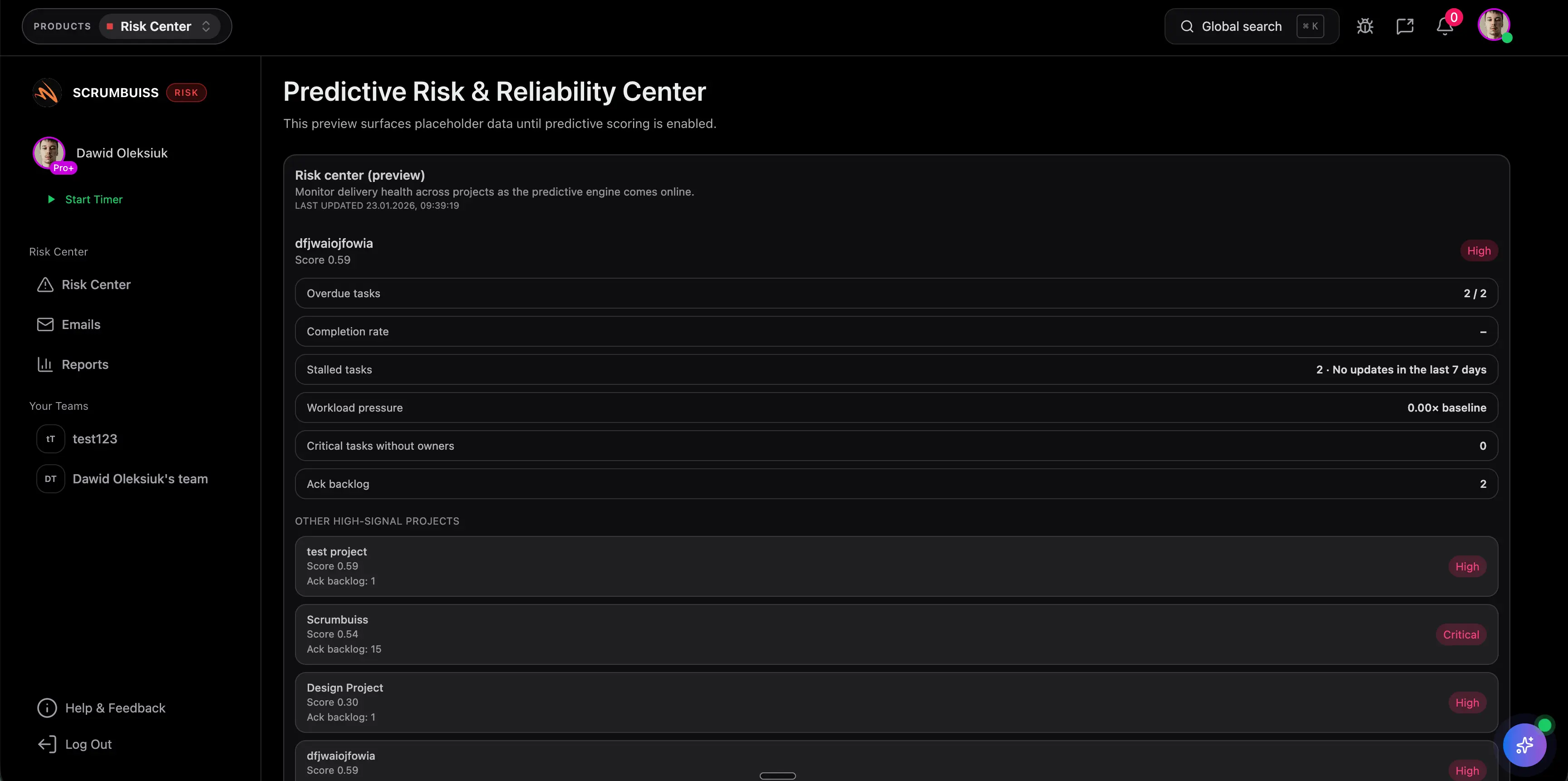
Scrumbuiss Risk Center and Dashboard help teams keep template rows active instead of leaving them in a static spreadsheet.
Blank Template Format
| ID | Risk statement | Probability | Impact | Score | Owner | Response | Mitigation | Review |
|---|---|---|---|---|---|---|---|---|
| R-01 | ||||||||
| R-02 | ||||||||
| R-03 |
For a smaller project, remove evidence, escalation trigger, and category only if the team still knows who owns the risk and what happens next.
Filled Example
| ID | Risk statement | Probability | Impact | Owner | Mitigation |
|---|---|---|---|---|---|
| R-01 | Data migration sample may fail validation, delaying cutover approval | Medium | High | Data lead | Run sample validation before build freeze |
| R-02 | Legal reviewer may be unavailable during sign-off week | Low | High | PM | Confirm backup reviewer and decision window |
| R-03 | Training attendance may be low before rollout | Medium | Medium | Change lead | Add manager reminders and publish recording |
Template Review Rules
- Review high-score risks every week.
- Close risks that are no longer relevant.
- Convert risks to issues when the uncertain event actually happens.
- Escalate risks when mitigation needs budget, scope, deadline, or priority decisions.
- Keep the template connected to the project status report so stakeholders see movement.
FAQ
Frequently
asked
questions
Related features
Explore the Scrumbuiss features mentioned in this article.
- Dashboard
Track project progress, blockers, workload, KPIs, status reporting, and analytics context in one live dashboard.
Unlock Success &
Power Up Your Projects
Next to explore
Explore more pages to understand the product suite, common workflows, and evaluation guides.