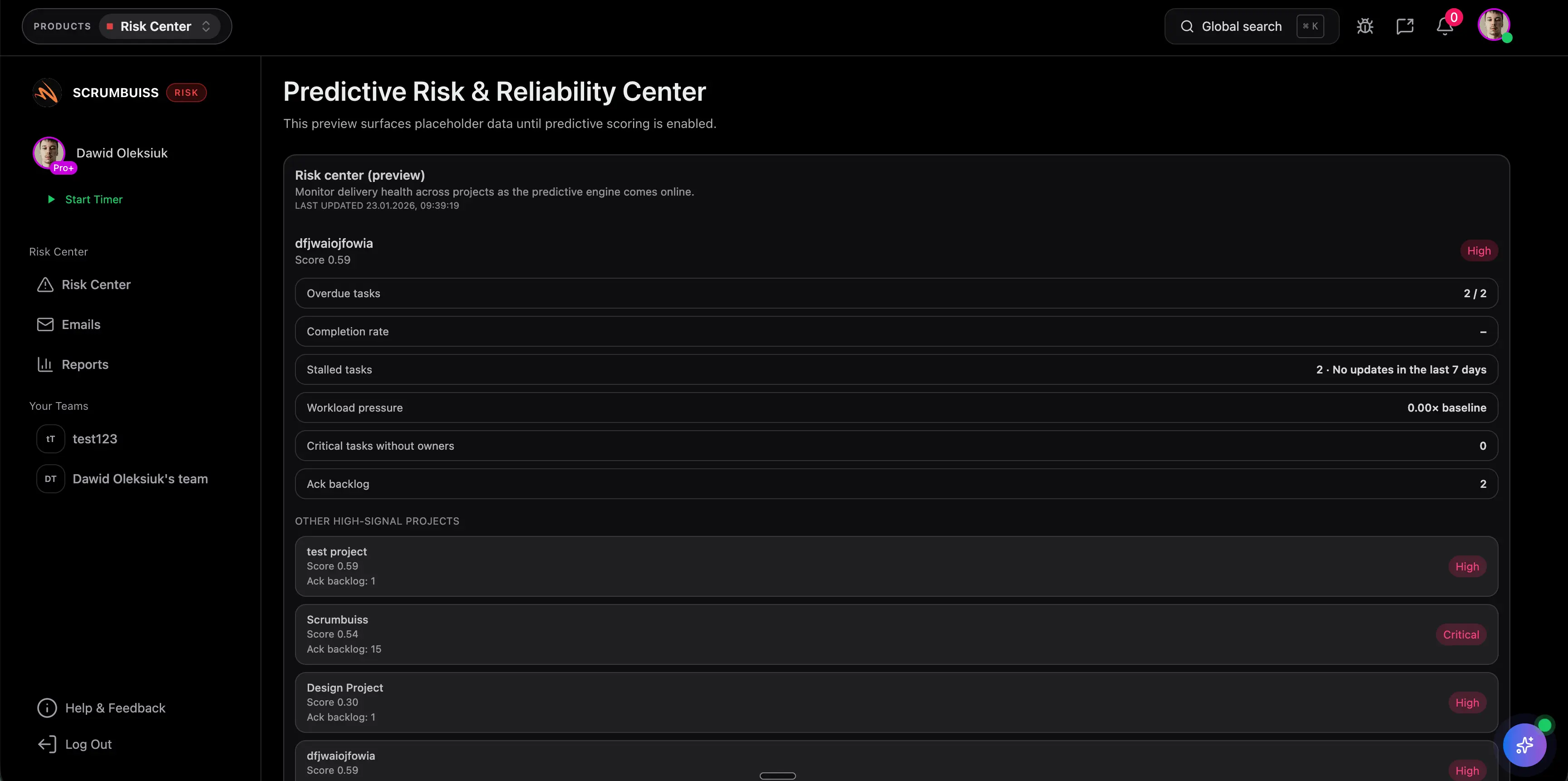
Risk Register Guide
A risk register is a live project document that tracks risks, owners, probability, impact, mitigation actions, review status, and escalation needs. It gives the team one place to see what could affect delivery before those risks become issues.
This guide targets the risk register keyword cluster found in SEMrush. It supports the Scrumbuiss risk register template by explaining what to include and how to keep the register useful.
Key Takeaways
- A risk register should be owned, reviewed, and updated throughout the project.
- Every risk needs probability, impact, owner, response, mitigation action, and next review date.
- A risk register is different from an issue log because it tracks uncertainty before it happens.
- The best register is short enough to review and specific enough to trigger action.
What Is a Risk Register?
A risk register is a structured list of project risks and planned responses. It helps teams answer:
- What could go wrong?
- How likely is it?
- How serious would the impact be?
- Who owns the risk?
- What are we doing about it?
- When should it be reviewed again?
- Does it need escalation?
Use the broader project risk management guide when you need the full process. Use this guide when the question is how to build and manage the register itself.
Risk Register Fields
| Field | What to capture |
|---|---|
| Risk ID | Short unique identifier |
| Risk statement | Clear description of the uncertain event and impact |
| Category | Schedule, budget, scope, resource, technical, vendor, stakeholder, quality |
| Probability | Likelihood rating |
| Impact | Severity rating |
| Score | Combined priority signal |
| Owner | Person accountable for monitoring and response |
| Response | Avoid, reduce, transfer, accept, or escalate |
| Mitigation action | Practical next action |
| Due date | When the mitigation or review is due |
| Status | Open, monitoring, escalated, closed, converted to issue |
Risk Register Example
| Risk | Probability | Impact | Owner | Mitigation |
|---|---|---|---|---|
| Client approval may miss the design review window | Medium | High | Account lead | Confirm backup approver and send review pack two days early |
| Integration API access may not be approved before QA | High | High | Platform lead | Escalate access request and define manual fallback |
| Shared designer may be overallocated during launch week | Medium | Medium | Delivery lead | Review workload and move lower-priority design requests |
| Scope may expand after stakeholder demo | Medium | High | Project manager | Use change control before accepting new deliverables |
Good risk statements explain both the uncertainty and the consequence. "API risk" is too vague. "API access may not be approved before QA, delaying release validation" is useful.
Risk Register vs. RAID Log vs. Issue Log
| Tool | Tracks | Best use |
|---|---|---|
| Risk register | Uncertain events that could affect outcomes | Proactive mitigation and escalation |
| RAID log | Risks, assumptions, issues, and dependencies | Broad project control across uncertainty and blockers |
| Issue log | Problems that are already happening | Resolution tracking and ownership |
| Decision log | Decisions made or needed | Keeping approvals and rationale visible |
For active delivery, link the risk register to your issue and decision log so risks that become real problems do not disappear.
How To Keep a Risk Register Useful
- Review it during planning and status meetings.
- Assign one owner per risk.
- Close risks that no longer matter.
- Escalate risks before they become issues.
- Add mitigation due dates.
- Update probability and impact when new evidence appears.
- Keep the register connected to the project dashboard.
FAQ
Frequently
asked
questions
Unlock Success &
Power Up Your Projects
Next to explore
Explore more pages to understand the product suite, common workflows, and evaluation guides.