Project Risk Assessment Guide
A project risk assessment is the structured review that helps a team understand what could threaten delivery, how likely each risk is, how severe the impact could be, and what response is needed. It turns uncertainty into a ranked action list.
This guide targets the project risk assessment keyword cluster found in SEMrush. It supports the broader project risk management guide by focusing on the assessment step itself, not the full risk program or the ongoing risk register.
Key Takeaways
- A project risk assessment should score probability, impact, timing, and evidence before assigning priority.
- The output should be decisions and actions, not just a long list of possible problems.
- Risk assessment is strongest when it happens during planning, before major milestones, and whenever new uncertainty appears.
- Each high-priority risk needs an owner, response, mitigation action, review date, and escalation rule.
What Is Project Risk Assessment?
Project risk assessment is the process of identifying uncertain events, estimating their likelihood and impact, and deciding which risks need action. It answers five practical questions:
| Question | Why it matters |
|---|---|
| What could happen? | Creates a clear risk statement instead of a vague concern |
| How likely is it? | Helps the team avoid treating every risk as equally urgent |
| What would the impact be? | Shows the consequence for timeline, cost, scope, quality, or adoption |
| What evidence do we have? | Separates real delivery signals from speculation |
| What should we do next? | Turns assessment into mitigation, escalation, or acceptance |
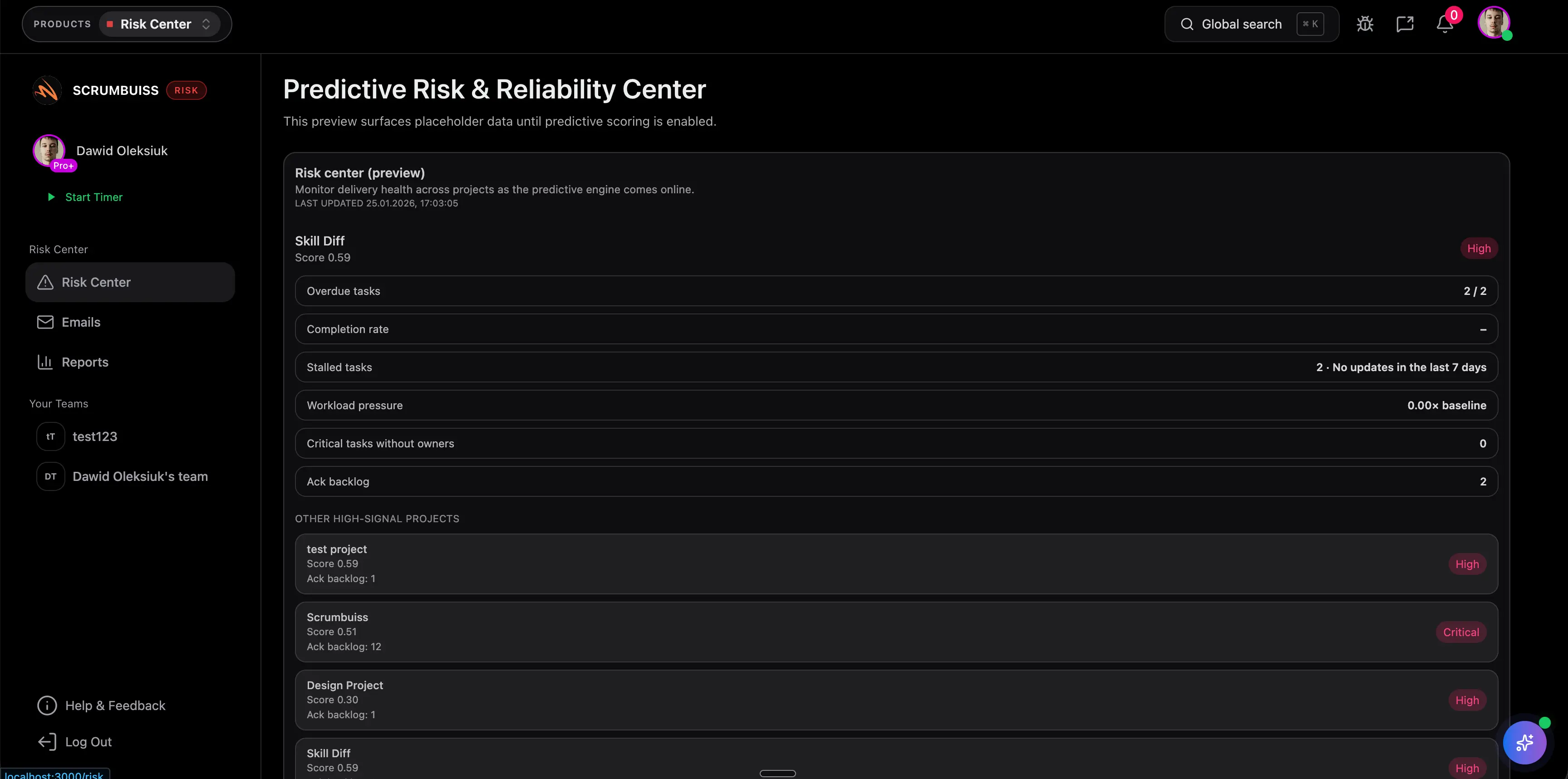
Use Scrumbuiss Risk Center to keep assessment results connected to owners, due dates, dashboards, and status reporting.
Project Risk Assessment Steps
| Step | What to do |
|---|---|
| Define context | Confirm the project objective, constraints, milestones, and decision points |
| Identify risks | Review scope, dependencies, suppliers, capacity, technology, approvals, and adoption |
| Write risk statements | Describe the uncertain event and the business or delivery impact |
| Score probability | Rate how likely the risk is based on evidence |
| Score impact | Rate the consequence if the risk occurs |
| Prioritize | Combine score, timing, detectability, and stakeholder sensitivity |
| Choose response | Avoid, reduce, transfer, accept, escalate, or monitor |
| Assign owner | Name one person accountable for each meaningful risk |
| Review cadence | Decide when the risk should be reassessed |
The assessment should feed the risk register, weekly project status report, and governance reviews so leadership sees risk movement before it becomes an issue.
What To Assess
| Risk area | Assessment prompts |
|---|---|
| Scope | Are requirements stable, approved, and understood by delivery teams? |
| Schedule | Which milestones depend on uncertain input, approval, or external delivery? |
| Budget | What cost assumptions could change and who can approve contingency? |
| Resources | Are critical people available when needed? |
| Technical | Which integrations, migrations, security controls, or environments are unproven? |
| Stakeholders | Which groups could block decisions, adoption, or sign-off? |
| Vendor | Which third-party commitments are outside the team's direct control? |
| Quality | What defects, rework, or acceptance risks could affect launch confidence? |
Good Risk Statements
Weak risk statements are usually too broad. A useful statement names the uncertain event and the consequence.
| Weak statement | Stronger statement |
|---|---|
| API risk | Vendor API access may not be approved before QA, delaying integration testing |
| Scope risk | New reporting fields may be requested after sign-off, increasing build and validation effort |
| Resource risk | The shared designer may be assigned to another launch during the final review window |
| Adoption risk | Regional managers may not attend training, reducing rollout readiness |
FAQ
Frequently
asked
questions
Unlock Success &
Power Up Your Projects
Next to explore
Explore more pages to understand the product suite, common workflows, and evaluation guides.