Back to Blog
Risk Mitigation Plan Template Guide
A risk mitigation plan template gives teams a repeatable way to turn priority risks into actions. The template should make it obvious who is doing what, by when, and how the team will know whether risk exposure has reduced.
This page targets risk mitigation plan template, sample, and example searches found in SEMrush. It supports the risk mitigation plan guide by focusing on the reusable structure.
Template Fields
| Field | What to capture |
|---|---|
| Risk ID | Link to the risk register item |
| Risk statement | The uncertain event and project impact |
| Current score | Probability, impact, and priority before mitigation |
| Response strategy | Avoid, reduce, transfer, accept, escalate, or monitor |
| Mitigation action | Specific action to reduce likelihood or impact |
| Owner | Person accountable for the action |
| Due date | When the mitigation should be completed |
| Success signal | Evidence that the mitigation worked |
| Residual risk | Remaining exposure after mitigation |
| Contingency trigger | Condition that activates fallback action |
| Status | Not started, in progress, blocked, complete, accepted |
| Review date | When the mitigation should be reassessed |
Blank Template
| ID | Risk | Score | Response | Mitigation | Owner | Due | Signal | Trigger |
|---|---|---|---|---|---|---|---|---|
| R-01 | ||||||||
| R-02 | ||||||||
| R-03 |
Filled Sample
| ID | Risk | Response | Mitigation | Owner | Signal |
|---|---|---|---|---|---|
| R-04 | Training attendance may be low before rollout | Reduce | Add manager reminders and publish recording | Change lead | Attendance reaches 85 percent |
| R-07 | Vendor API access may miss QA start | Reduce | Escalate access date and create mock test path | Platform lead | Access confirmed or mock path ready |
| R-09 | Scope requests may arrive after sign-off | Avoid | Route new requests through change control | PM | No unapproved work enters sprint |
Review Rules
- Review high-priority mitigation weekly.
- Mark blocked actions clearly and escalate early.
- Do not close a mitigation action until the success signal is visible.
- Update residual risk after the action is complete.
- Move triggered fallback work into the issue log or delivery plan.
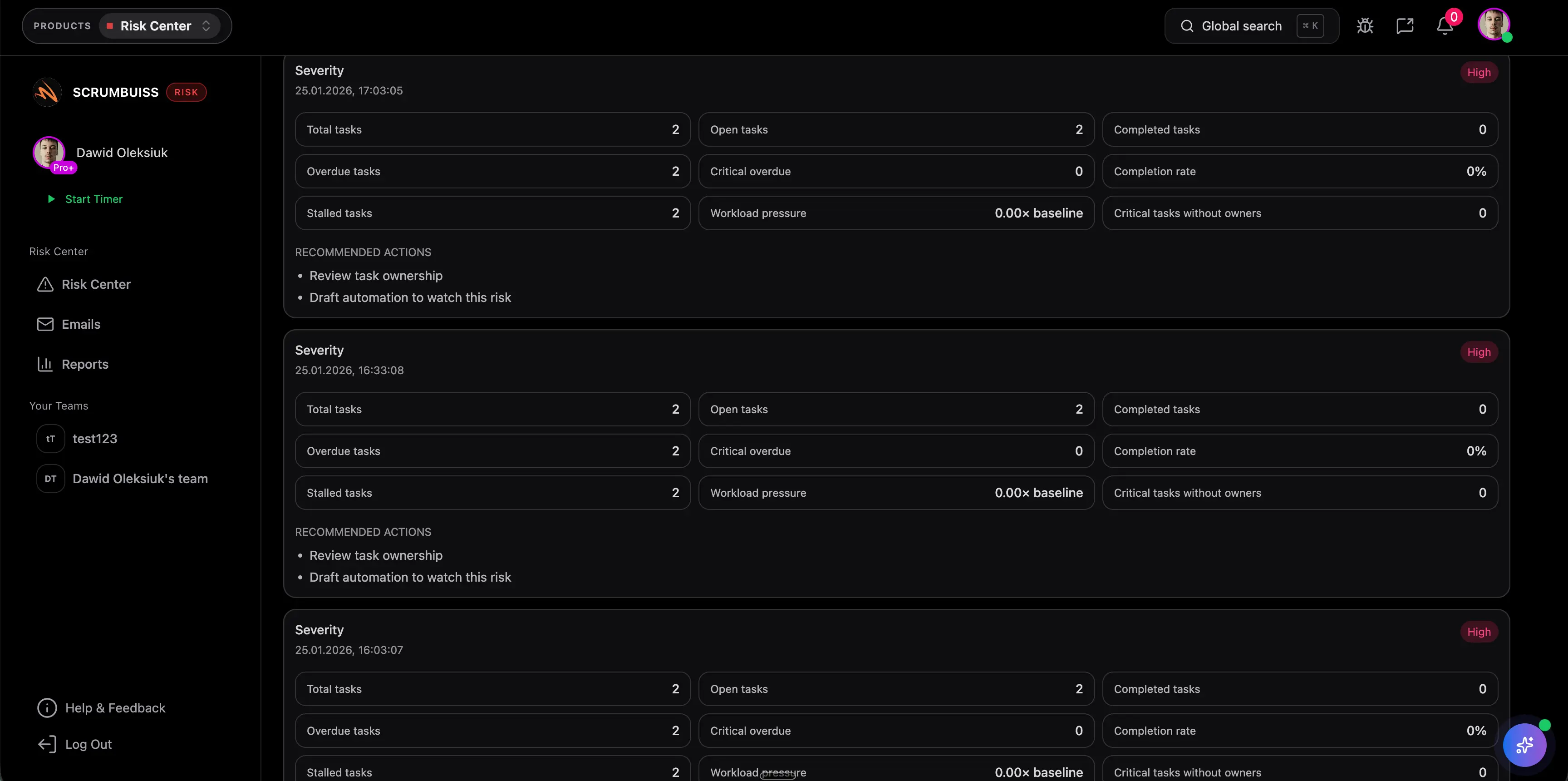
Use Scrumbuiss Risk Center and Automations to keep owners, reminders, and review dates visible.
FAQ
FAQsFrequently
Frequently
asked
questions
Related features
Explore the Scrumbuiss features mentioned in this article.
- Automations
Trigger workflows, alerts, and actions automatically.
Unlock Success &
Power Up Your Projects
Next to explore
Explore more pages to understand the product suite, common workflows, and evaluation guides.