Slack integration guide • reviewed 2026-03-14

Project Management Software With Slack Integration

Send project digests, deadline reminders, incident updates, and change alerts to Slack while keeping planning, delivery, and reporting in a broader workflow your team can still read.

Use this page to compare Slack-connected alerts, digests, and stakeholder updates before you decide whether Slack should stay a communication layer or quietly become the only place delivery updates still make sense.

This page is for teams evaluating project management software connected to Slack, not for teams looking for a lightweight task board that lives mainly inside chat.

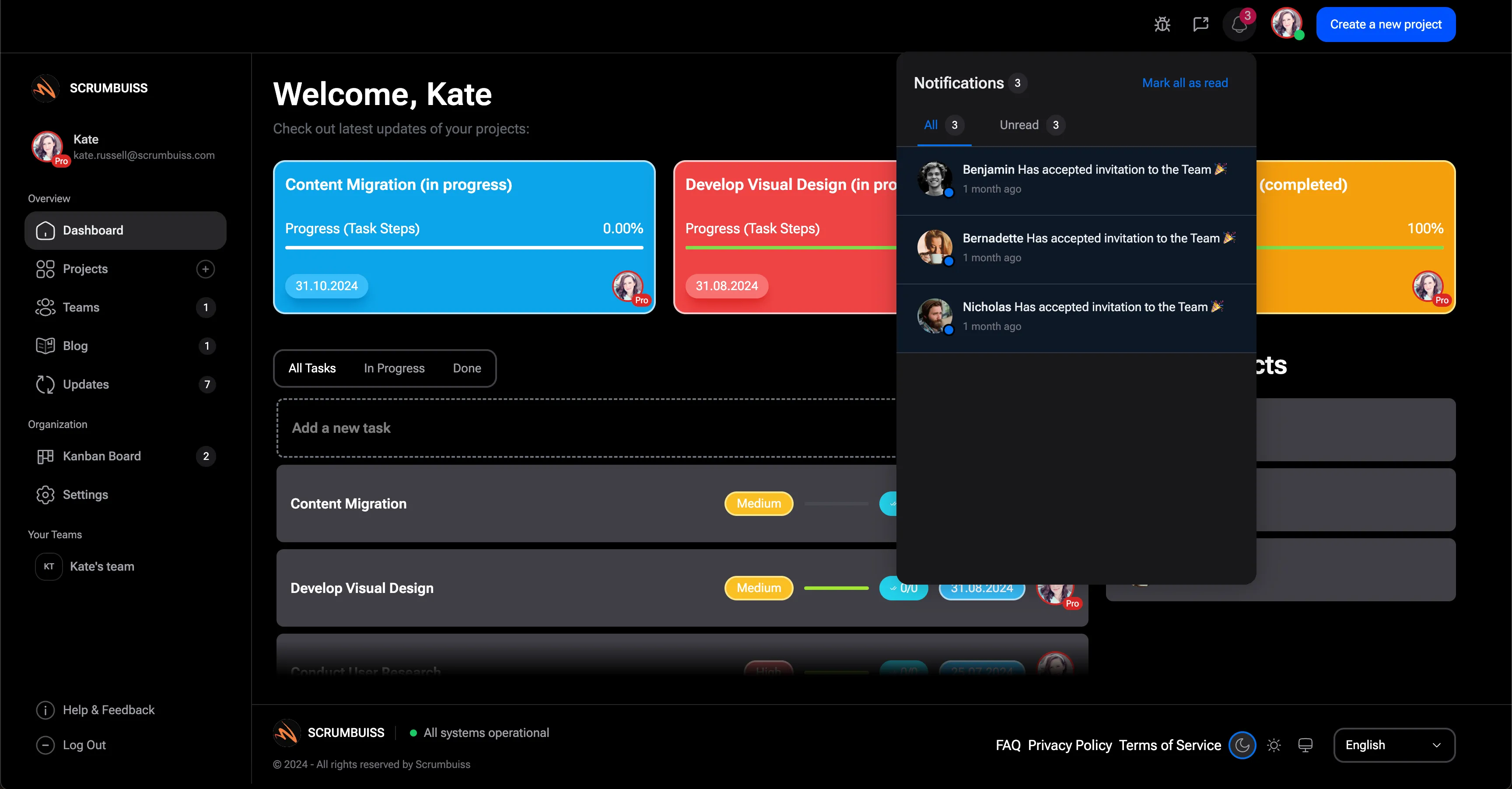
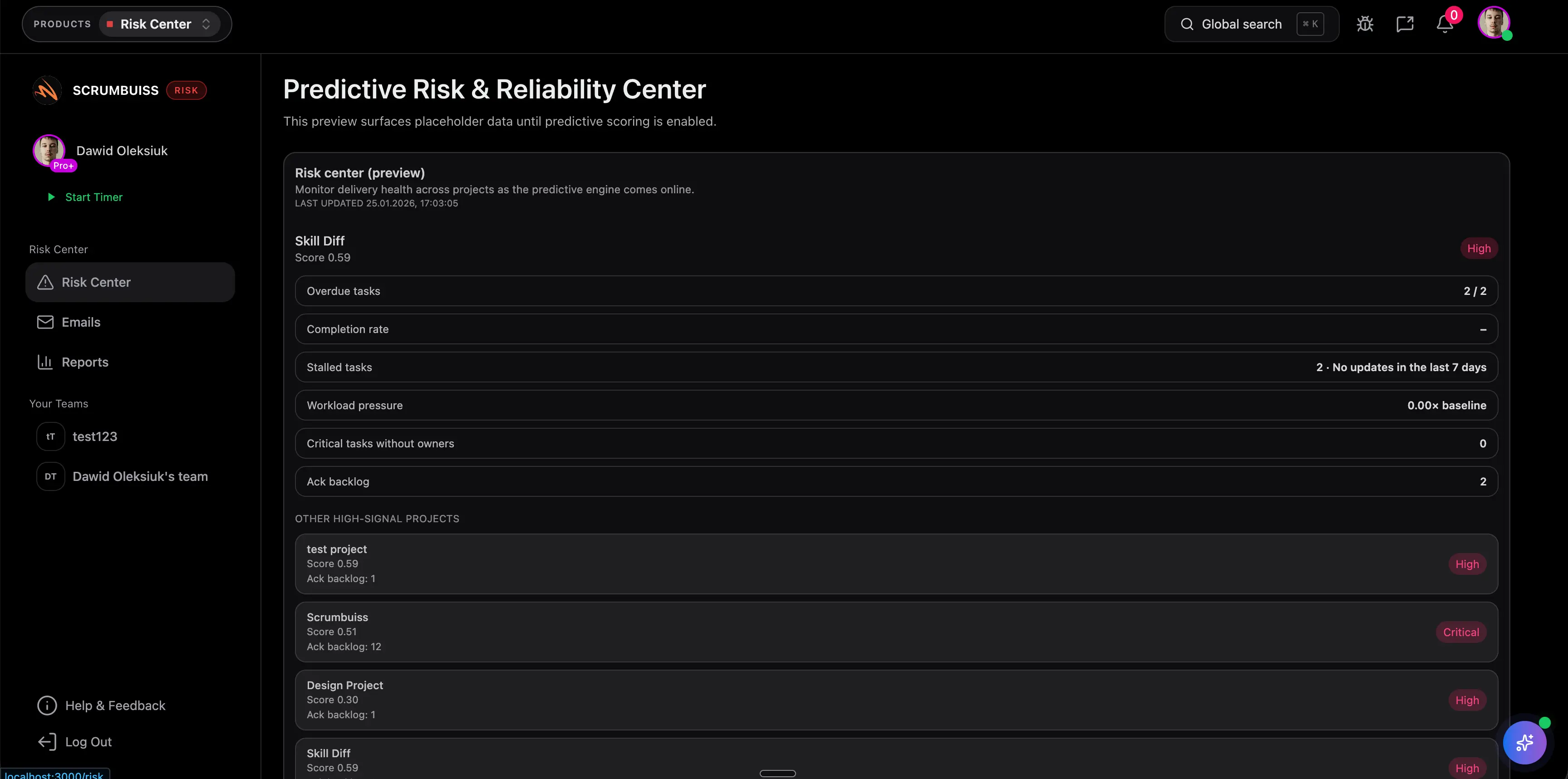
Scrumbuiss Slack-connected notifications overview

How we reviewed Slack-connected project management tools

Reviewed on March 14, 2026. This page compares one workflow: how teams route project-management signals into Slack so updates reach the right channels without making Slack the hidden system of record for delivery decisions.

  • Scrumbuiss references come from the live pricing page plus the Project Delivery, ITSM, and Risk Center product pages, along with the IT operations workflow page in this site.
  • Competitor references come from the official Slack integration pages published by ClickUp, ProjectManager, monday.com, and Asana.
  • The goal is not to score every chat feature. It is to help teams validate whether Slack alerts, digests, and incident or change updates actually reduce manual status work and keep stakeholders aligned.

When Scrumbuiss is a fit

The right decision depends less on one Slack integration checkbox and more on what should happen after the alert reaches the channel. Teams still need a workflow that stays readable when someone has to plan, assign, review, or explain what changed.

Strong fit for Scrumbuiss

Best when Slack should distribute important delivery signals, but the real planning and reporting workflow still needs to live outside chat.

  • Teams want milestone digests, deadline reminders, and status alerts in channels people already monitor.
  • IT or operations teams need incident and change notifications to reach the right owners quickly.
  • Managers still need a readable operating layer for planning, follow-up work, and stakeholder reporting.

Worth testing carefully

Run a live pilot if the team already lives in Slack, but project updates still need more structure than a stream of messages provides.

  • Slack is already the first place people notice blockers or deadline changes.
  • Weekly status updates or incident follow-ups still get rebuilt by hand from multiple systems.
  • One team can test the alert flow with a real delivery review, change window, or incident queue before wider rollout.

Probably not the best fit

A simpler tool may fit better when Slack itself should be the main place work gets managed, or when lightweight notifications are enough.

  • The team wants a chat-native task board instead of a broader delivery workflow.
  • There is little need for stakeholder reporting outside the channel feed.
  • Basic notifications are sufficient and no one needs project-level visibility after the alert lands.

Delivery visibility

Send the right project signals into the channels people already watch

Slack integration becomes useful when milestone changes, deadline reminders, and update digests reach the team without forcing everyone to poll dashboards all day. The value is not more chat noise. It is faster awareness of changes that affect delivery work.

  • Push structured digests and alerts into the channels where the team already coordinates work.
  • Reduce the lag between a project change and the moment the right people notice it.
  • Keep the underlying delivery workflow readable outside Slack when someone needs more context.
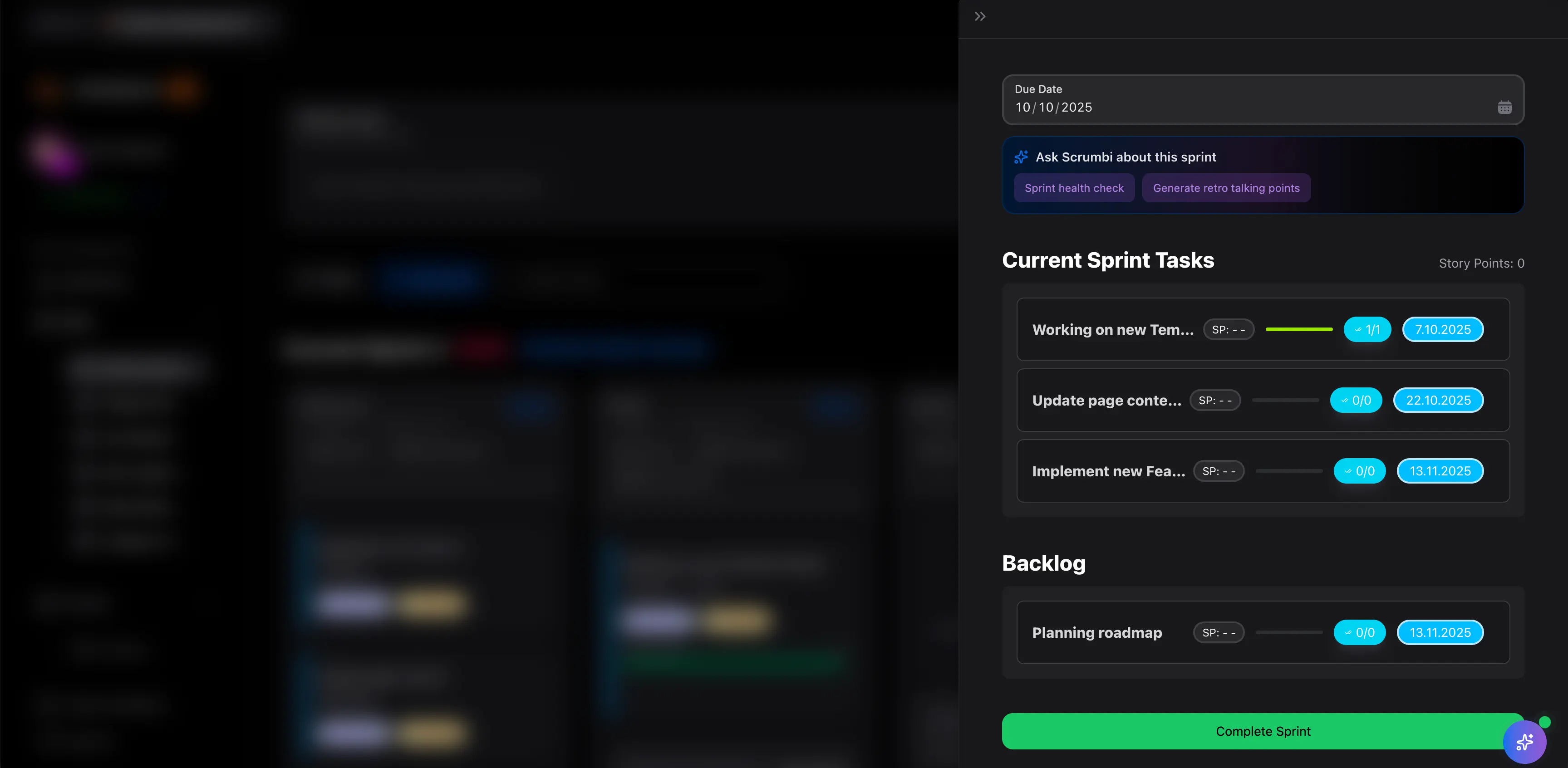
Scrumbuiss project notifications and alerts

IT operations

Route incident and change updates into Slack without losing ownership

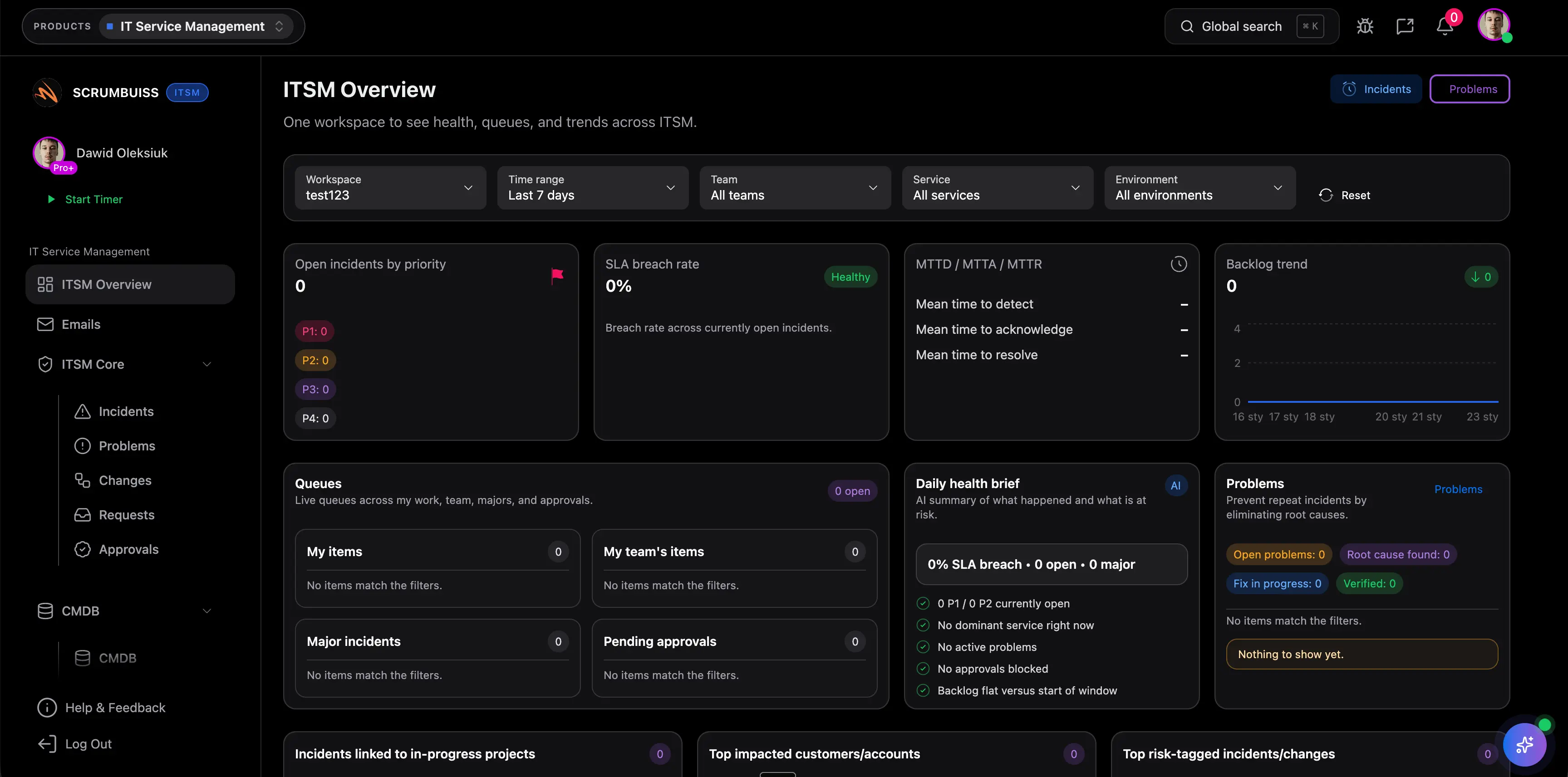
For operations teams, Slack matters most when incident and change notifications arrive with enough context for the next action, not just enough text to start another message thread. That keeps follow-ups, escalations, and review loops tied back to a real workflow instead of disappearing into chat.

  • Send incident and change notifications where responders already communicate.
  • Keep follow-up work and operational risk visible in the same broader system, not only in Slack history.
  • Shorten the time between an alert, the owner assignment, and the next operational decision.
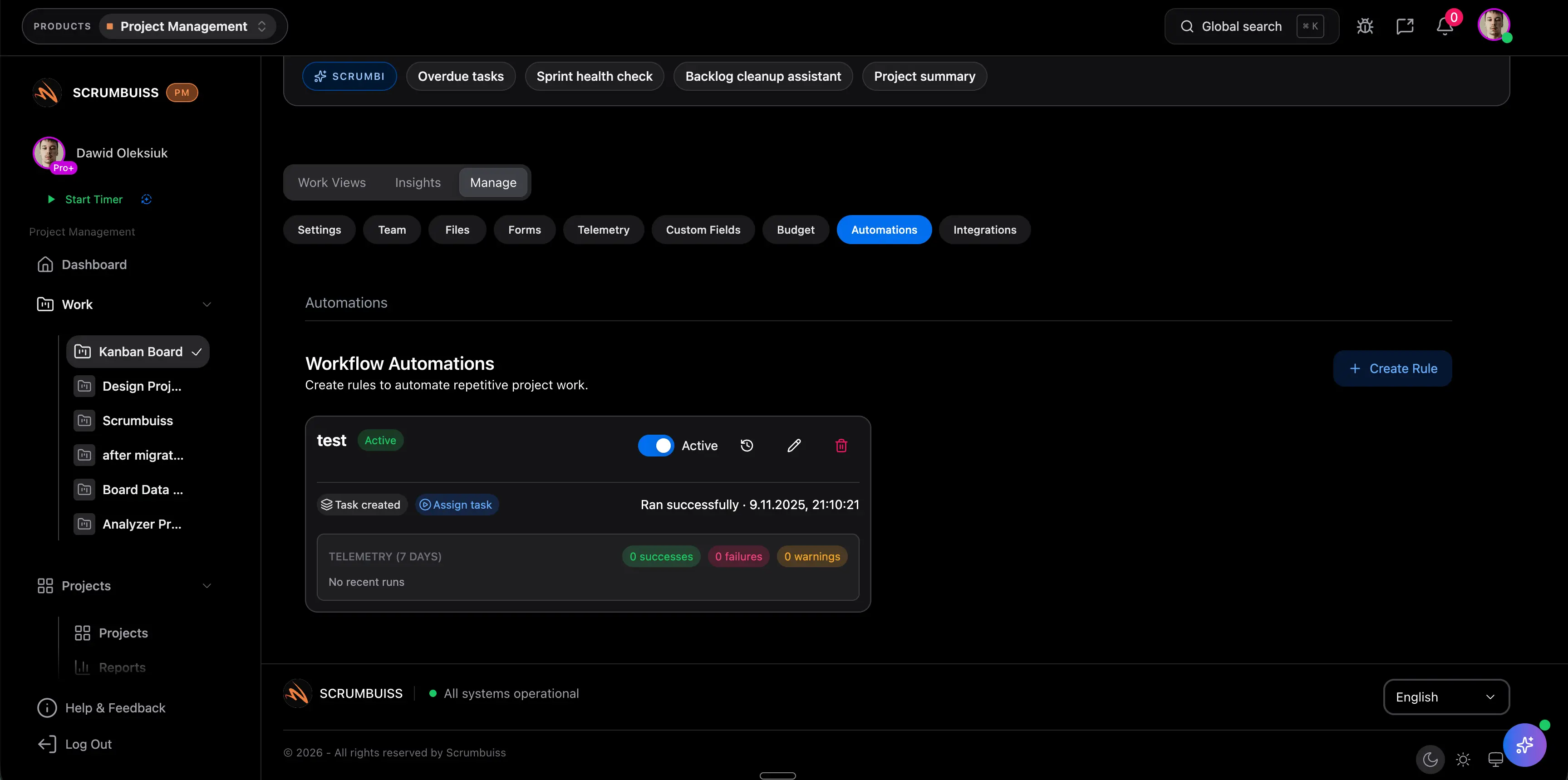
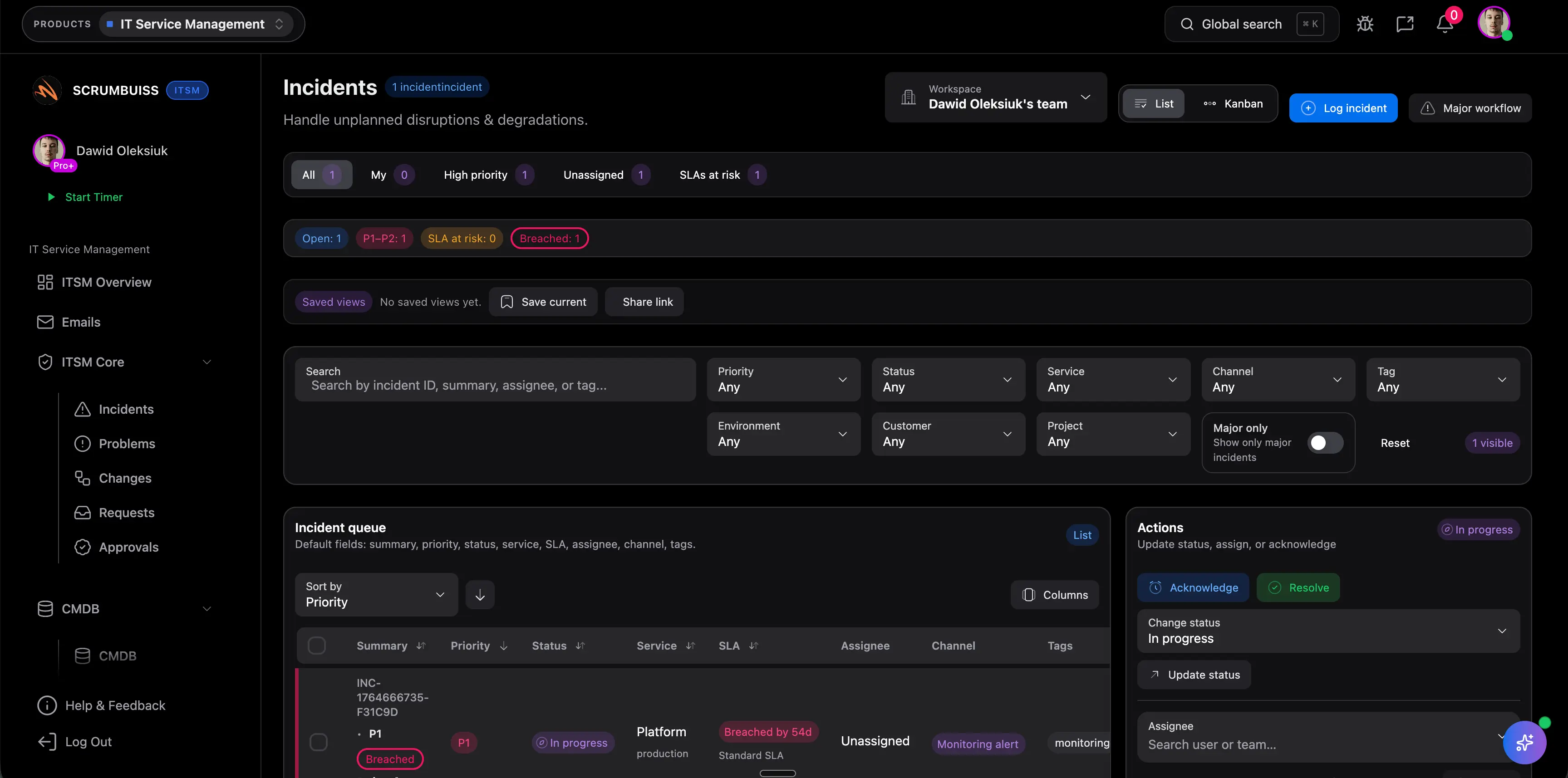
Scrumbuiss IT operations automations and alerts

Pilot design

Pilot Slack integration around one real reporting or response loop

The best Slack-integration test is not a feature demo. It is one live operating loop such as a weekly delivery review, an incident queue, or a change calendar. Start with a single team and a single channel, then decide whether the alerts reduced manual coordination or just moved it into chat.

  • Pick one team, one channel, and one recurring workflow for the trial.
  • Decide which events deserve a Slack alert and which belong in a digest instead.
  • Measure whether the team can react faster without losing the project context behind the update.
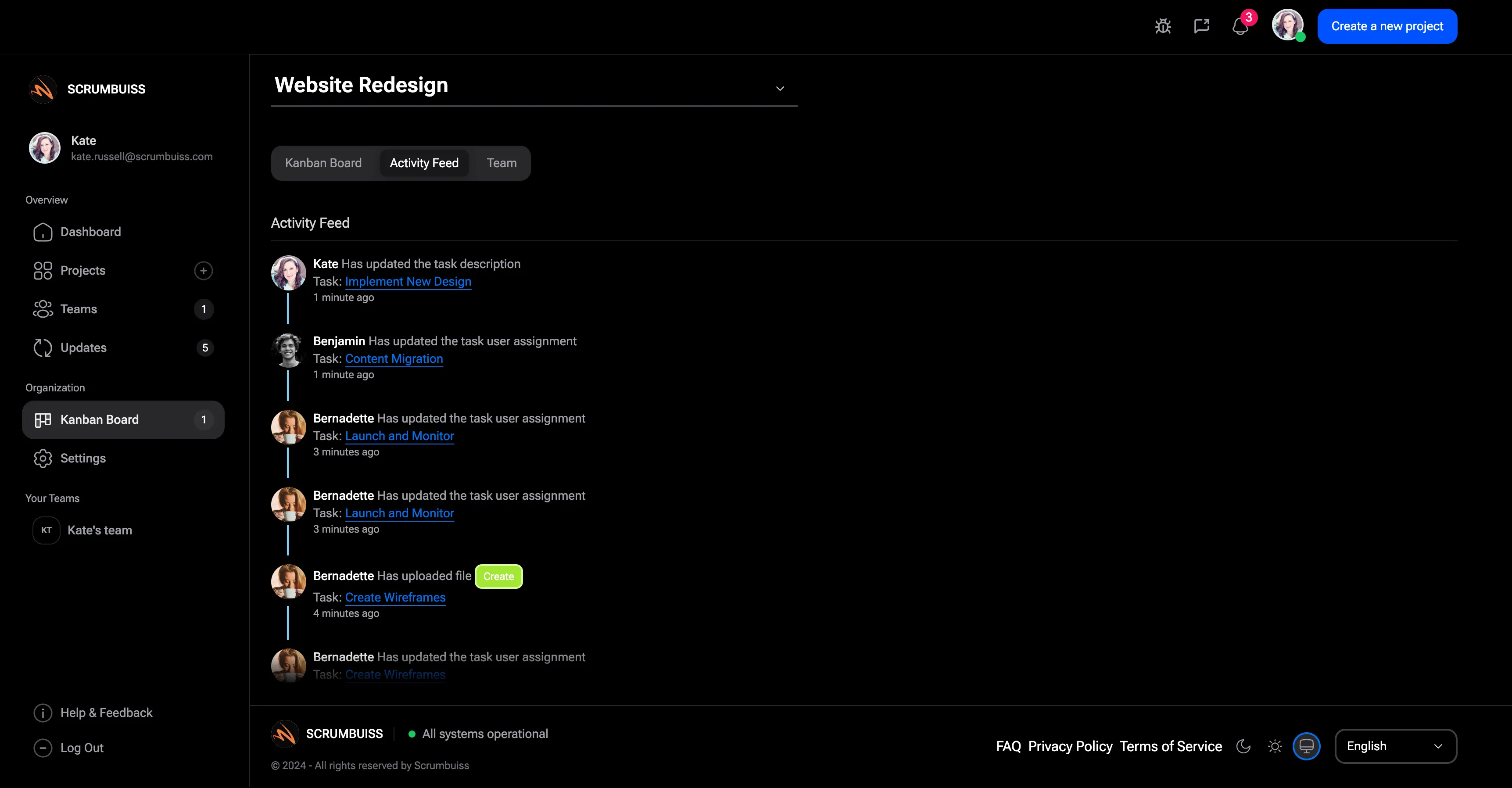
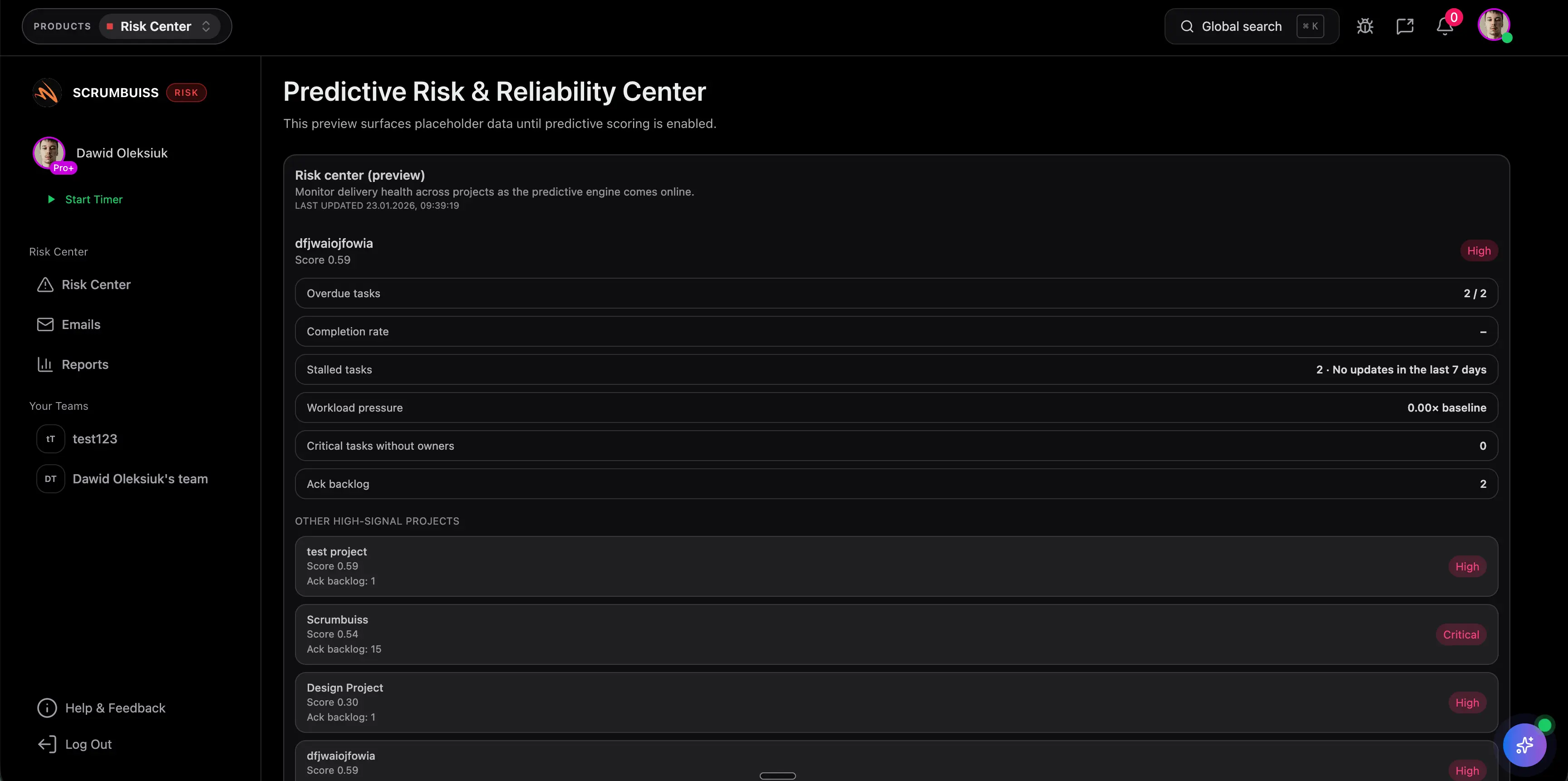
Scrumbuiss activity feed and project updates

Competitor snapshot for Slack-connected project management

These tools all connect Slack differently. The useful buying question is whether Slack is only the notification surface or part of a broader operating model for delivery and operations.

Tool Best for Slack angle Main tradeoff Why teams choose Scrumbuiss instead
ClickUp Teams that want Slack connected to a broad all-in-one work-management workspace. Publicly positions its built-in Slack integration around productivity, communication, and workspace connectivity. The broader workspace can become configuration-heavy when the main need is a clearer operating layer for delivery signals and stakeholder visibility. Scrumbuiss is stronger when the team wants delivery digests, operational alerts, and project context tied back to a more opinionated workflow around planning, execution, and follow-up.
ProjectManager Teams that want Slack tied to a dedicated project-management platform with task updates and quick communication loops. Publicly highlights receiving task updates, creating new tasks, and communicating with the team from Slack. That model is less focused on buyer intent around delivery digests, incident or change alerts, and a broader product plus operations workflow outside the chat layer. Scrumbuiss is stronger when Slack should surface status, incident, and change signals from a workflow that still stays readable in product, delivery, and operations reviews.
monday.com Teams that want Slack connected to flexible boards, reminders, and cross-functional work updates. Publicly positions syncing conversations, sharing progress, and keeping up with due dates across Slack and monday.com. Teams may still need extra structure if the evaluation centers on delivery governance, operational alerts, and reporting clarity instead of board flexibility alone. Scrumbuiss is stronger when Slack needs to support a more structured delivery and IT-operations workflow without forcing the team to design the whole operating model first.
Asana Cross-functional teams that want to turn Slack conversations into tasks inside a general collaboration workspace. Publicly positions the app around turning Slack conversations into actionable tasks in Asana. That workflow is centered on conversation-to-task capture, not on a broader evaluation of alerts, digests, incident response, and stakeholder-readable delivery reporting. Scrumbuiss is stronger when Slack should extend project delivery and IT operations workflows instead of acting mainly as an inbox for task creation.

Review exact plan limits, Slack actions, and setup details on the vendor pages before you buy. Product names are trademarks of their respective owners.

Evaluation checklist for a Slack integration pilot

Use this checklist to test one live communication loop instead of stopping at a vendor demo.

  1. Step 1

    Choose one live team, one Slack channel, and one workflow for the pilot, such as weekly delivery review, incident triage, or change scheduling.

  2. Step 2

    Define which events should trigger an immediate Slack alert and which belong in a digest instead.

  3. Step 3

    Decide who only needs a summary in Slack and who needs to click through to the broader project context.

  4. Step 4

    Verify that incident, change, or milestone alerts still point back to clear owners and follow-up work.

  5. Step 5

    Test the workflow with real deadlines, active projects, or live operational events instead of sample data.

  6. Step 6

    Review whether Slack reduced manual coordination time or only moved status work into more message threads.

  7. Step 7

    Standardize only after one full operating cycle runs cleanly without rebuilding updates by hand.

FAQ

These are the buying and rollout questions teams usually need answered before Slack becomes part of a real delivery or IT-operations workflow.

What should project management software with Slack integration actually help with?

It should bring the right project signals into Slack while keeping the real delivery workflow readable elsewhere. That usually means milestone digests, deadline reminders, incident or change alerts, and update summaries that point back to work with clear owners and next actions.

Which Slack notifications are most useful in practice?

The most useful notifications are the ones tied to a real operating decision: milestone changes, deadline reminders, incident updates, change alerts, escalation triggers, and recurring status digests. If every task event becomes a Slack message, the channel quickly loses value.

Should Slack become the system of record for the team?

Usually no. Slack is strongest as the communication surface where teams notice changes quickly. Planning, delivery follow-up, reporting, and auditability still need to live in a workflow that remains readable after the message scrolls away.

How should IT operations teams evaluate a Slack integration?

Pilot one real operational loop, such as incident triage or change coordination. Measure whether the right alerts reach the right channel, whether owners and follow-up work remain clear, and whether weekly reviews get easier instead of turning into message archaeology.

Who should be involved in the evaluation?

Include the person who owns the delivery or operations workflow, the person who manages the Slack channel conventions or alert rules, and at least one stakeholder who consumes updates without living in the underlying project tool. If those viewpoints are not aligned, the pilot misses the real coordination pressure.

Related templates

Templates teams usually use to support the workflows behind Slack alerts and update digests.