Team collaboration guide - reviewed May 19, 2026

Team Collaboration Software for Project Work

Scrumbuiss helps teams collaborate around the work itself: tasks, briefs, files, activity history, client context, and stakeholder-ready updates stay connected instead of spreading across chat, storage, and status documents.

This page does not position Scrumbuiss as a Slack replacement. It focuses on collaboration around project execution, where decisions, files, handoffs, and status need to remain attached to the work.

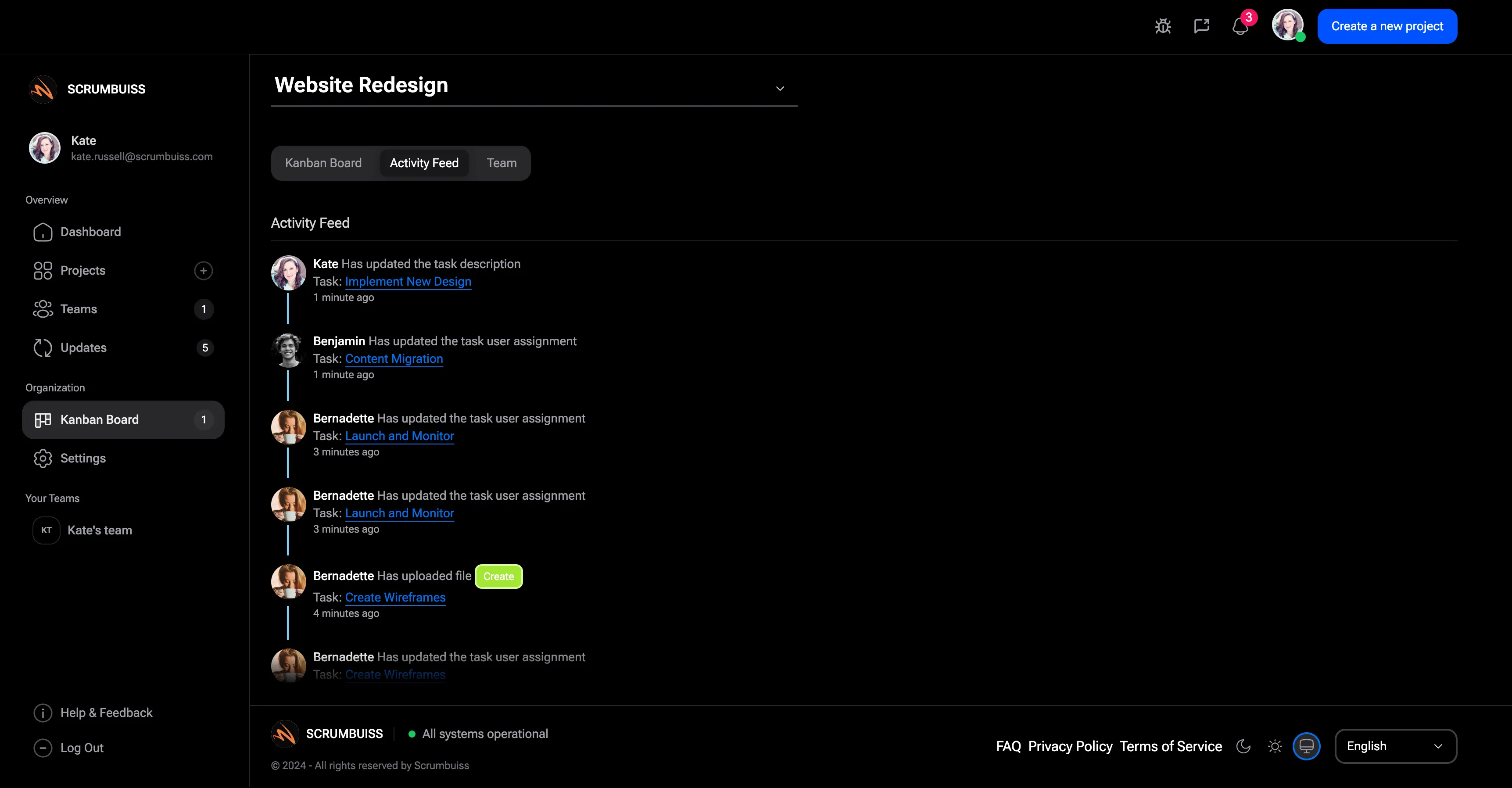
Scrumbuiss team collaboration around project activity and files

How we reviewed collaboration software fit

Reviewed on May 19, 2026. This page evaluates when collaboration should live around project work instead of only in chat, docs, or storage. The goal is to help buyers decide whether the missing layer is context, handoff continuity, or general messaging.

  • Scrumbuiss references come from Activity Feed, Files, Project Brief, Client Portal, Google Drive integration, Project Delivery, and agency workflow pages.
  • The SEMrush export included broad communication and collaboration terms, so this page narrows the promise to collaboration around work and avoids claiming to replace real-time messaging tools.
  • The structure follows people-first SEO: clear fit guidance, scope boundaries, and links to adjacent workflows rather than a list of repeated keyword phrases.
When Scrumbuiss is a fit

Scrumbuiss is strongest when collaboration needs to stay attached to project execution and handoffs.

Strong fit for Scrumbuiss

Best when teams need project comments, files, activity history, briefs, and stakeholder visibility close to delivery work.

  • Important decisions and files are currently scattered across chats, folders, docs, and task comments.
  • Client-facing or stakeholder-facing work needs controlled visibility, not another open chat stream.
  • The team wants collaboration to improve handoffs and reporting, not just increase message volume.

Worth piloting carefully

A pilot is useful when the team already uses chat and document tools, but still loses project context during handoffs.

  • Run one client project, sprint, or onboarding workflow with files and updates attached to live work.
  • Measure how often people need to ask where a decision, file, or status update lives.
  • Validate whether stakeholders understand progress faster without more manual reporting.

Probably not the best fit

A real-time messaging or document-collaboration tool may fit better when the main need is chat, meetings, or co-authoring rather than project-context continuity.

  • The team mainly needs synchronous chat, calls, or broad community channels.
  • The collaboration problem is document editing, not project execution or handoff context.
  • Project work already has strong ownership and context; only lightweight messaging is missing.

Keep context attached

Collaborate where the work is tracked

Project collaboration becomes more reliable when conversations, ownership, changes, and files remain close to the task, brief, or client workflow they affect.

  • Use activity history to understand what changed without searching across chat threads.
  • Keep files, briefs, and task context connected so handoffs do not depend on memory.
  • Link collaboration back to project status so updates stay useful in reviews.
Scrumbuiss activity feed for project collaboration

Share files and decisions

Make documents part of the delivery workflow

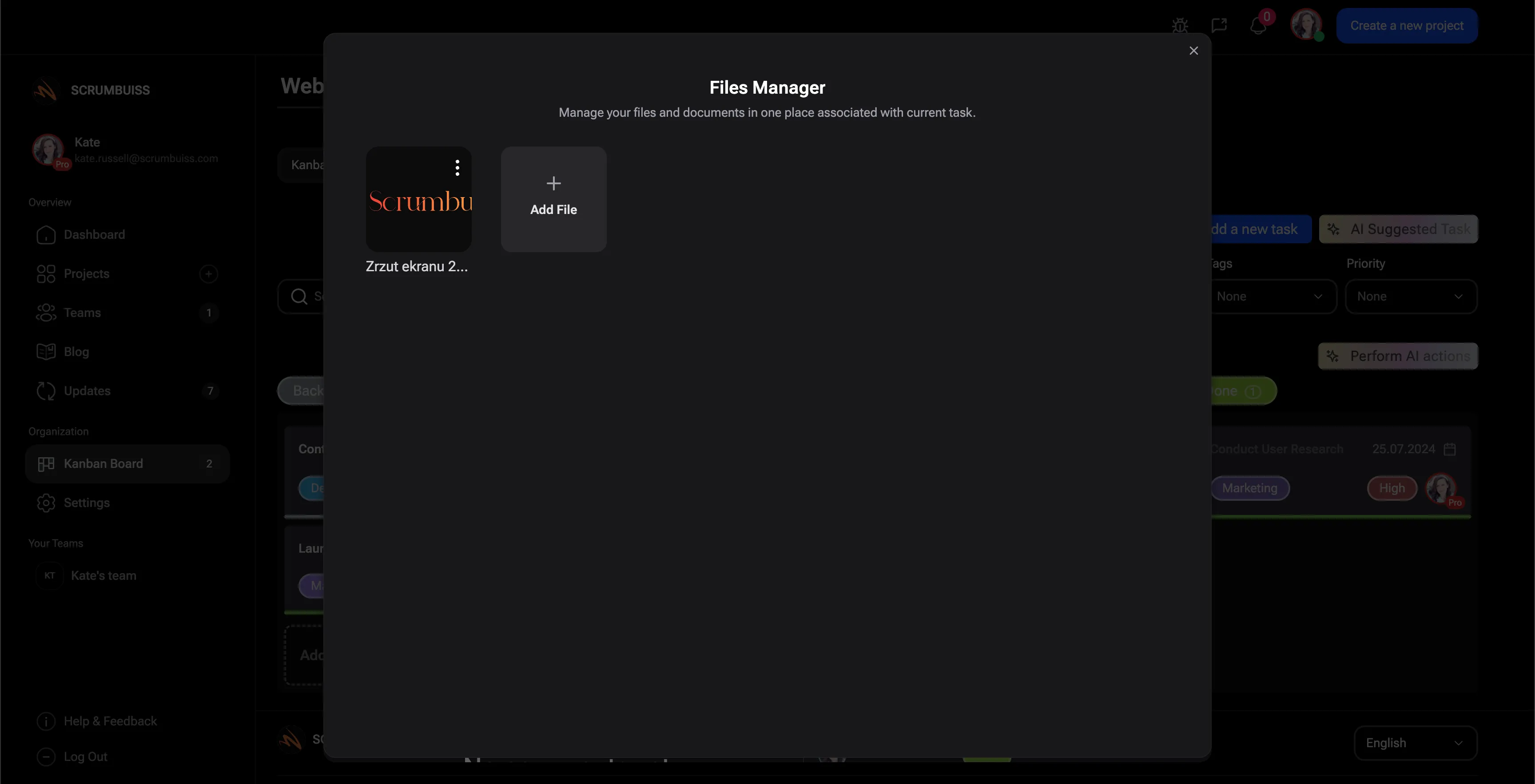
Files become more useful when they are visible in the workstream that depends on them. Scrumbuiss keeps project files and external storage context closer to tasks, briefs, and approvals.

  • Organize project files so teams can find the latest working context.
  • Connect Google Drive where source folders already exist.
  • Use client portal and brief workflows when files need controlled external visibility.
Scrumbuiss project files for team collaboration

Coordinate handoffs

Turn collaboration into clearer handoffs and updates

The collaboration layer should reduce the work required to explain status. When updates, ownership, and context stay connected, teams can hand work off with less rework.

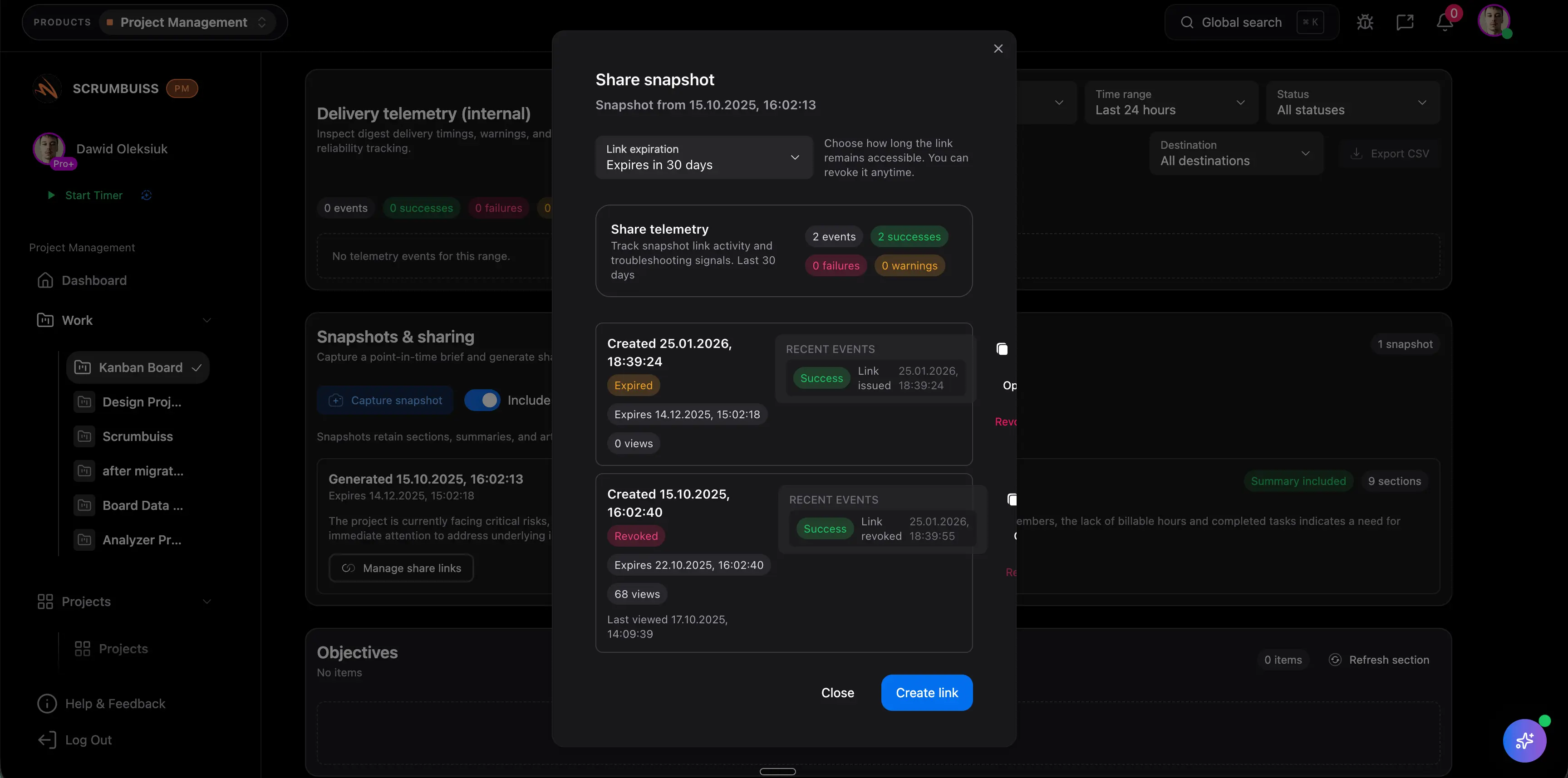
  • Use dashboards and client-visible workflows to summarize status without starting from scratch.
  • Keep sales, onboarding, and delivery context connected when client work changes hands.
  • Use automations for predictable follow-up while preserving visible accountability.
Scrumbuiss client-facing collaboration and handoff workflow

Where to go next

These pages answer adjacent questions when collaboration is part of a larger operating workflow.

Agencies workflow

Use this when collaboration includes client-facing work, files, time, and reporting.

Team collaboration software FAQ

These answers define where Scrumbuiss fits in collaboration software evaluation.

Is Scrumbuiss a team communication app?

Scrumbuiss is not a replacement for real-time messaging. It helps teams collaborate around project work by keeping tasks, files, activity, briefs, and handoff context together.

How does project collaboration differ from chat?

Chat is useful for quick conversation. Project collaboration keeps decisions, files, ownership, and status attached to the work so teams can understand what happened later.

Can clients collaborate in Scrumbuiss?

Client-facing workflows can use client portal, project brief, files, and status visibility so external stakeholders see the right context without entering every internal conversation.